
Kinesis Freestyle2 Numeric Keypad for PC & Mac
$169.40
Found a lower advertised price? Let us know and we’ll do our best to give you a better price.

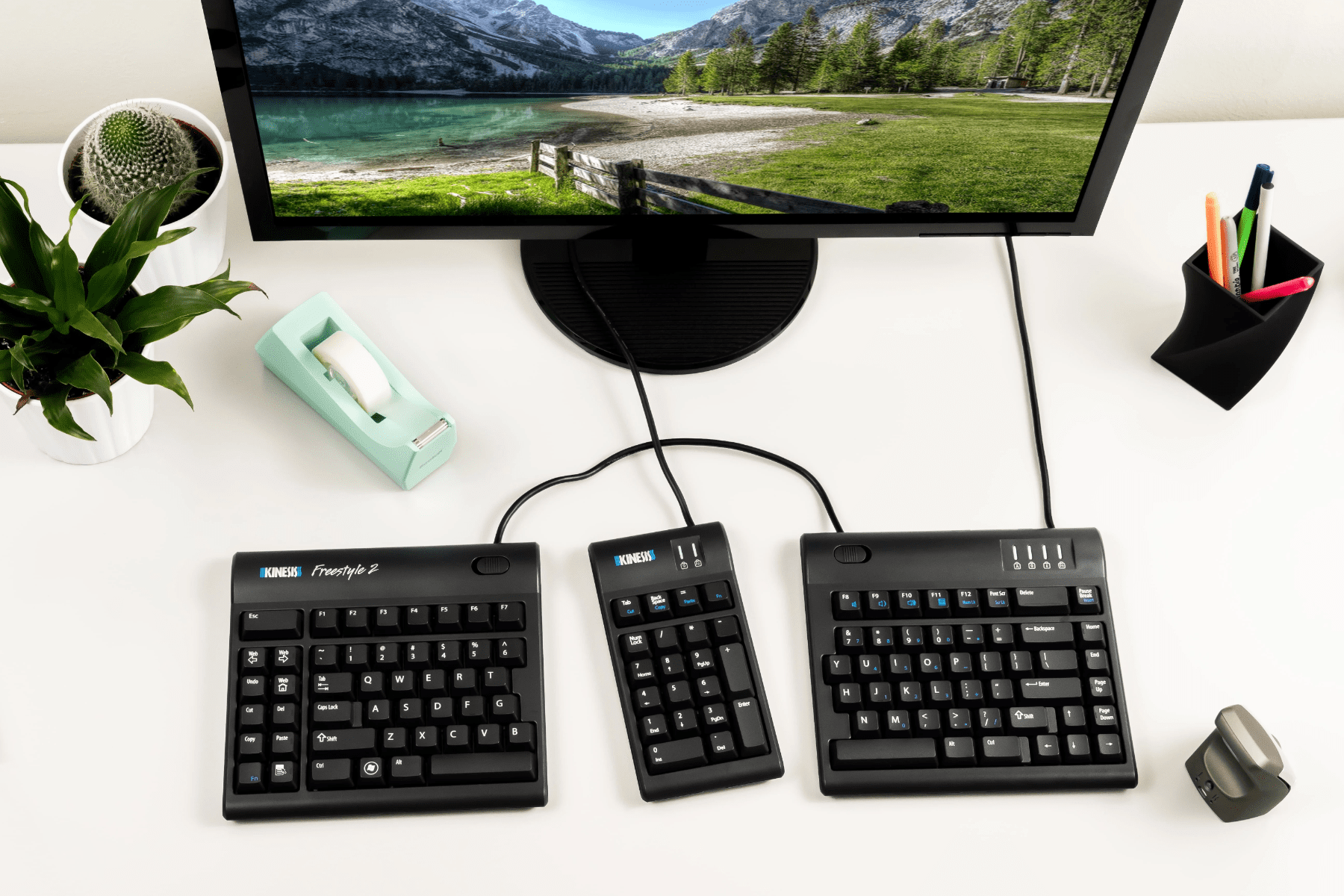
The companion Numeric Keypad for the Kinesis Freestyle2 Keyboard.
A Keypad Designed with the Freestyle2 Look and Feel
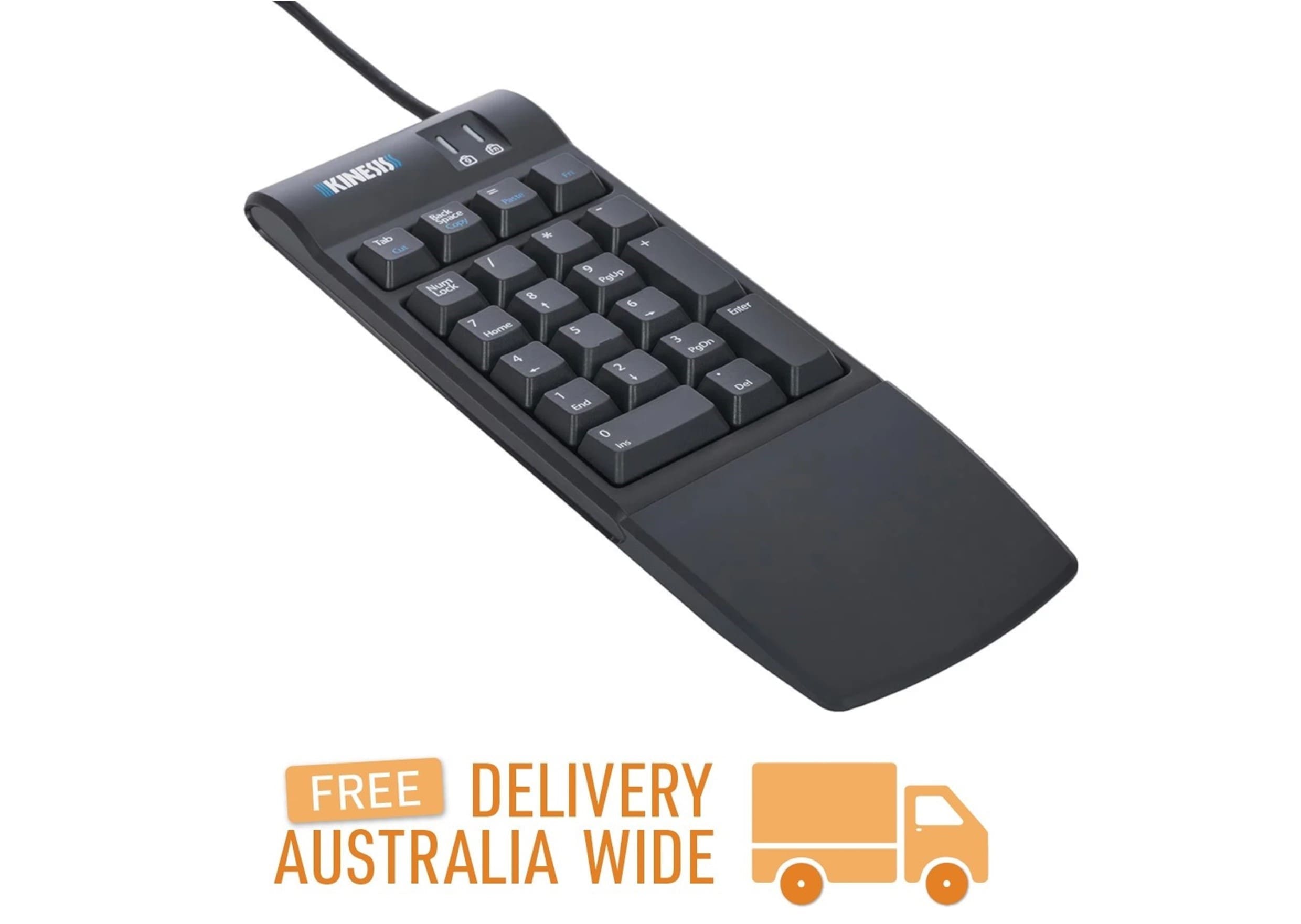
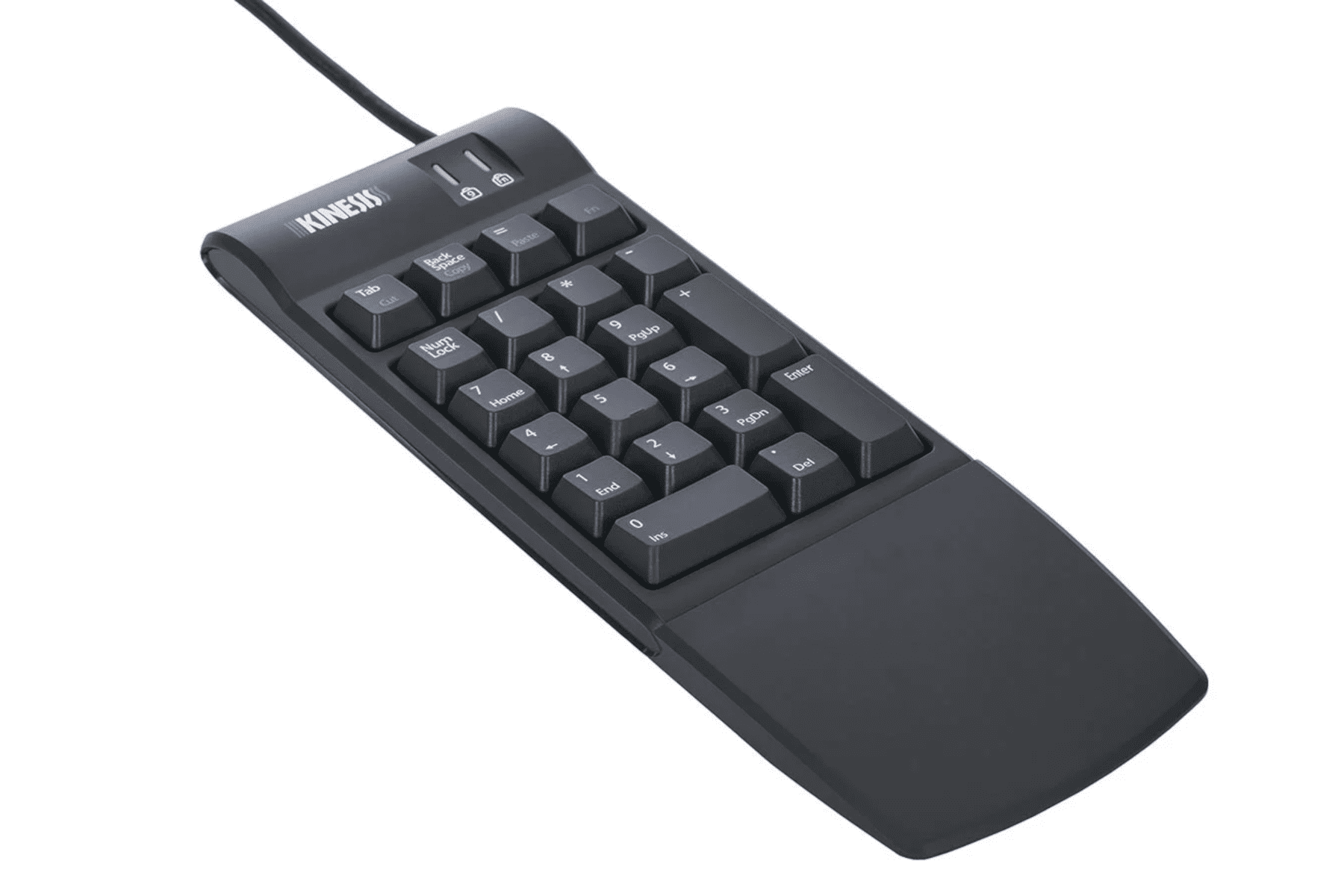
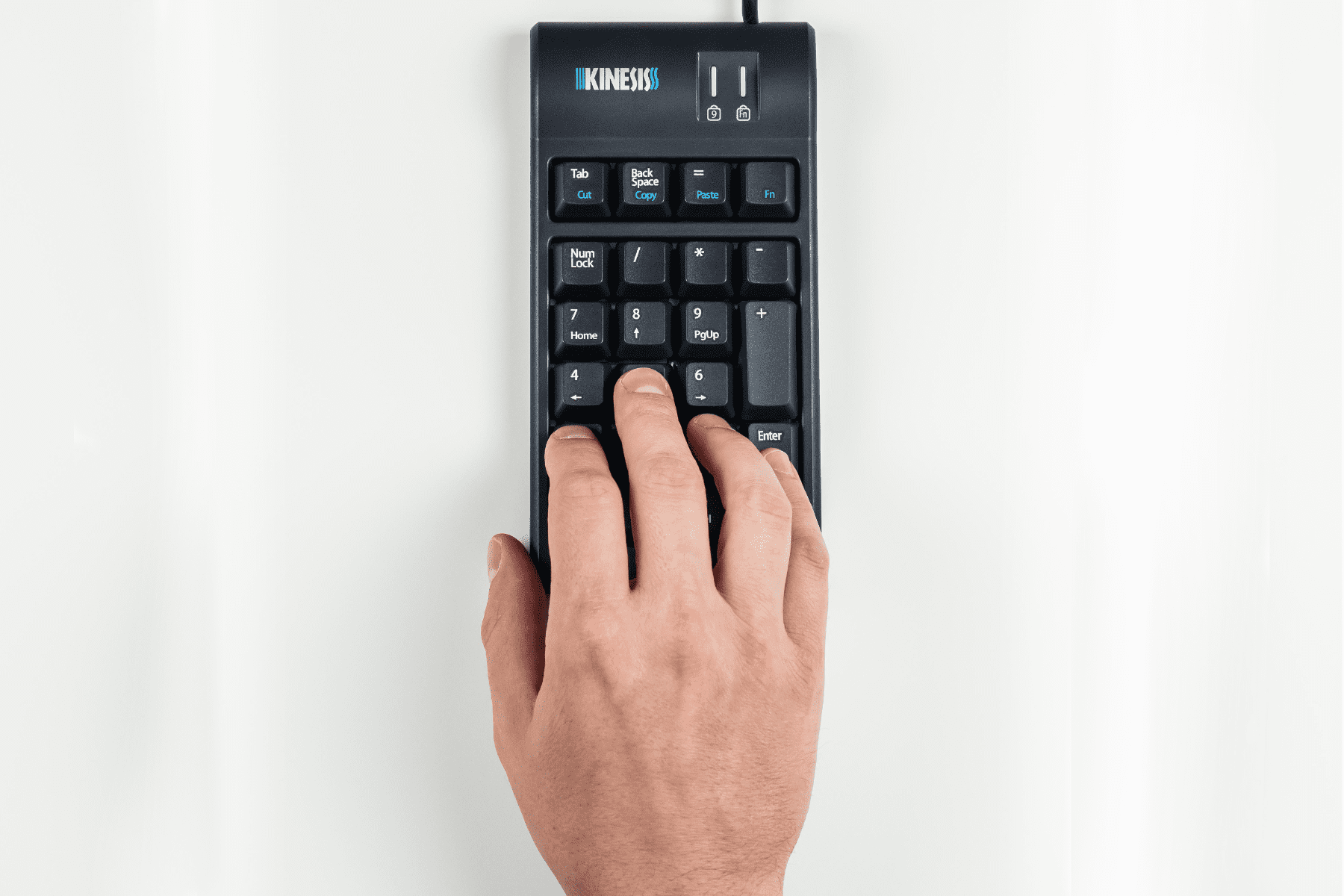
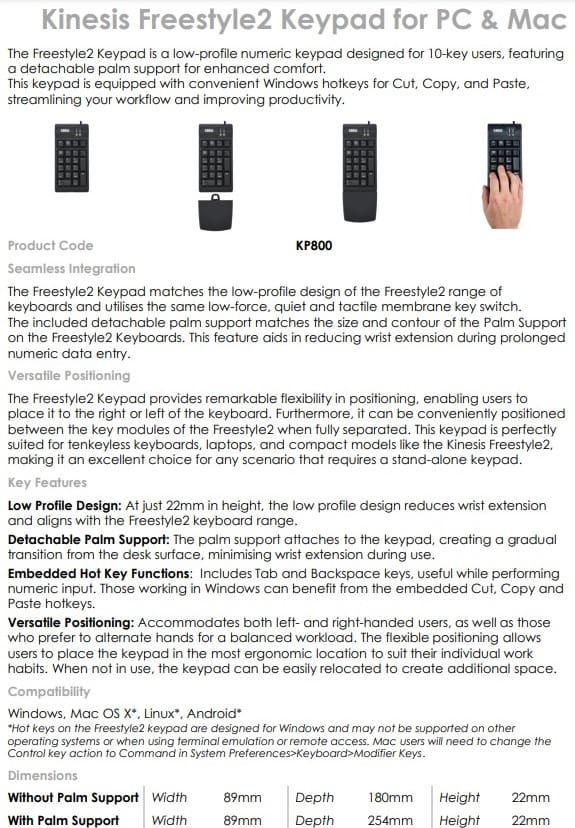
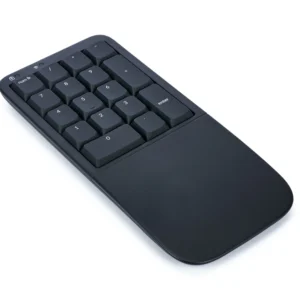
The Kinesis Freestyle2 Numeric Keypad for PC & Mac is a low-profile numeric keypad designed for 10-key users.
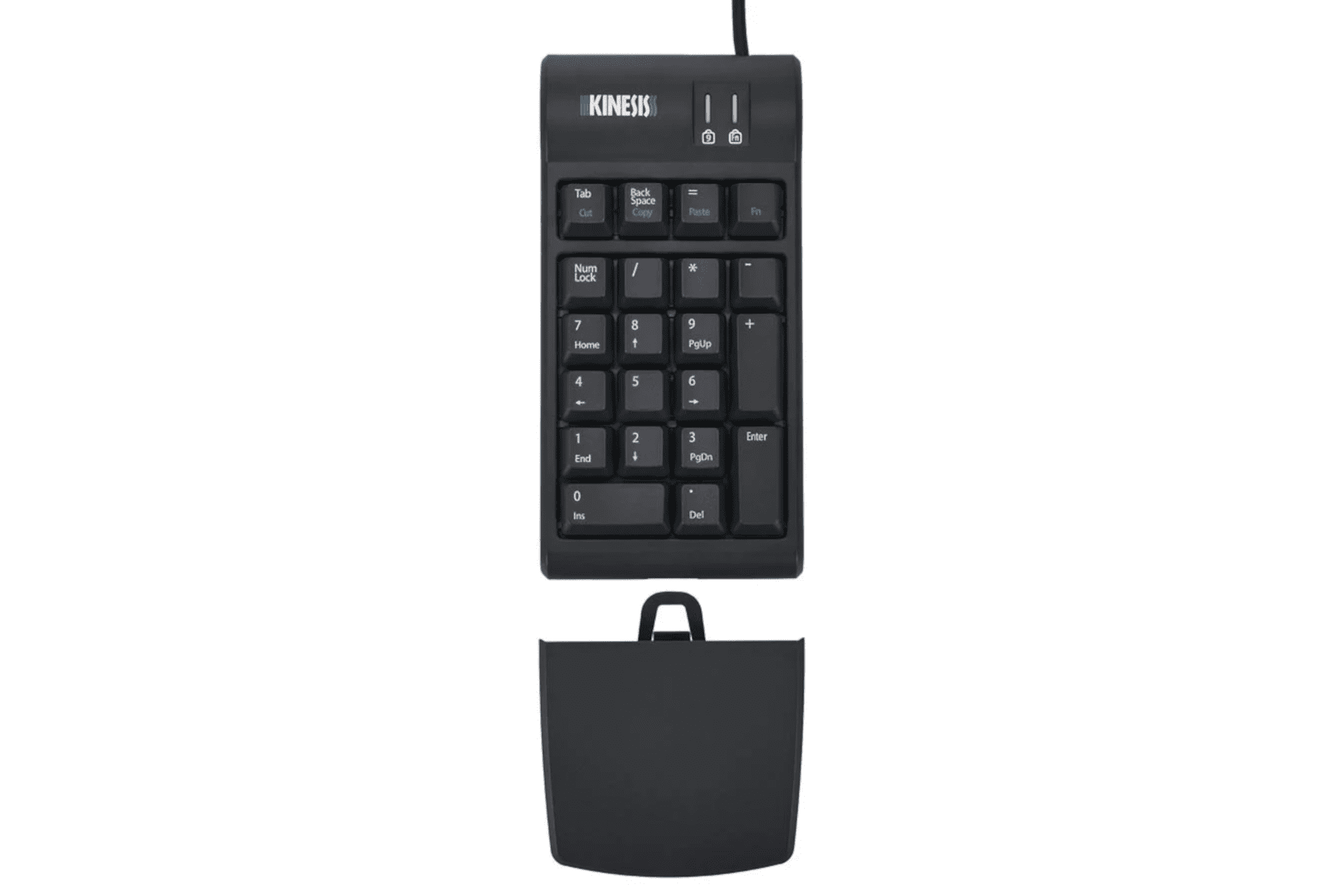
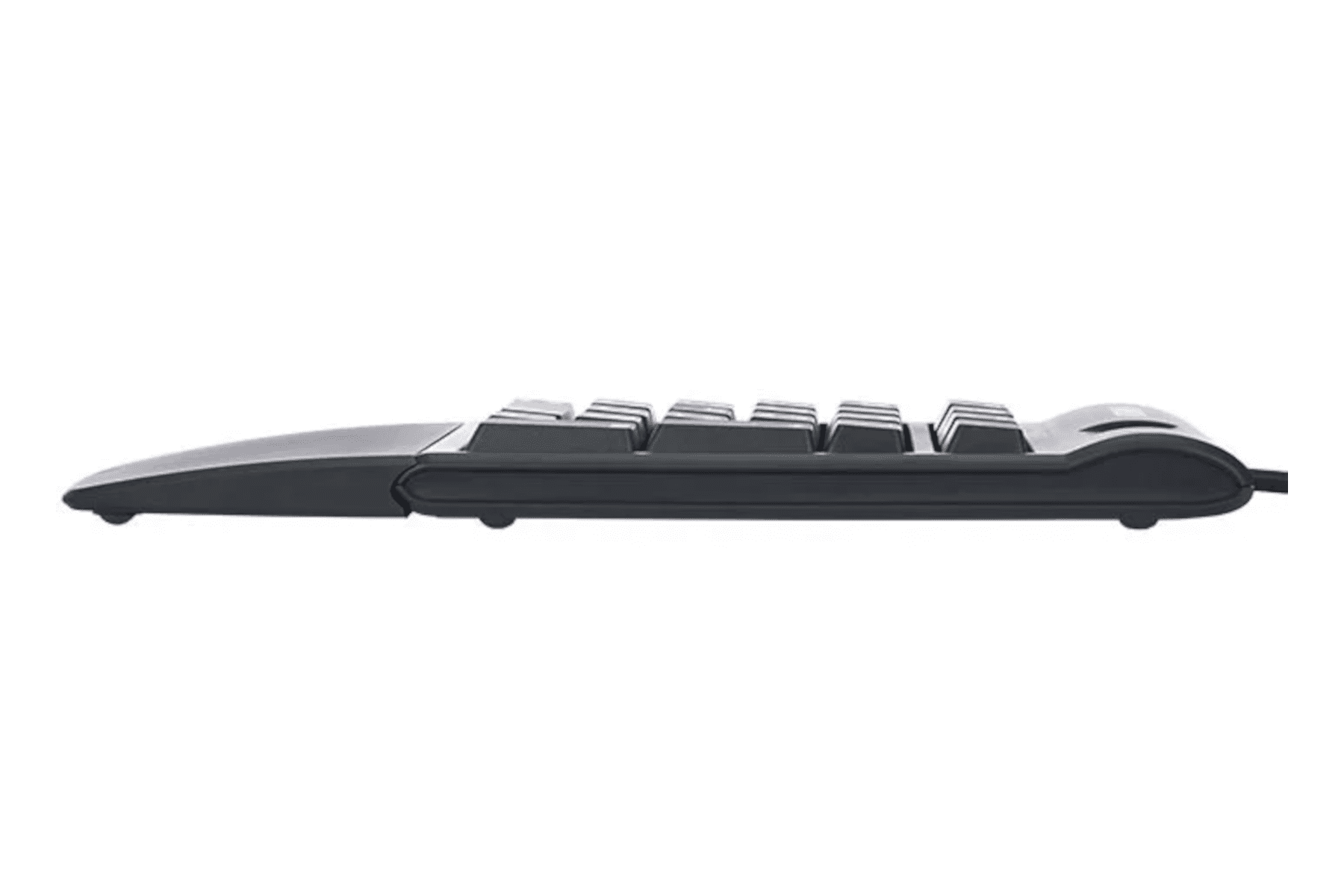
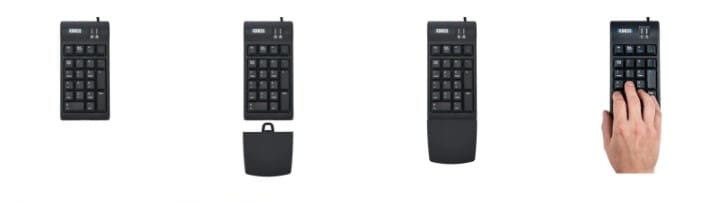
The keypad features a detachable palm support for enhanced comfort.
The keypad is equipped with convenient Windows hotkeys for Cut, Copy, and Paste, steamlining your workflow and improving productivity.
Seamless Integration
The Freestyle2 Keypad matches the low-profile design of the Freestyle2 range of keyboards and utilisess the same low-force, quiet and tactile membrane key switch.
The included detachable palm support matches the size and contour of the Palm Support on the Freestyle2 Keyboards. This feature aids in reducing wrist extension during prolonged numeric data entry.
Versatile Positioning
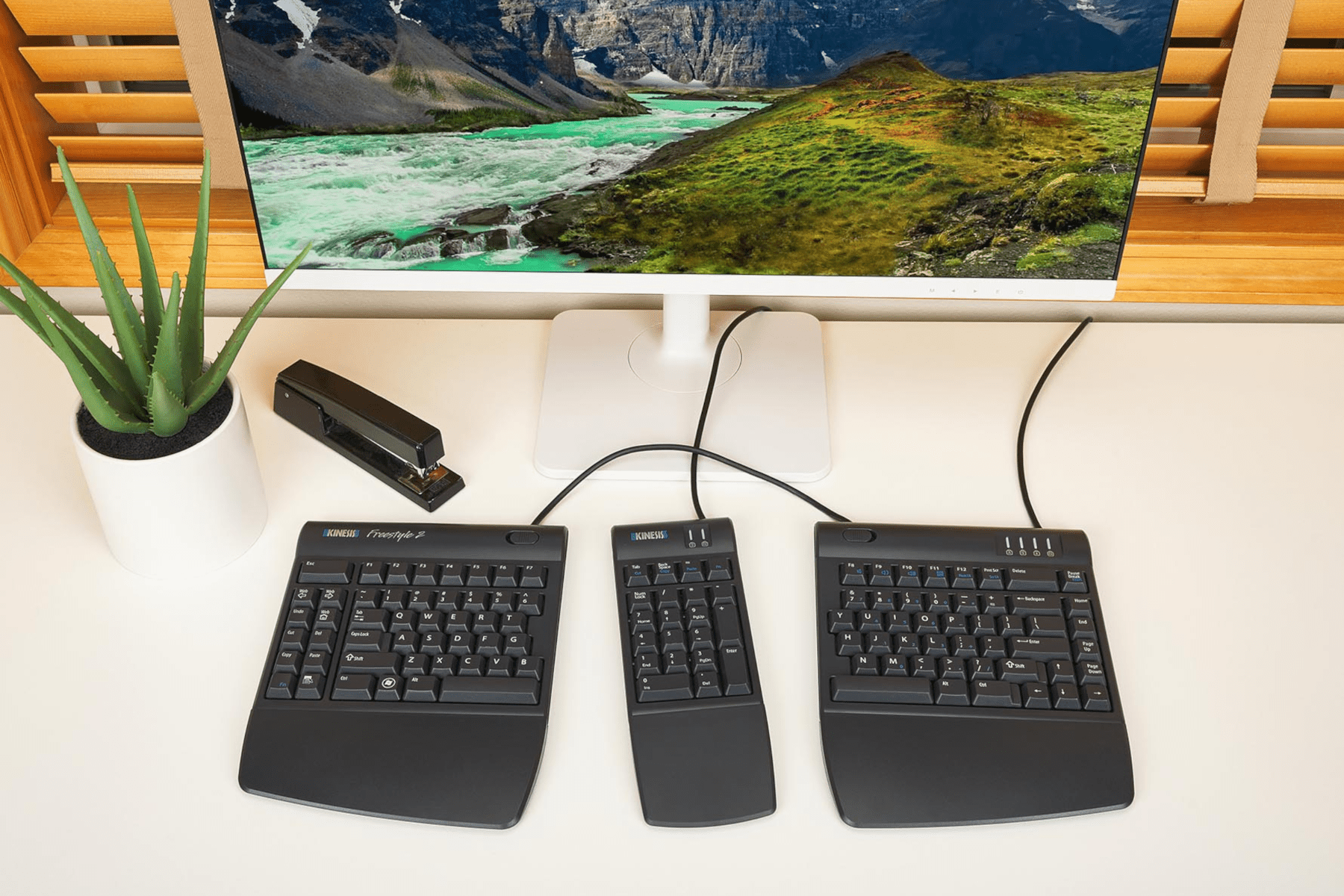
The Freestyle2 Keypad provides remarkable flexibility in positioning, enabling users to place it to the right or left of the keyboard. Furthermore, it can be conveniently positioned between the key modules of the Freestyle2 when fully separated.
This keypad is perfectly suited for tenkeyless keyobards, laptops, and compact models like the Kinesis Freestyle2, making it an excellent choice for any scenario that requires a stand-alone keypad.
-------------------------------------------------------------------------------------------------------------------------
Alternative Spellings: numeric keypad, numpad, number pad, separate keypad, key pad, numeric pad, calculator, freestyle 2, Kinesis Freestyle2 Numeric Keypad, AC800HPB-us
Dimensions (Without Palm Supports):
- Height: 22mm
- Width: 89mm
- Depth: 180mm
Dimensions (With Palm Supports):
- Height: 22mm
- Width: 89mm
- Depth: 254mm
Cord Length: 1.8m
Weight: 227g
Detachable Palm Support: The Palm Support attaches to the keypad, creating a gradual transition from the desk surface, minimising wrist extension during use.
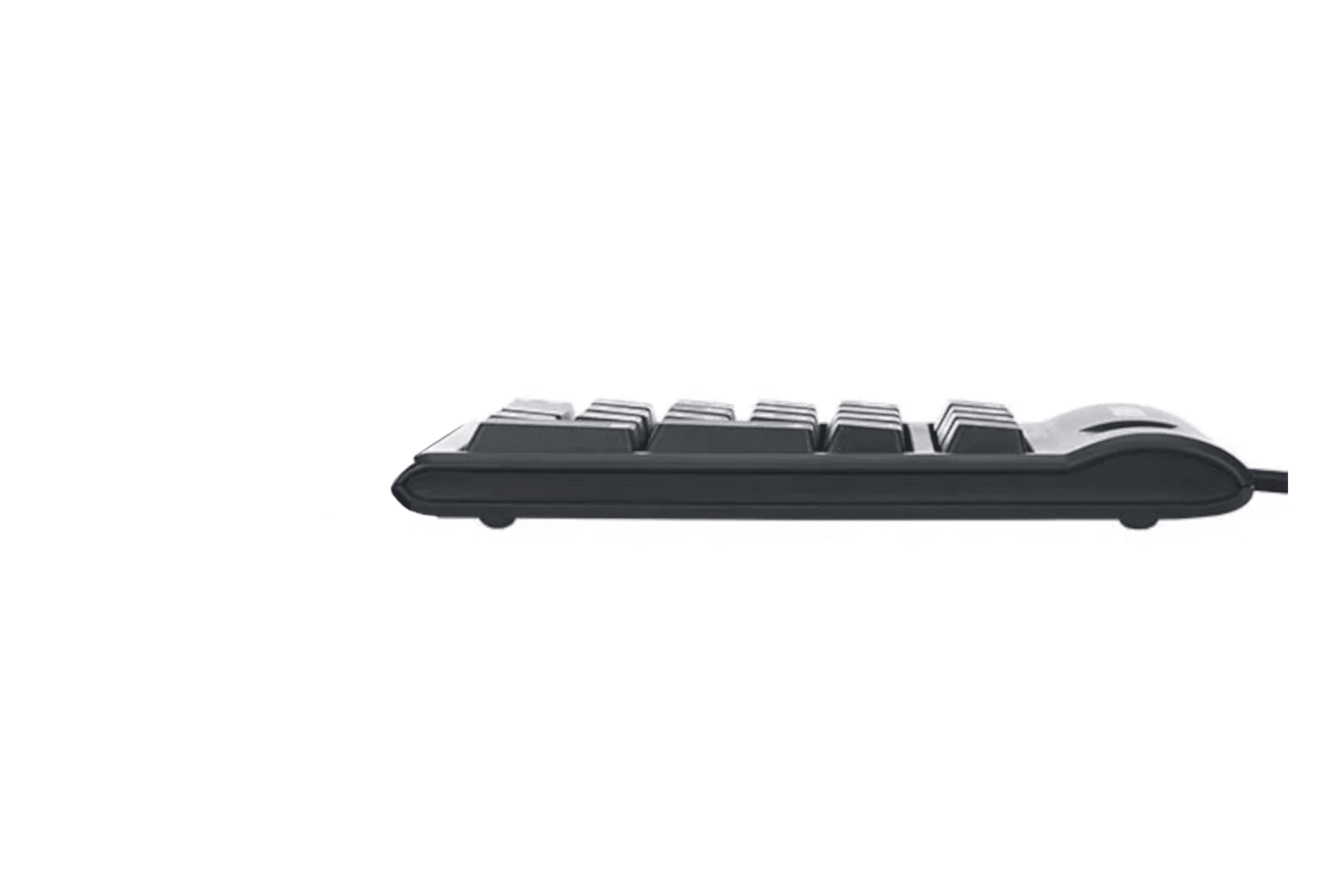
Low Profile Design: At just 22mm in height, the low profile design reduces wrist extension and aligns with the Freestyle2 keyboard range.
Embedded Hot Key Functions: Includes Tab and Backspace keys, useful while performing numeric input. Those working in Windows can benefit from the embedded Cut, Copy and Paste hotkeys.
Versatile Positioning: Accommodates both left- and right-handed users, as well as those who prefer to alternate hands for a balanced workload. The flexible positioning allows users to place the keypad in the most ergonomic location to suit their individual work habits. When not in use, the keypad can be easily relocated to create additional space.
System Compatibility:
- Windows
- Mac OS X*
- Linus*
- Android*
*Hotkeys on the Freestyle2 keypad are designed for Windows and may not be supported on other operating systems or when using terminal emulation or remote access. Mac users will need to change the Control key action to Command in System Preferences > Keyboard > Modifier keys.
Key Switch:
- Switch Type: Rubber dome, membrane
- Peak force: 44 grams
- Activation force: 35 grams
- Travel distance: 3.9mm
Colour: Black
Purchase includes: 1 x Kinesis Freestyle2 Numeric Wired Keypad for PC & Mac with all components for immediate use
The Kinesis Freestyle2 Numeric Keypad for PC & Mac is the replacement and updated version of the discontinued Kinesis Freestyle2 Numeric Keypad AC800HPB-us.
The Kinesis Freestyle2 Numeric Keypad for PC & Mac is only available in a wired version.
If you require any support with this product, Chat, email [email protected] or phone us on 0403 693 780.
Australia Wide: 3-10 weekdays. Please note, longer delivery time frames can sometimes occur.
Need it urgently or want to know when you will receive your order? Check with us before placing your order. Chat, email [email protected] or phone us on 0403 693 780.
Troubleshooting:
Issue 1: Removing Debris from the Keys
The keyboard can be cleaned with compressed air (Office Works, Bunnings, Harvey Norman) or a soft brush.
Before cleaning the keyboard, switch the keyboard off.
If using compressed air:
- tilt the keyboard slightly to one side. This helps any dust and debris to fall out as you clean.
- Hold the canister upright and use short bursts of air to blow out dust and debris from between the key
- Keep the nozzle a few centimetres away from the keyboard to avoid moisture buildup
A soft brush can be used to gently dislodge debris.
The keycaps can be removed:
- Keycaps can be removed using a keycap puller. Alternatively, if a kepcap puller is not available, you can use two paper clips. Bend the paper clips into a hook or “J” shape, and gently insert them under the keycap. Then, pull the keycap straight up to remove it.
- Once the keycaps re removed, they can be cleaned and the area underneath can be cleaned with compressed air or with a soft brush.
- To reattach the keycaps, align the keycap and press it into place.
If you are having any issues with this product, Chat, email [email protected] or phone us on 0403 693 780 with the following information:
1. Serial Number of the product
2. The results of the troubleshooting
3. What the issue is
4. What troubleshooting was done
5. The results of the troubleshooting
6. Invoice number
Warranty: 2 Years
What do I do if the product is faulty?
1. Cease using the product as it may be unsafe to use. Damage that occurs as a result of continued use of a faulty product will not be covered under warranty.
2. Complete and return the Product Repair Request form
You may also like…
-
Bakker Elkhuizen S-Board 840 Numeric Keypad
$181.50 SKU: BNES840DNUM -
Ergotight Numeric Pad
$95.70 SKU: 4028BL -
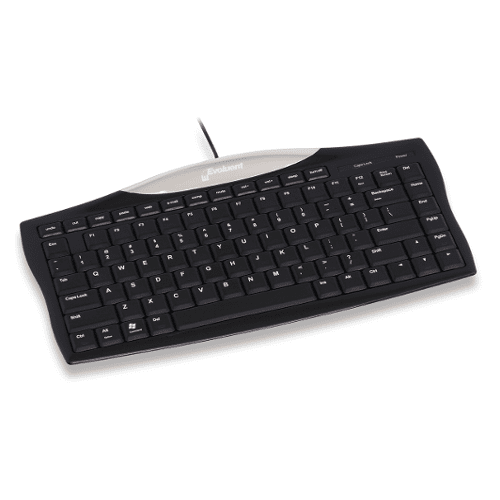
Evoluent Essentials Full Featured Compact Keyboard
$170.50 SKU: Essentials Full Featured Compact -
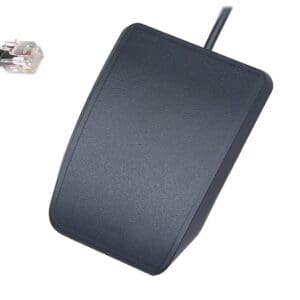
Kinesis Advantage Single Pedal
$115.50 SKU: FS007J11 -
Kinesis Form Split Touchpad Keyboard
Price range: $459.80 through $651.20 SKU: Kinesis Form Split Touchpad -

Kinesis Freestyle2 Keyboard
Price range: $86.90 through $757.90 SKU: Kinesis Freestyle2 -
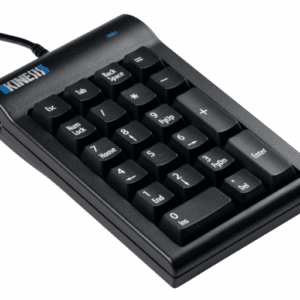
Kinesis Mechanical Keypad for PC
$182.60 SKU: AC210USB-blk -
Kinesis Mechanical Keypad LP for Mac & PC
$221.10 SKU: KP150-LIN -
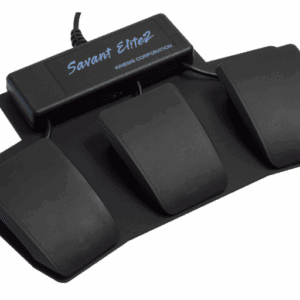
Kinesis Savant Elite2 Triple Action Foot Pedal
$587.40 SKU: FP30A -
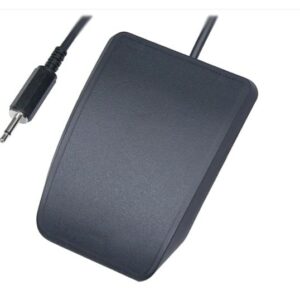
Kinesis Single Pedal for Savant Elite2 Triple Action Pedal
$139.70 SKU: FS007MP
Reviews
There are no reviews yet.