
Contour Ultimate Wireless Workstation
$970.20

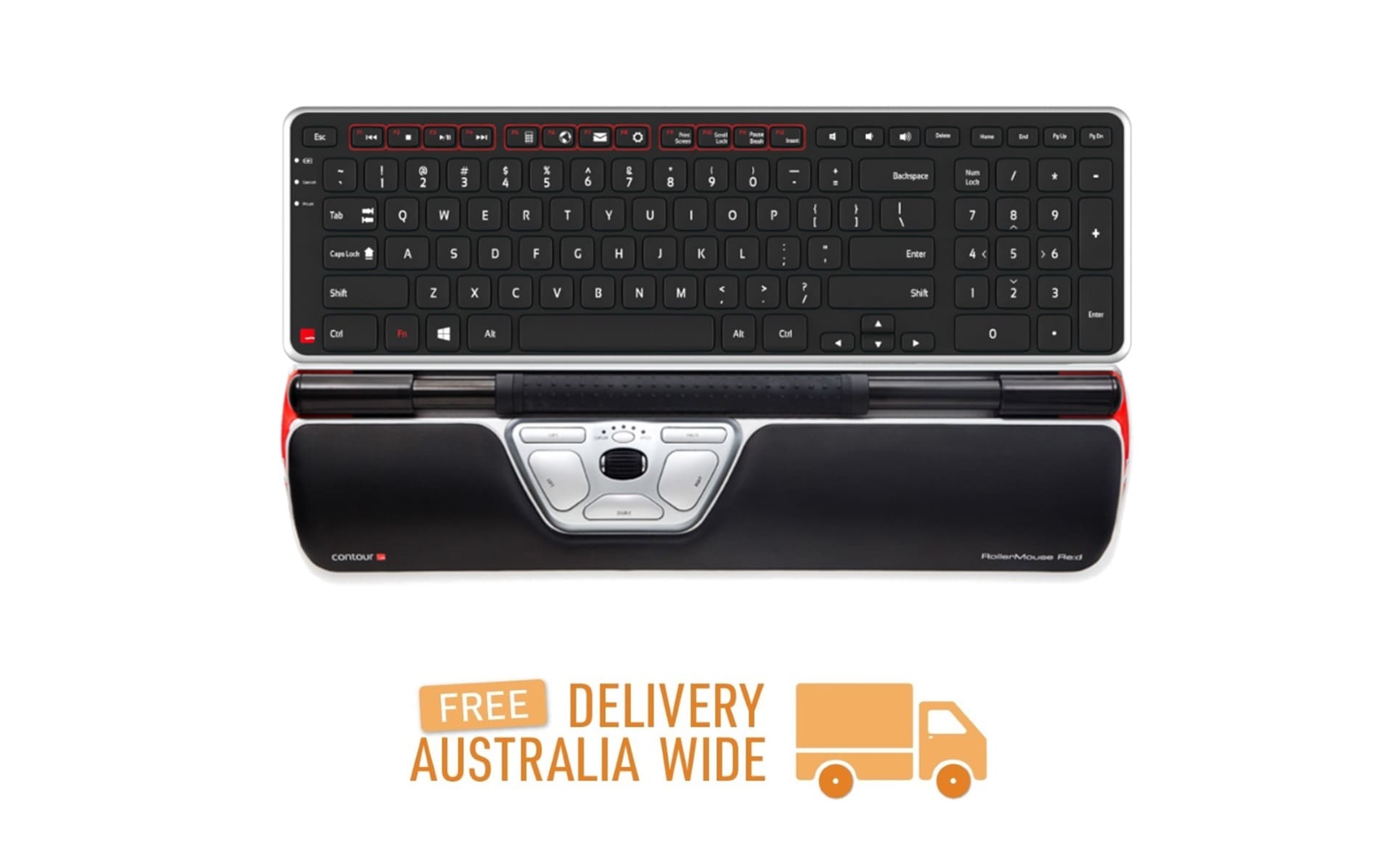
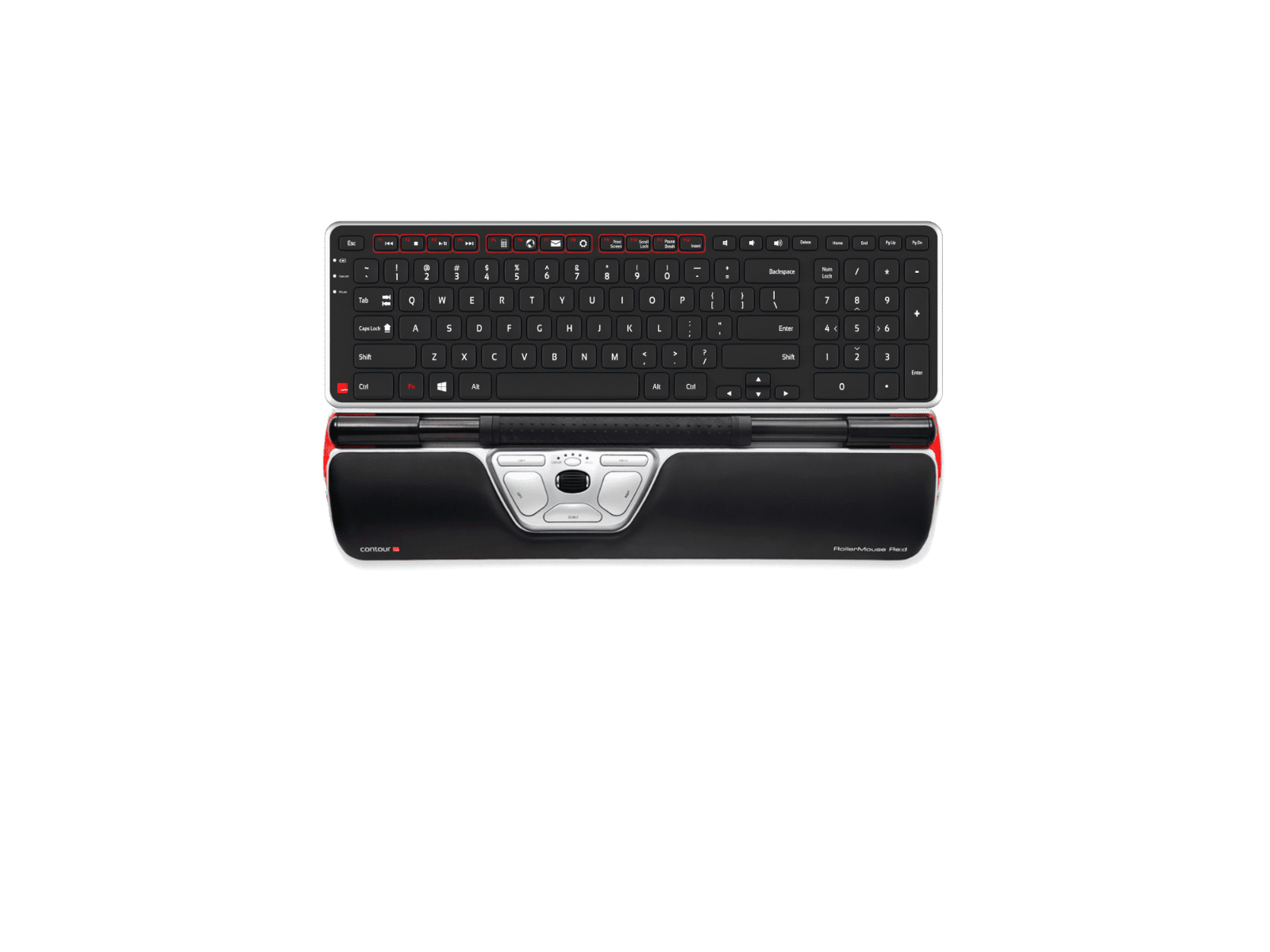
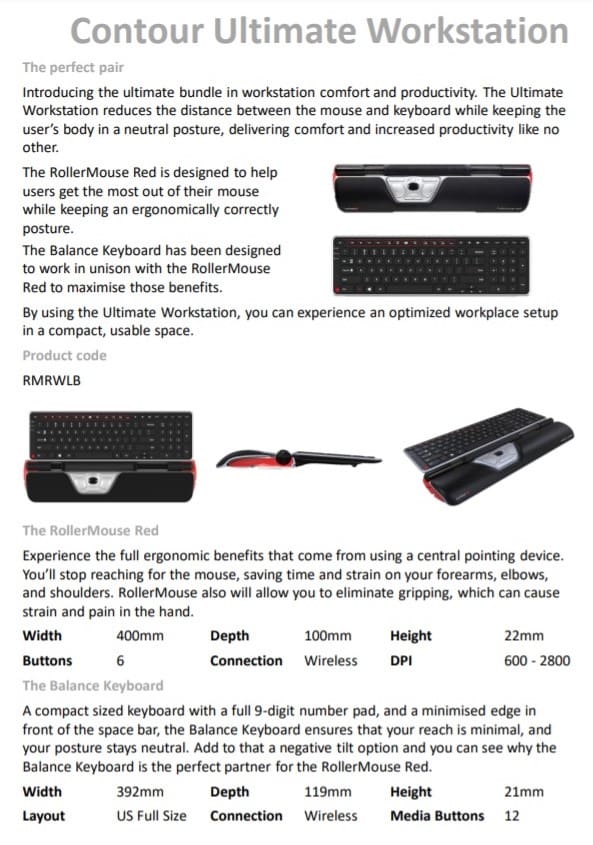
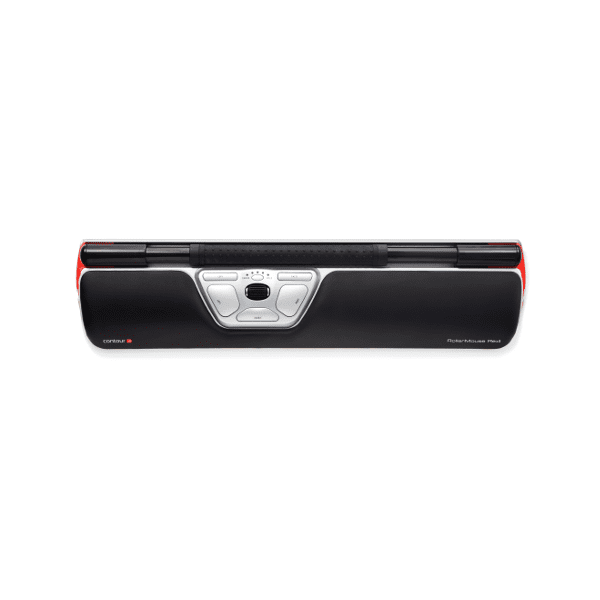
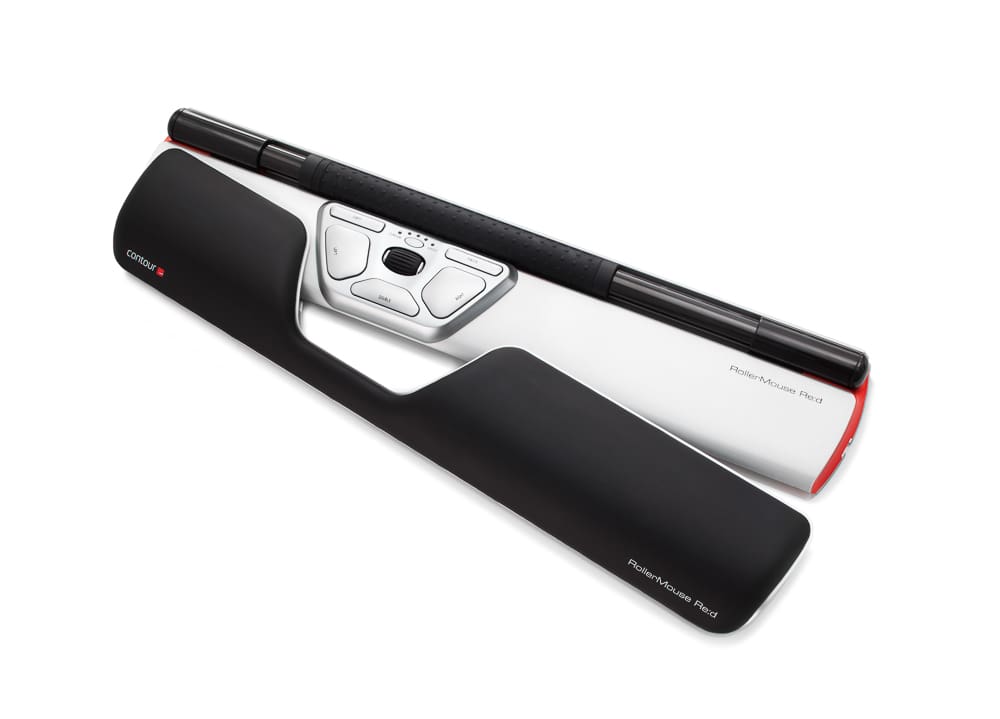
Bundle includes the advanced Contour RollerMouse Re:d Wireless teamed with the Contour Balance Wireless Keyboard.
In stock
For combined postage, discounts on bulk orders (if you purchase 2 or more products, a discount may be available), and if the shipping cost in checkout looks excessive, please send us a quote request so we can give you the best price. The website will eventually calculate the above. Until then, we look forward to hearing from you.
The mission of the RollerMouse is to make you better at what you do. A RollerMouse is designed to sit in front of your Keyboard and relies on a patented Rollerbar to control the cursor. Ther RollerMouse can be used ambidextrously, and encourages use of both the fingers and the thumbs to roll and slide your way to a healthier, more productive work experience.
Stop the Reach
RollerMouse Re:d, unlike a traditional mouse, sits in front of your keyboard instead of to the left or right. This eliminates the need for reaching for the mouse and will greatly reduce unnecessary muscle activity in your arms, shoulders, and neck.
Experience the New Pain-Free Way to Work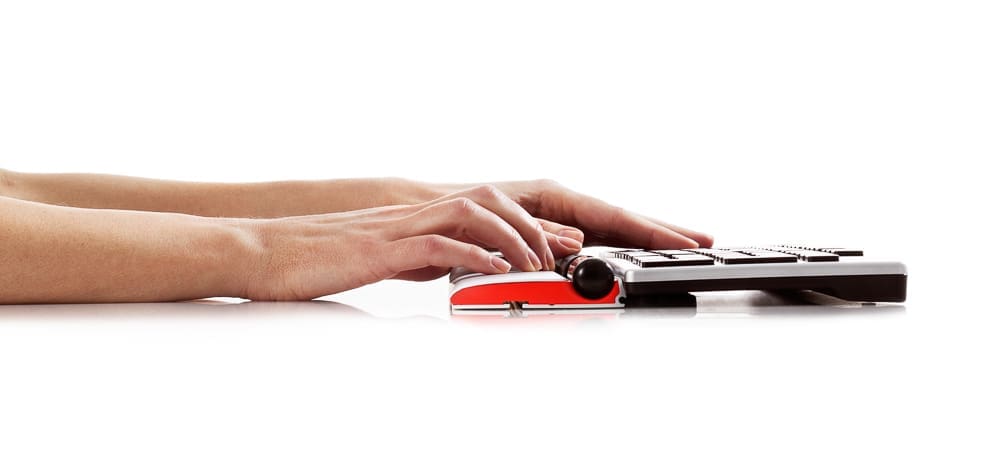
The RollerMouse RE:D has a virtual click over a mechanical mouse click to remove force feedback and reduce the risk of unnecessary strain. The effortless click mechanism combined with the thicker, textured rollerbar allows you to work with maximum precision and comfort.
Built-in Precision
7SENSESTM, new tracking technology inside the rollerbar, provides unmatched cursor precision and control. 7SENSESTM tracks cursor position, constantly adjusting speed and acceleration to ensure the rollerbar is as central as possible, while intuitively adapting to your pace to decrease micro movements and increase efficiency.
Effortless Control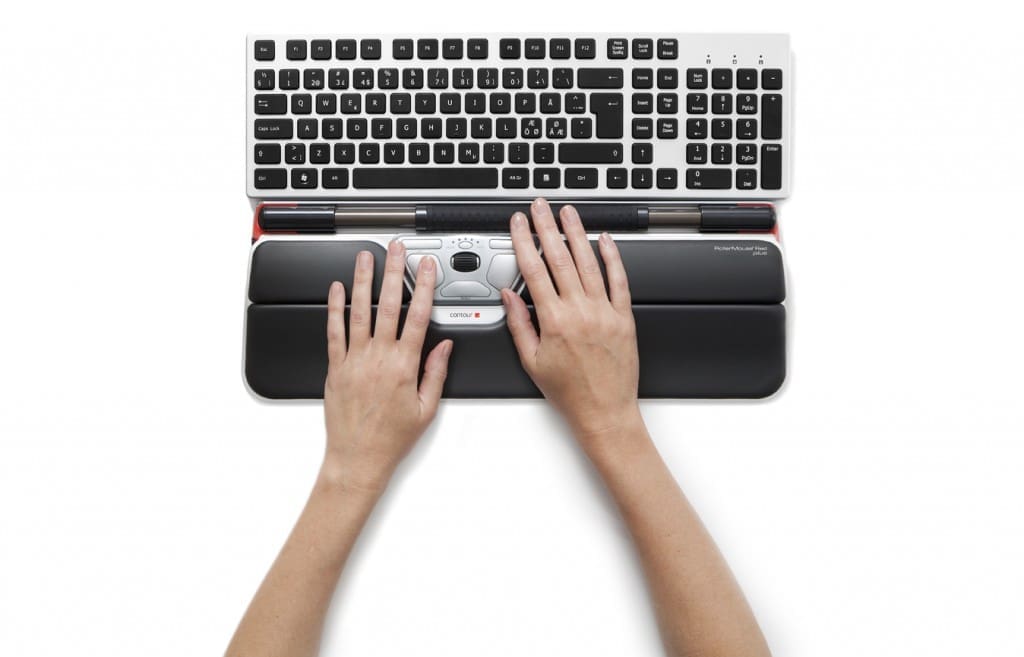
Get more control and less strain with the bigger and better rollerbar. The mechanical mouse click has been replaced with a virtual click to remove force feedback and reduce the risk of unnecessary strain. This effortless digital mouse click combined with the thicker, textured rollerbar allows for easier handling.
RollerMouse DNS
RollerMouse, centrally placed in front of your keyboard, eliminates the need to grip or reach for the mouse, which can stress the neck, shoulders, elbows and wrists. This optimal work zone corrects posture and prevents injury. Use the wrist rest, both hands and vary your position to avoid discomfort. Simply a better way to work.
Easy to Use, Right Away
The new rollerbar is easier to use and even more precise. The larger surface gives you more control when pointing, rolling or clicking. It adapts to the individual, from professionals using CAD and other advanced design programs to the average user.
More Palm Support and even Greater Comfort
An accessories available for the Contour RollerMouse Re:d is the Plus Palm Support and ArmSupport. Made specifically for the RollerMouse Re:d, the Plus Palm Support is an extended palm support that provides even more comfort for your forearms while working offering a longer and smoother transition from desk to RollerMouse and keyboard. The ArmSupport is an extended Forearm Support that aligns the upper body while you type and use your RollerMouse Re:d.
The new rollerbar is easier to use and even more precise. The larger surface gives you more control when pointing, rolling or clicking. It adapts to the individual, from professionals using CAD and other advanced design programs to the average user.
Why the Re:d is recommended by Workplace Rehabilitation Case Managers, WHS Advisors and Occupational Therapists
- prevents repetitive right-sided mouse use and prevents prolonged gripping experienced to complete mousing tasks
The Perfect Partner - The Perfect Fit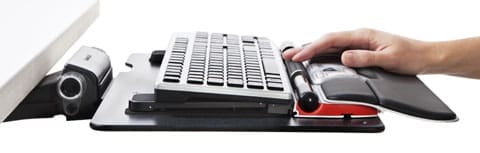
Introducing the Contour Balance Keyboard Wireless - a Wireless Keyboard specifically designed to fit the Contour RollerMouse Family.
Combining the Balance Keyboard with a Contour RollerMouse puts hands in the perfect typing and mousing position.
Comfort is Key
Designed specifically for use with the award winning Contour RollerMouse family, the Balance Keyboard positions users in an improved, stress-free position while getting the most out of the keyboard and mouse.
Using the Balance Keyboard keeps hands closer to the action and within reach of both the Rollerbar and Keyboard keys.
Increased Functionality at Hand
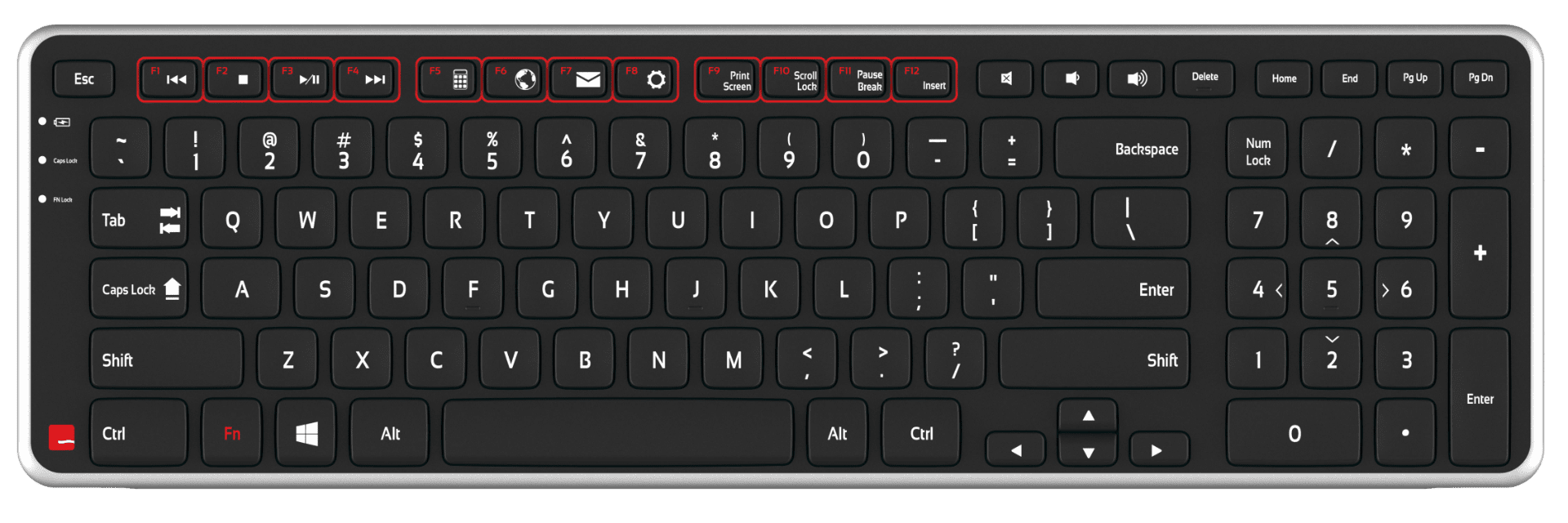
The Balance Keyboard's media keys perform useful everyday tasks and can easily be programmed to suit specific needs.
Traditional function keys (F1-F12) are also available, with the Fn Lock feature making them readily available when needed.
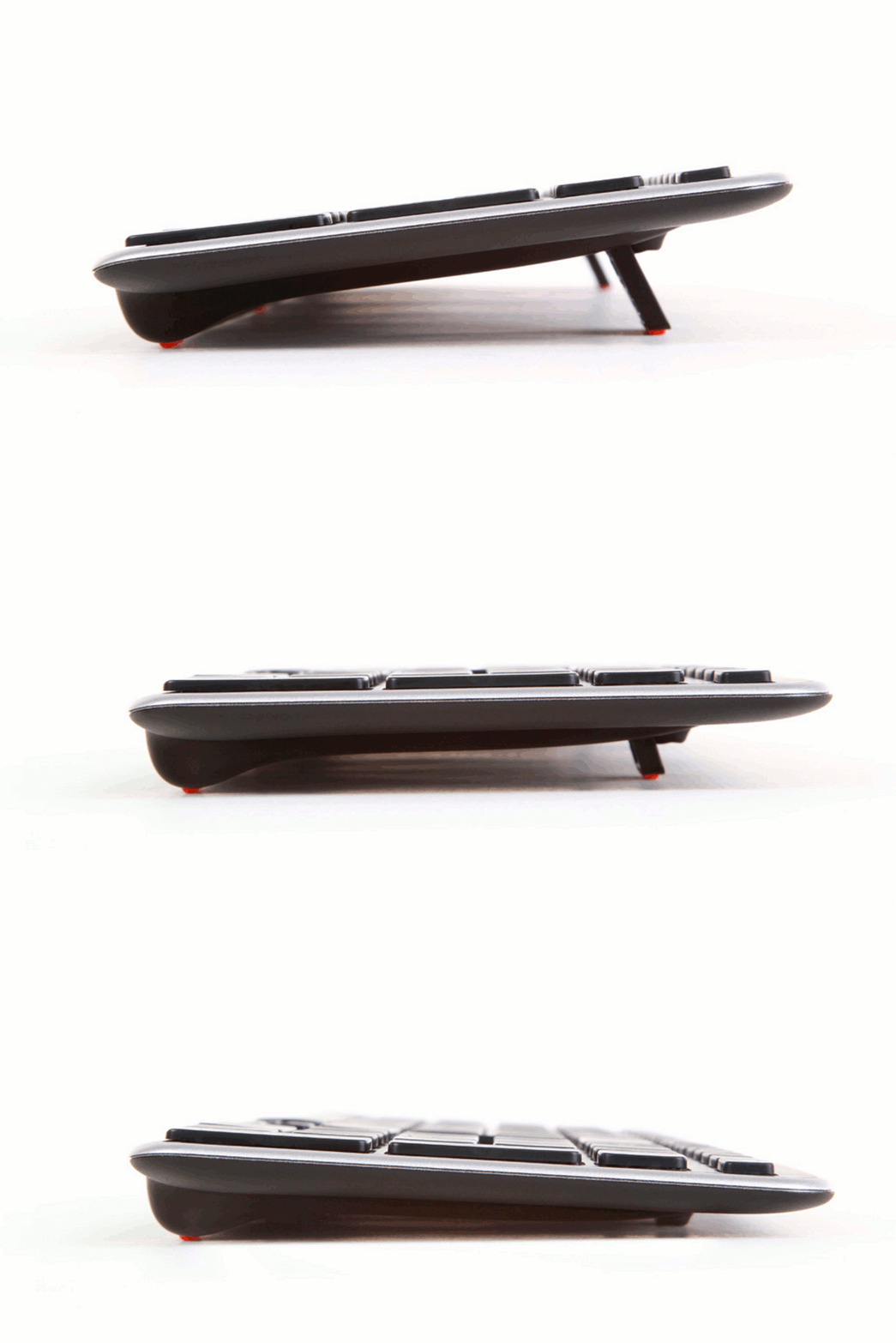
Find the Right Angle
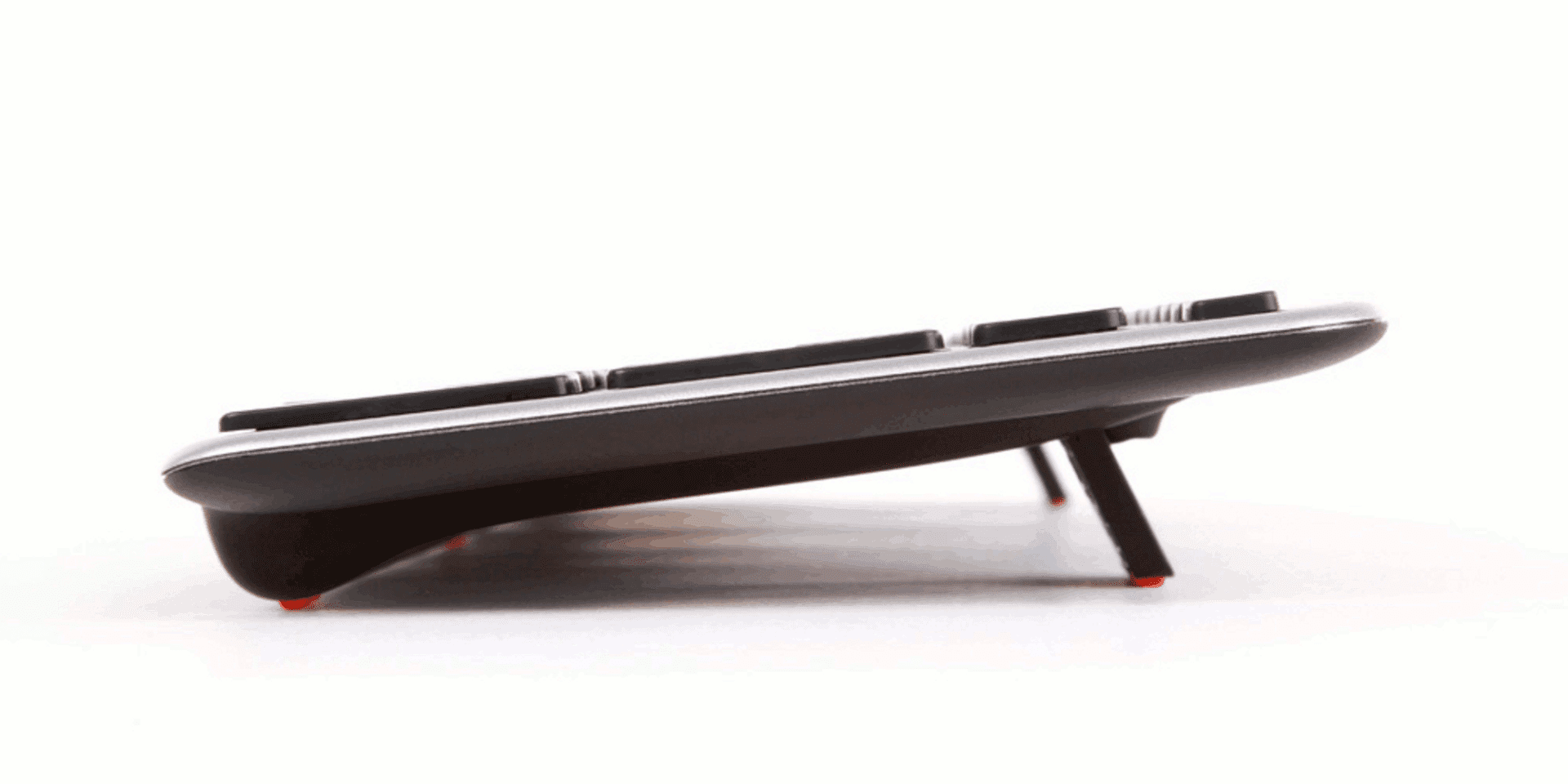
The Balance Keyboard's adjustable legs and tilt options allow for easy adjustability into negative, neutral and positive typing angles.
Key Functions
-
Aligns perfectly with the Contour RollerMouse RE:D
-
Includes a full Number Pad
-
Indicator Light for Battery Level, Caps Lock and Function Lock
-
A slightly larger "A" key, to prevent accidental Caps Lock selection
-
Fn Lock allows for immediate use of all programmed function keys
-
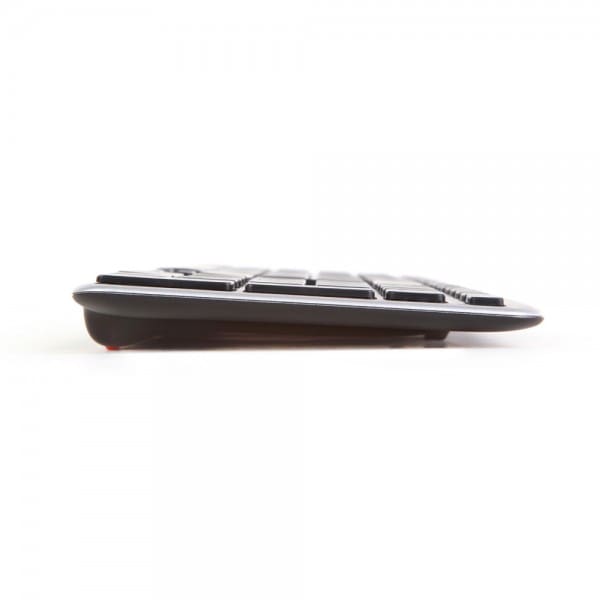
Reduced bottom edge to minimize reach from Rollerbar to Keyboard
Alternative Spellings: RMREDW, RMBALANCE US, Contour Roller Mouse, Re:d, Red, Balance Keyboard, rollermouse red, rollermouse re:d
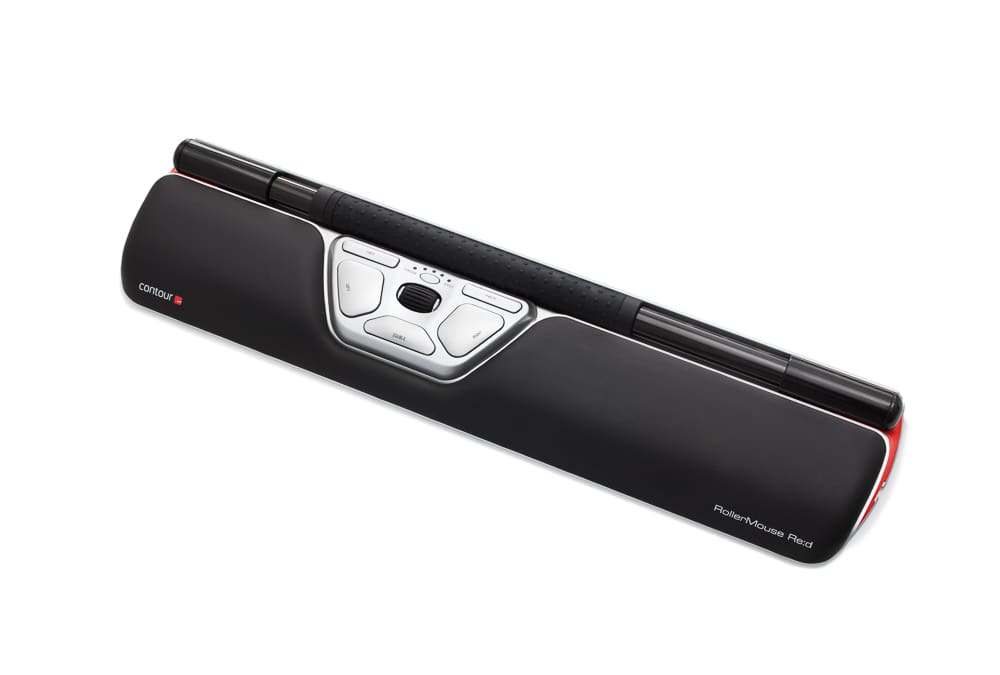
Contour RollerMouse Re:d Wireless
Features:
- Rollerbar has extra padding for additional comfort and control
- Keyboard rises to customise Height and Angle
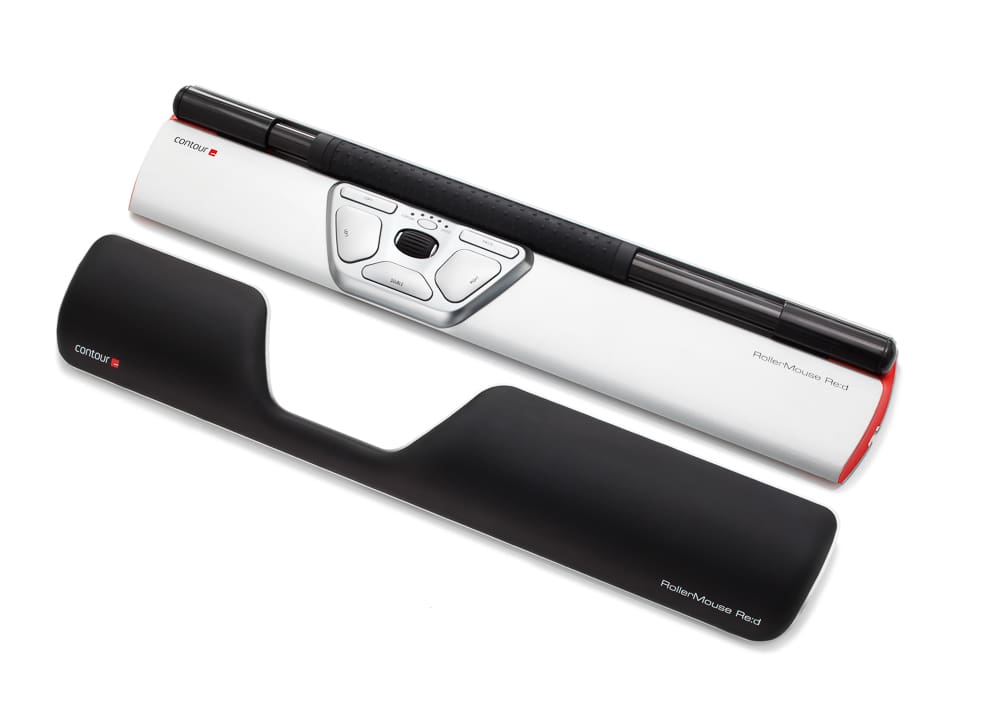
- Integrated and detachable Wrist Rest designed to keep Hands, Wrists and Forearms flat
- USB Plug & Plug Installation and Wireless Connection
- An optical sensor detects the cursor movement, making it easier to move the cursor
- Click Force Adjustment allows for the adjustment of the amount of pressure required to perform a mouse click
- Click Volume Adjustment
- Additional Wrist Support available with the Plus Palm Support Accessory
- Additional Arm Support available with the Arm Support Accessory
Eight Key Functions:
- Rollerbar for Cursor Movement
- Dedicated Copy button
- Dedication Paste button
- Left Click
- Right Click
- One Touch Double Click
- Cursor Speed Adjustment
- Scroll Wheel
Rollerbar Dimensions:
- Accessibility: 279.4mm
- Width: 177.8mm
- Height: 22.86mm
Device Dimensions:
- Width: 406.4mm
- Depth with Wrist Rest: 101.6mm
- Depth without Wrist Rest: 76.2mm
Connection: Wireless USB Receiver/Charging Cable
Installation: Plug & Play
Driver Required: No
Tracking Method: Twin-Eye Laser Motion Sensor
Cursor Speed Precision (DPI): 600/800/1000/1200/1400/1600/2000/2200/2400
Operating Systems:
- Microsoft Windows 8/7/Vista/XP/ME/98
- Microsoft Windows 2008/2003/2000/NT 4.0
- Apple OSX, Apple Mac OS 8.1 or newer
Compatibility: PC and Mac
Colour: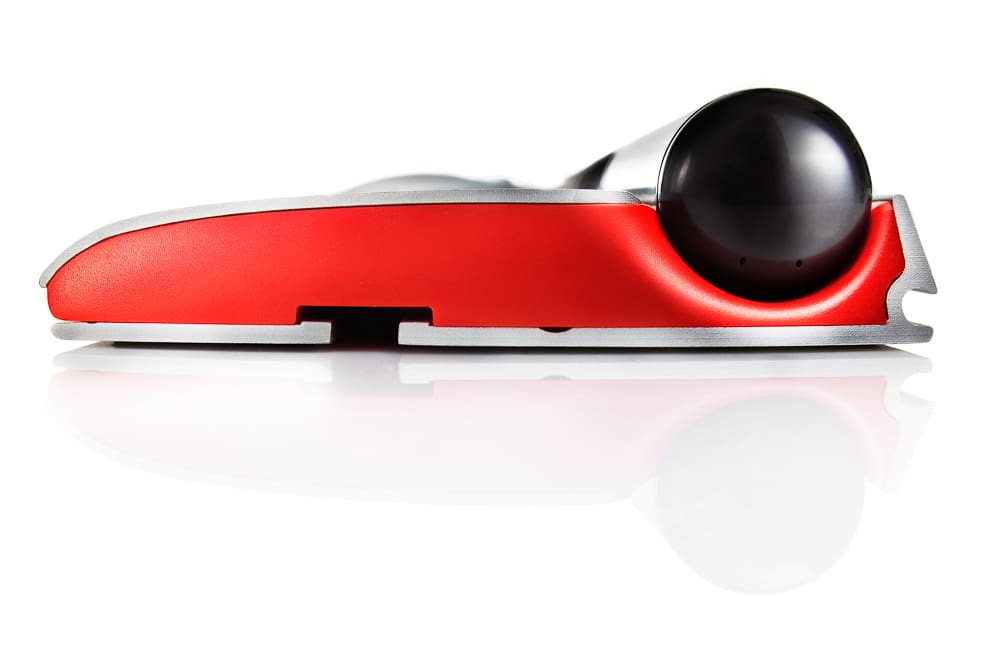
- Black Rollerbar
- Black Padding
- Silver Body
- Red Highlights on Sides
Contour Balance Wireless Keyboard
Keyboard Dimensions:
- Width: 392mm
- Depth: 119mm
- Height: 20.5mm
Connection: Wireless through USB Receiver
Drivers: Plug & Play
Operating System: OSX, Windows
Compatibility: PC and Mac
Layout: US
Power: 2 x AAA Batteries (Included)
Delivery Time: 3-7 Weekdays from Order Confirmation
Contour RollerMouse Re:d Wireless Warranty: 2 Years
Contour Balance Wireless Keyboard Warranty: 2 Years
Watch: Introducing the RollerMouse Re:d
Trouble Shooting - Contour RollerMouse Re:d Wireless:
Issue: The Rollerbar click function has stopped working.
The Rollerbar click function can be turned off/on. The instructions to do this are below shaded yellow:
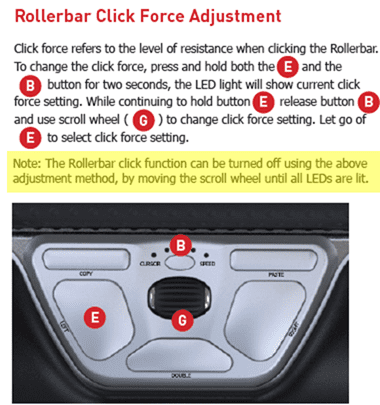
If that does not resolve the issue, the use can try refreshing the RollerMouse drivers. The latest drivers can be downloaded from the below links, the model the user has will be indicated on a sticker on the base of the unit:
We recommend unplugging and then plugging the device back in first.
RollerMouse Red v1
RollerMouse Red v2 & v3
You may also like…
-
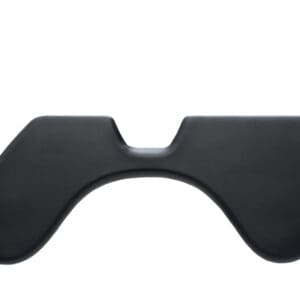
ArmSupport Re:d
$368.50 SKU: RMASRED -
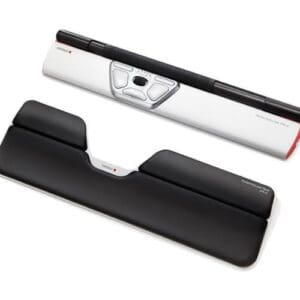
Plus Palm Support Re:d
$144.10 SKU: PS-PLUS -

Contour Plus Ultimate Wireless Workstation
$1,031.80 SKU: RMREDW+PS-PLUS+RMBALANCE US -
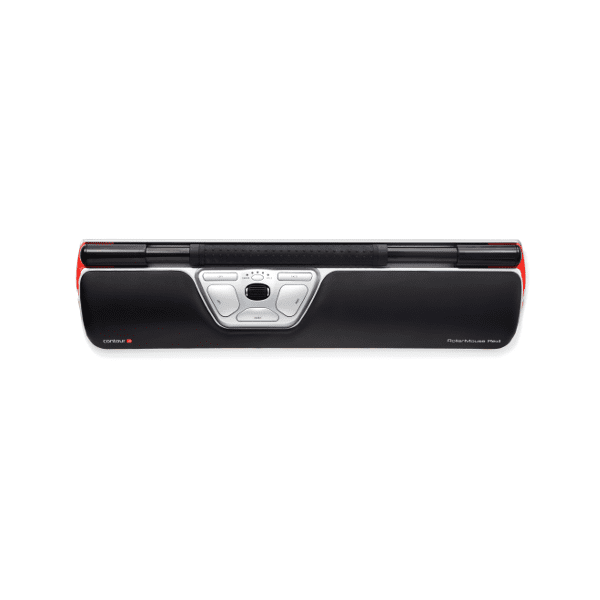
Contour RollerMouse Re:d
Price range: $724.90 through $742.50 SKU: Contour-RollerMouse-Re:d -
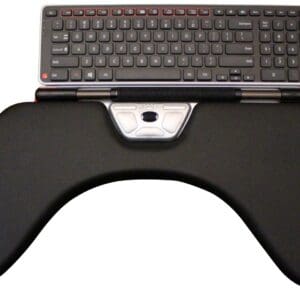
Contour Support Ultimate Wireless Workstation
$1,288.10 SKU: RMREDW+RMBALANCE US+RMASRED -
Sale!
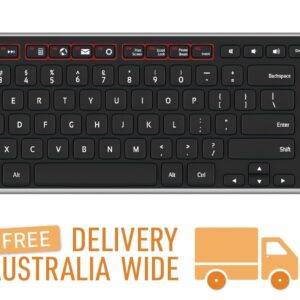
Contour Balance Keyboard – Wireless
Original price was: $257.40.$222.20Current price is: $222.20. SKU: RMBALANCE US
Reviews
There are no reviews yet.