
Ergoapt Groove Keyboard
$114.40

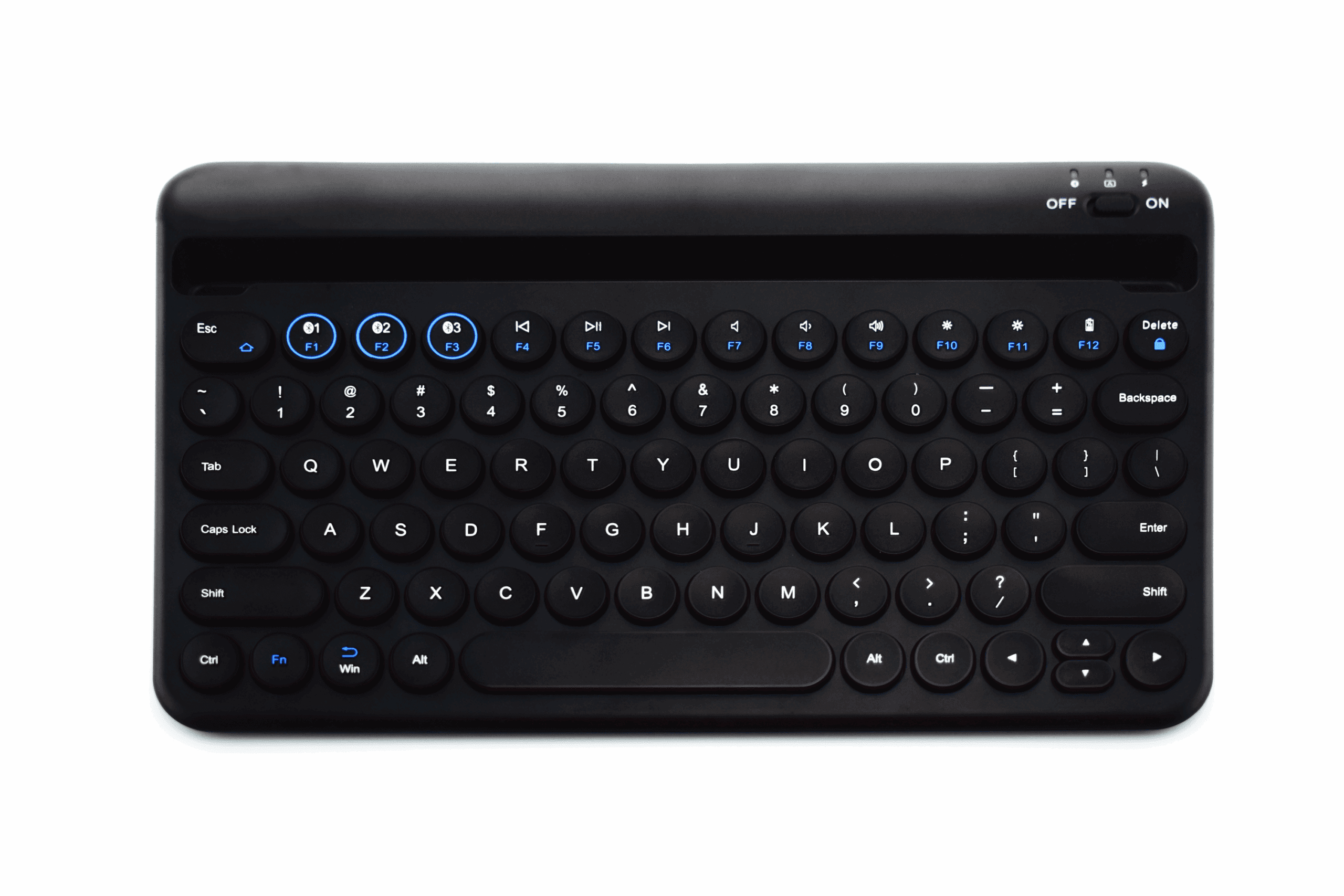
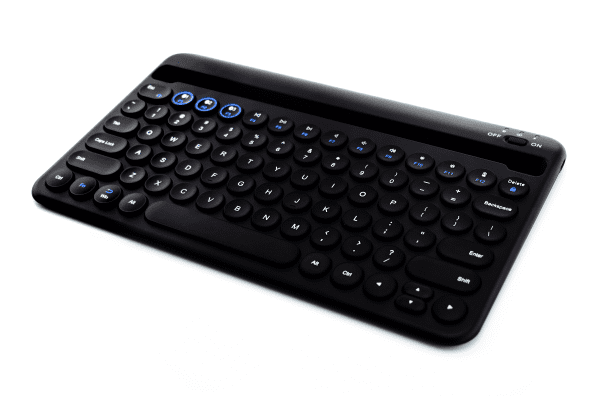
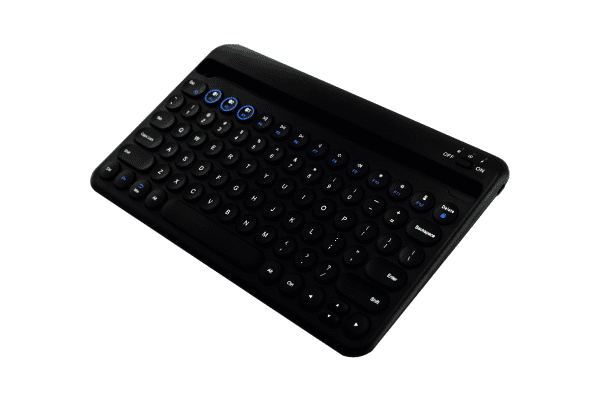
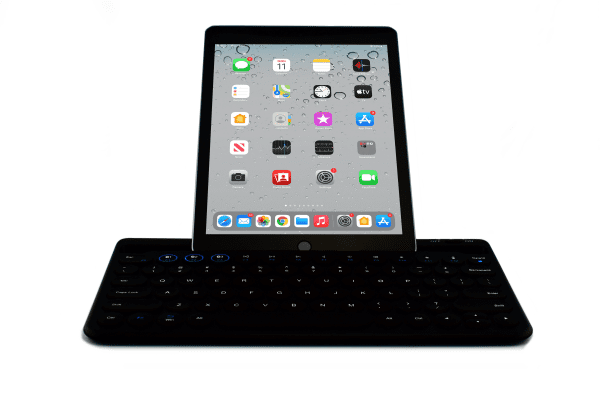
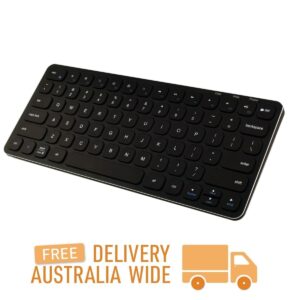
A compact, rechargeable, Bluetooth keyboard that can connect to multiple devices.
In stock
For combined postage, discounts on bulk orders (if you purchase 2 or more products, a discount may be available), and if the shipping cost in checkout looks excessive, please send us a quote request so we can give you the best price. The website will eventually calculate the above. Until then, we look forward to hearing from you.
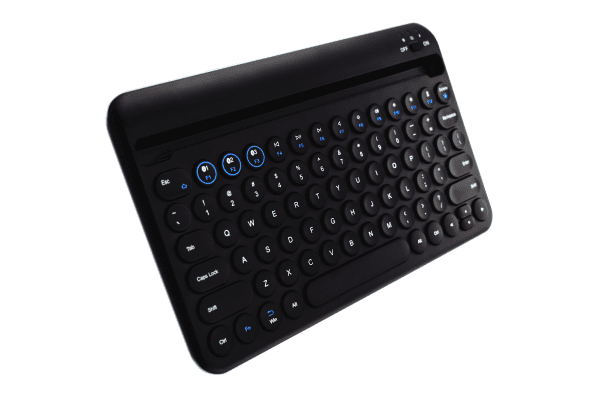
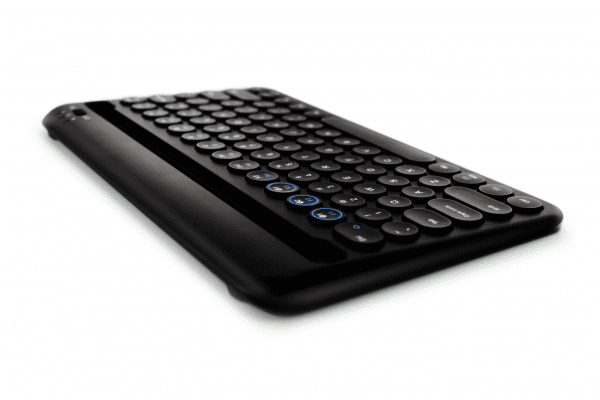
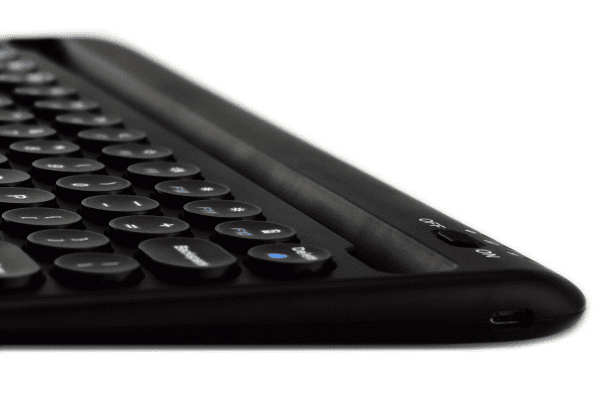
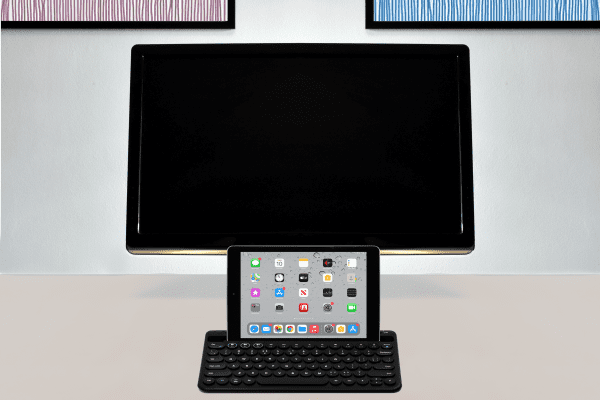
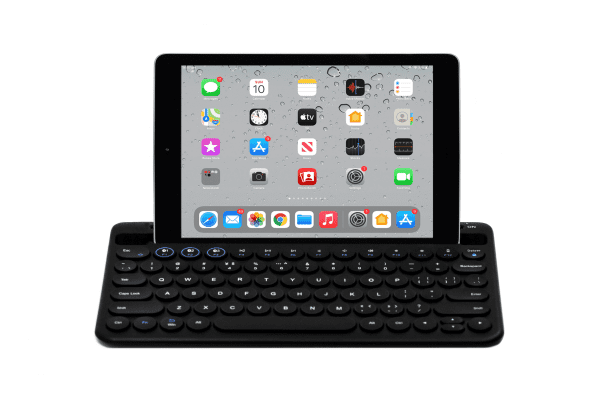
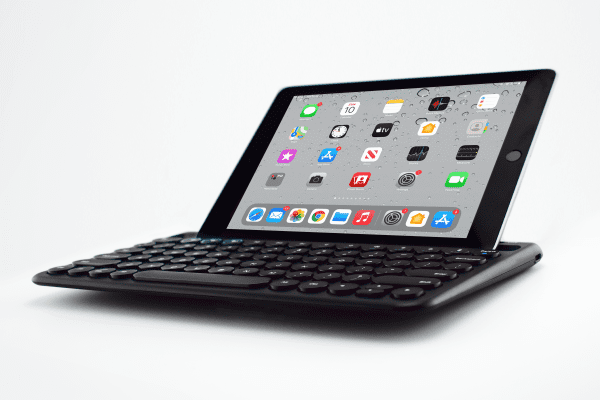
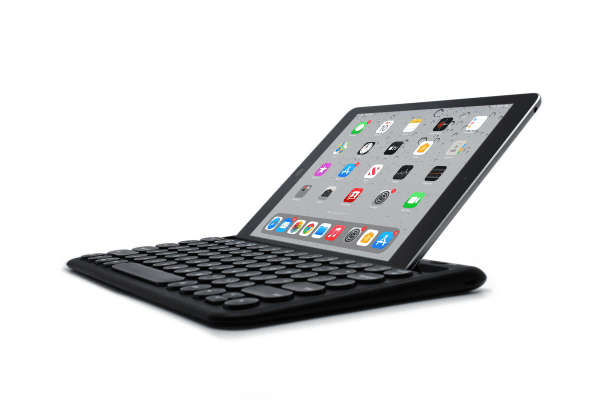
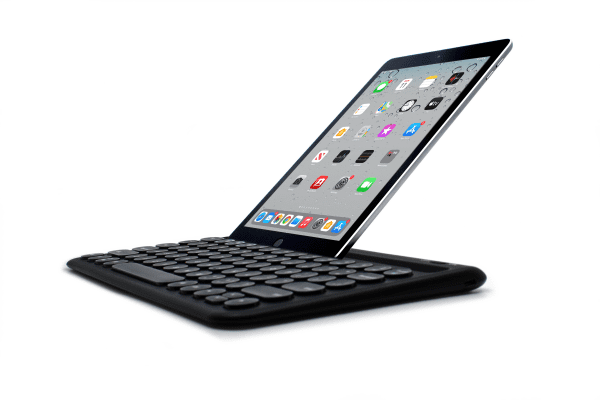
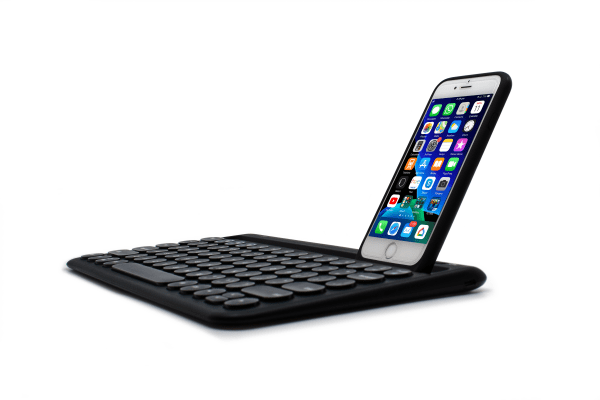
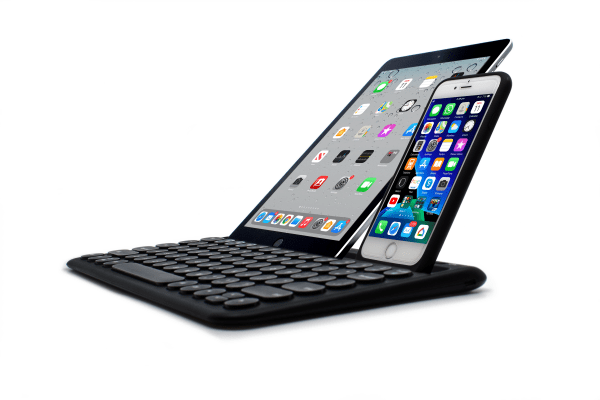
Featuring an integrated groove that supports tablets and/or smart phones, the Ergoapt Groove reduces reaching, stretching and encourages a neutral posture.
Devices will require Bluetooth capabilities in order to connect to the Ergoapt Groove Keyboard.
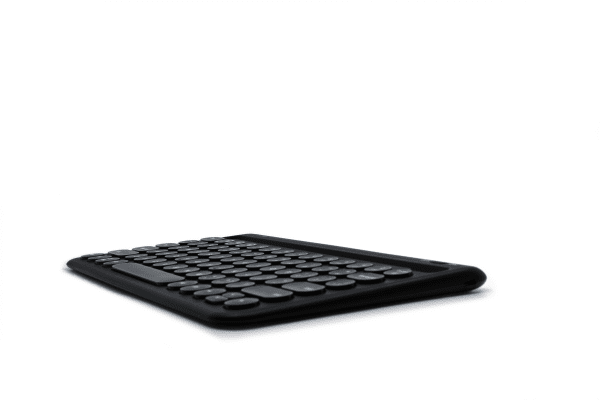
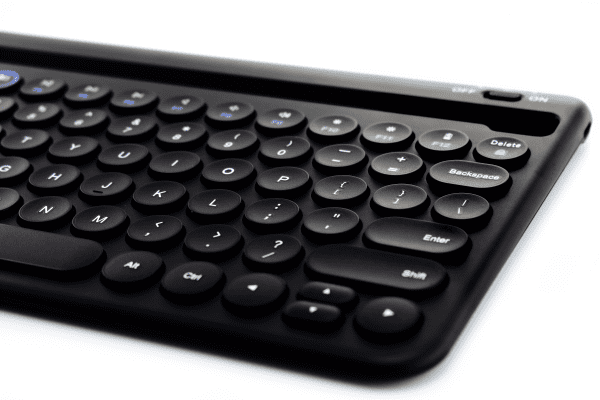
Compact Footprint with Full Sized Keys
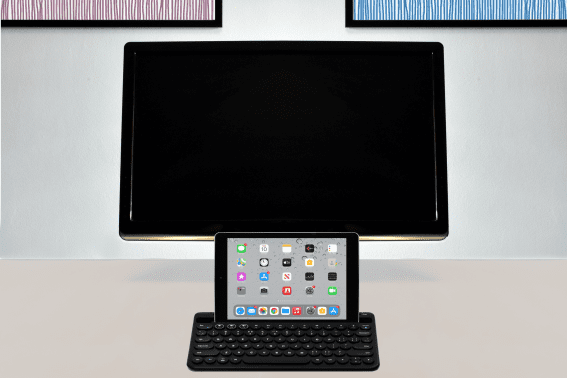
The compact size is space saving and reduces the need to stretch for a mouse. This increases user comfort and improves posture.
The Benefits of Compact
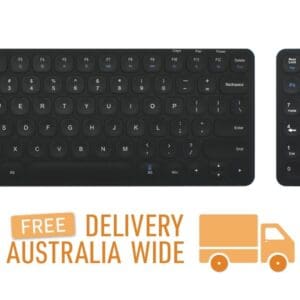
The difference between a full featured keyboard and a compact keyboard is that the compact keyboard does not have a numeric keypad. This makes compact keyboards narrower, reducing the distance and reach required to the mouse.
The compact size allows for a more relaxed, natural and centred working position. Reducing movement outside of the core working position by not reaching for the mouse whilst working helps reduce RSI issues from occurring.
Compact sized keyboard with mouse

Full sized keyboard with mouse

Familiar Key Layout
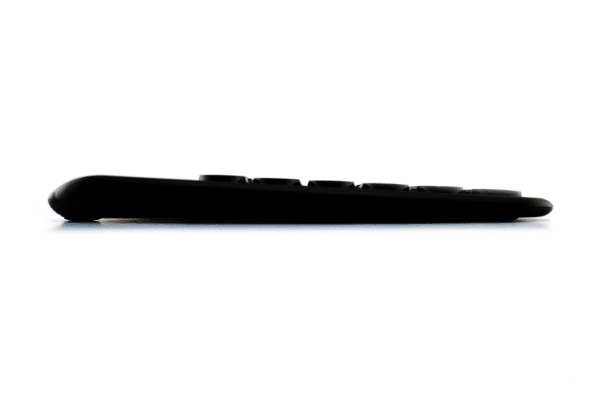
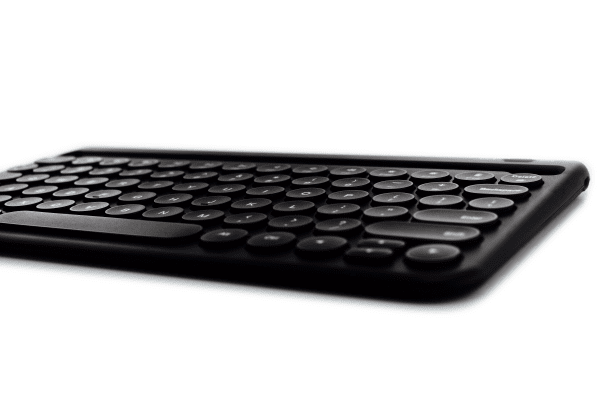
The Ergoapt Groove has a familiar key layout plus shortcut keys which further reduces the need to reach for a mouse. The concave, low profile keys deliver a quiet and comfortable typing experience.
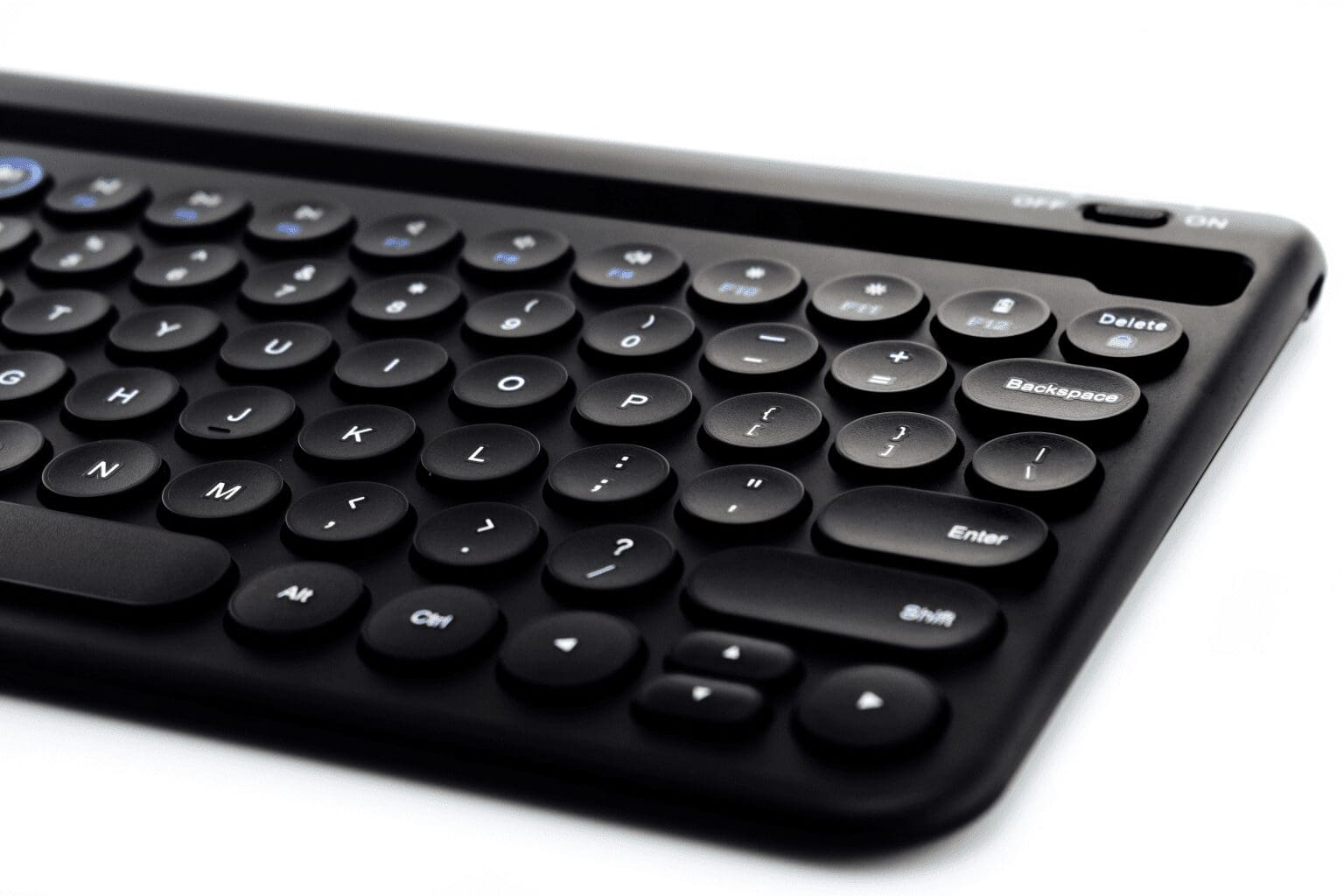
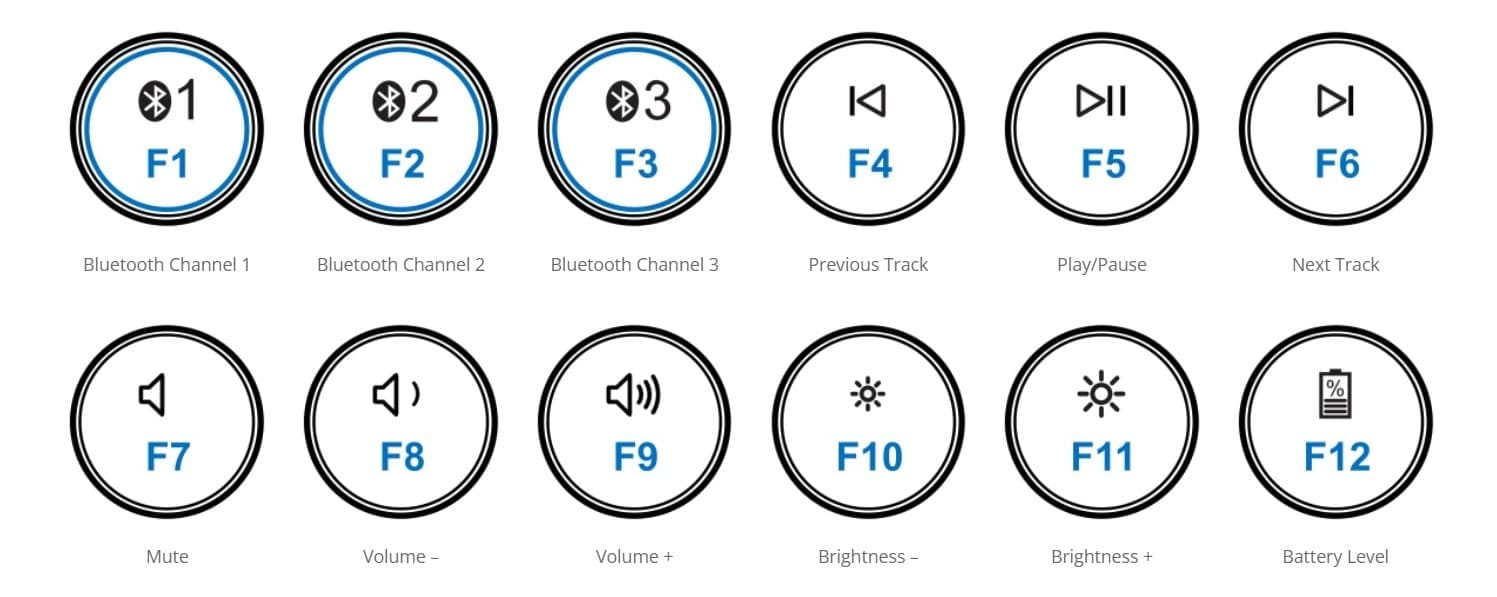
Multimedia Features Accessible via Hot Keys
These keys provide easy access for popular functions and reduce the need to reach for the mouse.
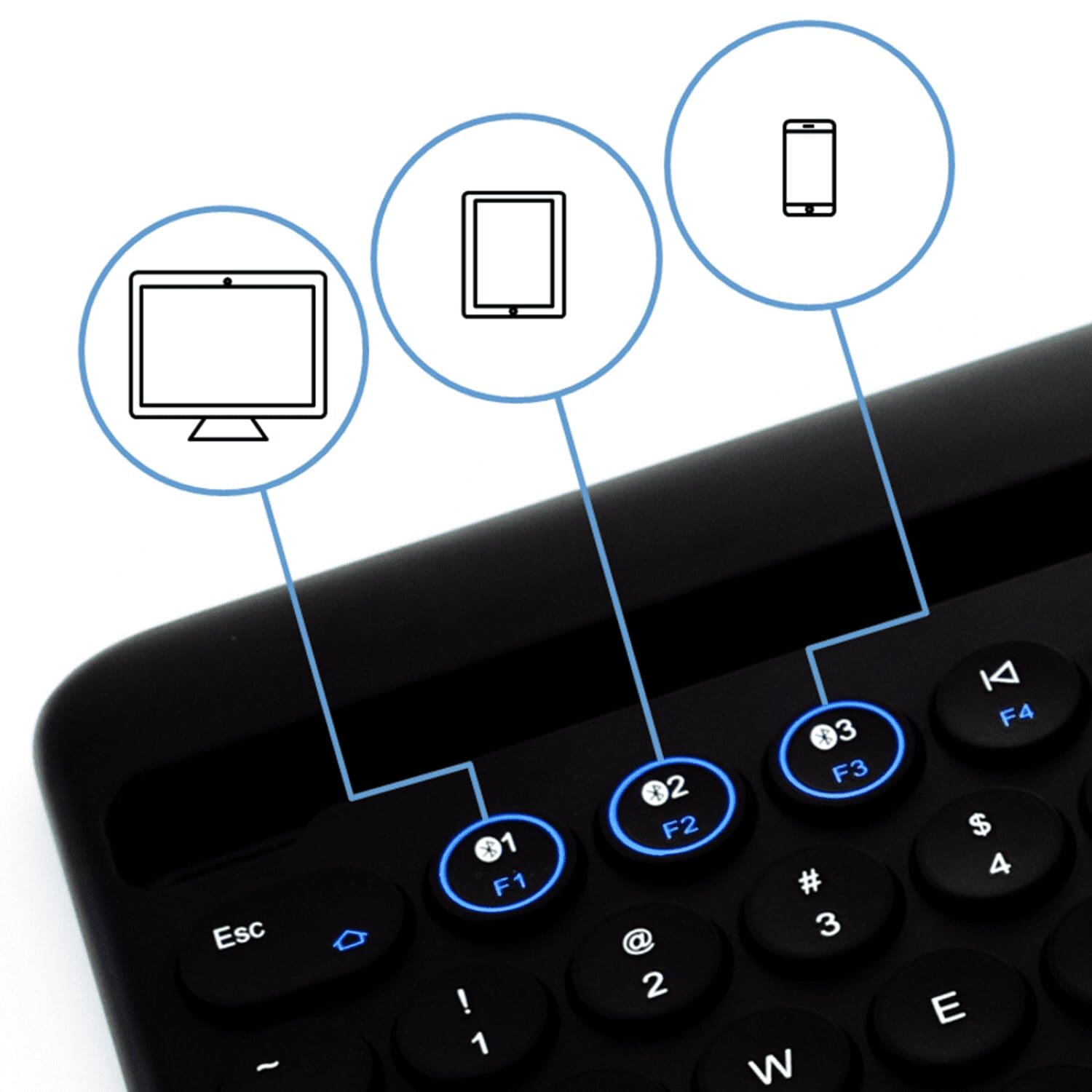
Multitask with Multiple Devices
Shift between up to 3 devices with the press of a button. Once the devices are synced to the keyboard, via Bluetooth, multitasking across devices is easy.
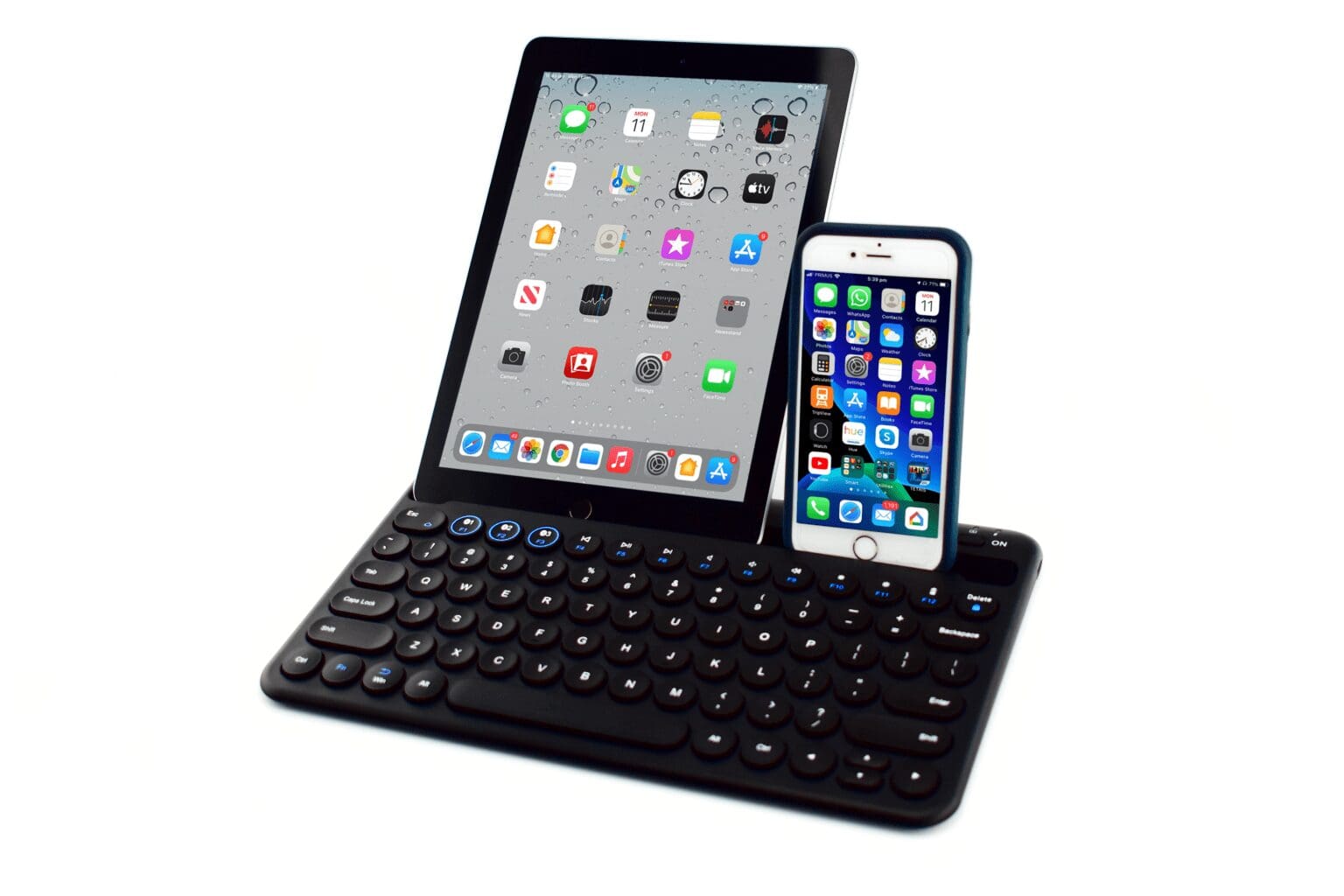
Positioning a tablet and/or a phone in the integrated groove further streamlines workspaces and workflow.
Devices will require Bluetooth capabilities in order to connect to the Ergoapt Groove Keyboard. Bluetooth devices must support external keyboards.
Groove in the Neutral Reach Zone
Featuring an integrated groove that support tabliets and/or smart phones, the Ergoapt Groove reduces reaching and stretching, and encourages a neutral posture.
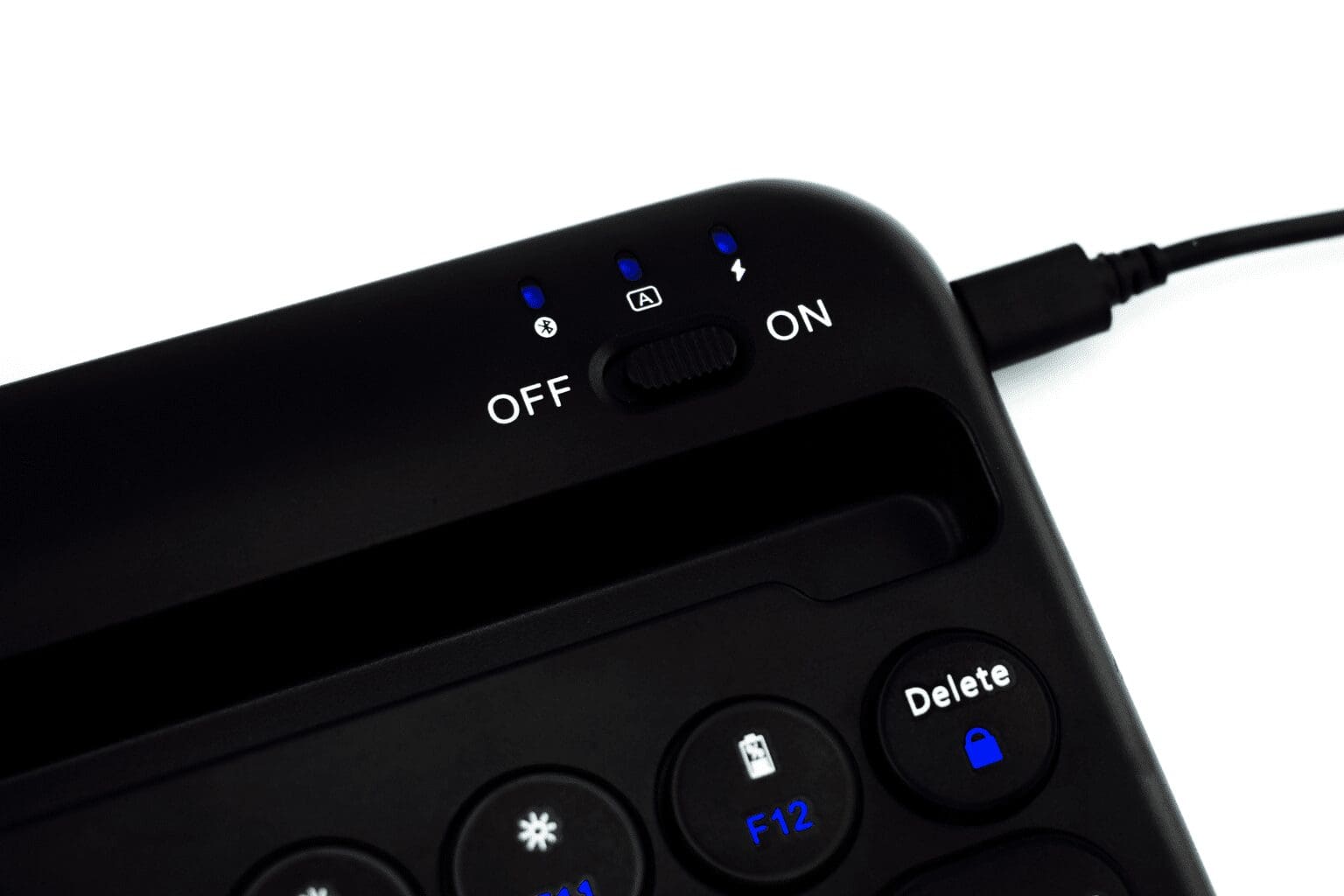
A Versatile Travel Companion
With a built-in rechargable battery, type on a laptop, tablet and phone wherever you go.
The compact size and included travel pouch make it easy to slip the keyboard into your bag.
Alternative Spellings: ergoap, ergoapp, ergo ap, ergo app, ergoappt, ergo appt
Compact footprint with full size, concave keys
Integrated groove that supports tablets and/or phones
Multimedia shortcut keys
Multiple Bluetooth channels – connects up to 3 devices
– Devices will require Bluetooth capabilities in order to connect to the Ergoapt Groove Keyboard
– Bluetooth devices must support external keyboards
Rechargeable Battery
Travel Pouch
Connection Method: Bluetooth
Working Distance: Up to 8m
Working Time: Up to 30 hours per full charge
Charging Time: Full charge approximately 2 hours
Dimensions:
– Width: 291mm
– Depth: 174mm
– Height: 16mm
– Groove Depth: 13mm
– Weight: 700 grams
System Compatibility:
– Windows
– Mac
– Android
Colour: Black
Purchase includes: 1 x Ergoapt Groove Keyboar with all components for immediate use
Watch: Introducting the Ergoapt Groove Keyboard
If you require any support with this product, Chat, email [email protected] or phone us on 0403 693 780.
Australia Wide: 3-10 weekdays. Please note, longer delivery time frames can sometimes occur.
Need it urgently or want to know when you will receive your order? Check with us before placing your order. Chat, email [email protected] or phone us on 0403 693 780.
Troubleshooting:
1. Issue – Keyboard is not charging
– plug the charger into a different USB port directly into the computer/device the keyboard is being used with
– use a different charging cable
– charge the keyboard via a USB charger plugged directly into a powerpoint
– does the keyboard have power when it is plugged in, i.e. does the indicator light on the lefdt illuminate when a cable is plugged into charge the keyboard?
– if the keyboard does have power while it is plugged in, does the keyboard connect to devices while it is plugged in?
If you are having any issues with this product, Chat, email [email protected] or phone us on 0403 693 780 with the following information:
1. Serial Number of the product
2. The results of the troubleshooting
Warranty: 1 Year
What do I do if the product is faulty?
1. Cease using the product as it may be unsafe to use. Damage that occurs as a result of continued use of a faulty product will not be covered under warranty.
2. Complete and return the Product Repair Request form
Reviews
There are no reviews yet.