



Kinesis Freestyle Pro Keyboard
Price range: $89.10 through $726.00
Found a lower advertised price? Let us know and we’ll do our best to give you a better price.

Choose your requirements using the field selectors below. Where “Choose an option” shows, please make your selection from the available options.
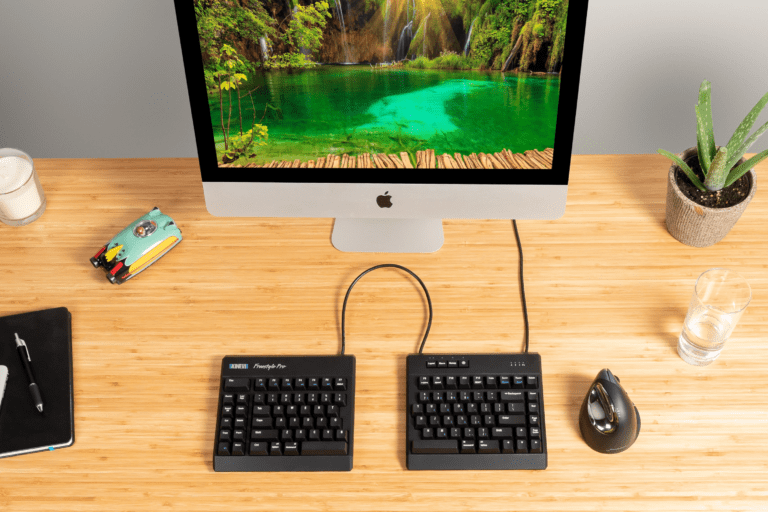
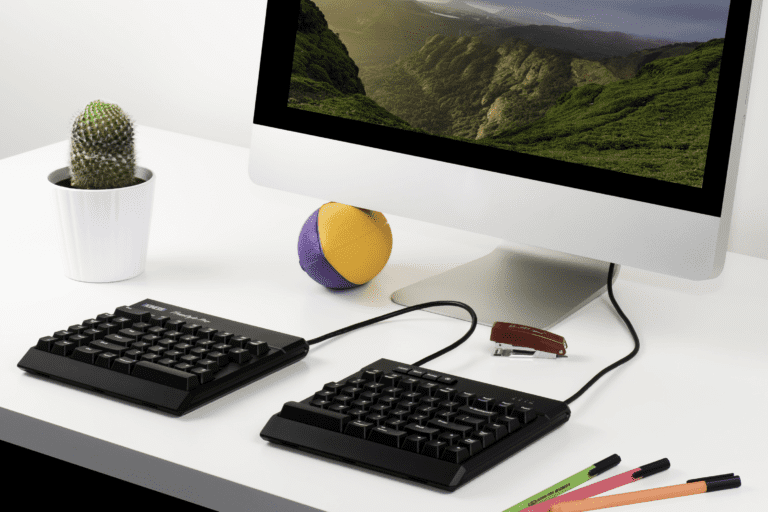
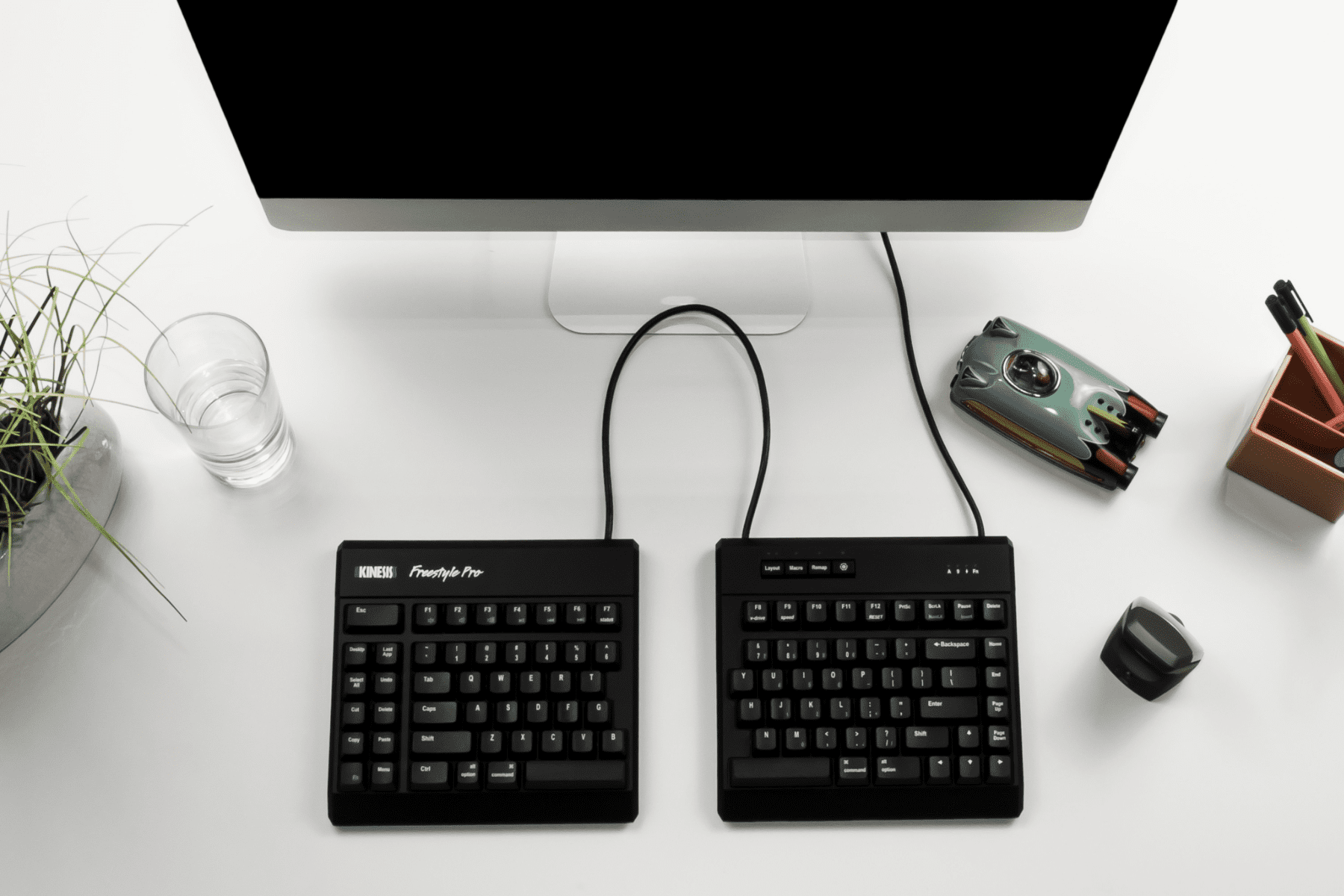
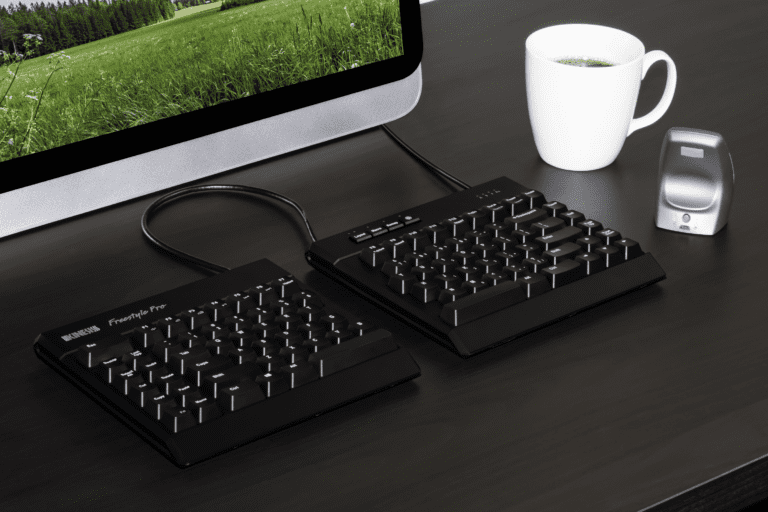
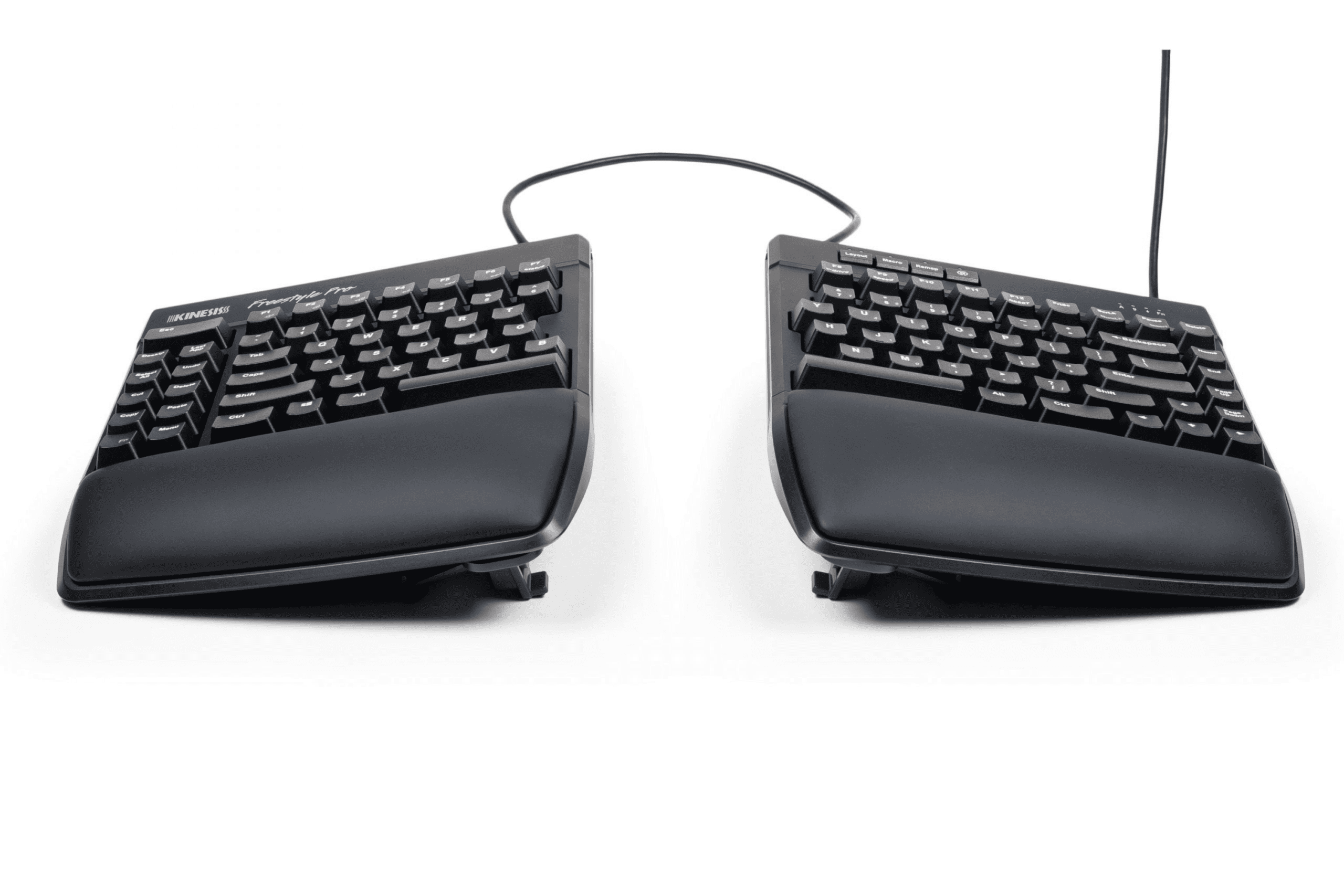
Adjustable and programmable split wired keyboard
The Best Just Got Better
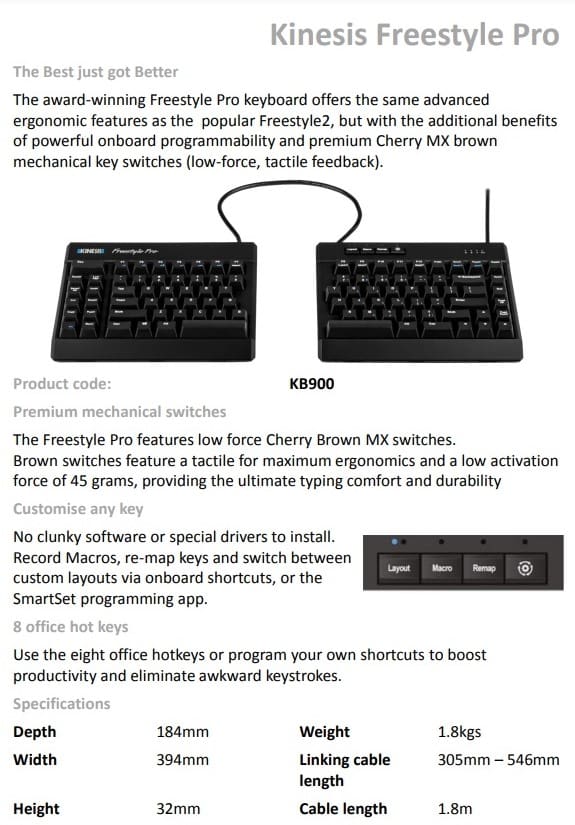
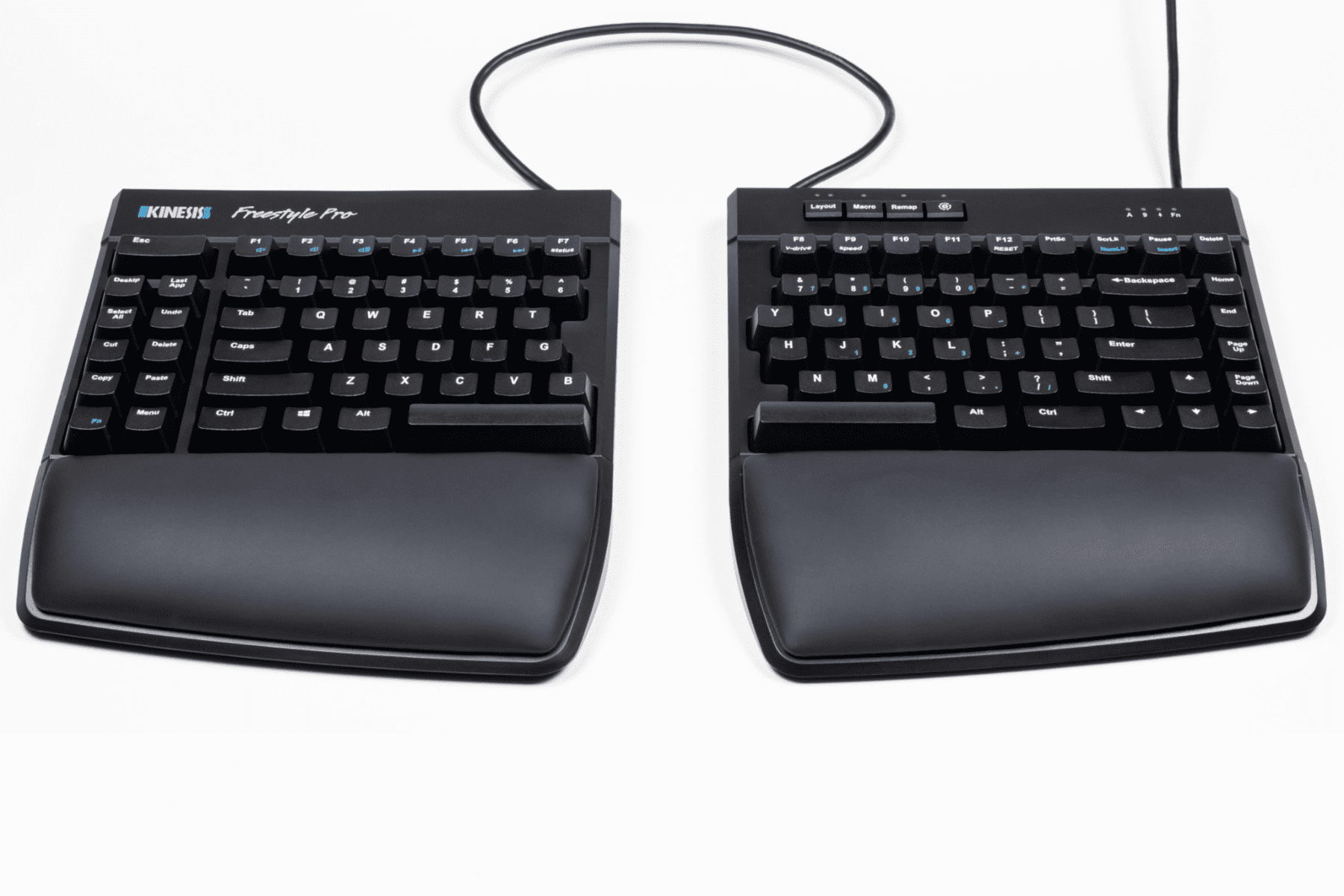
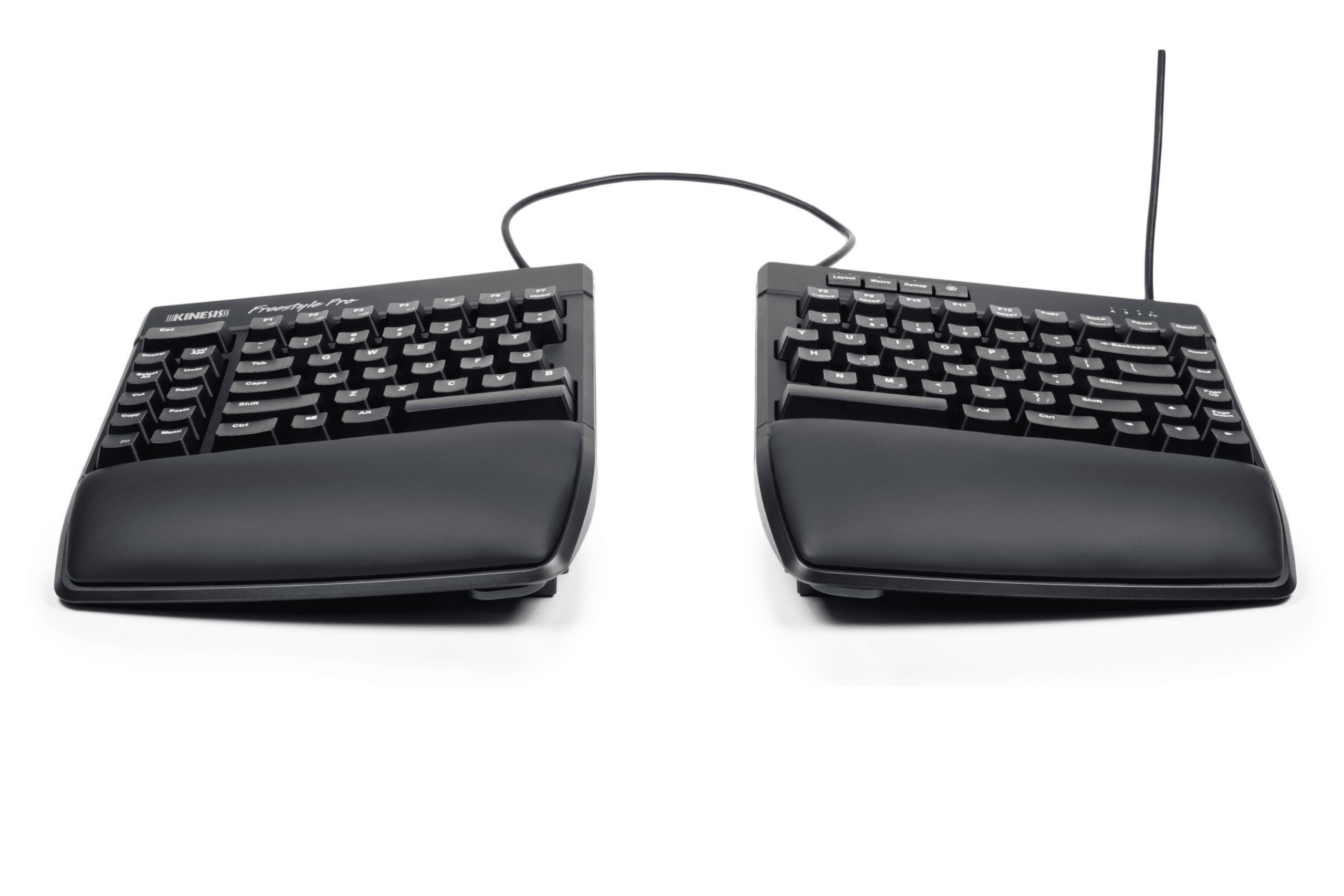
The award-winning Freestyle Pro keyboard offers the same advanced ergonomic features as the popular Freestyle2, but with the additional benefits of powerful onboard programmability and premium Cherry MX brown mechanical key switches (low-force, tactile feedback).
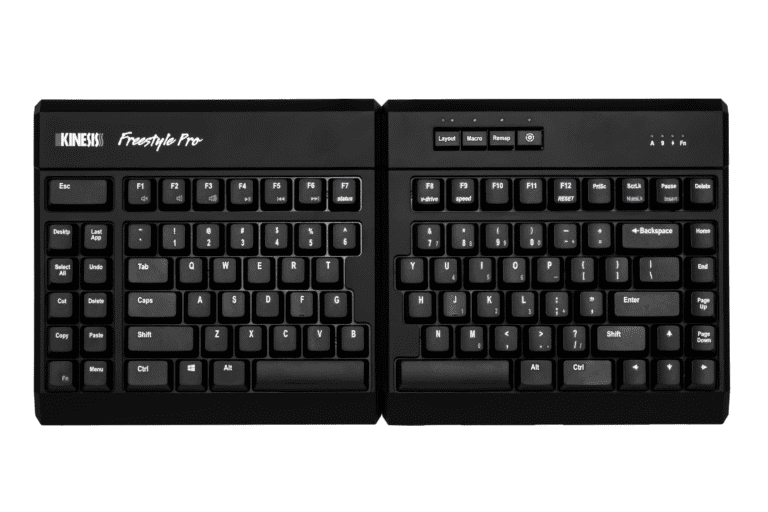
The Freestyle Pro is pre-configured for Windows use (Layout 1), but Mac users can simply toggle to Layout 2 with the touch of a button and install the 4 included Mac keycaps. Layout 3 is pre-configured for Dvorak typists, but any of the 9 layouts can be customized using the onboard shortcuts or the easy-to-use SmartSet™ Programming App.
The SmartSet™ App is preloaded on the keyboard and doesn't get installed on to your computer.
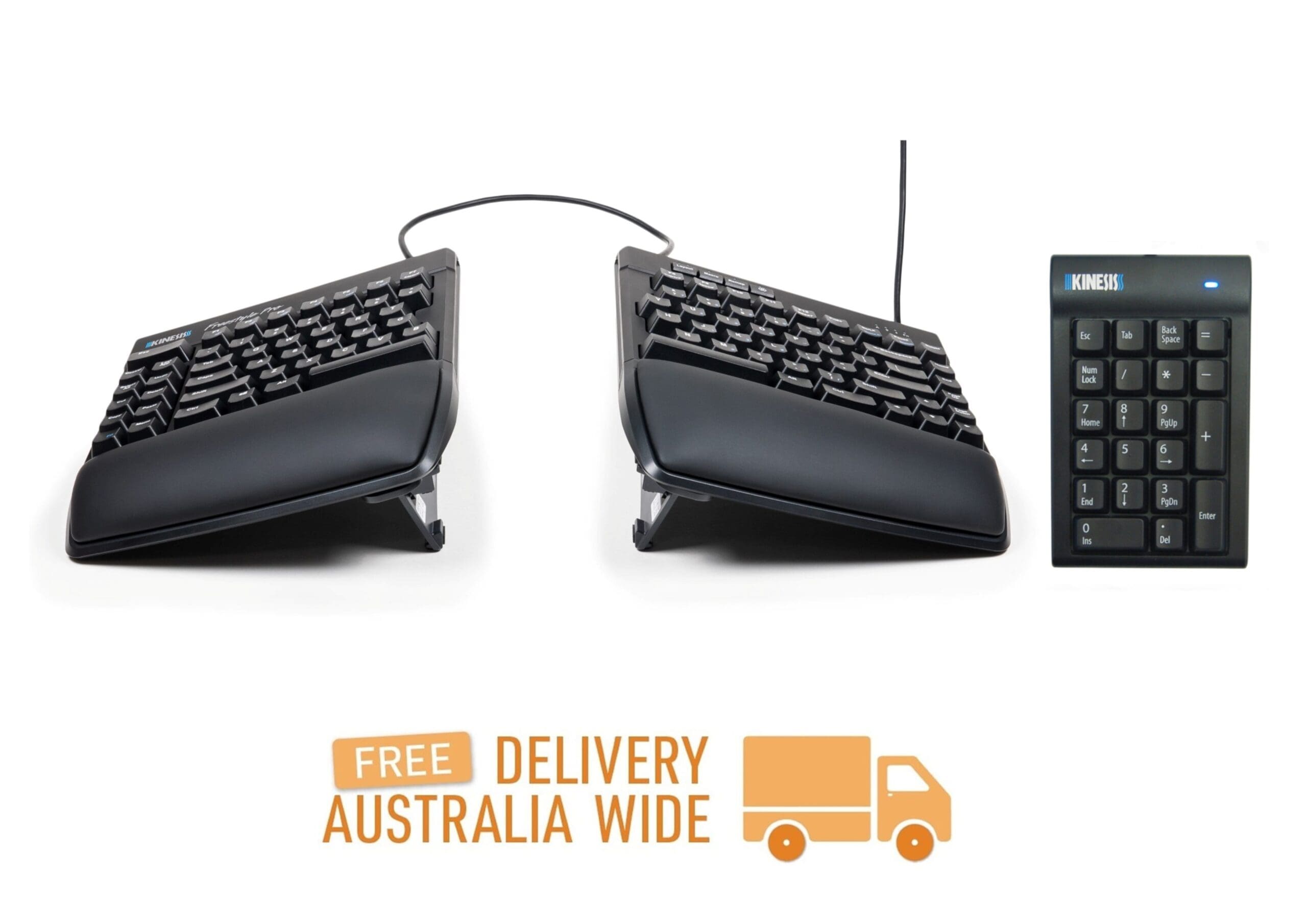
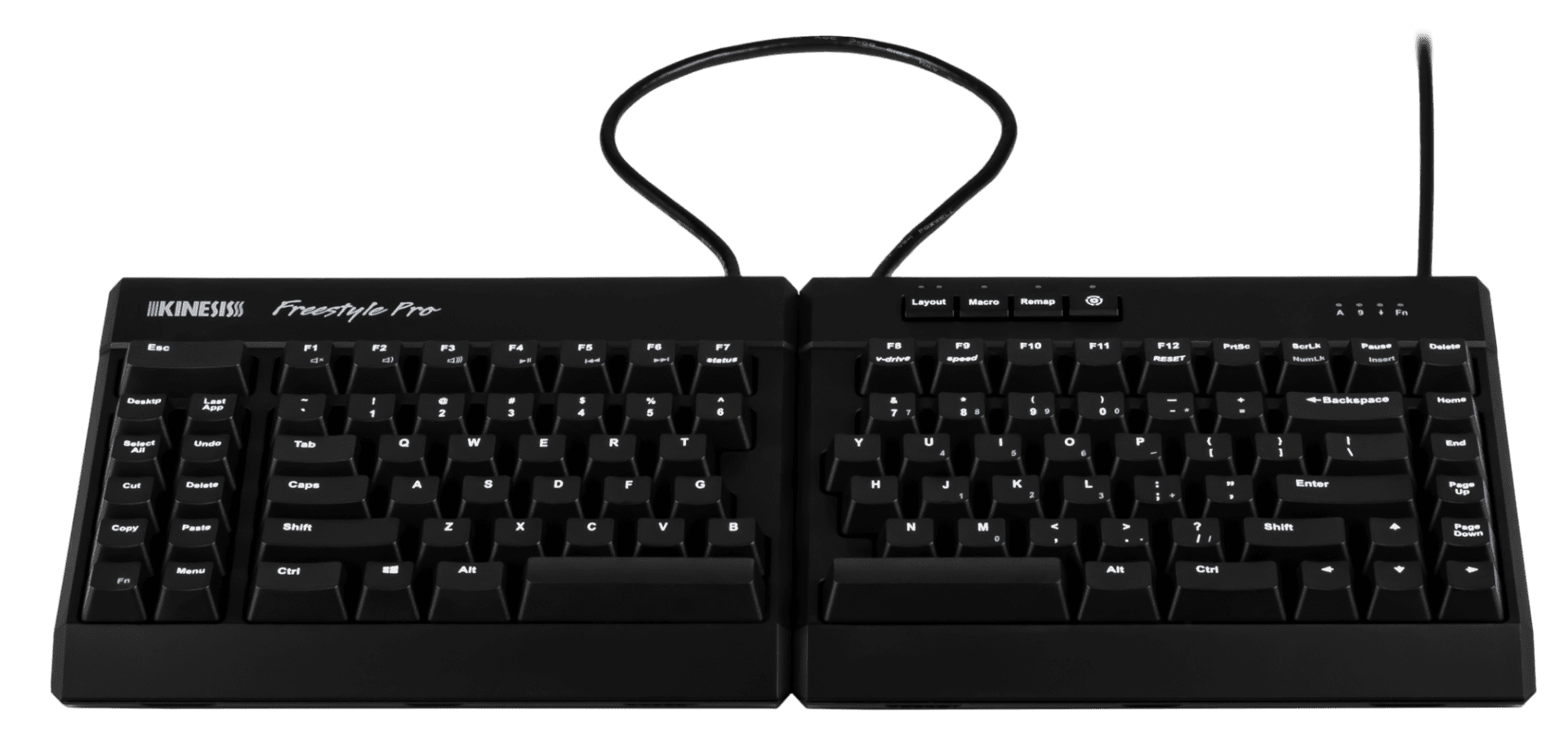
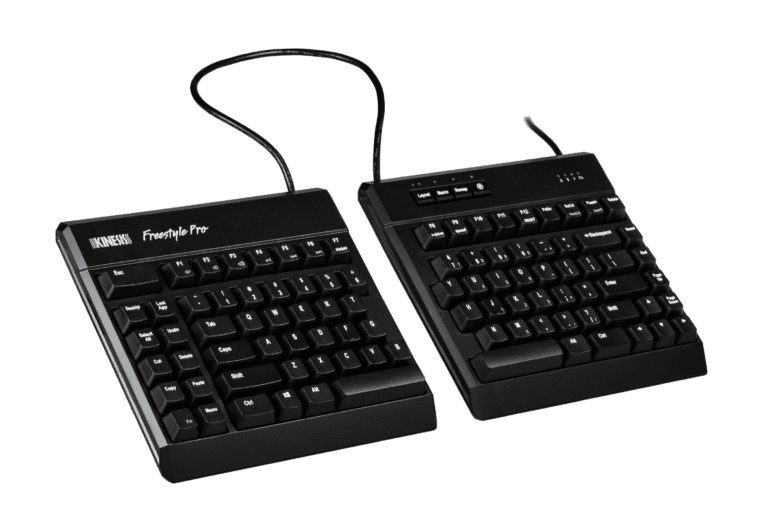
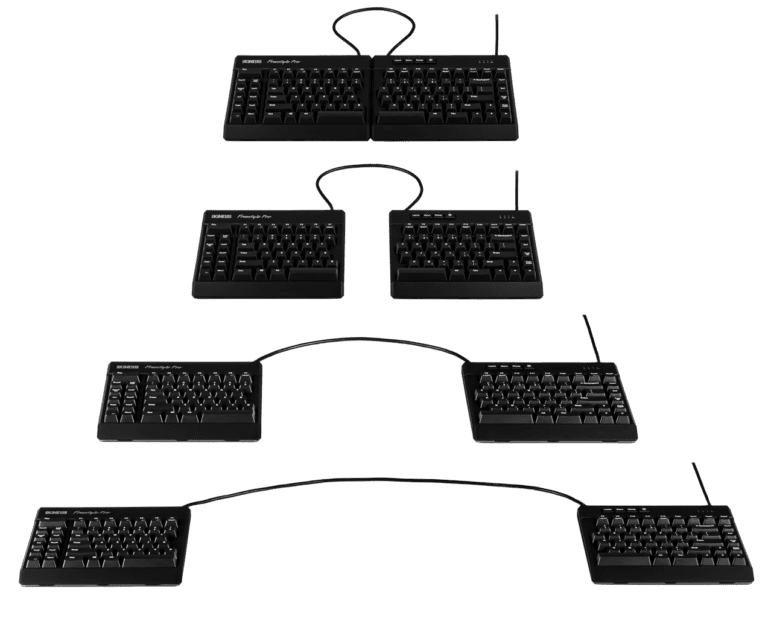
The Freestyle Pro also features an adjustable linking cable so everyone can find their comfort zone.
Cherry MX (Brown) Low-force, Tactile Key Switches
The Kinesis Freestyle Pro utilizes the Cherry MX low-force tactile switch (brown stem). It is a semi-custom low force tactile design created in 1992 to Kinesis' specifications. "Tactility" is a slightly elevated force around the midpoint of the key stroke which signals when the switch is about to be activitated.
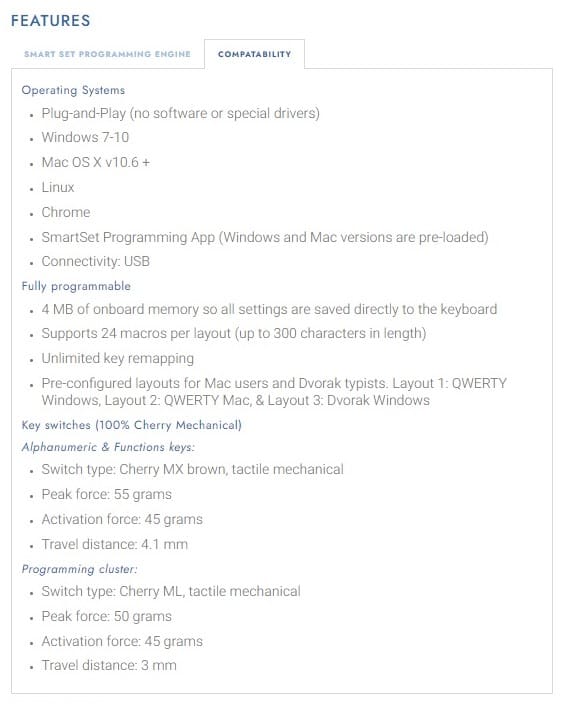
A tactile response is preferred by many ergonomists because it can reduce the frequency of "bottoming out" the switch and reduce unnecessary impacts to your fingertips. The peak (tactile) force is 55 grams, followed by an activation force of 45 grams.
Adjustable Linking Cable Accommodates a Wide Range of Individuals
The two key modules are connected by a 51cm linking cable that can be adjusted to suit your body type, desktop space, and typing preferences.
The basic configuration allows up to 30.5cm of separation. If you need additional separation, simply remove the cable compartment cover located on the back of the left key module and thread out more cable until you find your desired width.
Zero Degree Slope Form Factor
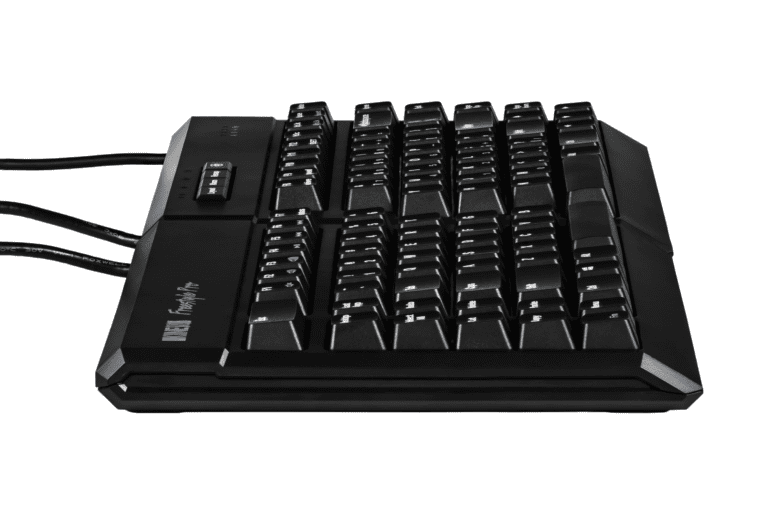
The Freestyle Pro features a zero degree slope from front to back for maximum comfort.
Most keyboards, even ergonomic models, have a 10 degree positive slope. Positive slope keyboards tend to bend your wrists backwards, but the Freestyle Pro's zero degree slope keeps your wrists neutral to reduce painful wrist extension.
Hot Keys
The Freestyle Pro features 8 pre-programmed hot keys (Desktop, Last App, Select All, Undo, Cut, Delete, Copy & Paste) designed to reduce mouse clicks and awkward key combinations.
Features
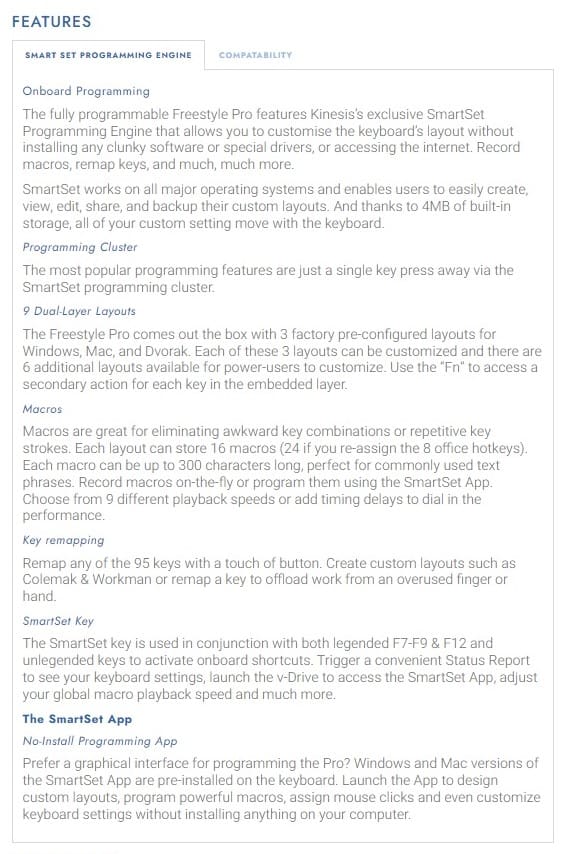
- Onboard Programming
- Programming Cluster
- 9 Dual-Layer Layouts
- Macros
- Key Remapping
- SmartSet Key
- The SmartSet App
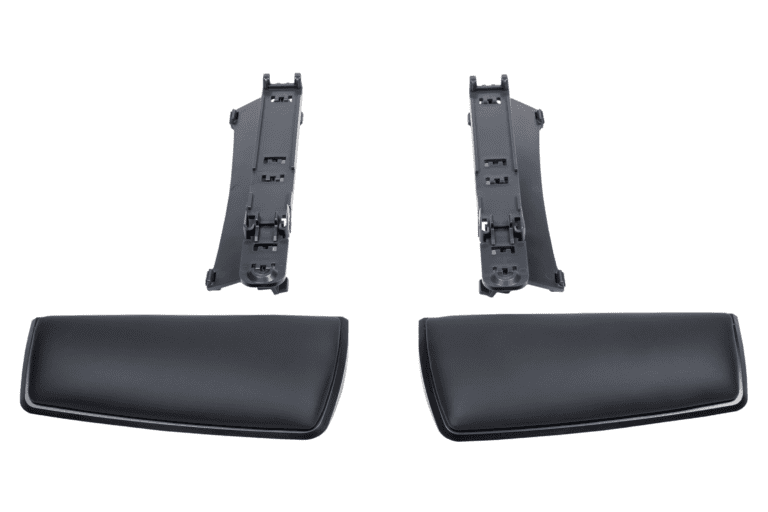
Premium Palm Supports for the Kinesis Freestyle Pro
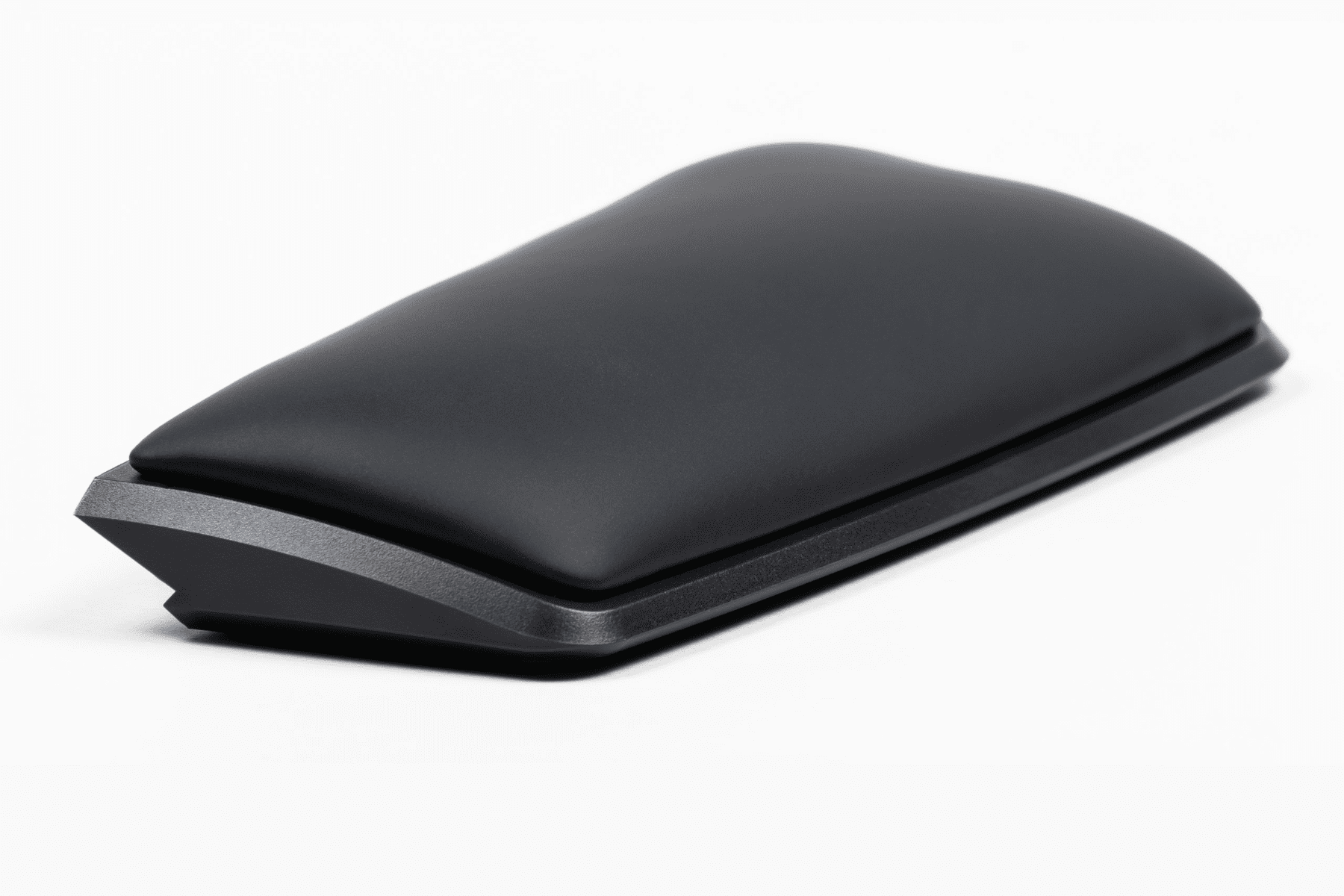
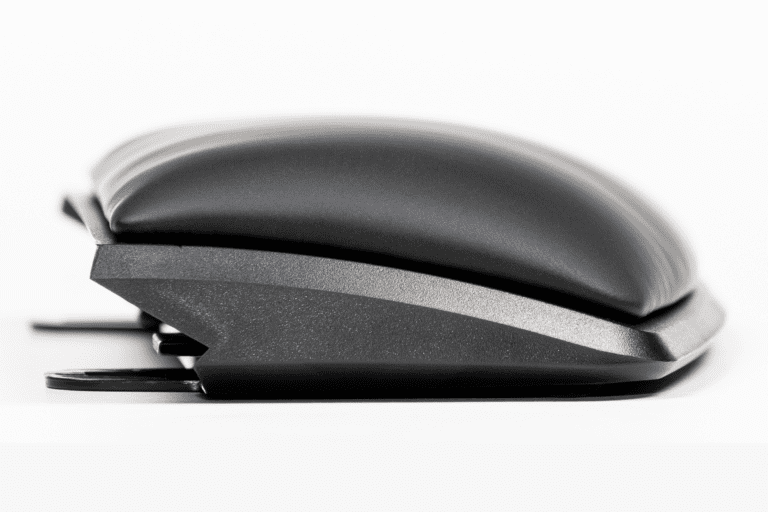
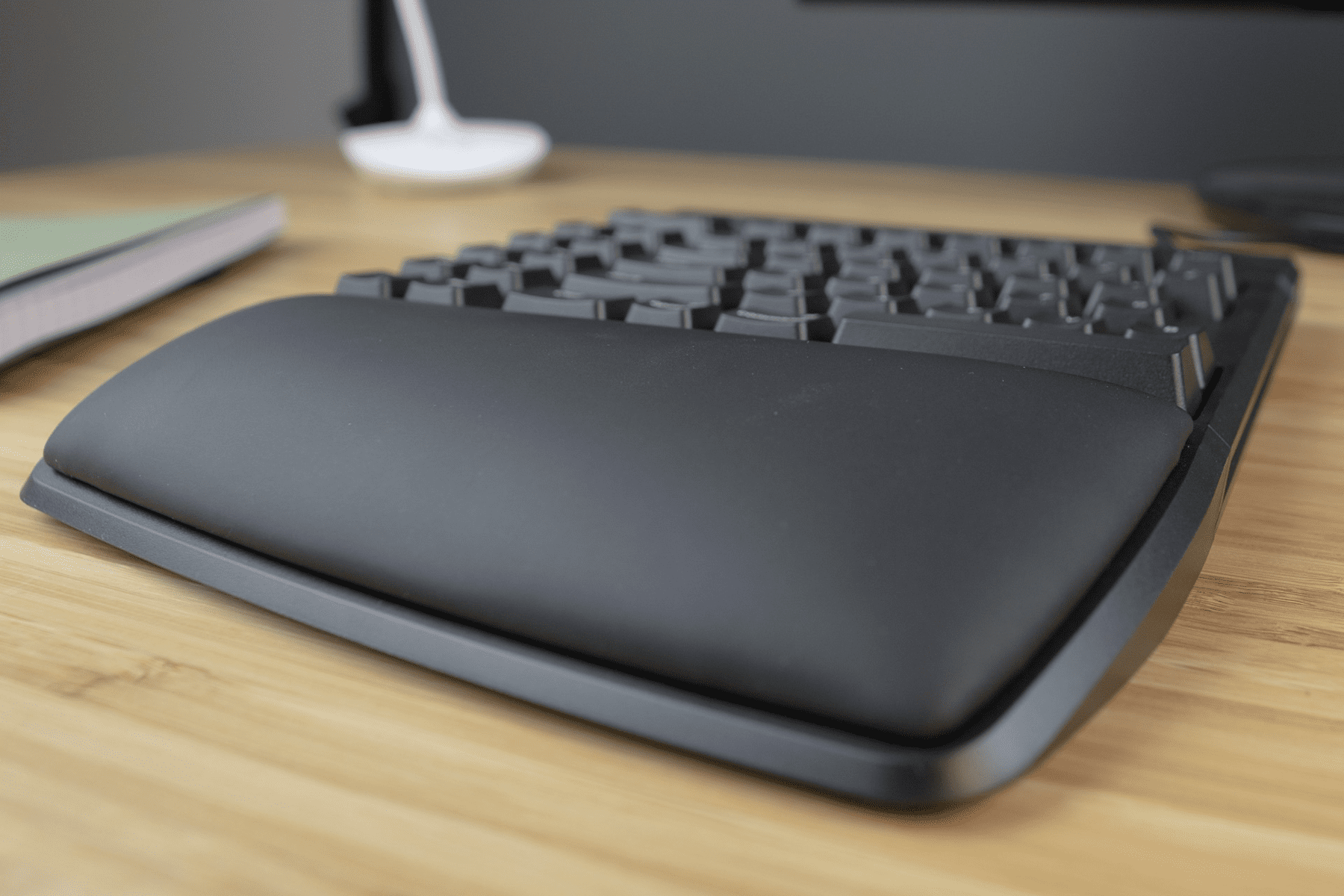
95mm thick cushioned palm supports for the Kinesis Freestyle Pro Keyboard
The Palm Supports easily attach to the Kinesis Freestyle Pro Keyboard.
The Freestyle Premium Palm Supports are padded with 95mm thick cushioned foam, wrapped in a PU surface that is non-porous, sweat resistant and hand-washable for maximum comfort, performance, and durability.
Features:
- Compatible with the Kinesis Freestyle Pro Keyboard.
- Not compatible with Kinesis Freestyle2 keyboards.
- Not compatible with the Tenting Accessory.
- The Palm Supports mount directly into the Freestyle Pro Keyboard.
- Position your forearms and wrists in a more comfortable position by reducing harmful forearm pronation.
- Provides a highly stable typing platform with no "bounce".
Kinesis Freestyle Pro V3 Accessory
Positions forearms and wrists in a more comfortable position by reducing pronation when using a Kinesis Freestyle Pro Keyboard
Tenting Accessory for the Kinesis Freestyle Pro
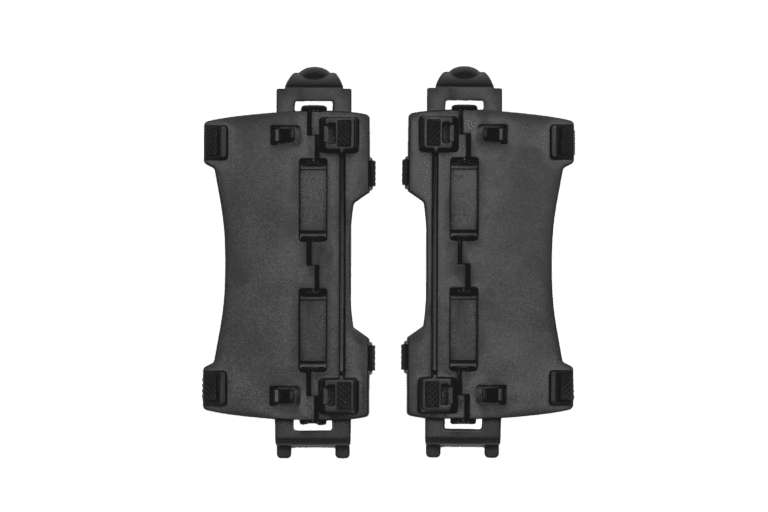
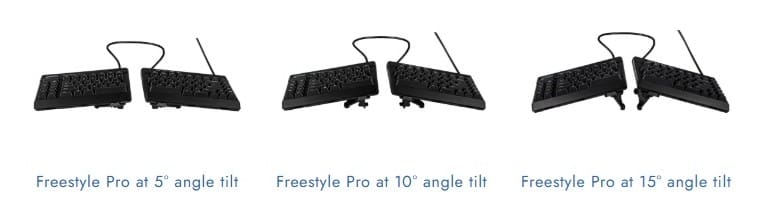
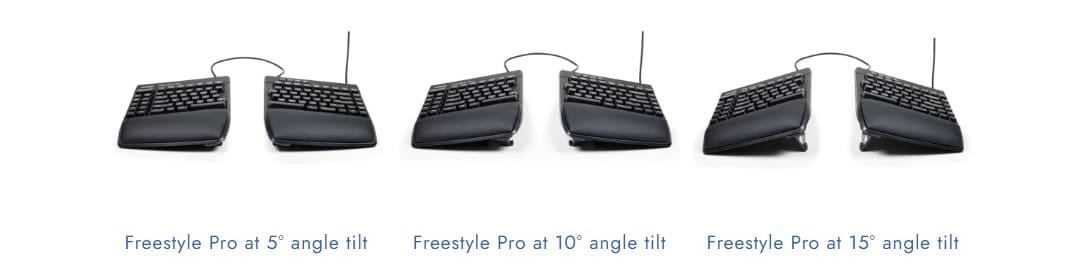
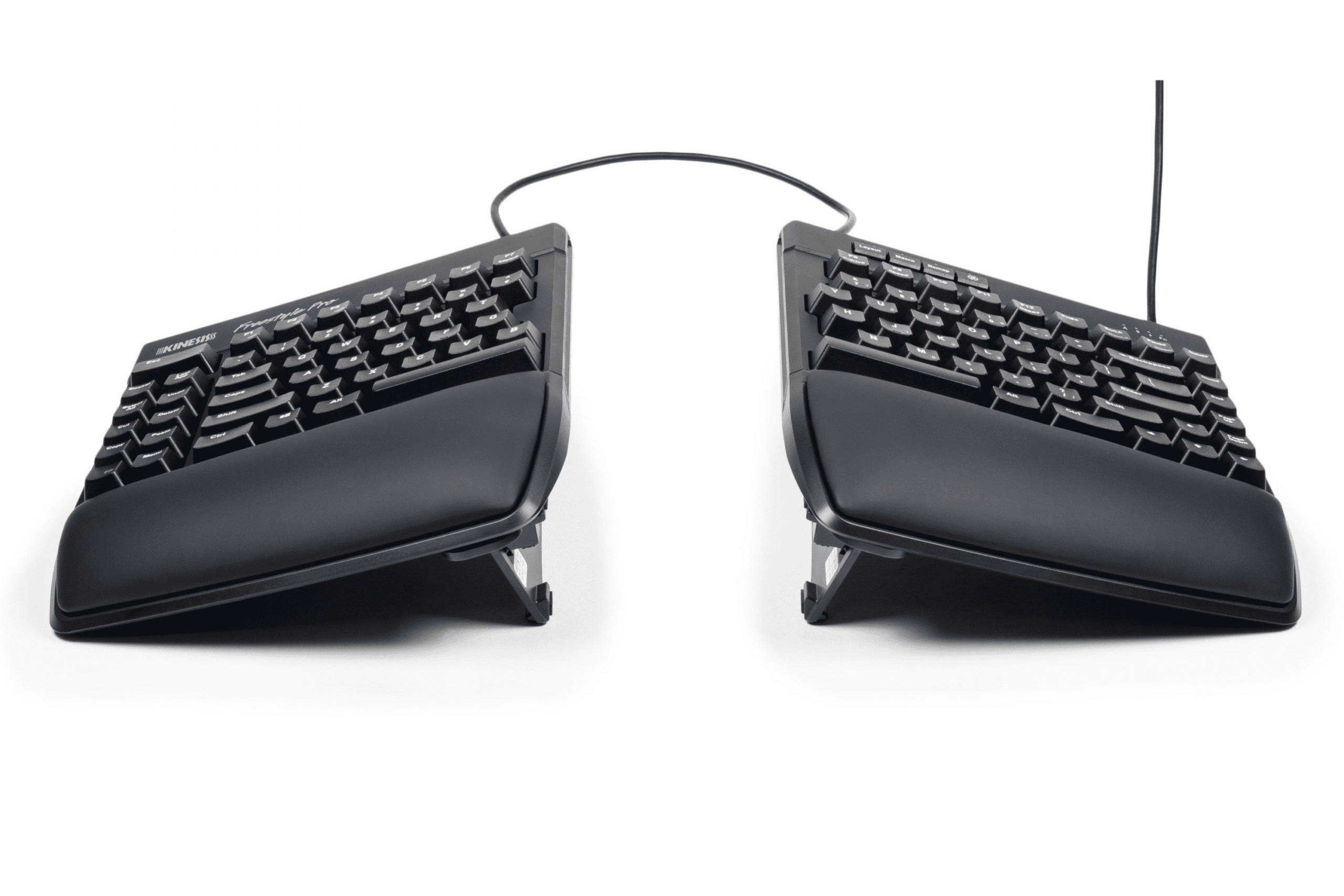
The V3 Pro tenting accessory includes left and right "v-Lifters" which easily attach to the base of the Kinesis Freestyle Pro Keyboard allowing quick and reproducible slope settings of 5, 10, and 15 degrees without the use of integrated palm supports.
The accessory is not compatible with Palm Supports.
Features:
- Compatible with the Kinesis Freestyle Pro Keyboard.
- Not compatible with Kinesis Freestyle2 keyboards.
- Not compatible with the Palm Supports.
- Position your forearms and wrists in a more comfortable position by reducing harmful forearm pronation.
- Quickly adjust between the three tenting heights by snapping and swivelling the legs in the appropriate position.
- Provides a highly stable typing platform with no "bounce".
Kinesis Freestyle Pro VIP3 Accessory
Positions forearms, wrists and palms in a more comfortable position by reducing pronation when using a Kinesis Freestyle Pro Keyboard
Tenting and Palm Support Accessory for the Kinesis Freestyle Pro
The VIP3 Pro Premium tenting accessory includes left and right "v-Lifters" and cushioned Palm Supports which easily attach to the base of the Kinesis Freestyle Pro Keyboard allowing quick and reproducible slope settings of 5, 10, and 15 degrees with the use of the integrated palm supports.
Features:
- Compatible with the Kinesis Freestyle Pro Keyboard. Not compatible with Kinesis Freestyle2 keyboards.
- Position your forearms and wrists in a more comfortable position by reducing harmful forearm pronation.
- Quickly adjust between the three tenting heights by snapping and swivelling the legs in the appropriate position.
- Provides a highly stable typing platform with no "bounce".
- Extra thick, cushioned pads are integrated into the Palm Supports for increased comfort and durability.
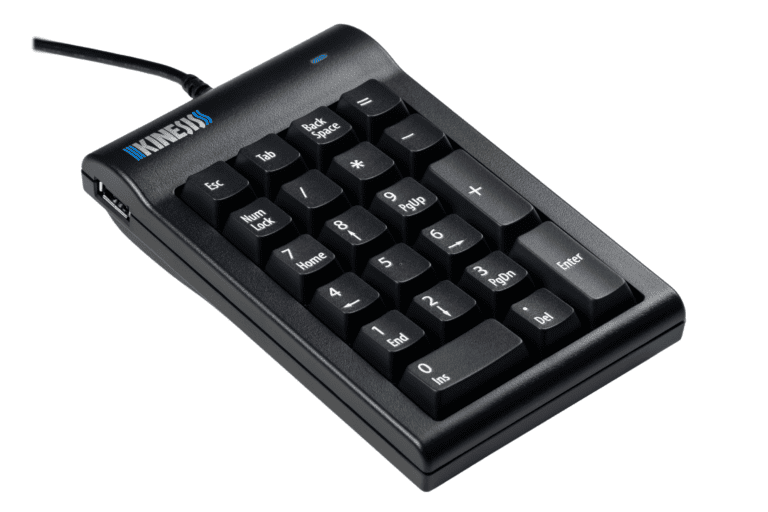
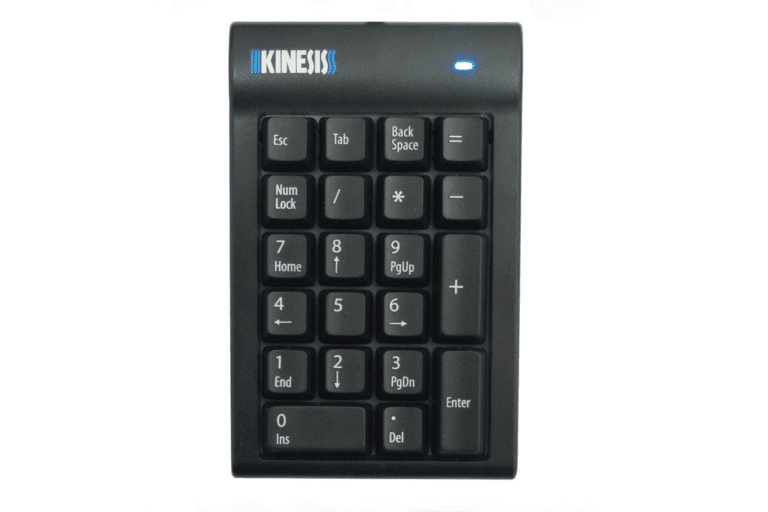
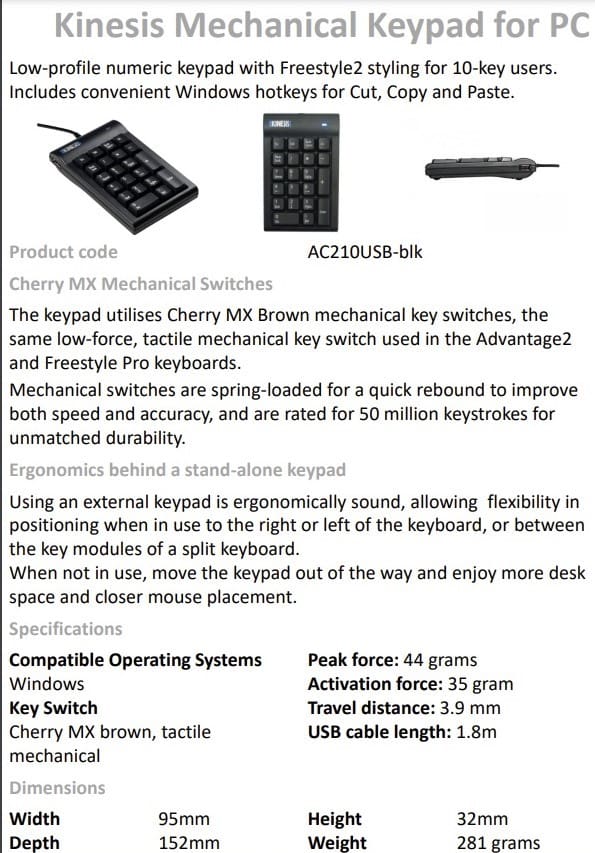
Kinesis Mechanical Keypad for PC
Heavy-duty with Cherry MX Brown mechanical key switches.
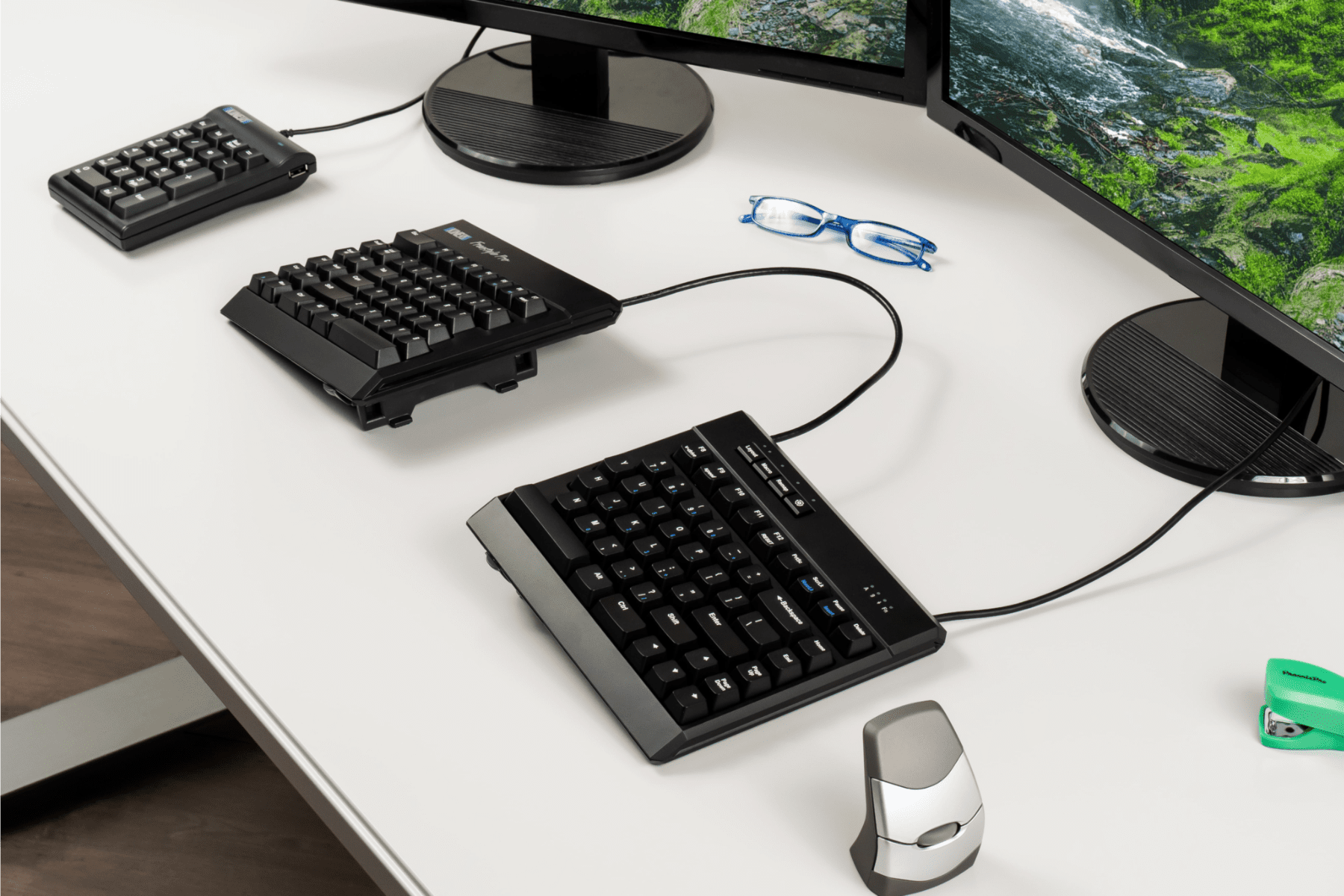
The Kinesis Mechanical Keypad is ideal for heavy 10-key users, and the perfect companion for "tenkeyless" keyboards such as the Kinesis Freestyle Pro, Freestyle2, Advantage2, Kinesis Form Split Touchpad Keyboard, or laptop users.
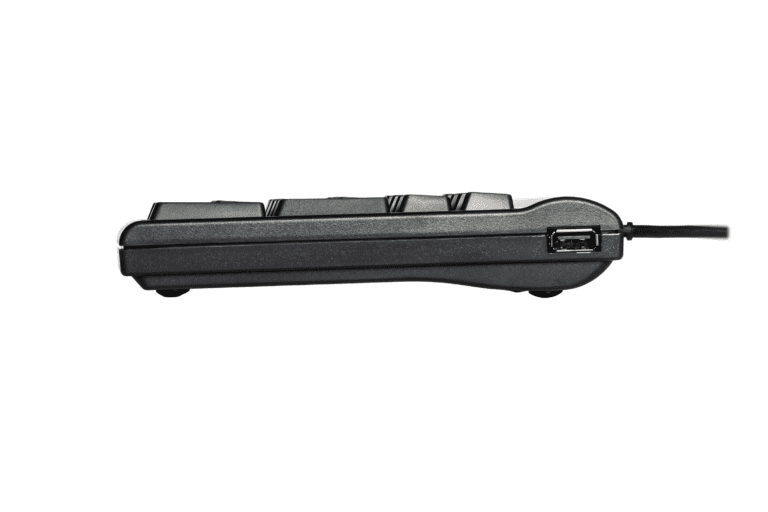
The 2-port USB hub enables you to easily connect other low-power input devices such as mice and flash drives without having to access USB ports on the back of the computer.
Cherry MX Mechanical Switches
The keypad utilises Cherry MX Brown mechanical key switches, the same low-force, tactile mechanical key switch used in the popular Advantage2 and Freestyle Pro keyboards.
Mechanical switches are spring-loaded for a quick rebound to improve both speed and accuracy, and are rated for 50 million keystrokes for unmatched durability.
Ergonomics Behind a Stand-Alone Keypad
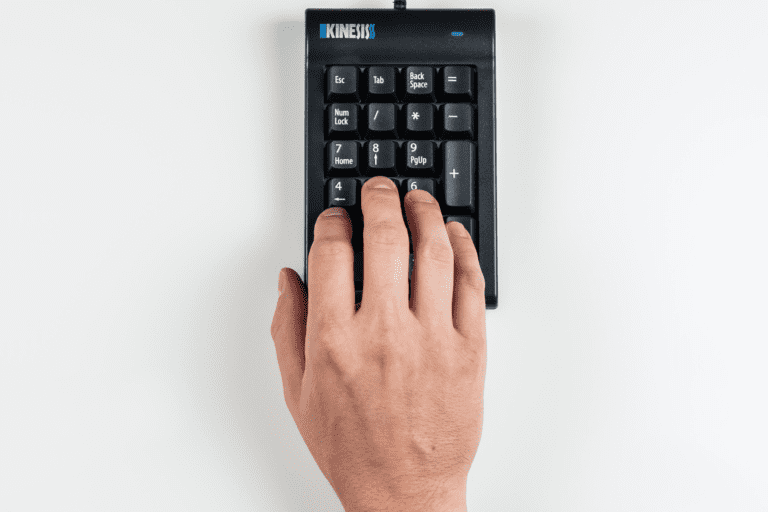
Using an external keypad is ergonomically sound because it gives the users flexibility in positioning the keypad when in use to the right or left of the keyboard, or between the key modules of a split keyboard. When not in use, users can move the keypad out of the way and enjoy more desk space and closer mouse placement.
Kinesis Freestyle Keypad LP for Mac & PC
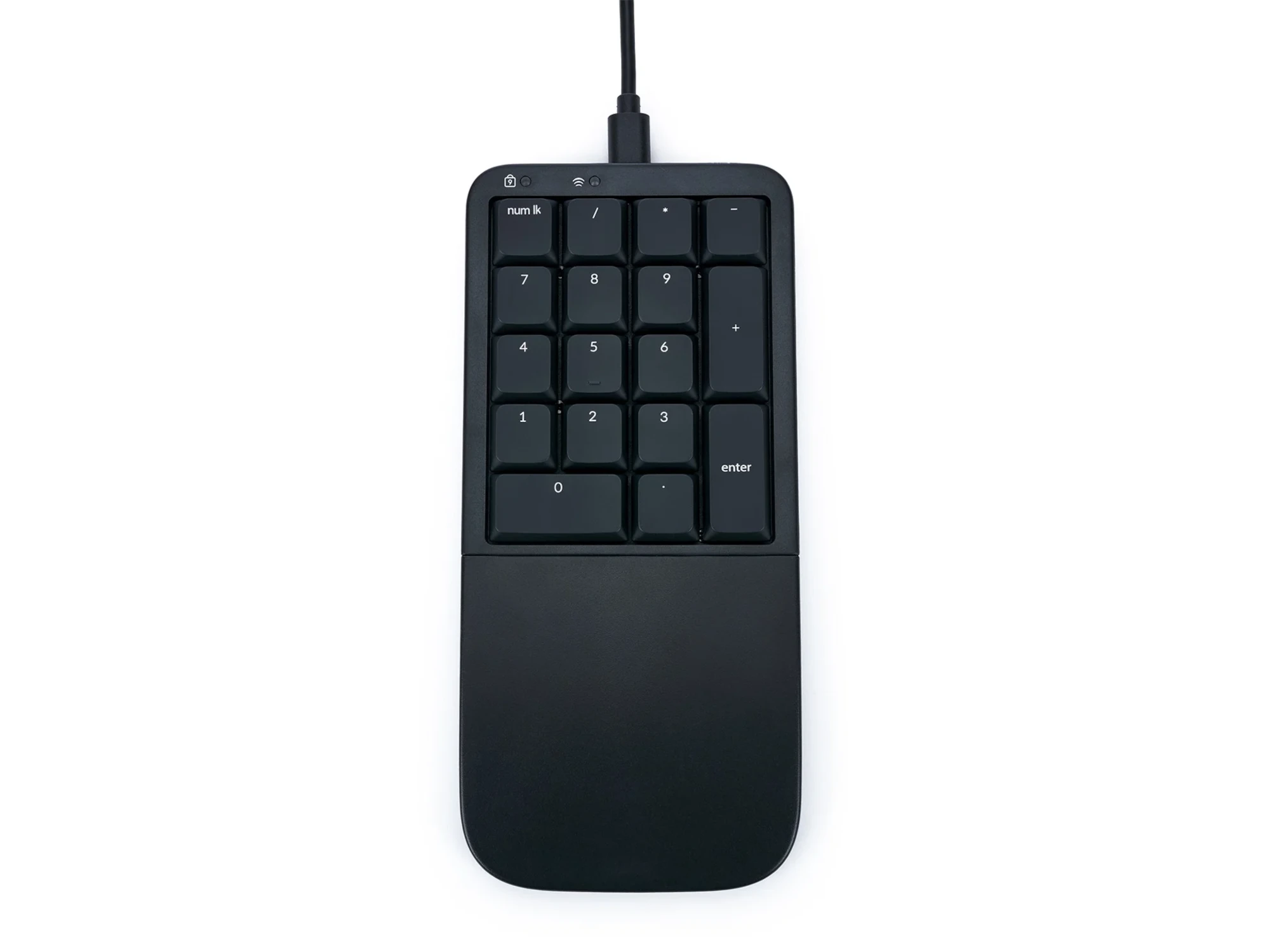
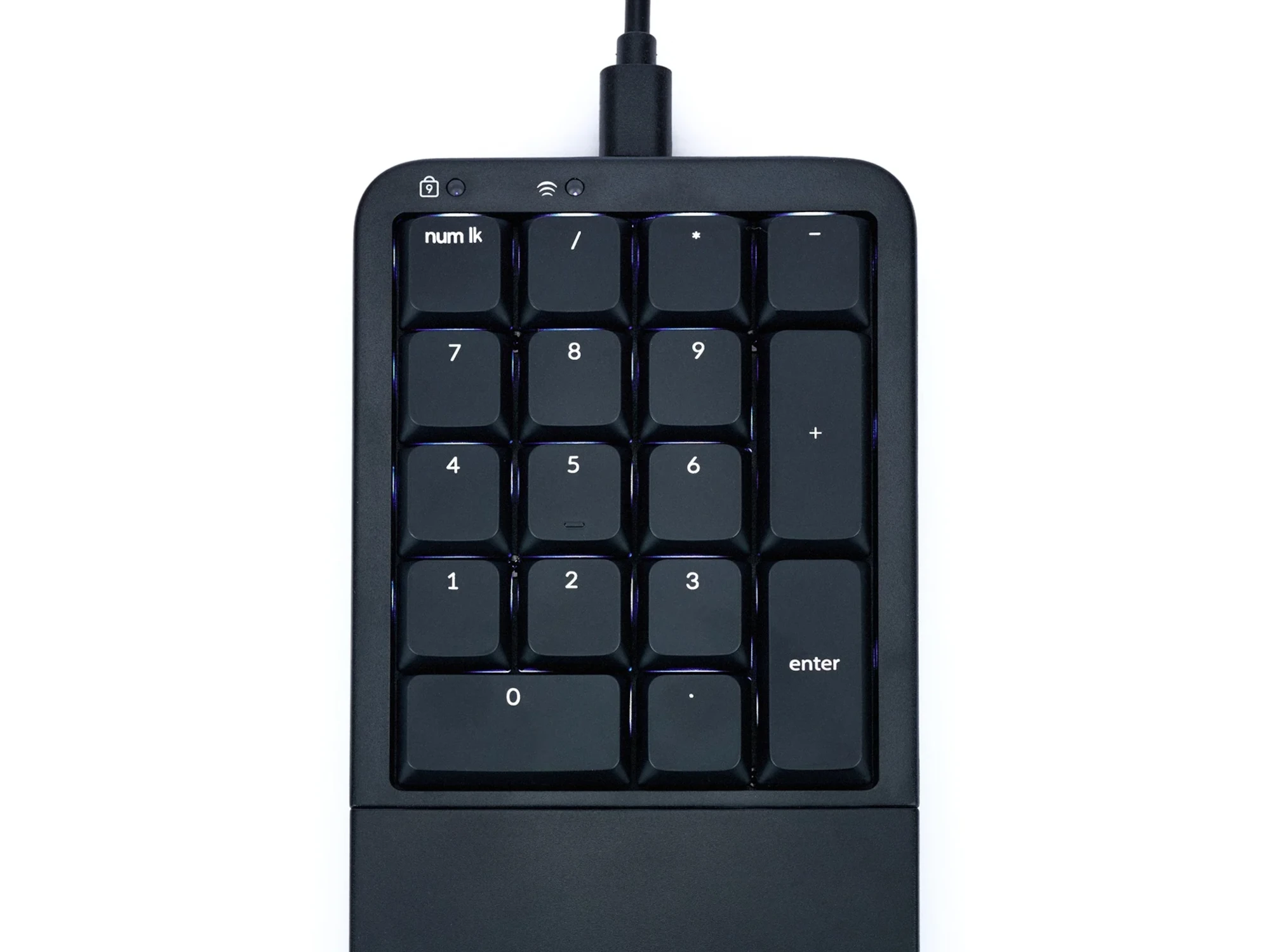
Numeric Keypad perfect for tenkeyless keyboards such as the Freestyle Pro, mWave, Freestyle2, or laptops.
A Low-Profile, Quiet, Programmable Keypad
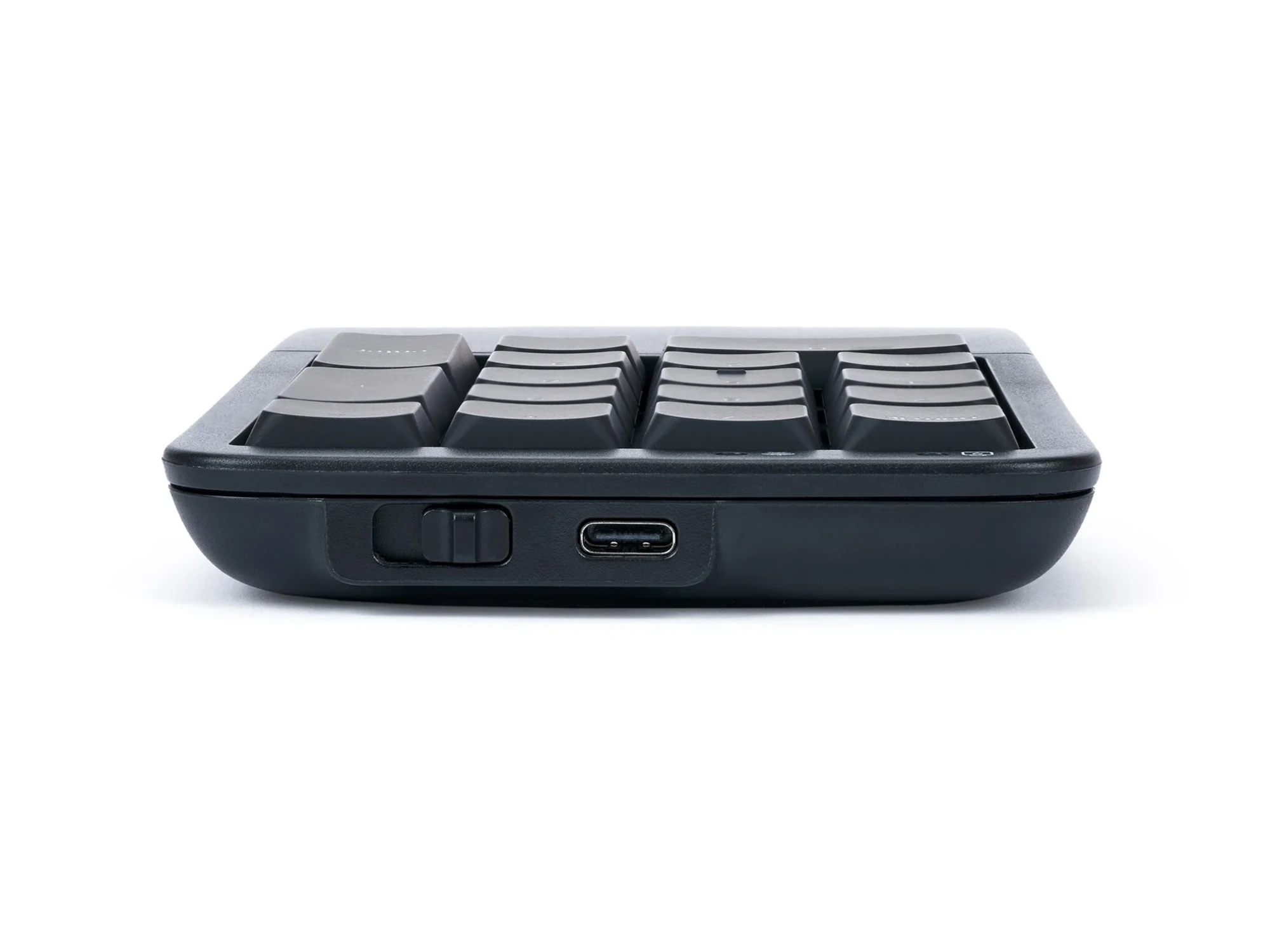
The Kinesis Mechanical Keypad LP pairs with any tenkeyless Kinesis keyboard. Featuring quiet low-profile mechanical switches, wired or wireless modes, optional white backlighting when used as a wired device, and full programmability via Kinesis Clique.
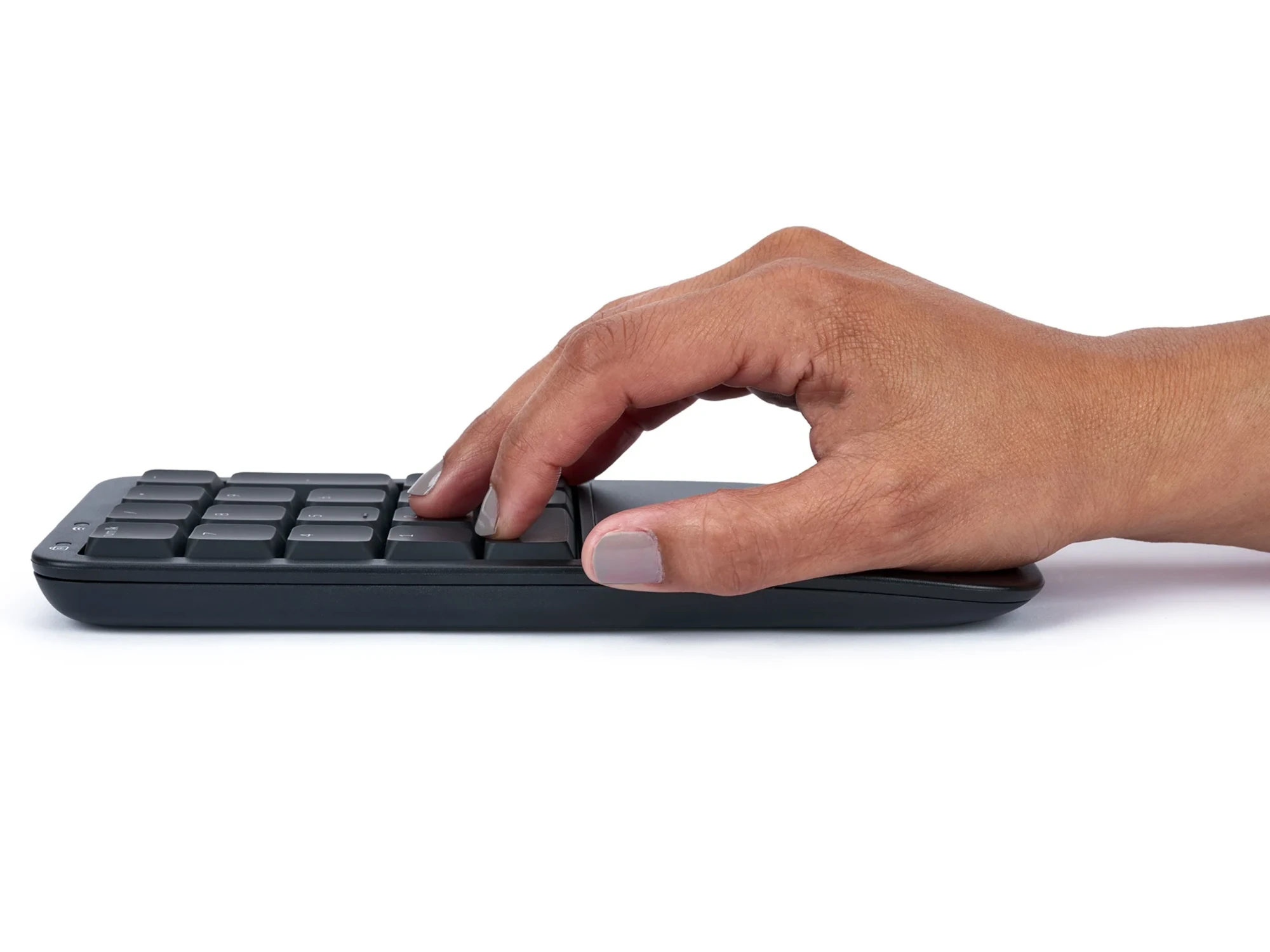
The Kinesis Mechanical Keypad LP boosts productivity without sacrificing ergonomics.
Seamless Integration
The new Mechanical Keypad LP matches the low-profile design of the mWave Mechanical Keyboard. It utilises quiet low-profile "LP" mechanical key switches, the same choice of Wired or Wireless mode, available white backlighting over USB, and full programmability via Kinesis Clique.
Versatile Positioning
The Mechanical Keypad LP keypad allows flexibiltiy in positioning the keypad to the right or left of the keyboard and is perfect for the tenkeyless keyboards like the Kinesis mWave and Kinesis Freestyle, or even laptops. Use it in any situation where a stand-alone keypad is preferred.
Alternative spellings: freestyle, kenesis freestylepro, kinisis, kinises, kineesis, keenisis, keeneesis, tendonitis, tendinitis, v 3, vip, vip 3, numeric keypad, numpad, number pad, separate keypad, key pad, numeric pad, calculator, AC210USB-blk, KP150-LIN, AC908, AC930, AC925
Kinesis Freestyle Pro Keyboard
Premium Cherry MX Brown Mechanical Key Switches:
- Low-Force
- Peak (Tactile) Force: 55g
- Activation Force: 45g
- Tactile Feedback
Customise Any Key: no clunky software or special drivers to install. Record Macros, re-map keys, and switch between custom layouts via onboard shortcuts, or the SmartSet™ Programming App.
8 Office Hot Keys: use the 8 office hot keys or program your own shortcuts to boost productivity and eliminate awkward keystrokes.
Dimensions:
- Width: 394mm
- Depth: 184mm
- Height: 32mm
- Adjustable Linking Cable: 305mm – 546mm
- USB Cable: 1.8m
Keyboard Weight: 1.2kgs
Packaged Weight: 1.8kgs
Kinesis Mechanical Keypad for PC
Dimensions:
- Height: 32mm
- Width: 95mm
- Depth: 152mm
Connectivity: Wired
Cable Length: 1.8m
Key Switch:
- Cherry MX Brown, Tactile Mechanical
- Peak Force: 55 grams
- Activation Force: 45 grams
- Travel Distance: 4.1mm
System Compatibility: Windows
Weight: 281gr
Colour: Black
Kinesis Freestyle Keypad LP for Mac & PC
Connectivity: Wired USB or Wireless Bluetooth
Technology: Bluetooth Low-Energy (BLE)
Multichannel: Switch instantly between 2 Bluetooth-enabled devices
Range: 10m
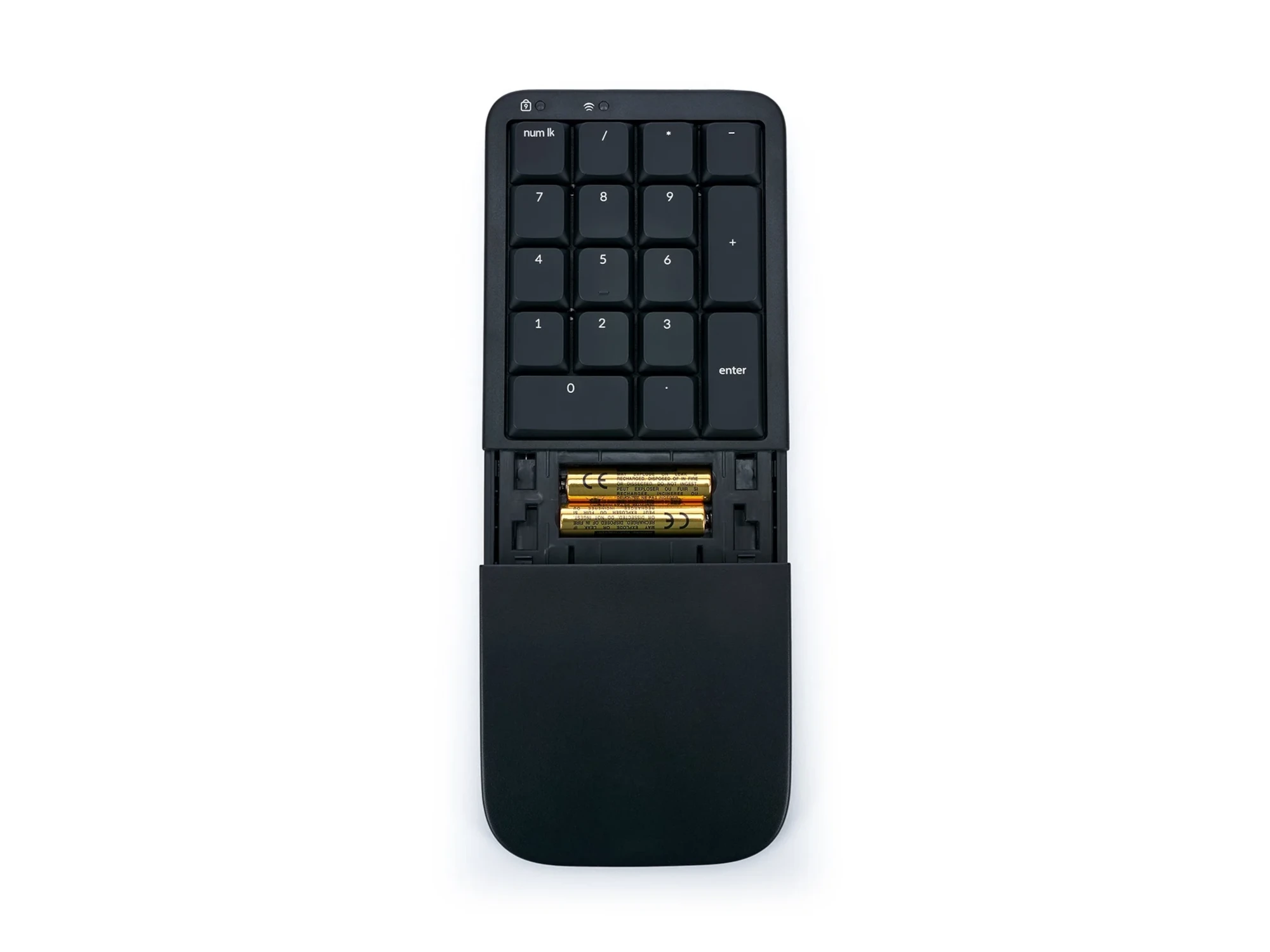
Power Source: The keypad can be powered via the included USB cable or via its 2 included AAA Batteries. Battery life: 6-12 months
Backlighting: Available whenver connected over USB
Dimensions:
- Width: 89mm
- Depth (front to back): 197mm
- Height: 22mm
- Weight: 182 grams
Plug-and-Play compatible with all USB operating systems:
- Windows
- macOS
- iOS/iPadOS
- Linux
- Android
- Chrome
Gateron Low Profile Mechanical Key Switches: Low Profile switches provide the same great typing feel, travel, and durability, but without all the unnecessary height maximising ergonomics.
- Linear Feel
- Low Force (45g)
- Full Travel (3.0mm)
- Buffer Zone (1.3mm)
- Durable (60M Presses)
Pro Premium Palm Supports
Components:
- Left and Right Premium Palm Supports
Easily attched to the base of the Kinesis Freestyle Pro Keyboard
Compatibility:
- Not compatible with Freestyle2 keyboards
- Not compatible with the Tenting Accessory
- Compatible with the Kinesis Freestyle Pro Keyboard
- Freestyle Pro keyboard sold separately
V3 Pro Components:
- Left and Right v-Lifters
Compatibility:
- Not compatible with Palm Supports
- Not compatible with Freestyle2 keyboards
- Freestyle Pro keyboard sold separately
Dimensions:
- Attached to Freestyle Pro keyboard:
- Max height at 15 degree slope: 69mm
- Max height at 10 degree slope: 51mm
- Max height at 5 degree slope: 38mm
- Depth (front-to-back): 181mm
Weigtt:: 77g
Shipping Weight: 454g
————————————————————————————————————————-
VIP3 Pro Components:
- Left and Right v-Lifters
- Left and Right Premium Palm Supports (integrated washable cushion)
Compatibility:
- Palm Supports required for use
- Not compatible with Freestyle2 keyboards
- Freestyle Pro keyboard sold separately
Dimensions:
- Attached to Freestyle Pro keyboard:
- Max height at 15 degree slope: 69mm
- Max height at 10 degree slope: 51mm
- Max height at 5 degree slope: 38mm
- Depth (front-to-back): 257mm
Weight: 317g
Shipping Weight: 454g
Purchase includes: 1 x Product as selected with all components for immediate use
Watch: Youtube Video on the Kinesis Freestyle Pro Installation
Watch: Youtube Video on the Kinesis Freestyle Pro VIP3 Premium Accessory Installation
If you require any support with this product, Chat, email [email protected] or phone us on 0403 693 780.
Australia Wide: 3-10 weekdays. Please note, longer delivery time frames can sometimes occur.
Need it urgently or want to know when you will receive your order? Check with us before placing your order. Chat, email [email protected] or phone us on 0403 693 780.
Troubleshooting:
Issue 1: Removing Debris from the Keys
The keyboard can be cleaned with compressed air (Office Works, Bunnings, Harvey Norman) or a soft brush.
Before cleaning the keyboard, switch the keyboard off.
If using compressed air:
- tilt the keyboard slightly to one side. This helps any dust and debris to fall out as you clean.
- Hold the canister upright and use short bursts of air to blow out dust and debris from between the key
- Keep the nozzle a few centimetres away from the keyboard to avoid moisture buildup
A soft brush can be used to gently dislodge debris.
The keycaps can be removed from the kinesis Freestyle Keyboard:
- Keycaps can be removed using a keycap puller. Alternatively, if a kepcap puller is not available, you can use two paper clips. Bend the paper clips into a hook or “J” shape, and gently insert them under the keycap. Then, pull the keycap straight up to remove it.
- Once the keycaps re removed, they can be cleaned and the area underneath can be cleaned with compressed air or with a soft brush.
- To reattach the keycaps, align the keycap and press it into place.
If you are having any issues with this product, Chat, email [email protected] or phone us on 0403 693 780 with the following information:
1. Serial Number of the product
2. The results of the troubleshooting
3. What the issue is
4. What troubleshooting was done
5. The results of the troubleshooting
6. Invoice number
Keyboard Warranty: 2 Years
V3 Tenting Warranty: 1 Year
VIP3 Tenting Warranty: 2 Years
Premium Palm Supports Warranty: 1 Year
What do I do if the product is faulty?
1. Cease using the product as it may be unsafe to use. Damage that occurs as a result of continued use of a faulty product will not be covered under warranty.
2. Complete and return the Product Repair Request form
You may also like…
-
Contour Universal ArmSupport
$269.50 SKU: UNIVERSAL-AS -
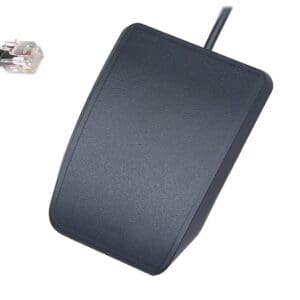
Kinesis Advantage Single Pedal
$115.50 SKU: FS007J11 -

Kinesis Advantage2 Keyboard
Price range: $71.50 through $1,166.00 SKU: Kinesis Advantage2 Keyboard -
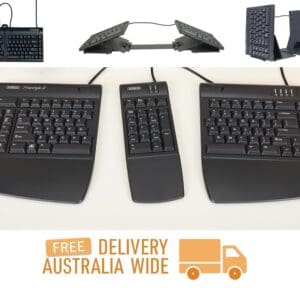
Kinesis Freestyle2 Keyboard
Price range: $86.90 through $757.90 SKU: Kinesis Freestyle2 -
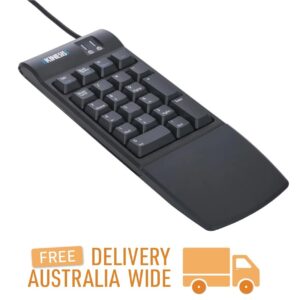
Kinesis Freestyle2 Numeric Keypad for PC & Mac
$169.40 SKU: KP800 -
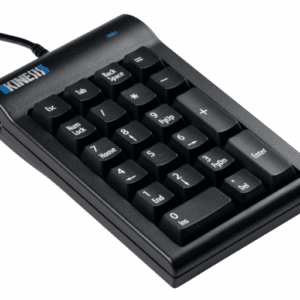
Kinesis Mechanical Keypad for PC
$182.60 SKU: AC210USB-blk -
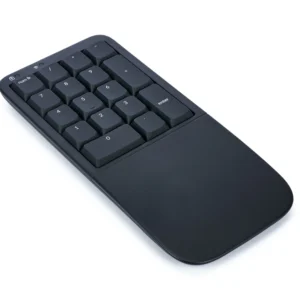
Kinesis Mechanical Keypad LP for Mac & PC
$221.10 SKU: KP150-LIN -
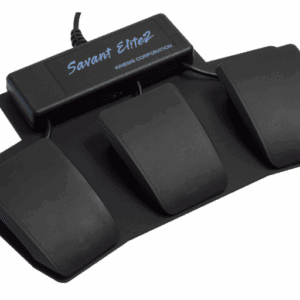
Kinesis Savant Elite2 Triple Action Foot Pedal
$587.40 SKU: FP30A -
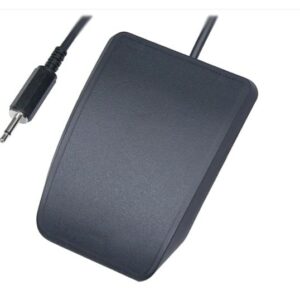
Kinesis Single Pedal for Savant Elite2 Triple Action Pedal
$139.70 SKU: FS007MP
Reviews
There are no reviews yet.