

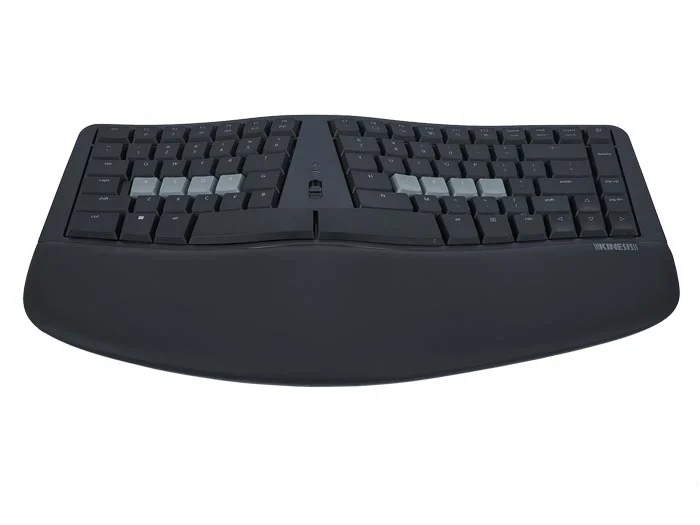
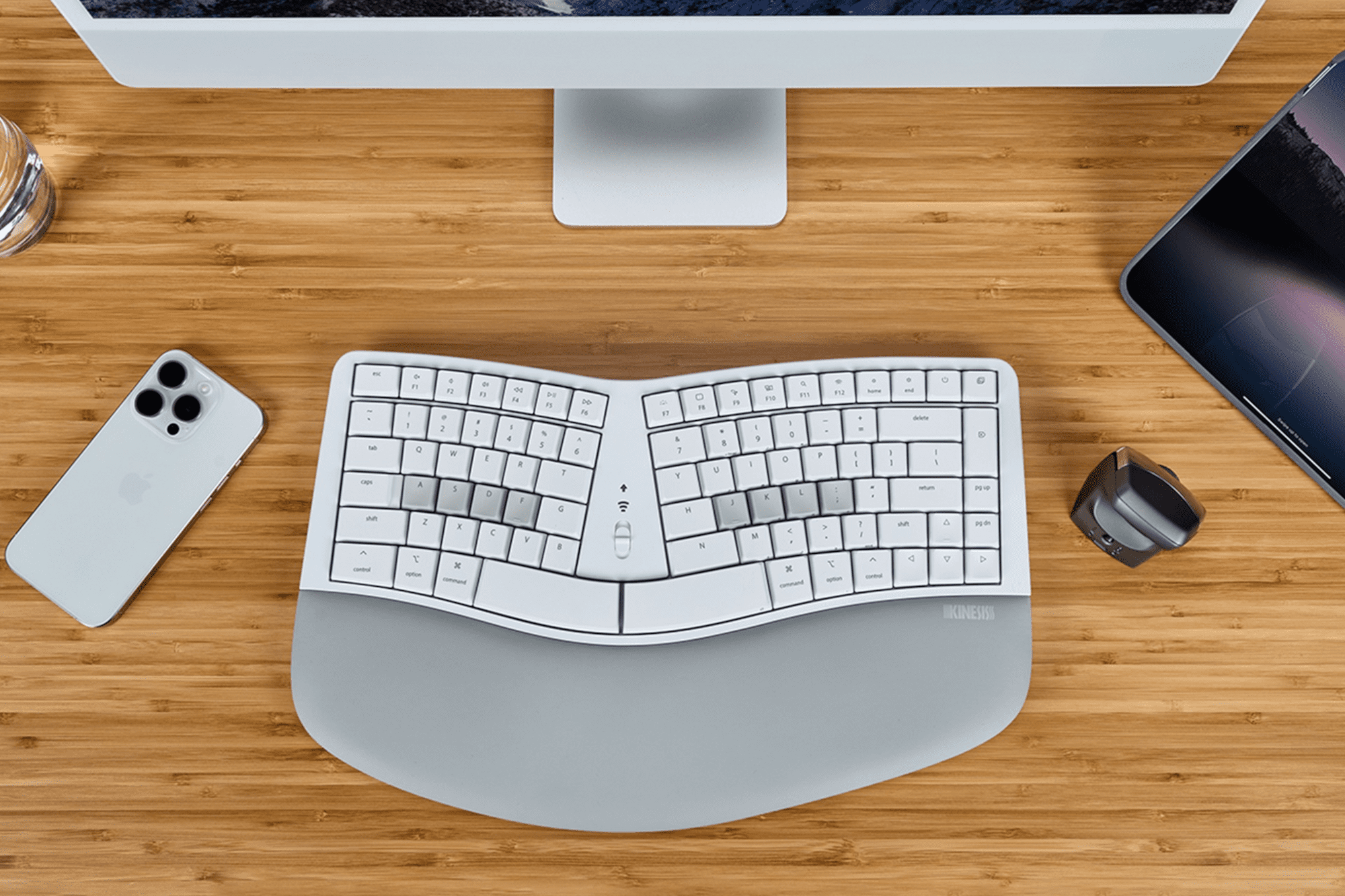

Kinesis mWave Mechanical Keyboard
Price range: $359.70 through $551.10
Found a lower advertised price? Let us know and we’ll do our best to give you a better price.

Choose your keyboard using the field selectors below. Where “Choose an option” shows, please make your selection from the available options.
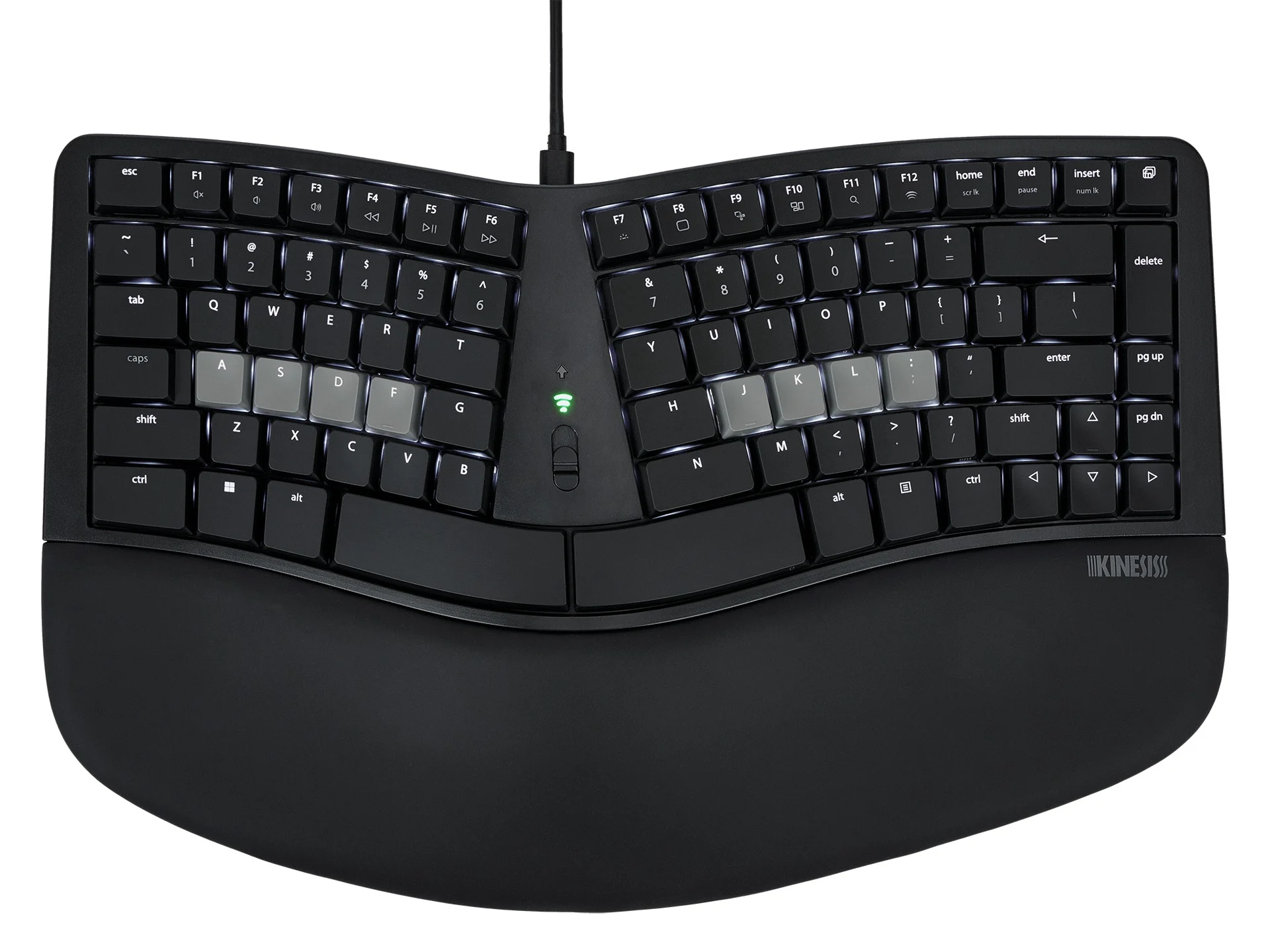
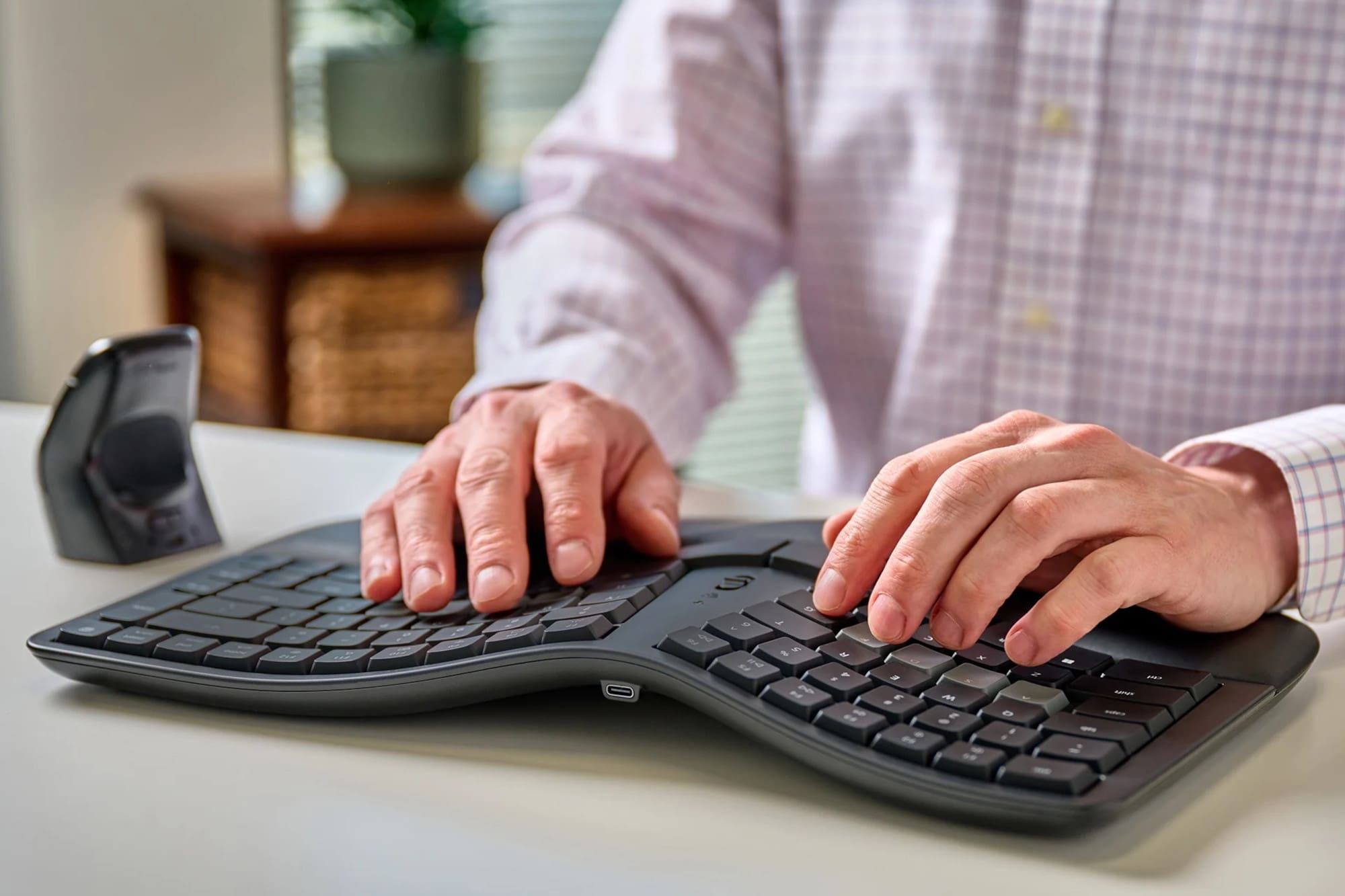
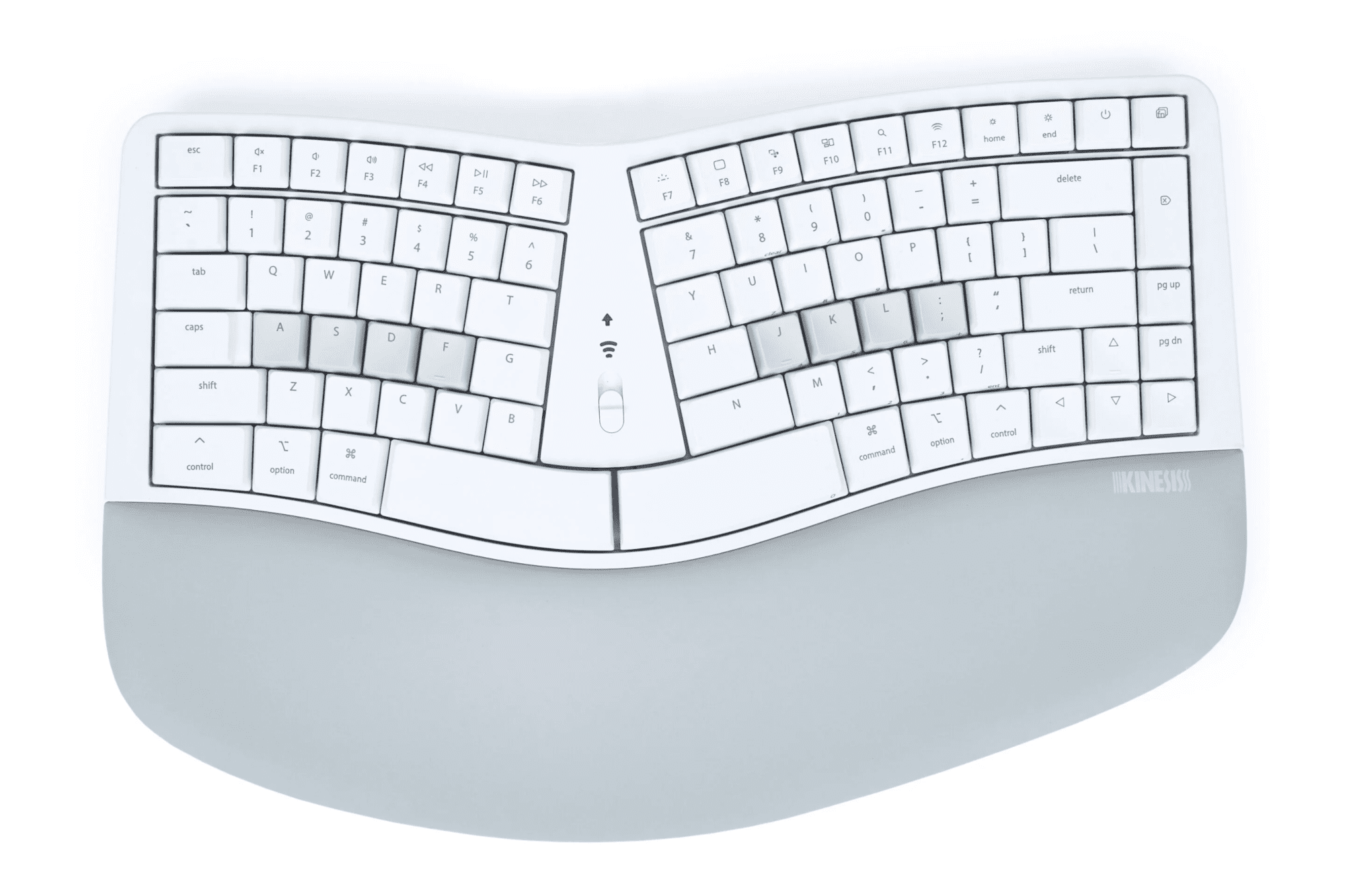
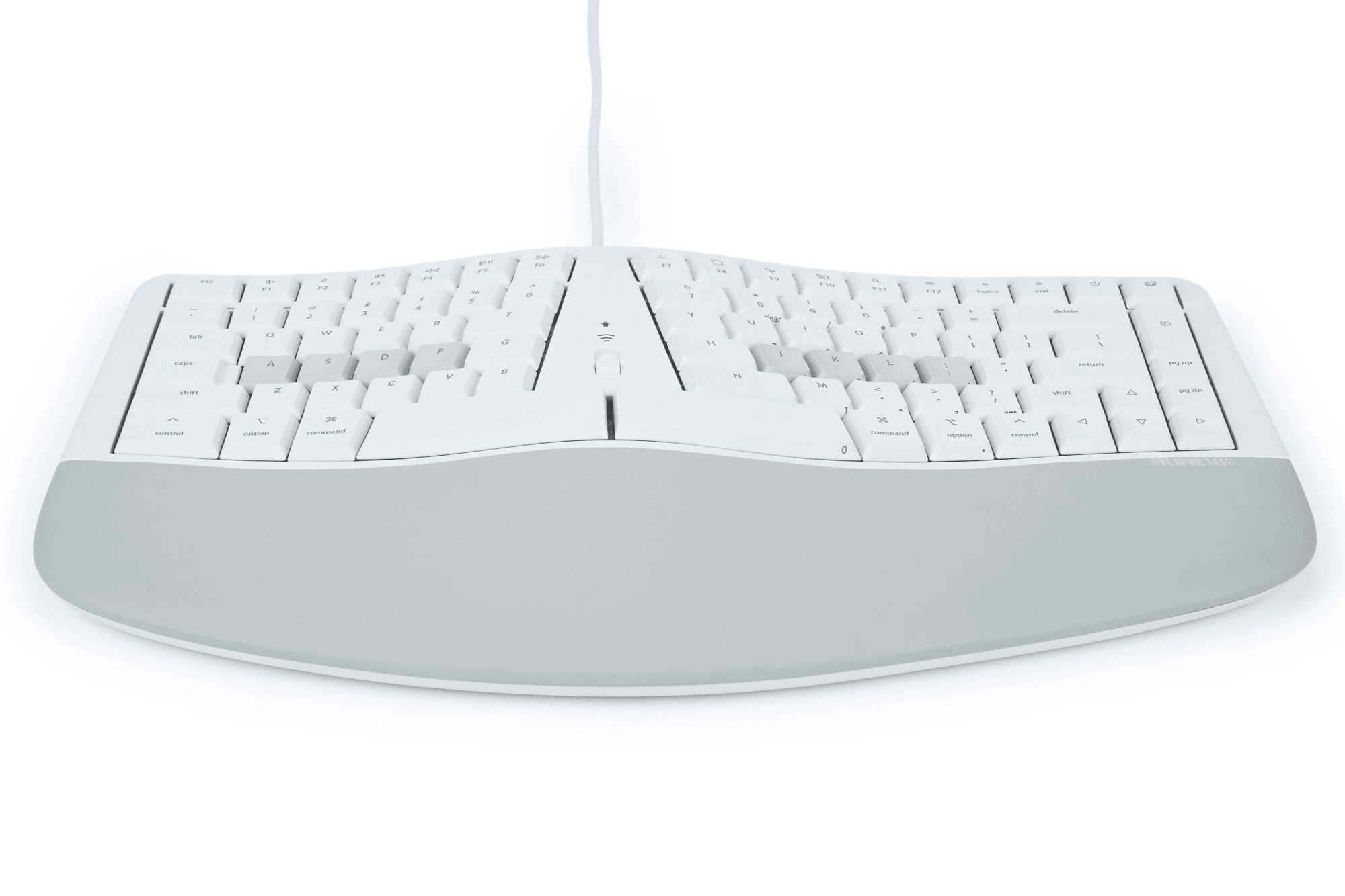
Dual Connectivity via USB Wired or Bluetooth Wireless, Wired Backlighting, Fixed Split Design, Tenkeyless Layout, Integrated Tenting and Palm Support.
Kinesis mWave Mechanical Keyboard
Classic Design Meets Modern Innovation
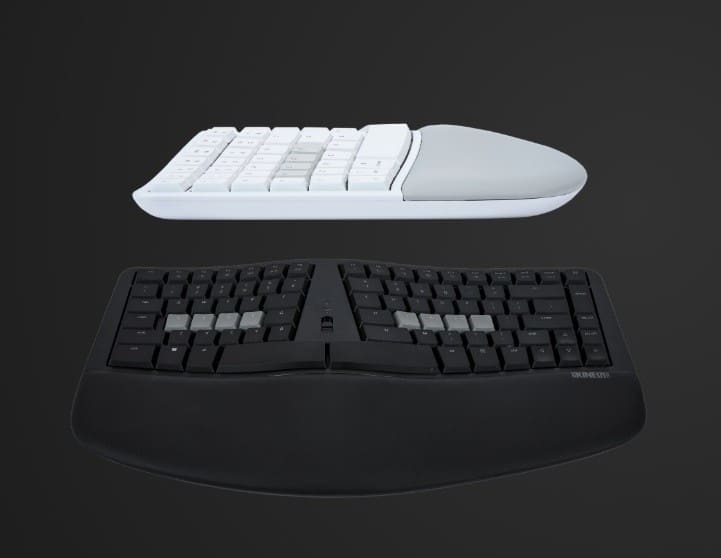
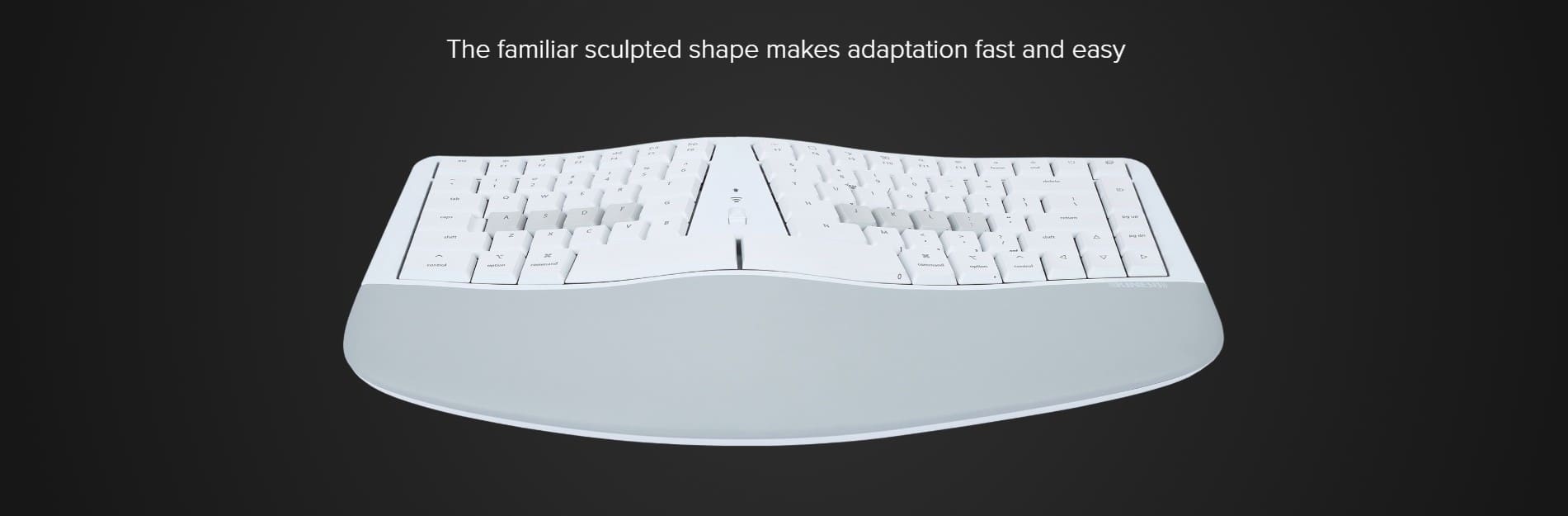
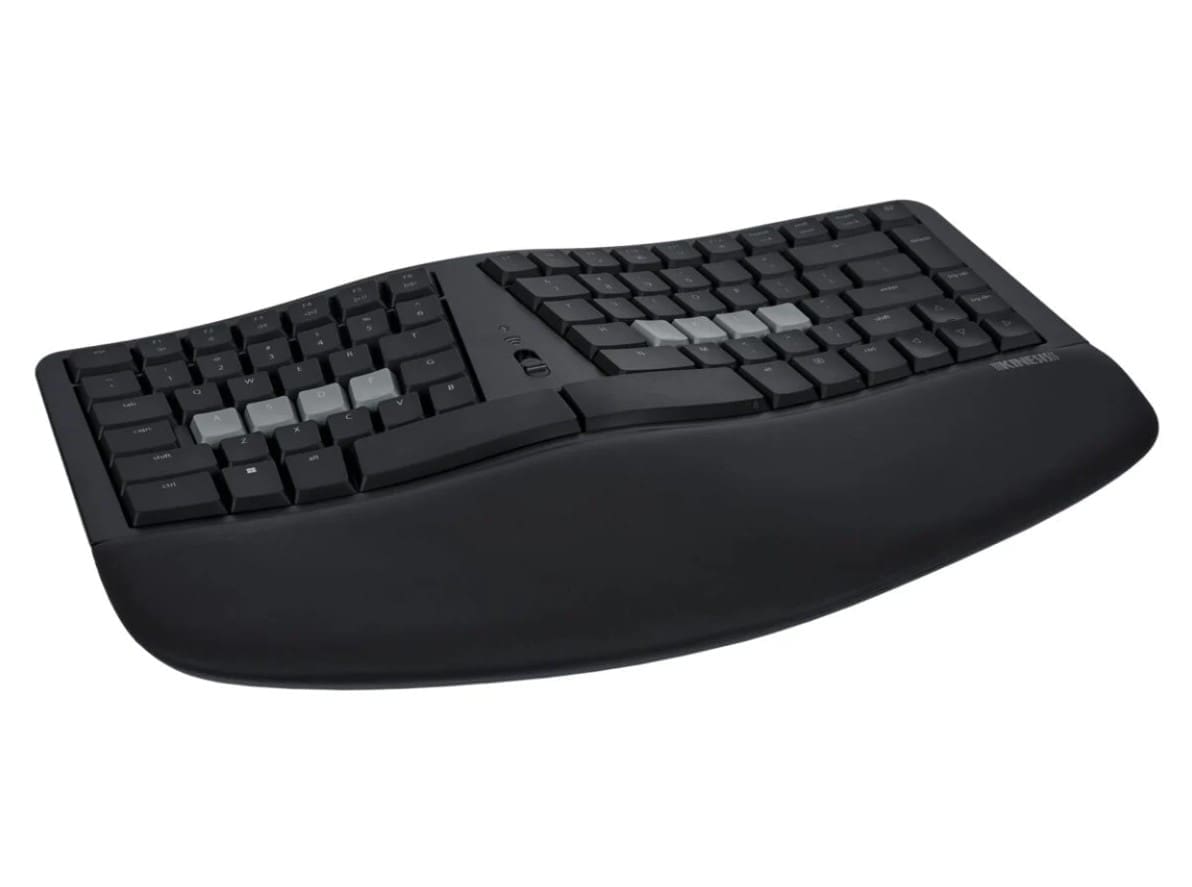
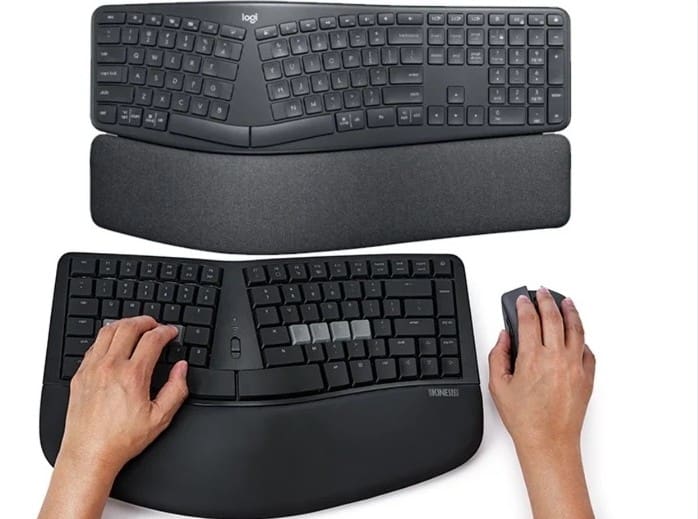
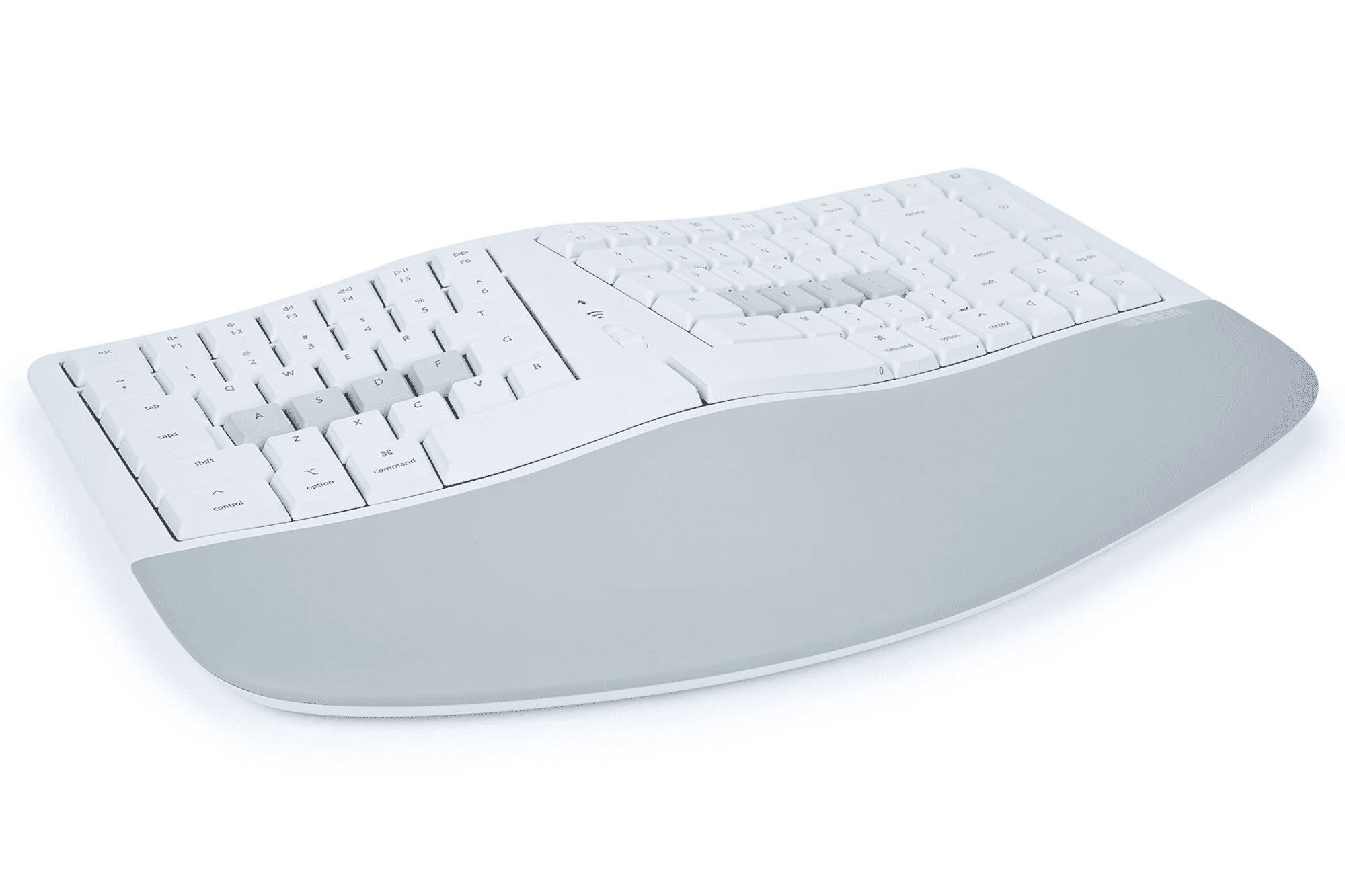
The mWave Mechanical Keyboard reimagines the iconic 'sculpt' design, blending style, technology and functionality for an enhanced typing experience.
Equipped with backlighting, seamless programmability, and an integrated keypard, the mWave offers both wired and wireless connectivity options.
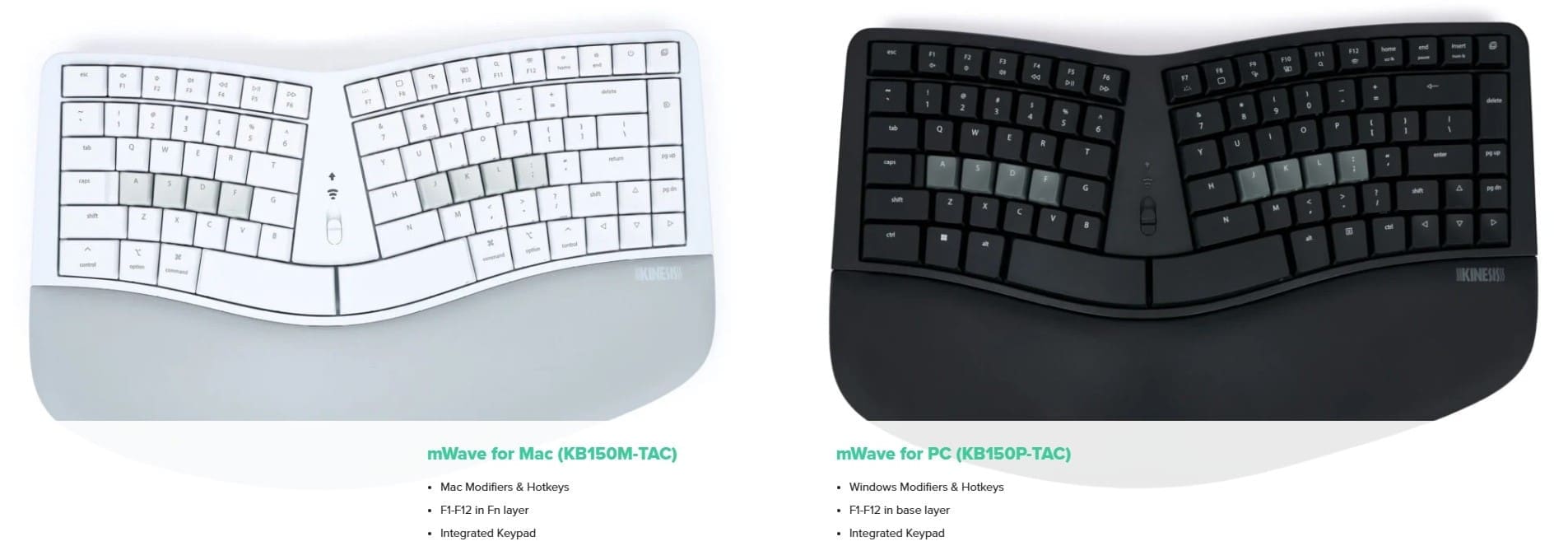
Available in layouts for Windows and Mac, the mWave retains the ergonomic benefits of the beloved sculpt keyboard design while enhancing functionality to meet the demands of modern users.
Powerful Dual Layer Layout
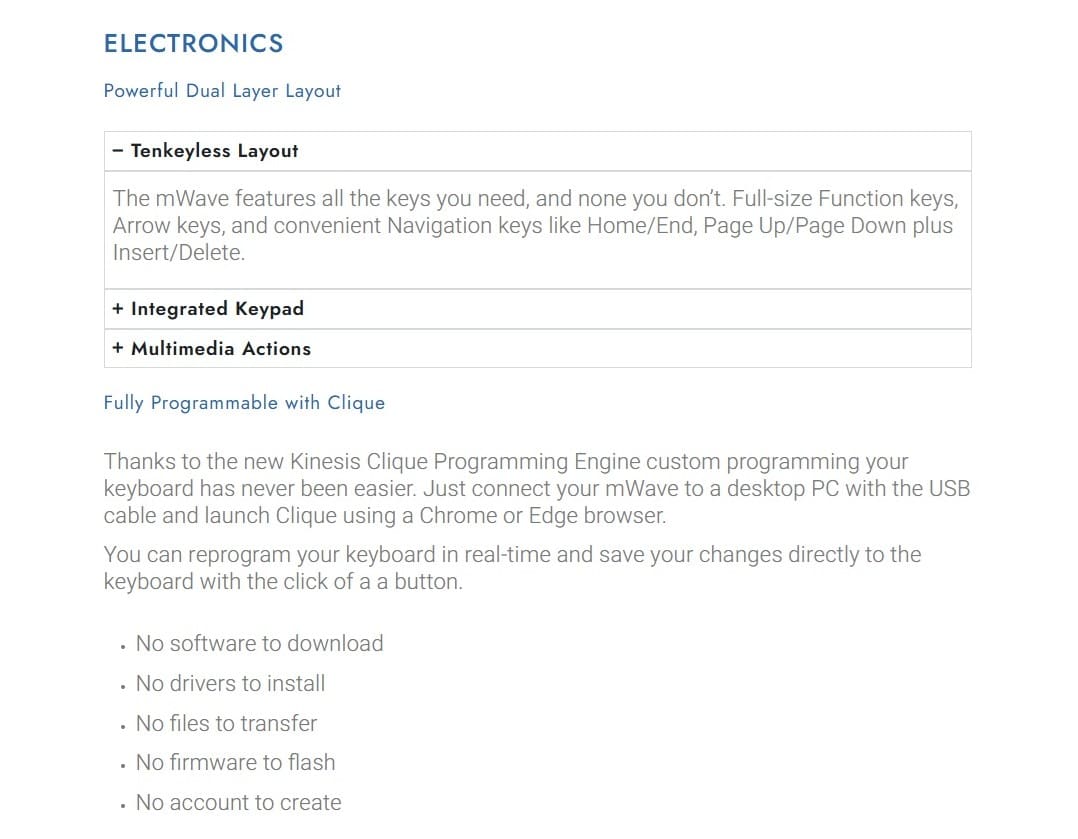
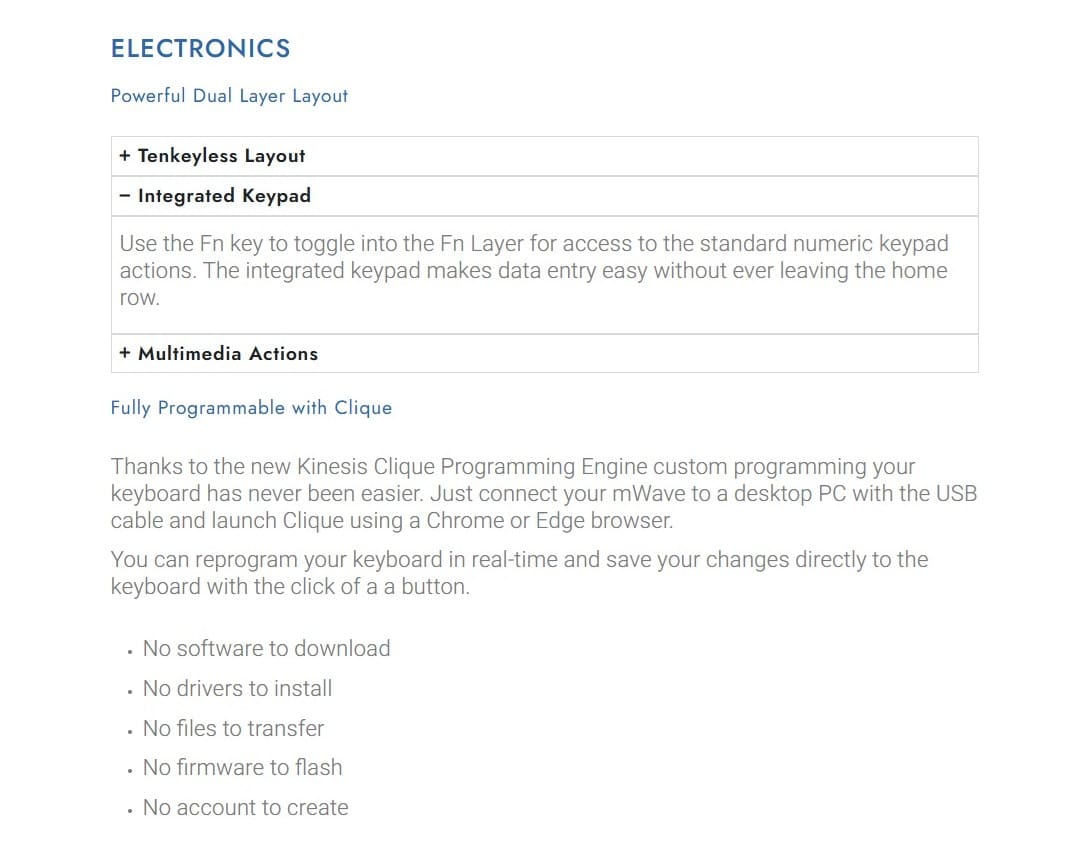
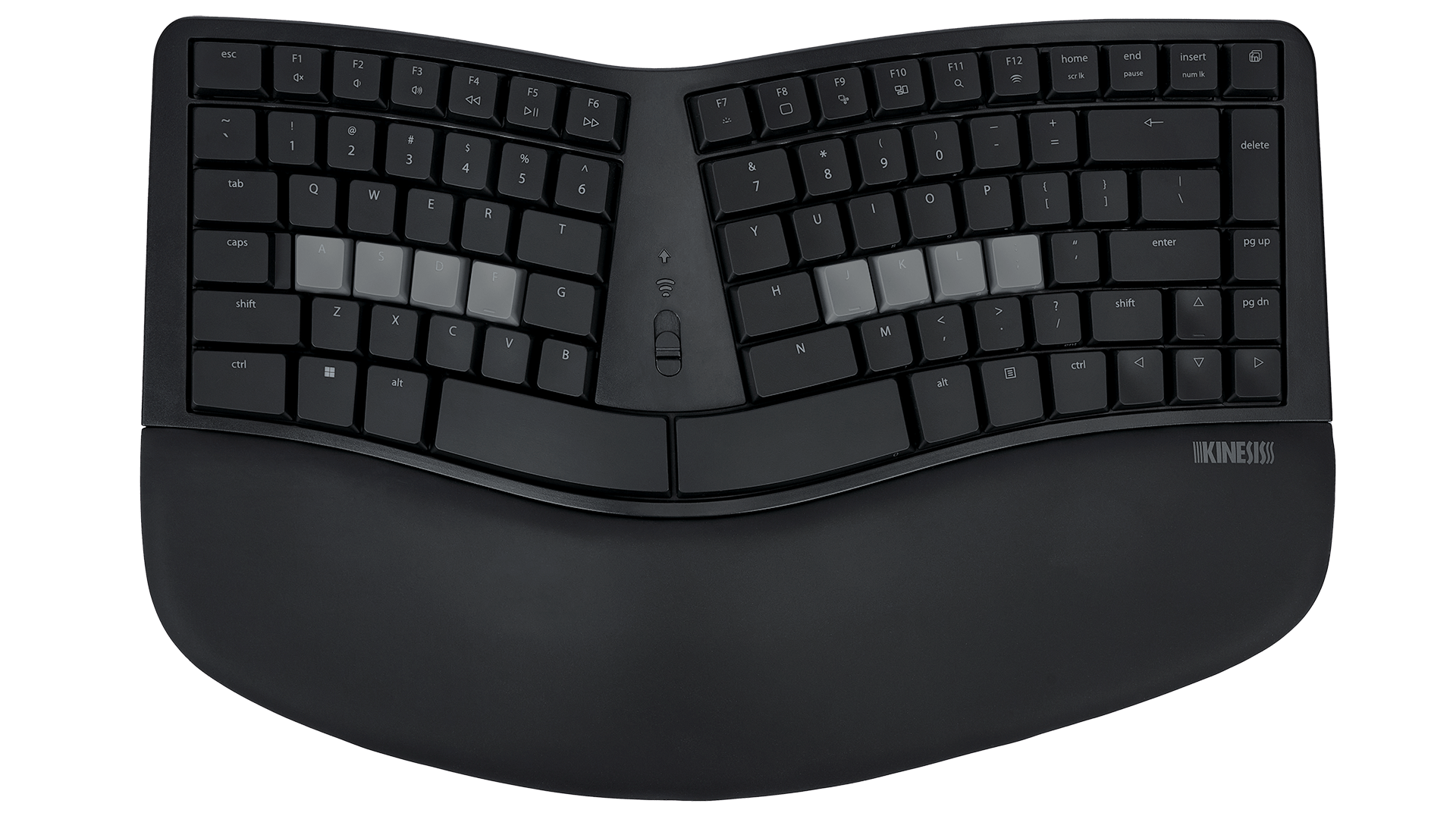
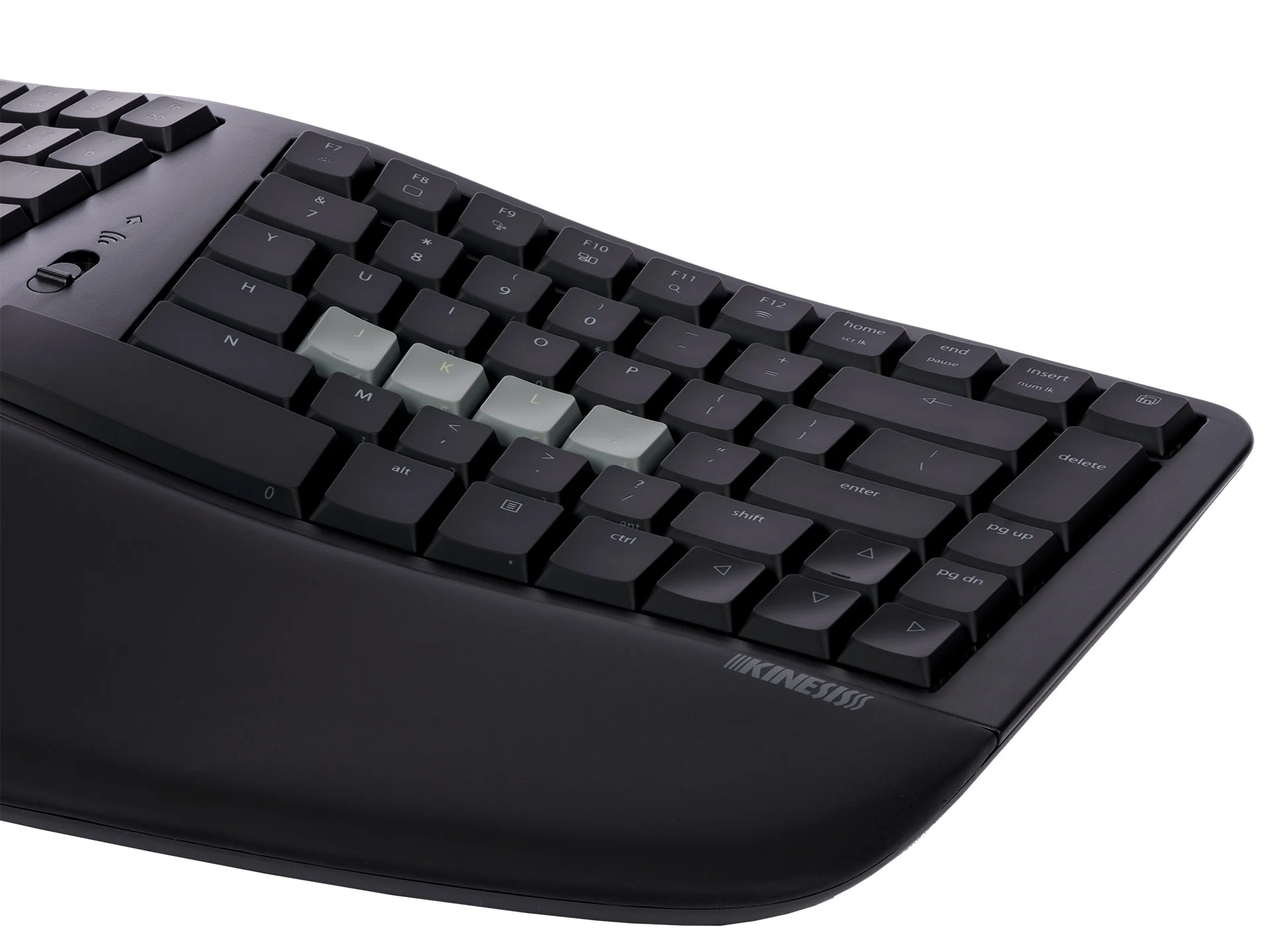
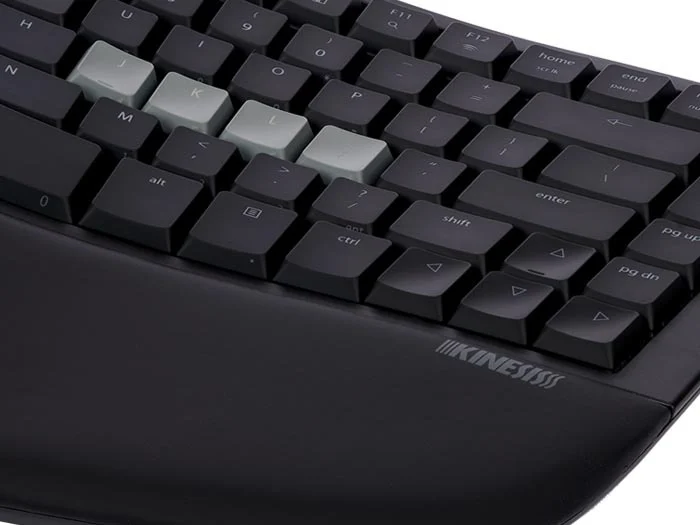
With its tenkeyless layout, the base layer layout of the mWave features all the essential keys you need, including full-size function keys, arrow keys, and convenient navigation keys like Home/End and Page Upp/Page Down, while eliminating unnecessary extras.
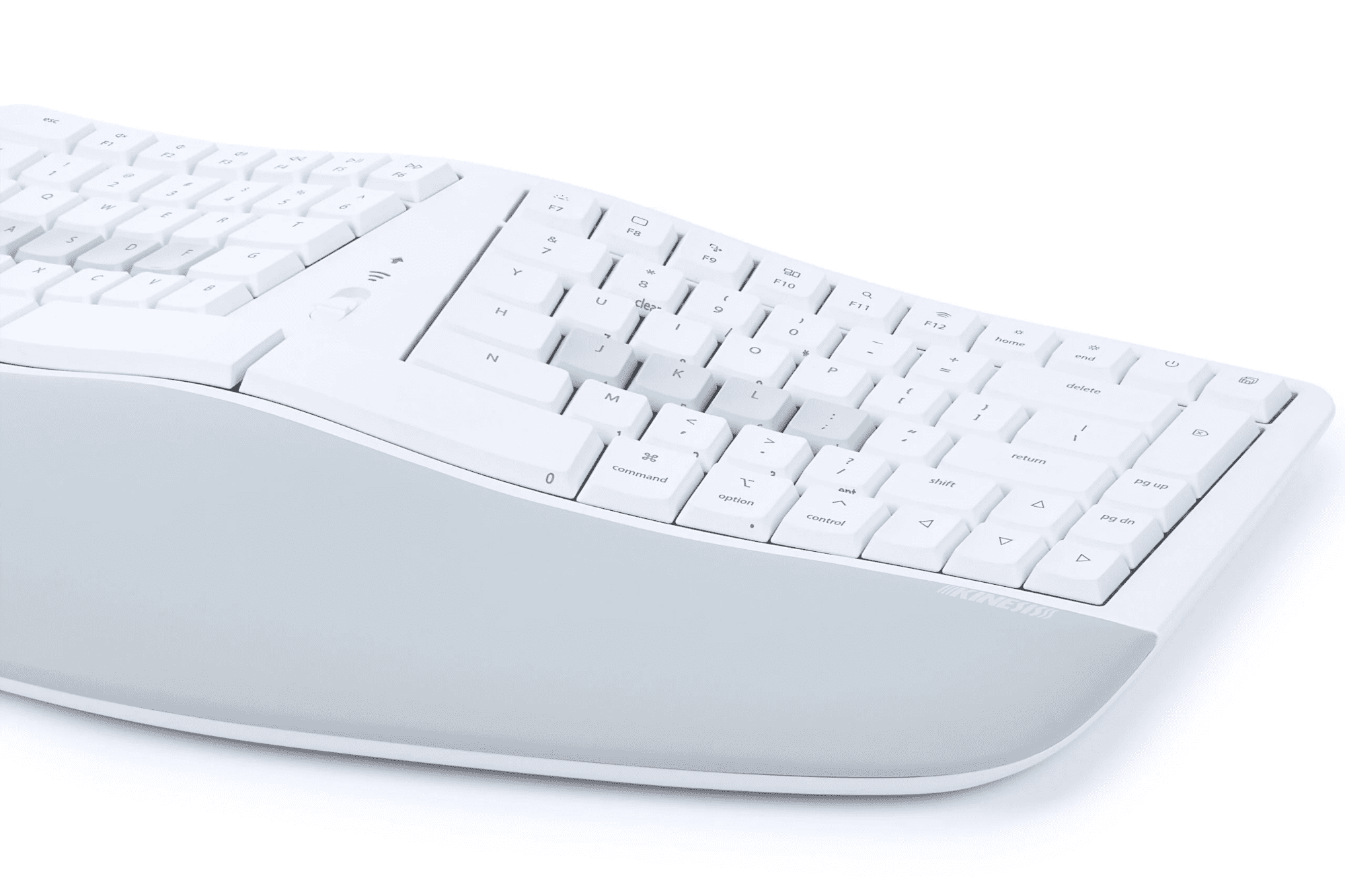
An integrated keypad can be accessed using the Fn key to switch to the Fn layer, allowing for easy data entry without leaving the home row. Keypad actions are legended on the front of the keycaps.
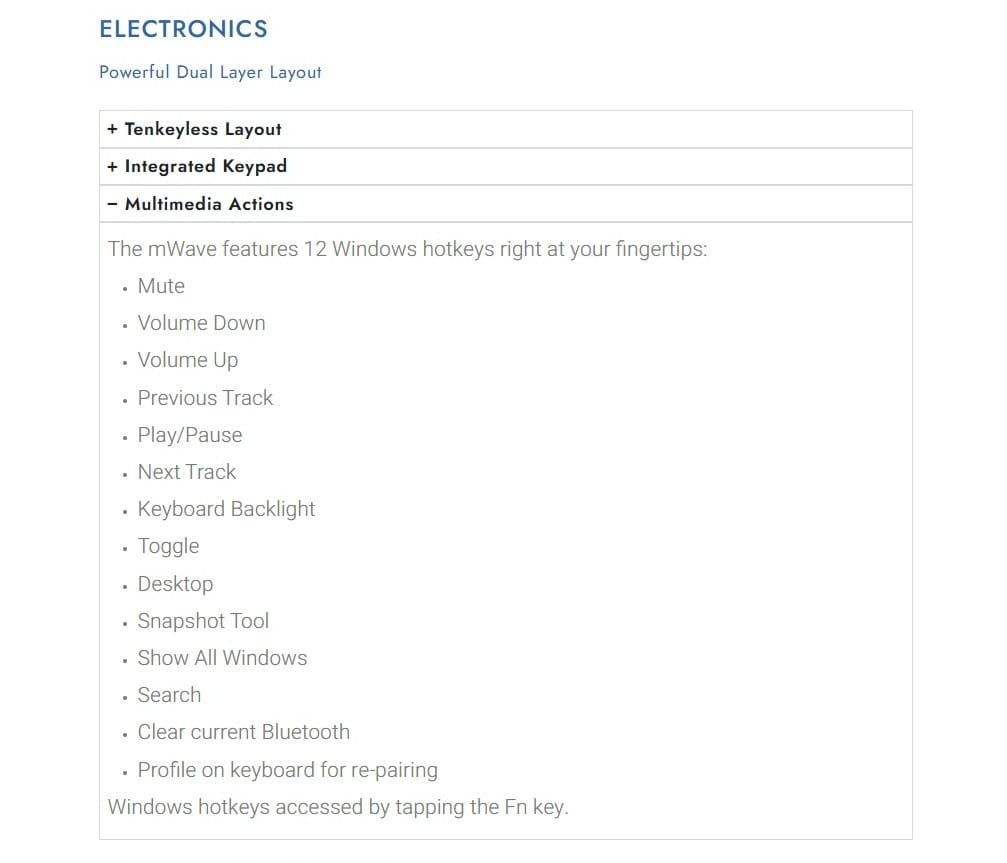
Additionally, the keyboard includes 12 multimedia actions for convenient conrol right at your fingertips.
Fully Programmable
The new Kinesis Clique Programming Engine makes custom programming your keyboard easy. Just connect your mWave to a desktop PC and the USB cable and launch Clique using a Chrome or Edge browser. You can reprogram your keyboard in real-time and save your changes directly to the keyboard with the click of a button.
-------------------------------------------------------------------------------------------------------------------------
Kinesis Mechanical Keypad for PC
The Kinesis Mechanical Keypad is ideal for heavy 10-key users, and the perfect companion for "tenkeyless" keyboards such as the Kinesis Freestyle2, Freestyle Pro, and Advantage2, or laptop users.
The 2-port USB hub enables you to easily connect other low-power input devices such as mice and flash drives without having to access USB ports on the back of the computer.
Cherry MX Mechanical Switches
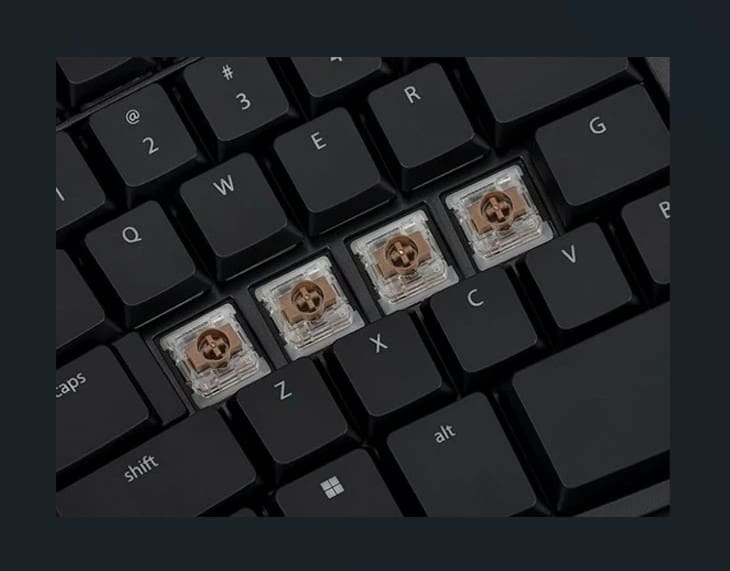
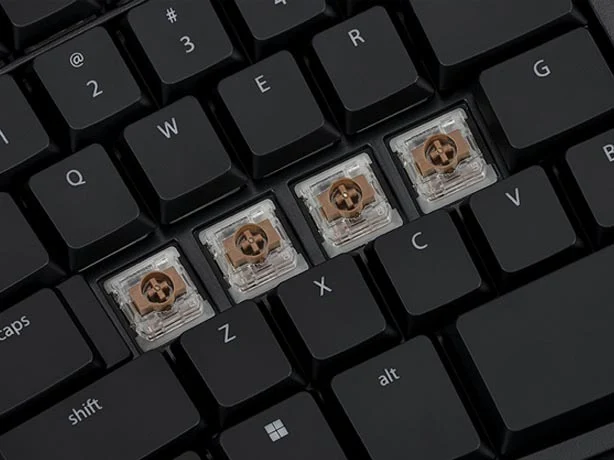
The keypad utilises Cherry MX Brown mechanical key switches, the same low-force, tactile mechanical key switch used in the popular Advantage2 and Freestyle Pro keyboards.
Mechanical switches are spring-loaded for a quick rebound to improve both speed and accuracy, and are rated for 50 million keystrokes for unmatched durability.
Ergonomics Behind a Stand-Alone Keypad
Using an external keypad is ergonomically sound because it gives the users flexibility in positioning the keypad when in use to the right or left of the keyboard, or between the key modules of a split keyboard. When not in use, users can move the keypad out of the way and enjoy more desk space and closer mouse placement.
-------------------------------------------------------------------------------------------------------------------------
Kinesis Mechanical Keypad LP for Mac & PC
A Low-Profile, Quiet, Programmable Keypad
The Kinesis Mechanical Keypad LP pairs with any tenkeyless Kinesis keyboard. Featuring quiet low-profile mechanical switches, wired or wireless modes, optional white backlighting when used as a wired device, and full programmability via Kinesis Clique.
The Kinesis Mechanical Keypad LP boosts productivity without sacrificing ergonomics.
Seamless Integration
The new Mechanical Keypad LP matches the low-profile design of the mWave Mechanical Keyboard. It utilises quiet low-profile "LP" mechanical key switches, the same choice of Wired or Wireless mode, available white backlighting over USB, and full programmability via Kinesis Clique.
Versatile Positioning
The Mechanical Keypad LP keypad allows flexibiltiy in positioning the keypad to the right or left of the keyboard and is perfect for the tenkeyless keyboards like the Kinesis mWave and Kinesis Freestyle, or even laptops. Use it in any situation where a stand-alone keypad is preferred.
-------------------------------------------------------------------------------------------------------------------------
Alternative spellings: kenesis, kinisis, kinises, kineesis, keenisis, keeneesis, split keyboard, sculpt, sculpted, contoured keyboard, KB150P-TAC, KB150M-TAC, KB150PTAC, KB150MTAC, KP150-LN
Kinesis mWave Mechanical Keyboard
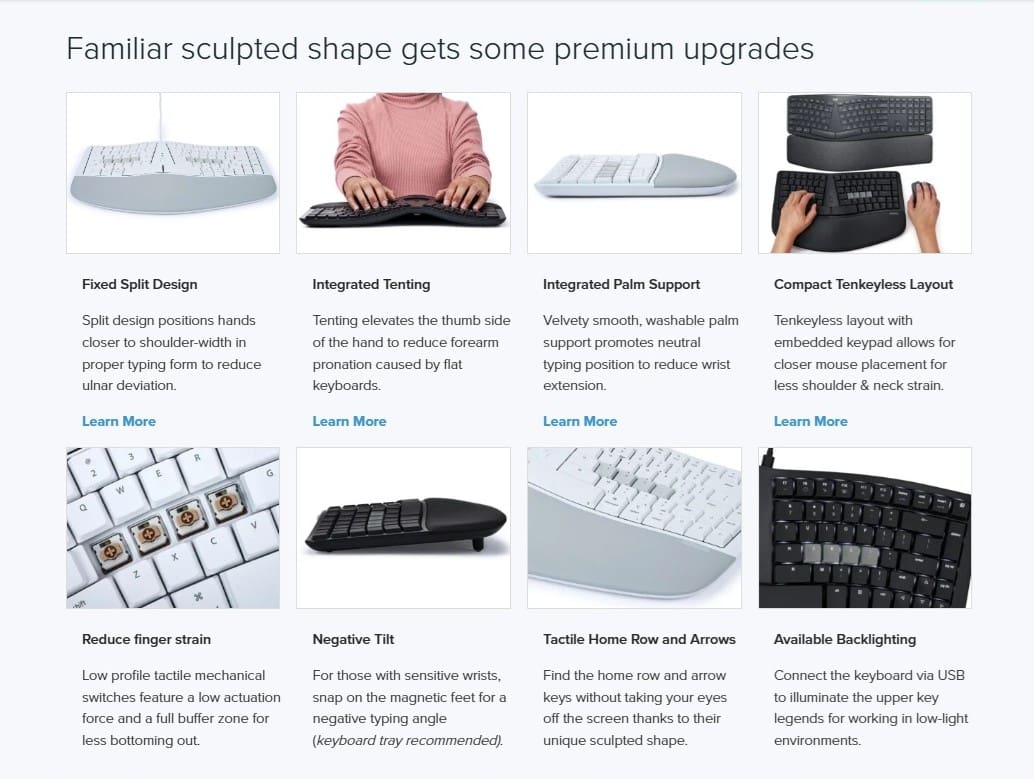
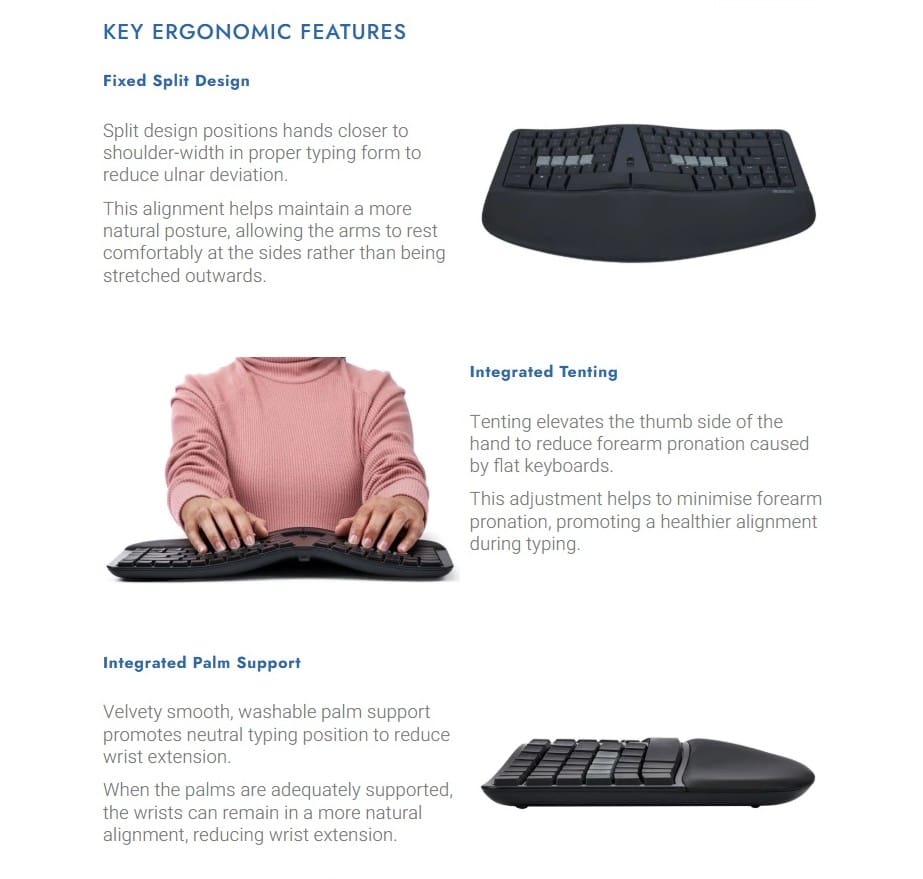
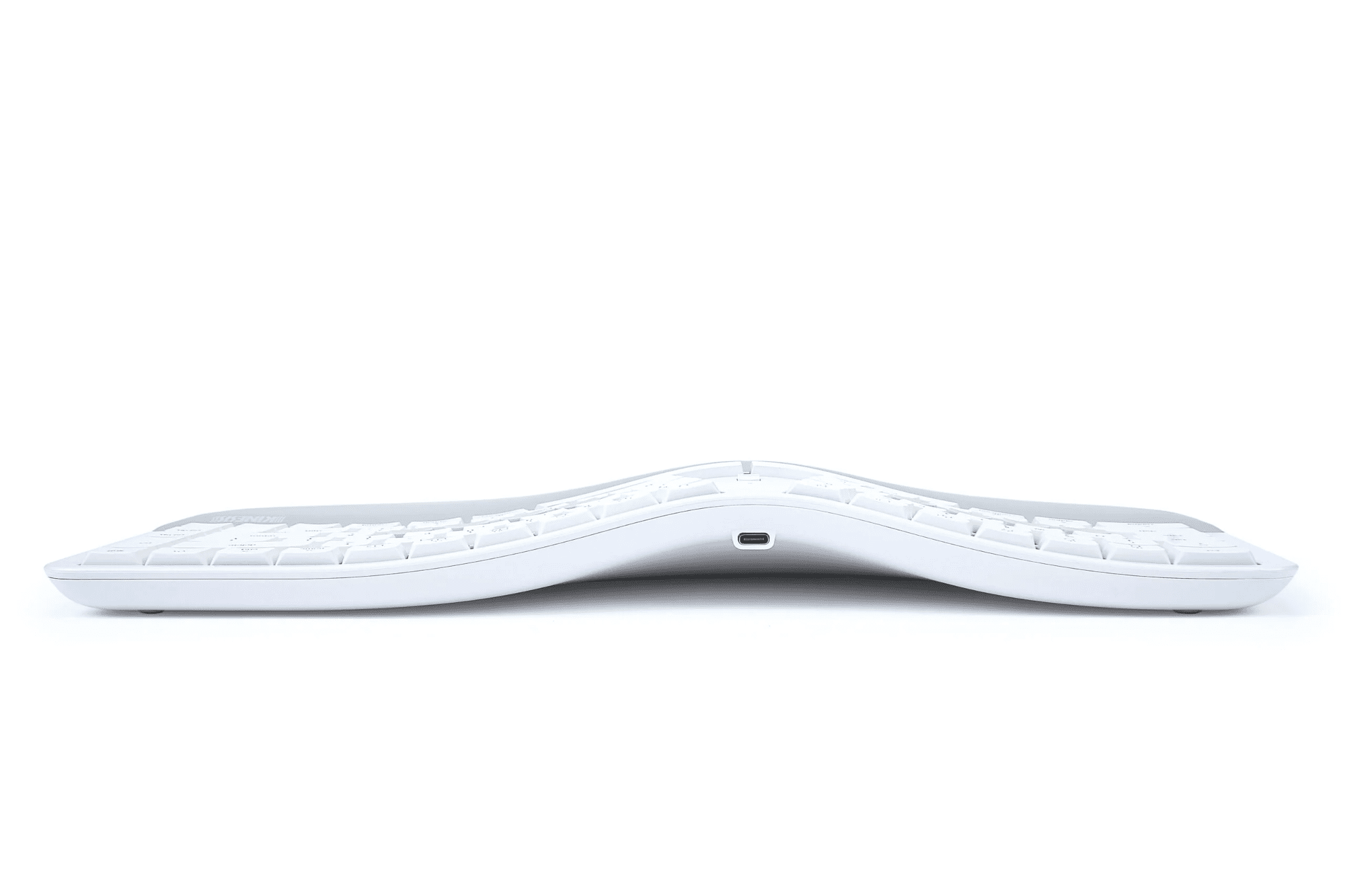
Fixed Split Design: Split design positions hands closer to shoulder-width in proper typing form to reduce ulnar deviation
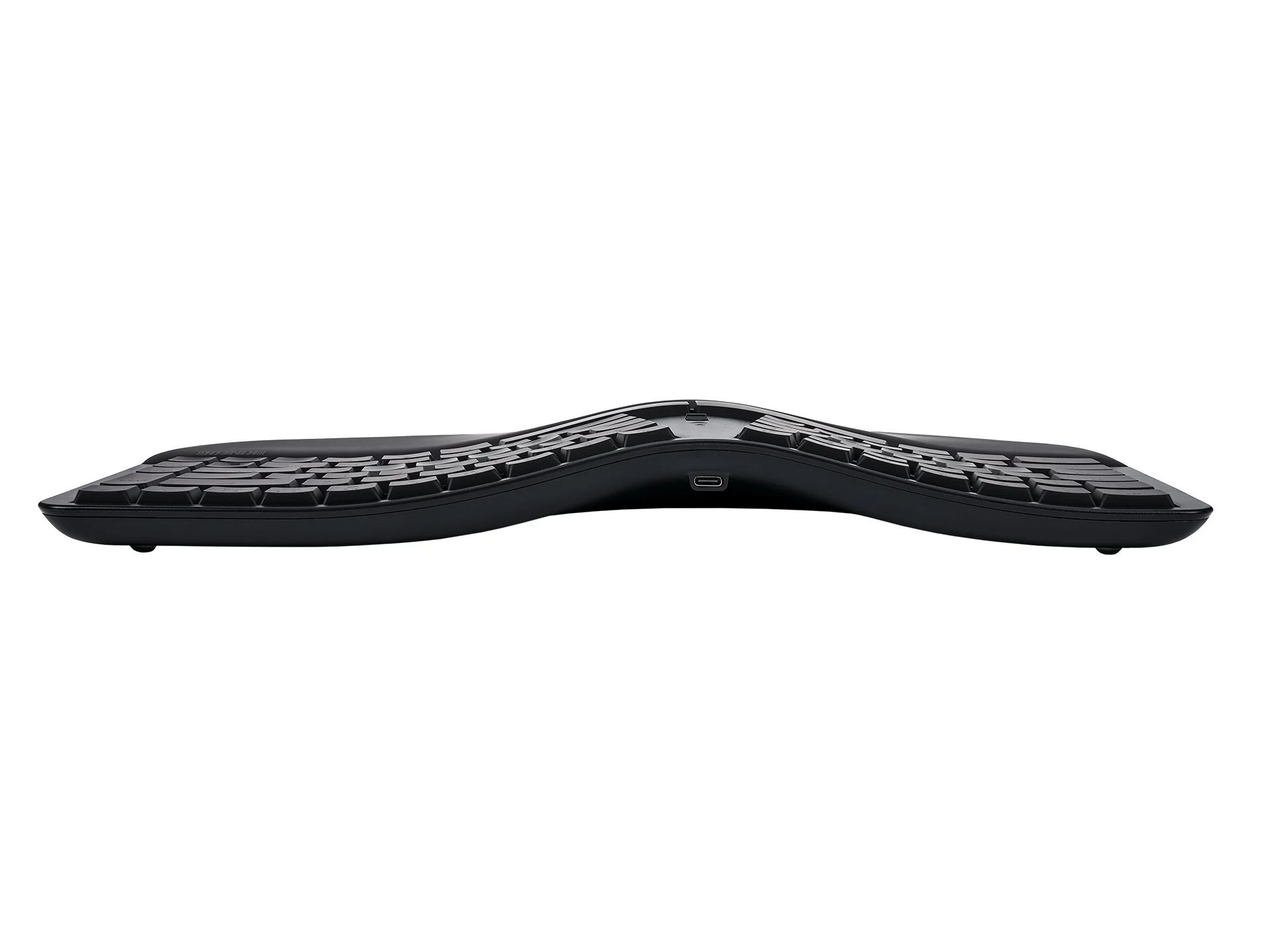
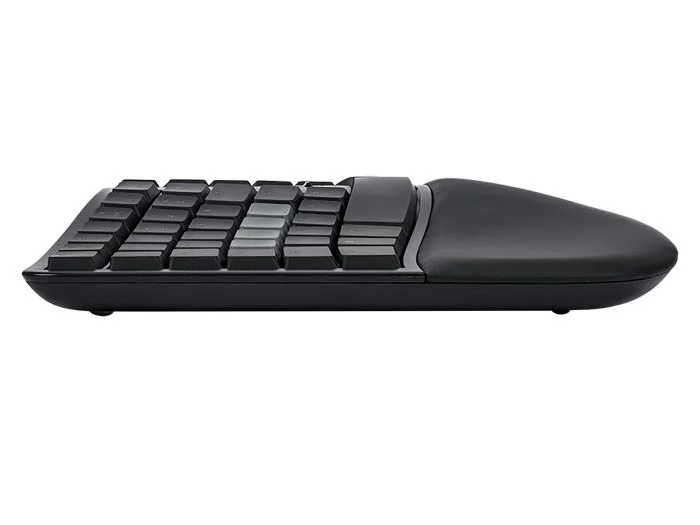
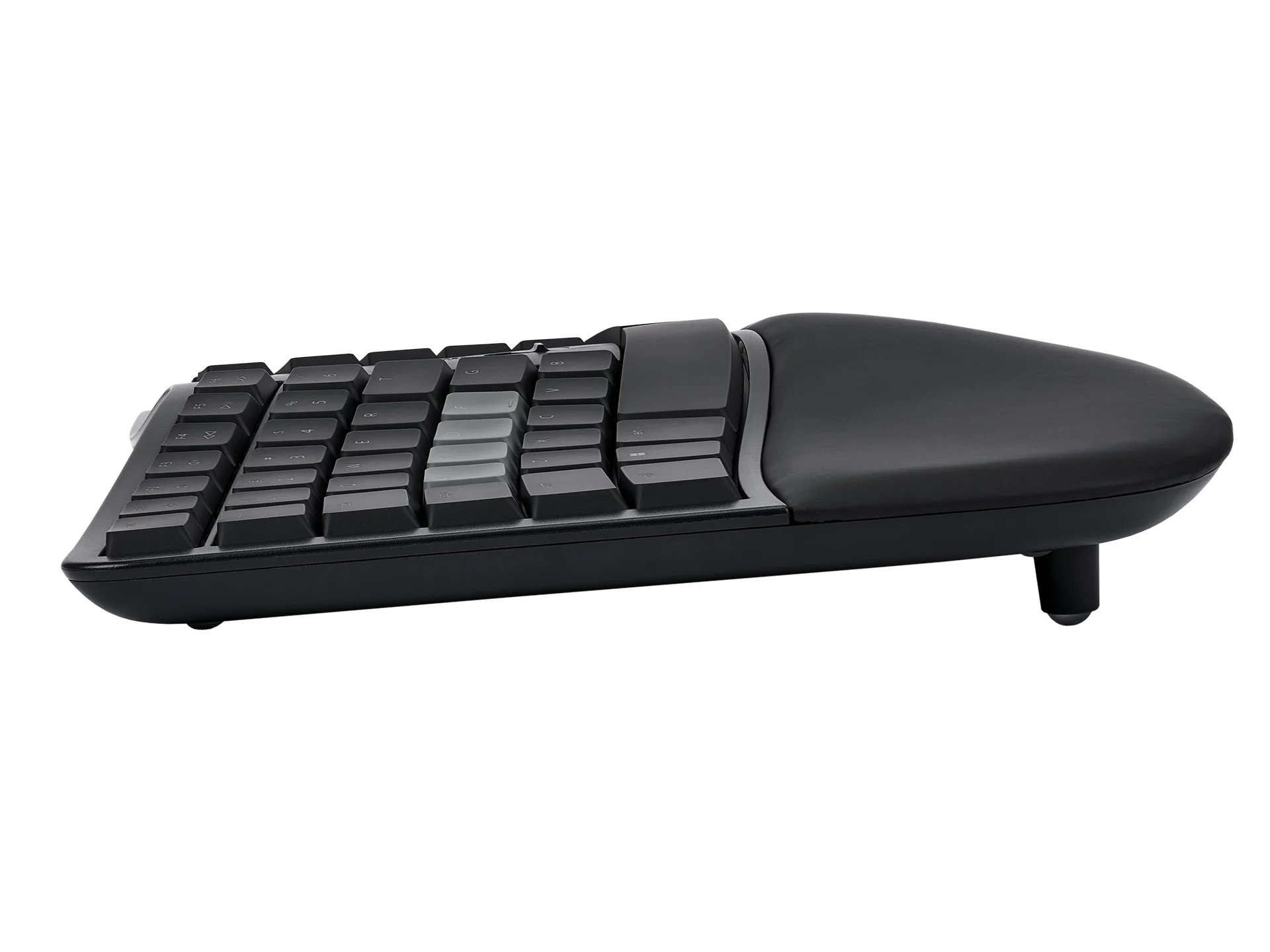
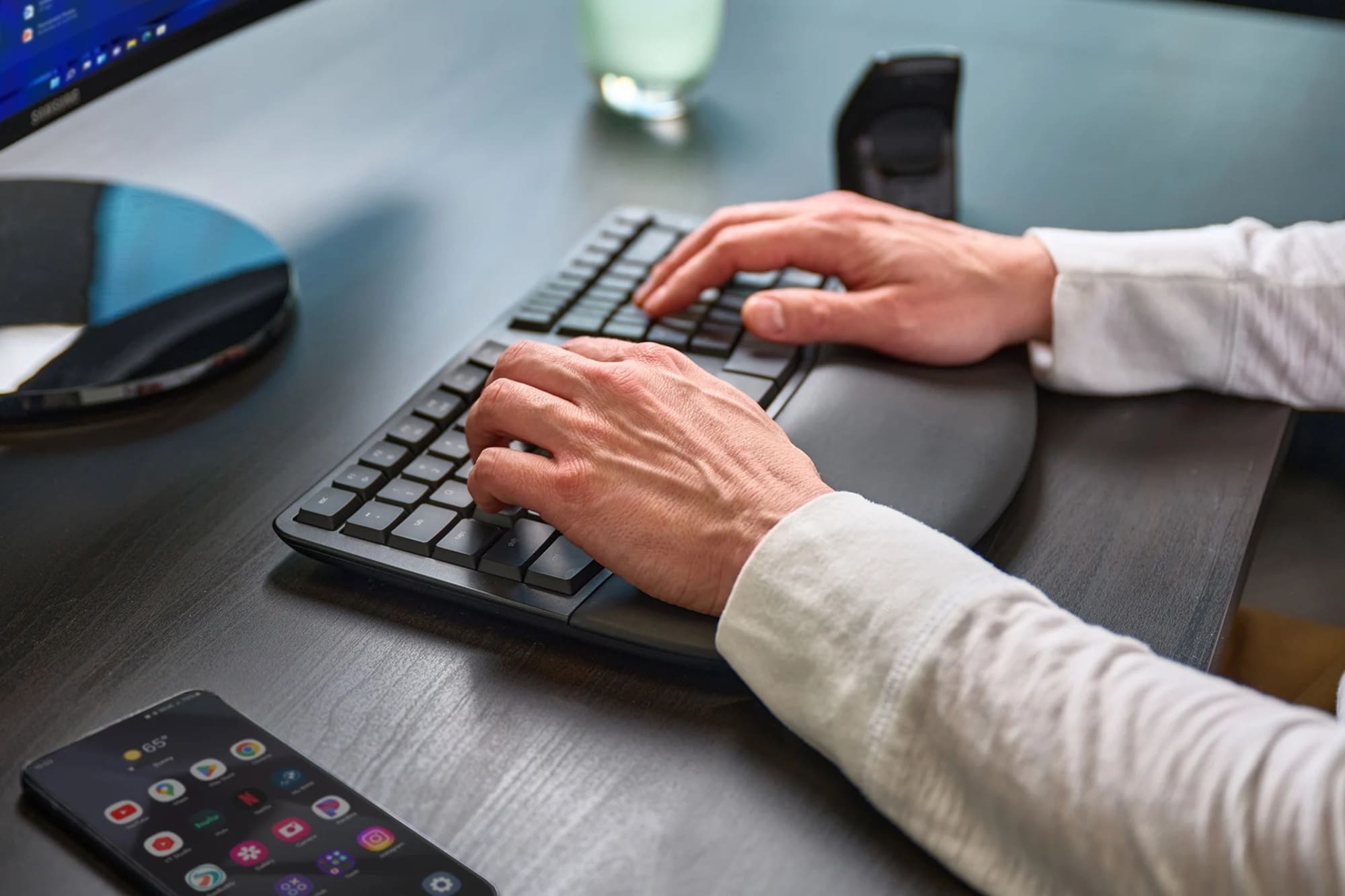
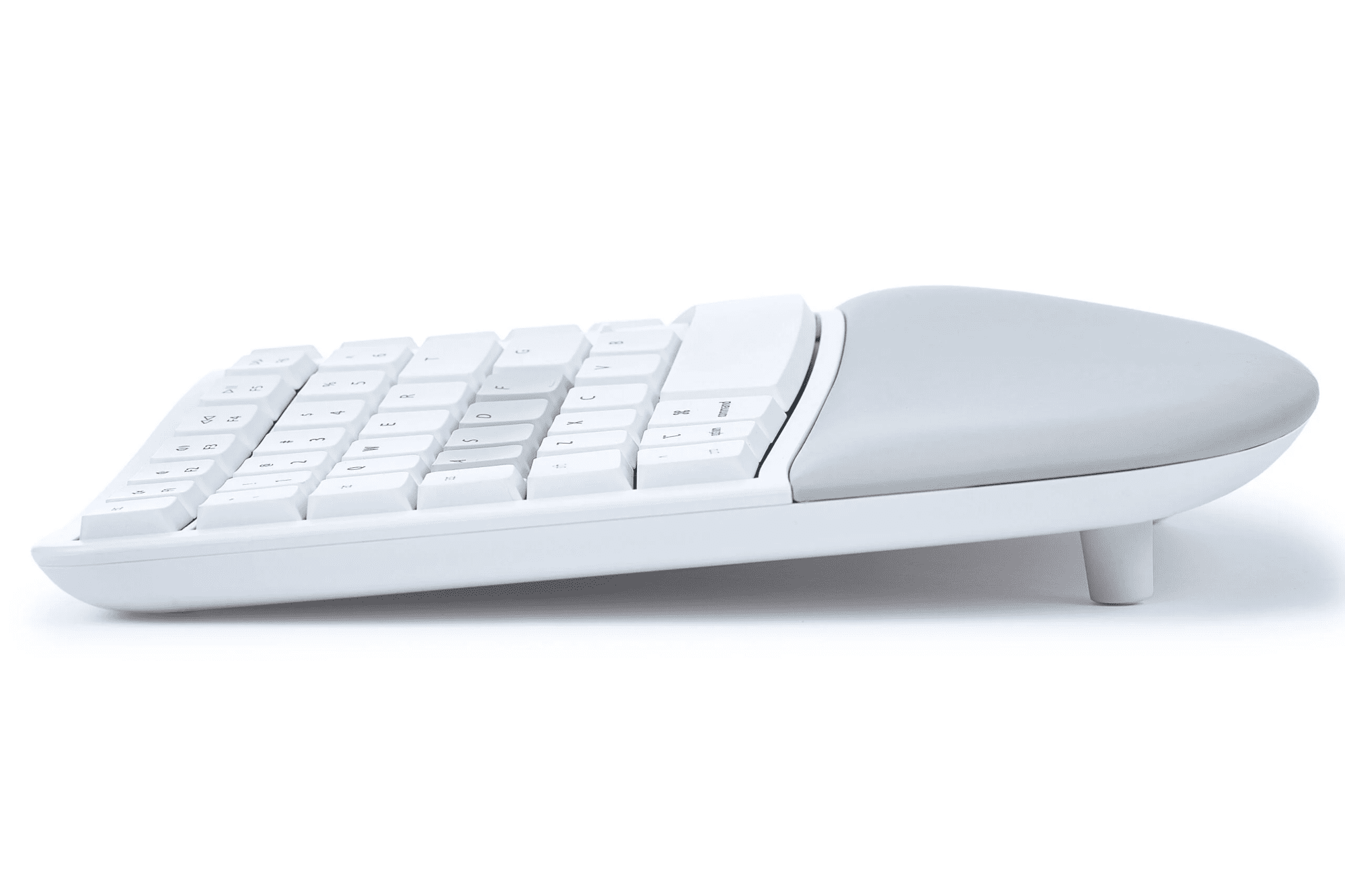
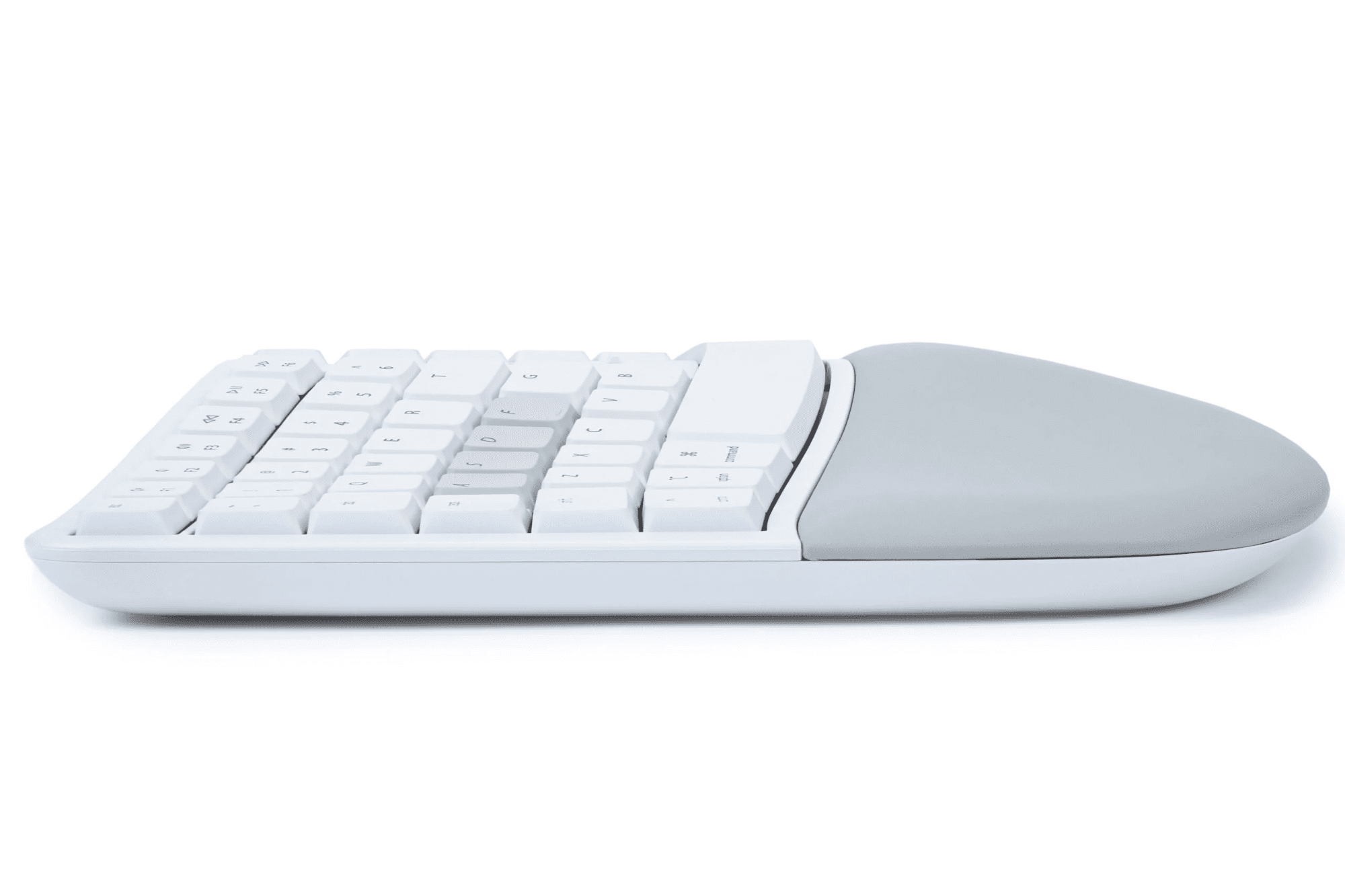
Integrated Tenting: Tenting elevates the thumb side of the hand to reduce forearm pronation caused by flat keyboards.
Integrated Palm Support: Velvety smooth, washable palm support promotes neutral typing position to reduce wrist extension.
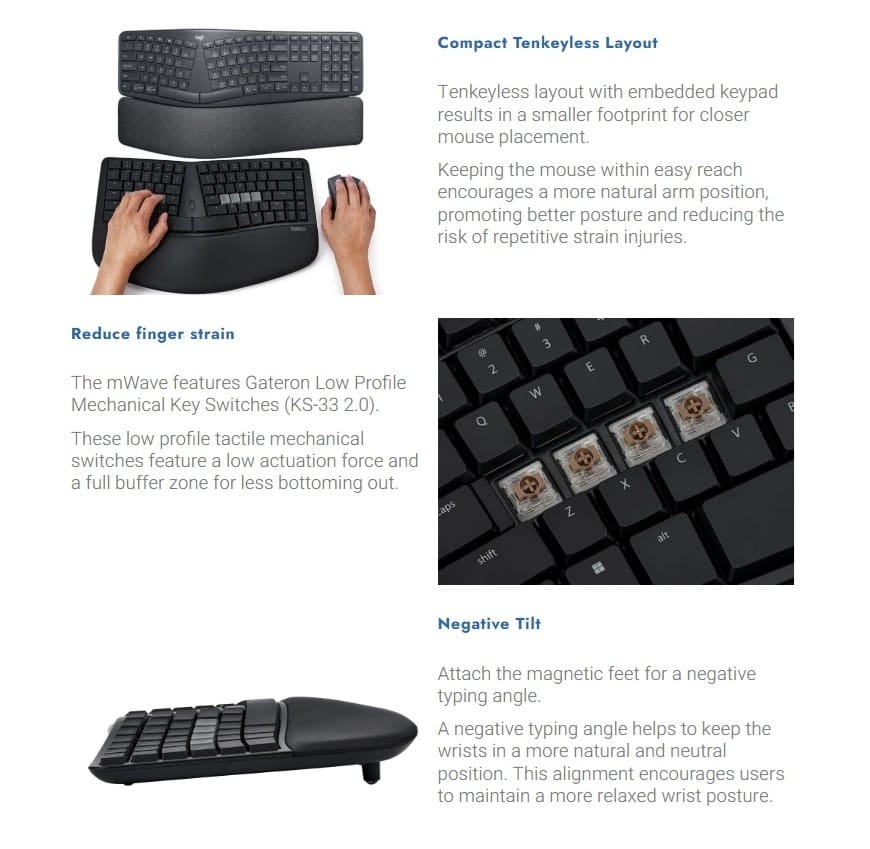
Compact Tenkeyless Layout: Tenkeyless layout with embedded keypad results in a smaller footprint for closer mouse placement.
Negative Tilt: Attach the magnetic feet for a negative typing angle.
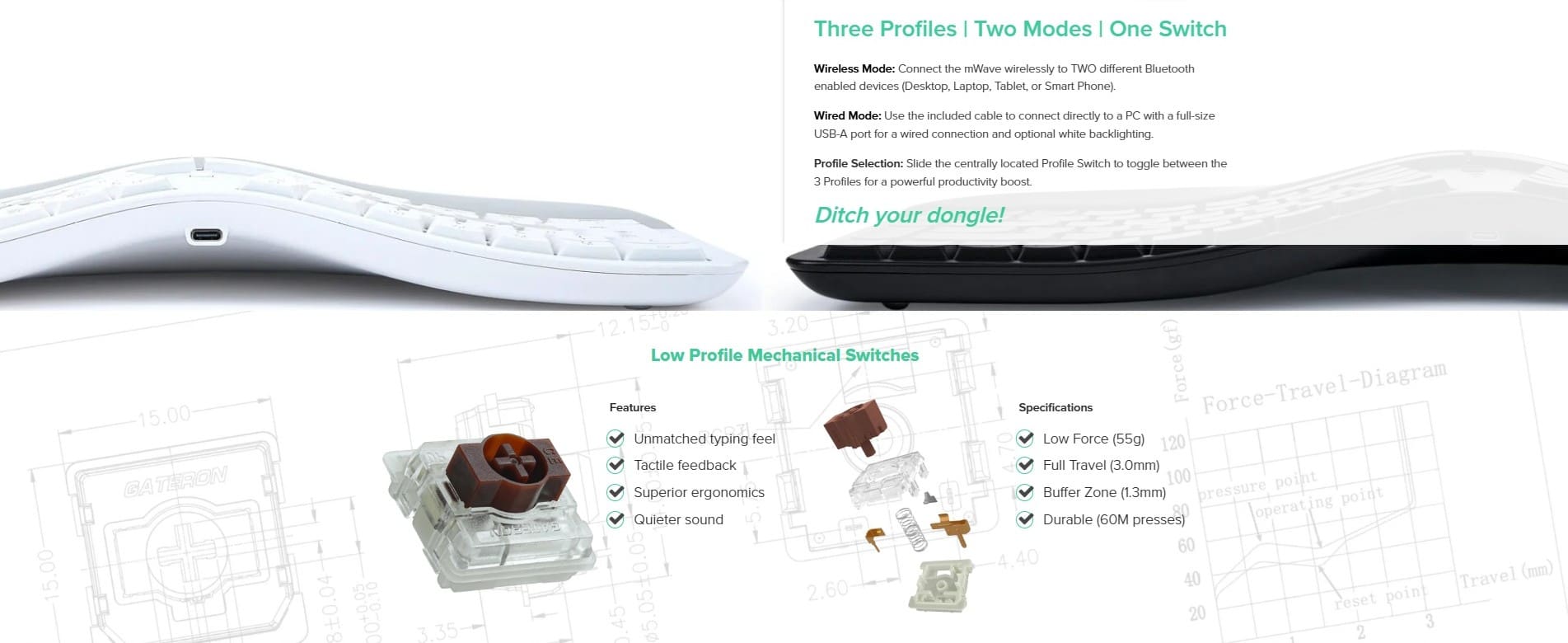
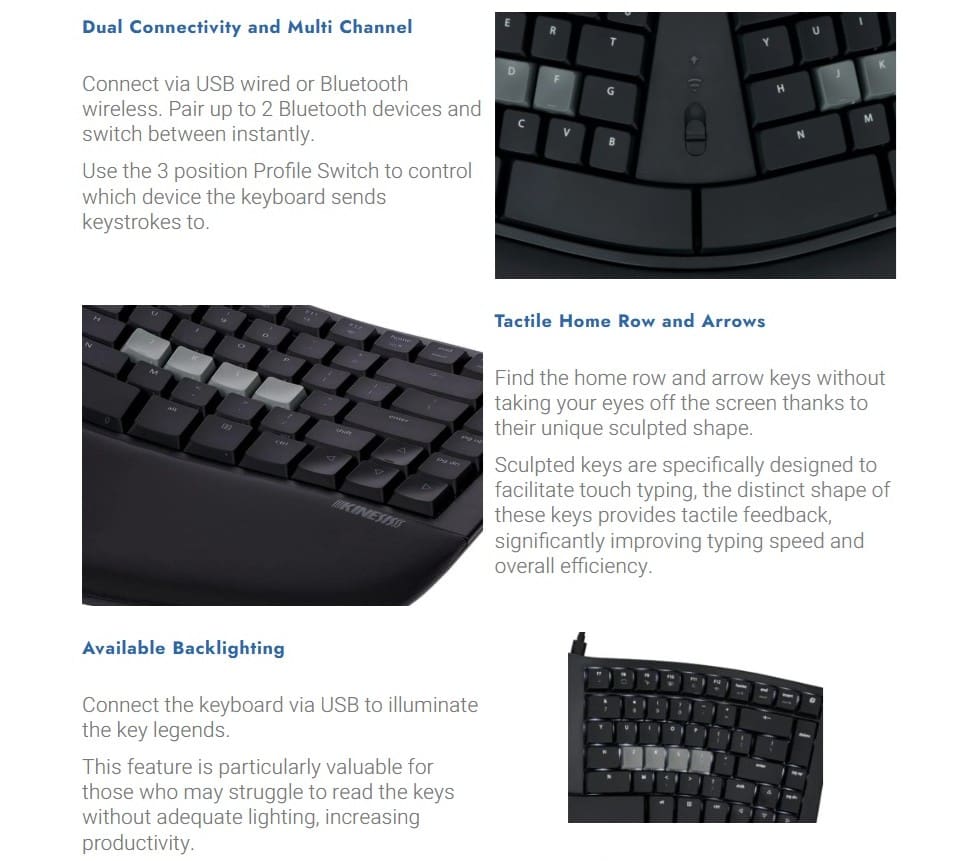
Dual Connectivity and Multi Channel: Connect via USB wired or Bluetooth wireless. Pair up to 2 Bluetooth devices and switch between instantly.
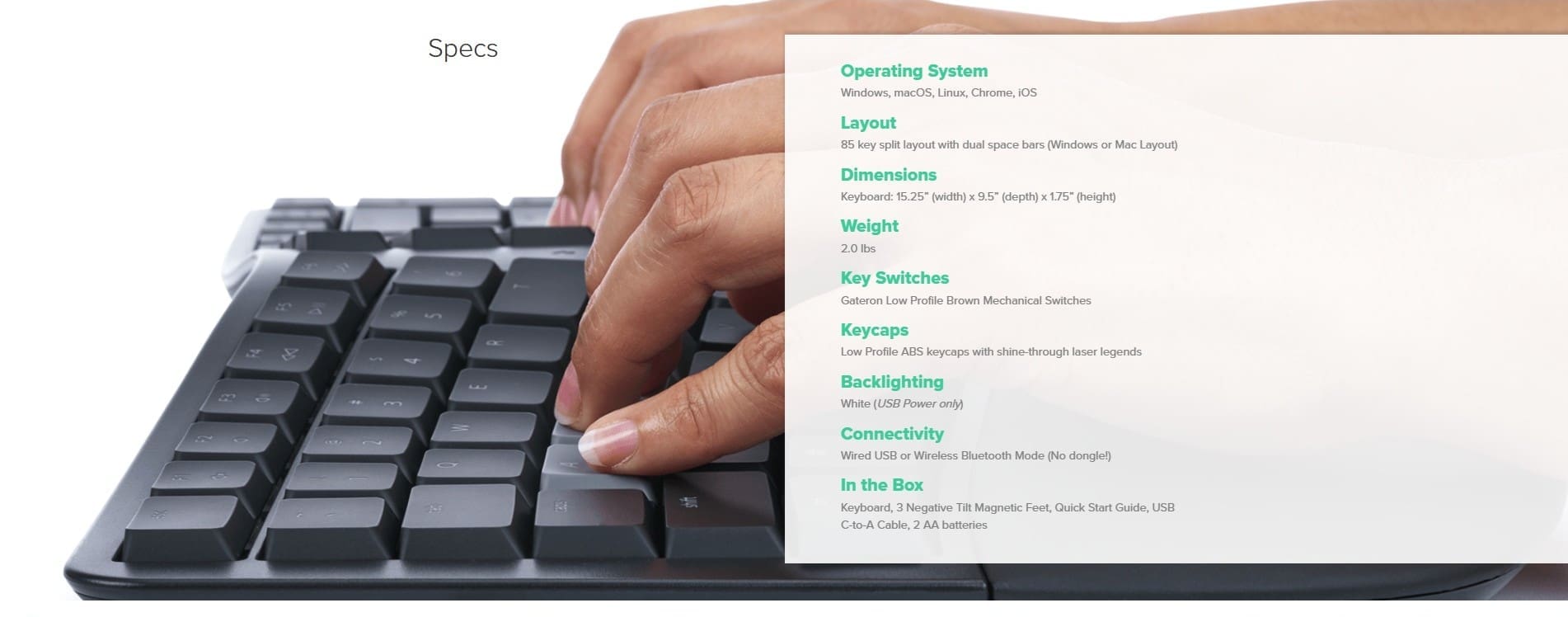
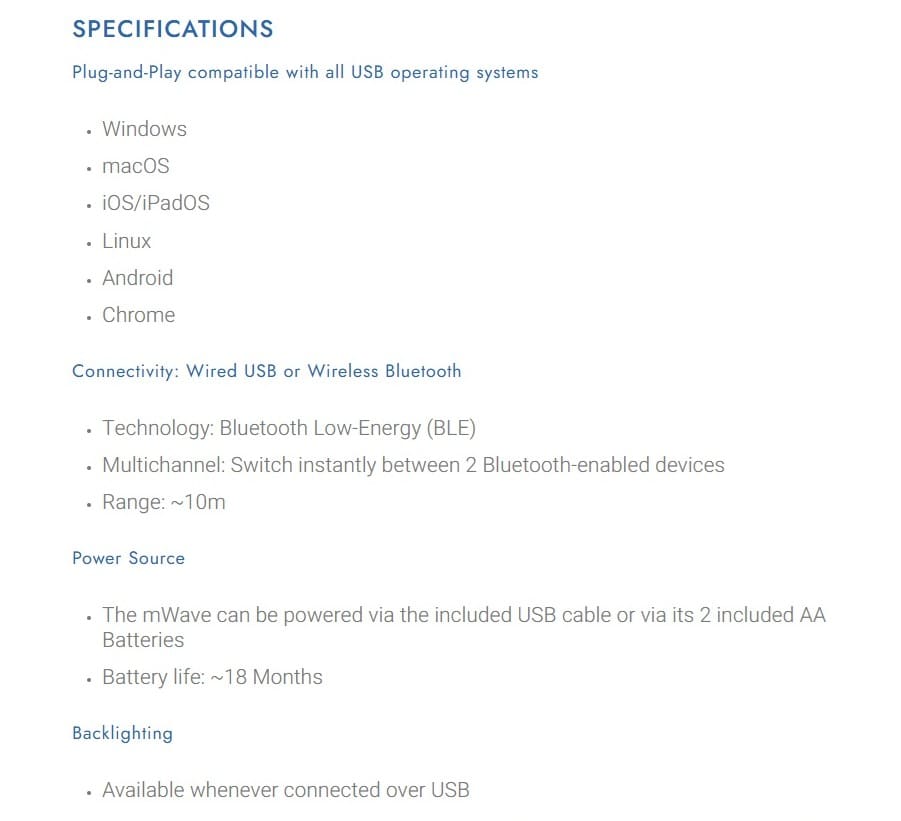
Power Source: The mWave can be powered via the included USB cable or via 2 x AA batteries.
Available Backlighting: Connect the keyboard via USB to illuminate the key legends.
Compatibility:
Plug & Play with all USB operating systems
- Windows (Black Keyboard)
- macOS, iOS, iPadOS (White Keyboard)
- Linux
- Android
- Chrome
Dimensions:
- Width: 387mm
- Depth: 241mm
- Height: 45mm
Weight: 907gr
Colour Options:
- Black (PC)
- White (Mac)
————————————————————————————————————————-
Kinesis Mechanical Keypad for PC
Dimensions:
- Height: 32mm
- Width: 95mm
- Depth: 152mm
- Cord Length: 1.8m
Key Switch:
- Cherry MX Brown, Tactile Mechanical
- Peak Force: 55 grams
- Activation Force: 45 grams
- Travel Distance: 4.1mm
System Compatibility:
- Windows
Weight: 281gr
Colour: Black
————————————————————————————————————————-
Kinesis Mechanical Keypad LP for Mac & PC
Connectivity: Wired USB or Wireless Bluetooth
Technology: Bluetooth Low-Energy (BLE)
Multichannel: Switch instantly between 2 Bluetooth-enabled devices
Range: 10m
Power Source: The keypad can be powered via the included USB cable or via its 2 included AAA Batteries. Battery life: 6-12 months
Backlighting: Available whenver connected over USB
Dimensions:
- Width: 89mm
- Depth (front to back): 197mm
- Height: 22mm
- Weight: 182 grams
Plug-and-Play compatible with all USB operating systems:
- Windows
- macOS
- iOS/iPadOS
- Linux
- Android
- Chrome
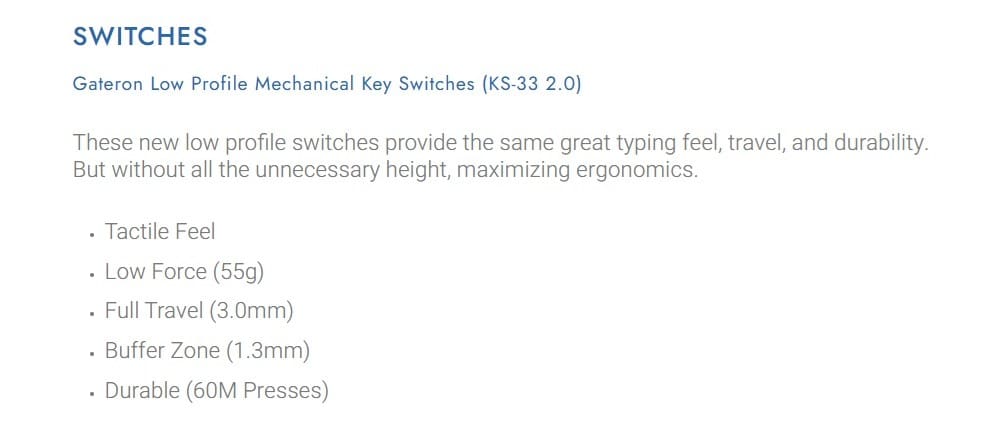
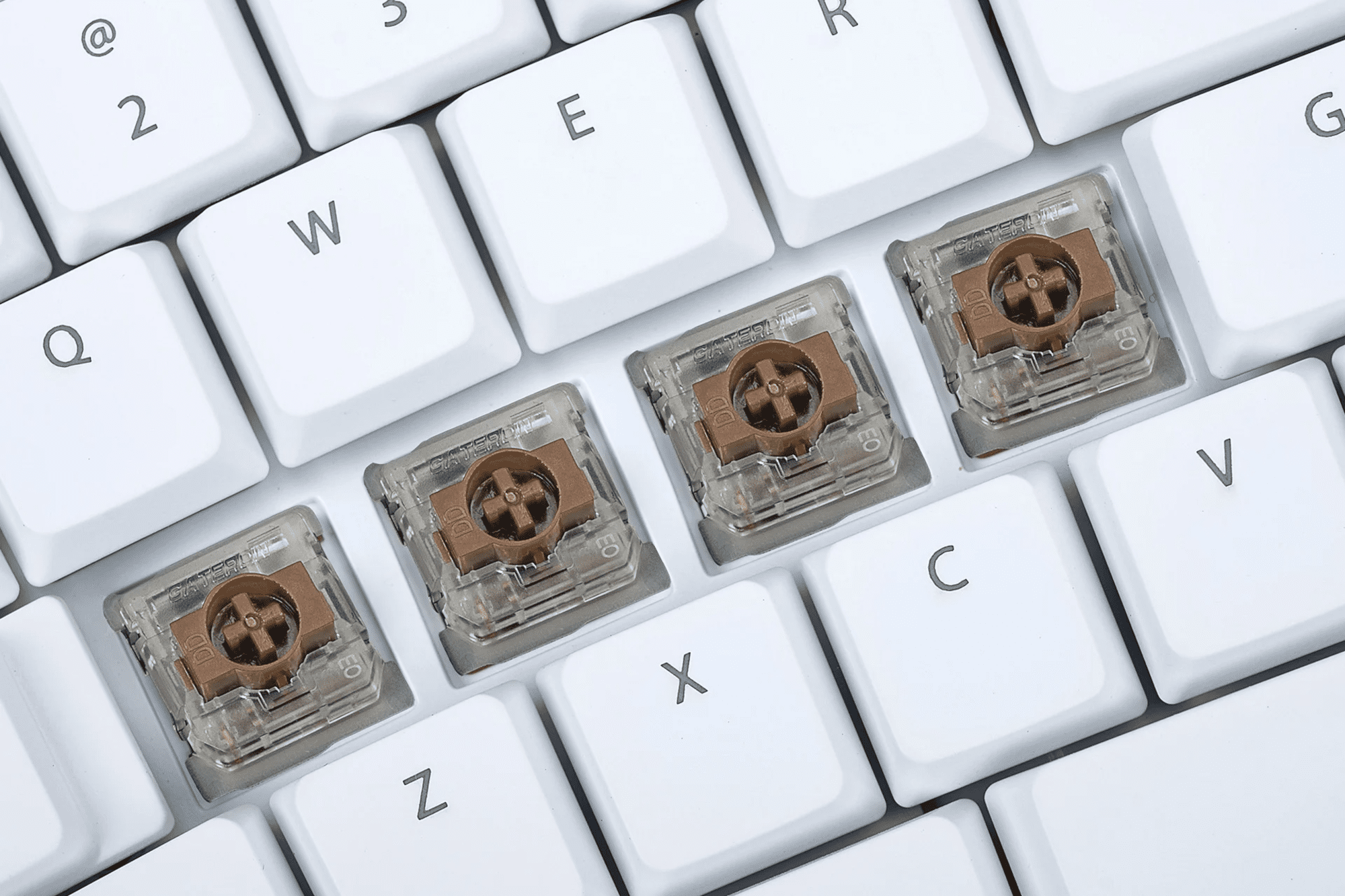
Gateron Low Profile Mechanical Key Switches: Low Profile switches provide the same great typing feel, travel, and durability, but without all the unnecessary height maximising ergonomics.
- Linear Feel
- Low Force (45g)
- Full Travel (3.0mm)
- Buffer Zone (1.3mm)
- Durable (60M Presses)
Purchase includes: 1 x Kinesis mWave Mechanical Keyboard as selected with all components for immediate use
Watch: Youtube Video on the Kinesis mWave Mechanical Keyboard
Q&A:
What kind of cable does the mWave use?
The mWave can be used wired or wirelessly via Bluetooth (no dongle required). The mWave ships with a detachable USB-C to USB-A cable. The USB-C end is connected to the keyboard and the USB-A connects to a full-size port on your computer.
If you do not have a full-size USB-A port on your computer, you can use any 3rd party USB-C to USB-C cable that supports data (as opposed to just a “charging cable”) or an A-to-C adapter.
Is the mWave programmable?
Yes! The mWave uses our new Clique programming interface designed to make it easy for novice users to tweak the layout and easy for power users to add special actions to boost comfort and productivity.
Programming will take place using either a Chrome or Edge browser. Changes will be implemented in real-time for easy experimentation. There is no software to install, no drivers to download, and no firmware to flash.
Get Started: clique.kinesis-ergo.com
How do low profile mechanical switches compare to traditional profile?
Low Profile switches have a similar travel and feel to full profile switches, just without the extra height that can make a keyboard taller. We love these new low profile switches from Gateron and think you will too!
Learn More: Kinesis Mechanical Switches
Is the backlighting adjustable?
The mWave supports global white LED backlighting when connected over USB. Backlighting is not supported when running on batteries to preserve battery life. The keyboard has 3 brightness levels and off which can be easily selected
mWave for PC: Tap the Fn key and then tap the F7 hotkey to cycle through the 4 settings.
mWave for Mac: Tap the F7 hotkey to cycle through the 4 settings.
Does the mWave come with a dongle?
No! The mWave uses your computer’s native Bluetooth radio to connect wirelessly. If your computer doesn’t have Bluetooth, you can purchase any 3rd party Bluetooth dongle to connect to an available USB-A or USB-C port on your computer. Kinesis recommends the TP-Link Bluetooth 4.0 Nano USB-A Adapter.
If you prefer to use the keyboard in a wired configuration, you can connect the included USB-C to USB-A cable and run the keyboard in USB mode with the keyboard’s radio disabled full-time.
How many wireless computers can the mWave connect to?
The mWave supports pairing with 2 different Bluetooth-enabled devices. Pair it with your Windows desktop, iMac, laptop, tablet, or phone and use the Profile Switch to instantly switch between the two devices.
How long do the batteries last?
If the keyboard is used wirelessly for 6-8 hours a day and powered down when not in use, the 2 included AA batteries should last about 18 months.
When the batteries drop below the 10% level the keyboard’s indicator LEDs will flash Red to tell you its time to replace them.
How do I access the numeric keypad?
The numeric keypad resides in the “Fn” layer. To access those keys simply tap the Fn key in the upper right corner and 10-key away. Power users can customize the 10-key using our new programming interface.
If you want a dedicated 10-key, we suggest our new Mechanical Keypad LP which uses the same great mechanical switches, Bluetooth, and Clique programming interface.
How do I access the multimedia keys in the top row?
mWave for PC: The hotkeys reside in the Fn layer. Simply tap the Fn key once to toggle to the Fn layer and tap it again to toggle back to the top layer.
mWave for Mac: The hotkeys keys reside in the Base layer as is typical for Apple keyboards. So you tap the Fn key once to toggle to the Fn layer for F1-F12 and tap it again to toggle back to the top layer for multimedia keys.
- F1: Mute
- F2: Volume Down
- F3: Volume Up
- F4: Previous Track
- F5: Play/Pause
- F6: Next Track
- F7: Cycle Through Backlighting Settings (USB only)
- F8: Show Desktop
- F9: Screenshot Tool
- F10: Show All Windows
- F11: Search
- F12: Re-pair the current Bluetooth Profile
If you prefer your hotkeys and your Function keys swapped, that can easily be changed in Clique.
If you require any support with this product, Chat, email [email protected] or phone us on 0403 693 780.
Australia Wide: 3-10 weekdays. Please note, longer delivery time frames can sometimes occur.
Need it urgently or want to know when you will receive your order? Check with us before placing your order. Chat, email [email protected] or phone us on 0403 693 780.
If you are having any issues with this product, Chat, email [email protected] or phone us on 0403 693 780.
Warranty: 2 Years
What do I do if the product is faulty?
1. Cease using the product as it may be unsafe to use. Damage that occurs as a result of continued use of a faulty product will not be covered under warranty.
2. Complete and return the Product Repair Request form
You may also like…
-
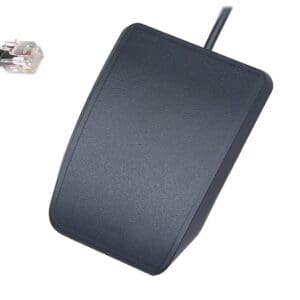
Kinesis Advantage Single Pedal
$115.50 SKU: FS007J11 -

Kinesis Advantage2 Keyboard
Price range: $71.50 through $1,166.00 SKU: Kinesis Advantage2 Keyboard -
Kinesis Advantage360 Keyboard
Price range: $102.30 through $1,390.40 SKU: KB360 -
Kinesis Form Split Touchpad Keyboard
Price range: $459.80 through $651.20 SKU: Kinesis Form Split Touchpad -
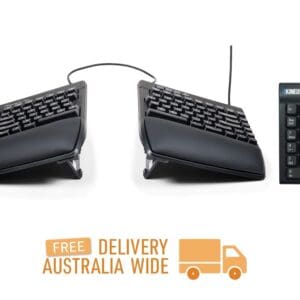
Kinesis Freestyle Pro Keyboard
Price range: $89.10 through $726.00 SKU: Kinesis Freestyle Pro -
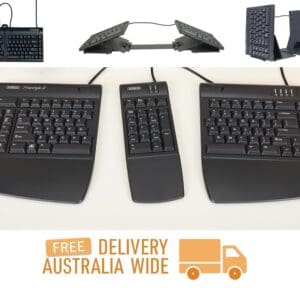
Kinesis Freestyle2 Keyboard
Price range: $86.90 through $757.90 SKU: Kinesis Freestyle2 -
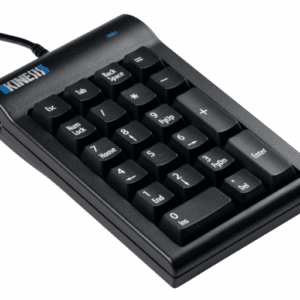
Kinesis Mechanical Keypad for PC
$182.60 SKU: AC210USB-blk -
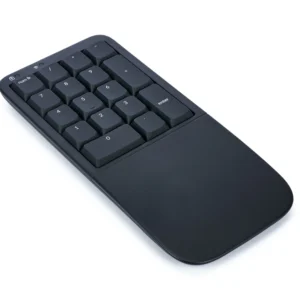
Kinesis Mechanical Keypad LP for Mac & PC
$221.10 SKU: KP150-LIN -
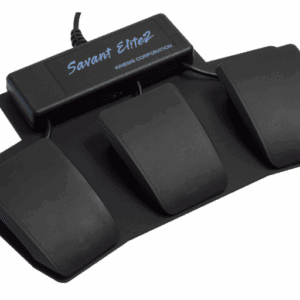
Kinesis Savant Elite2 Triple Action Foot Pedal
$587.40 SKU: FP30A -
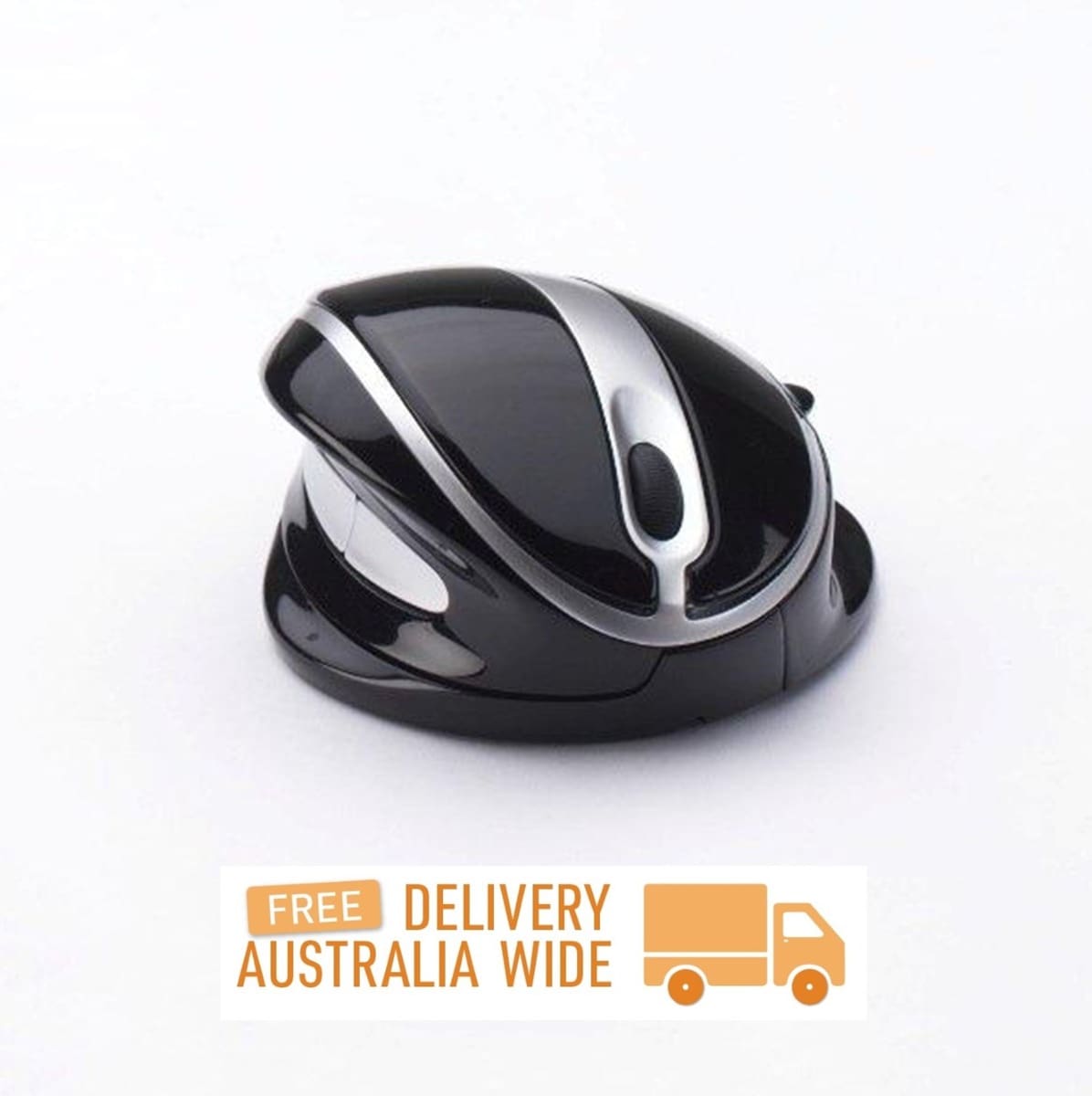
OysterMouse
Price range: $64.90 through $339.90 SKU: OysterMouse
Reviews
There are no reviews yet.