
The Essential Workstation (Brisbane & Surrounds)
Original price was: $3,288.78.$2,420.00Current price is: $2,420.00.
Found a lower advertised price? Let us know and we’ll do our best to give you a better price.

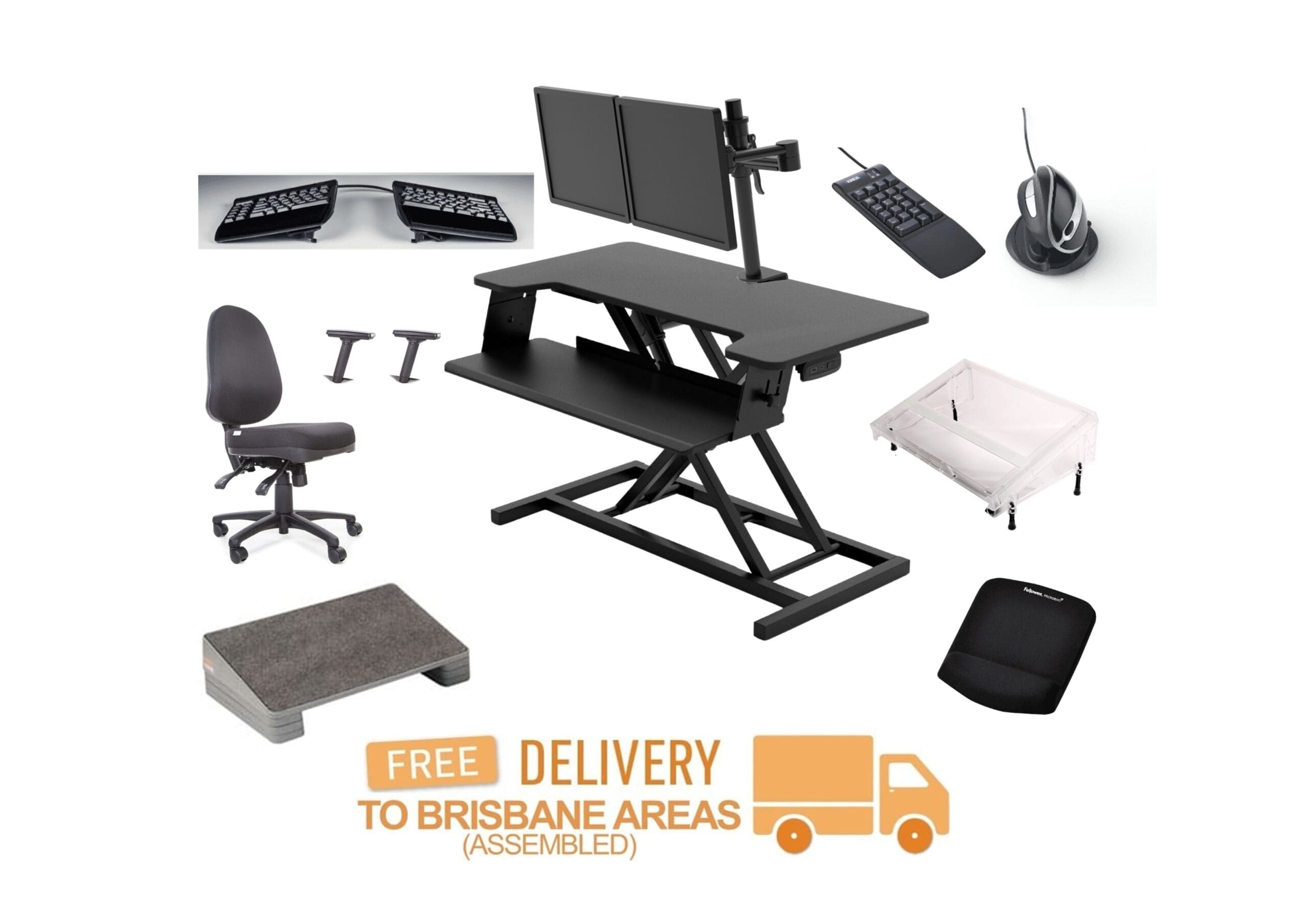
We have put together an office workstation that will suit most office administrative computer tasks. The Essential Workstation combines the fundamental ergonomic workstation products that can be simply added to an exising fixed desk. The items will allow the user to sit and stand throughout the working day while using ergonomic computer equipment that provide comfort and productivity. If you would like The Essential Workstation shipped to an area outside of Brisbane and surrounds, please send us a quote request including the delivery address.
The Essential Workstation includes a bundle of 13 items:
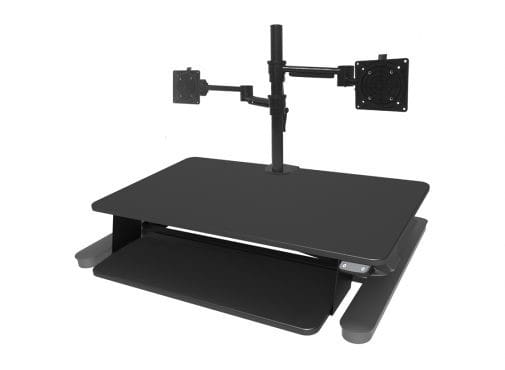
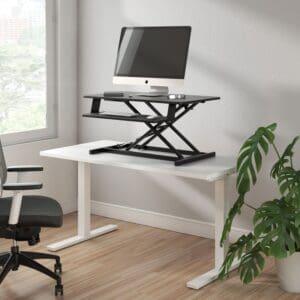
- Maxishift Electric Sit-to-Stand Desk Module
- Dual Monitor Arm
- Installation of the Maxishift and Dual Monitor Arm to Brisbane and surrounds
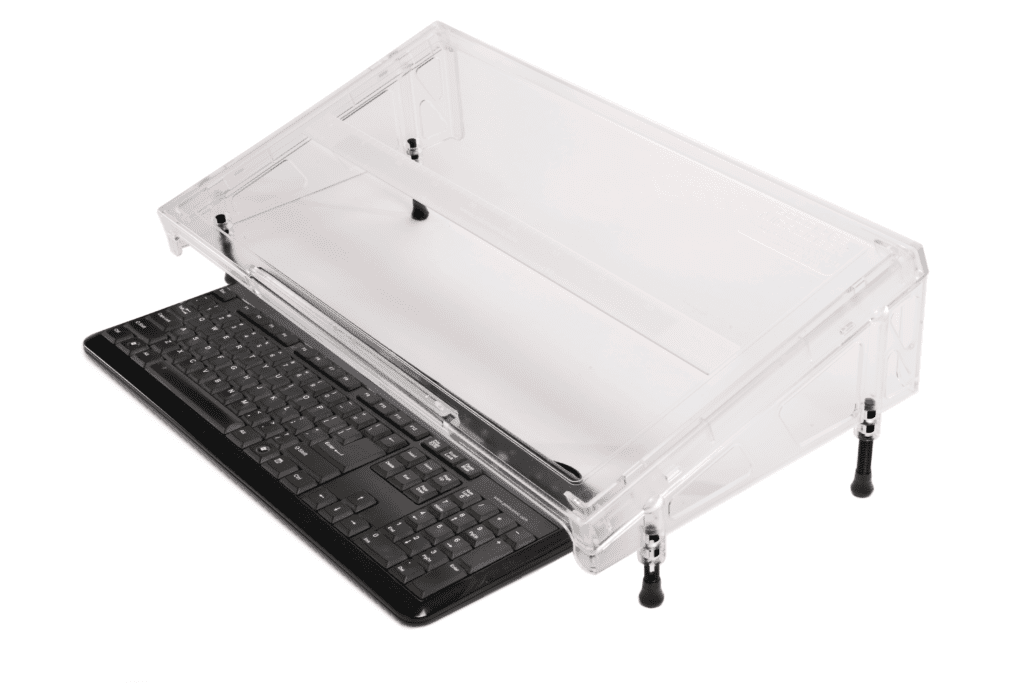
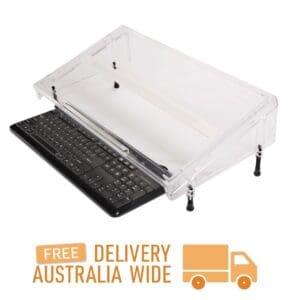
- Microdesk Regular
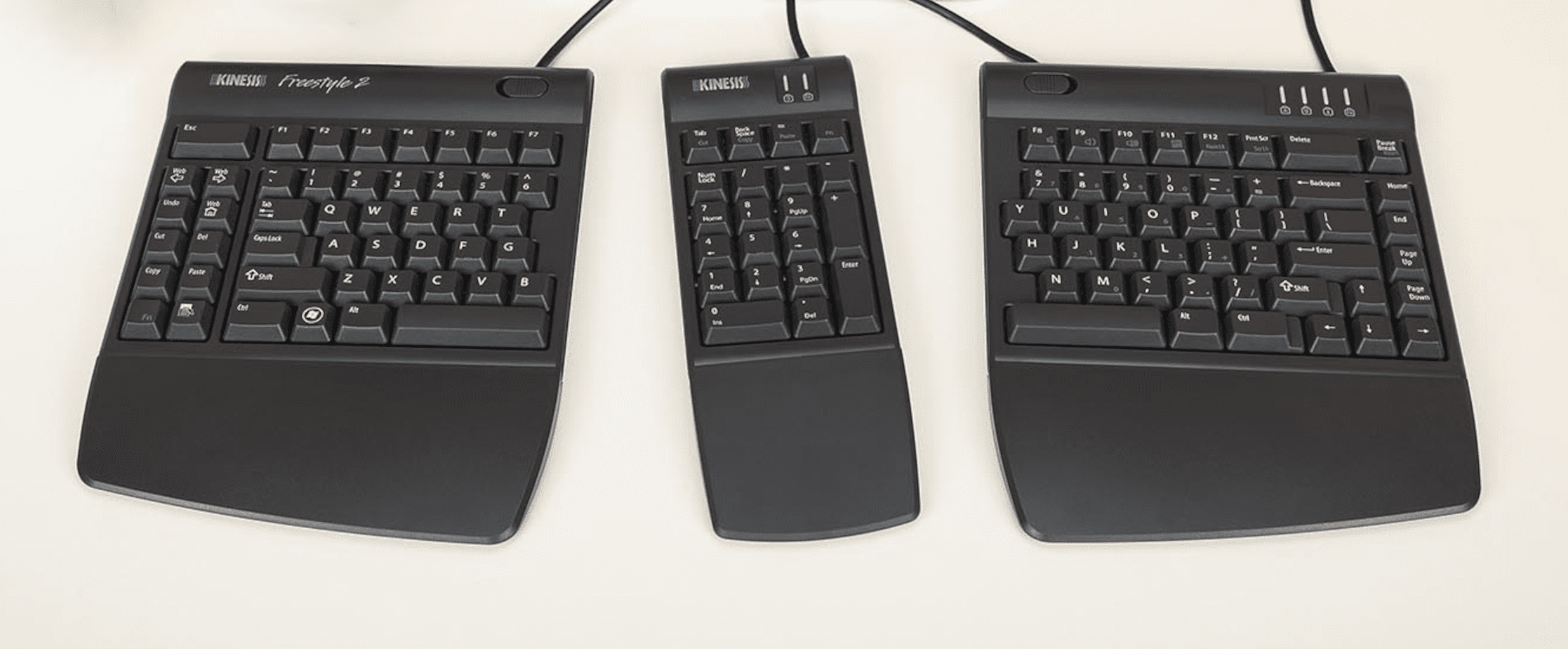
- Kinesis Freestyle 2 Keyboard
- Kinesis Freestyle2 Keyboard Tenting
- Kinesis Freestyle2 Keyboard Palm Supports
- Kinesis Freestyle2 Separate Numeric Keypad
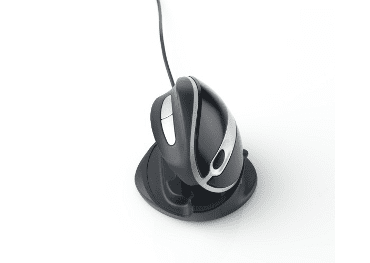
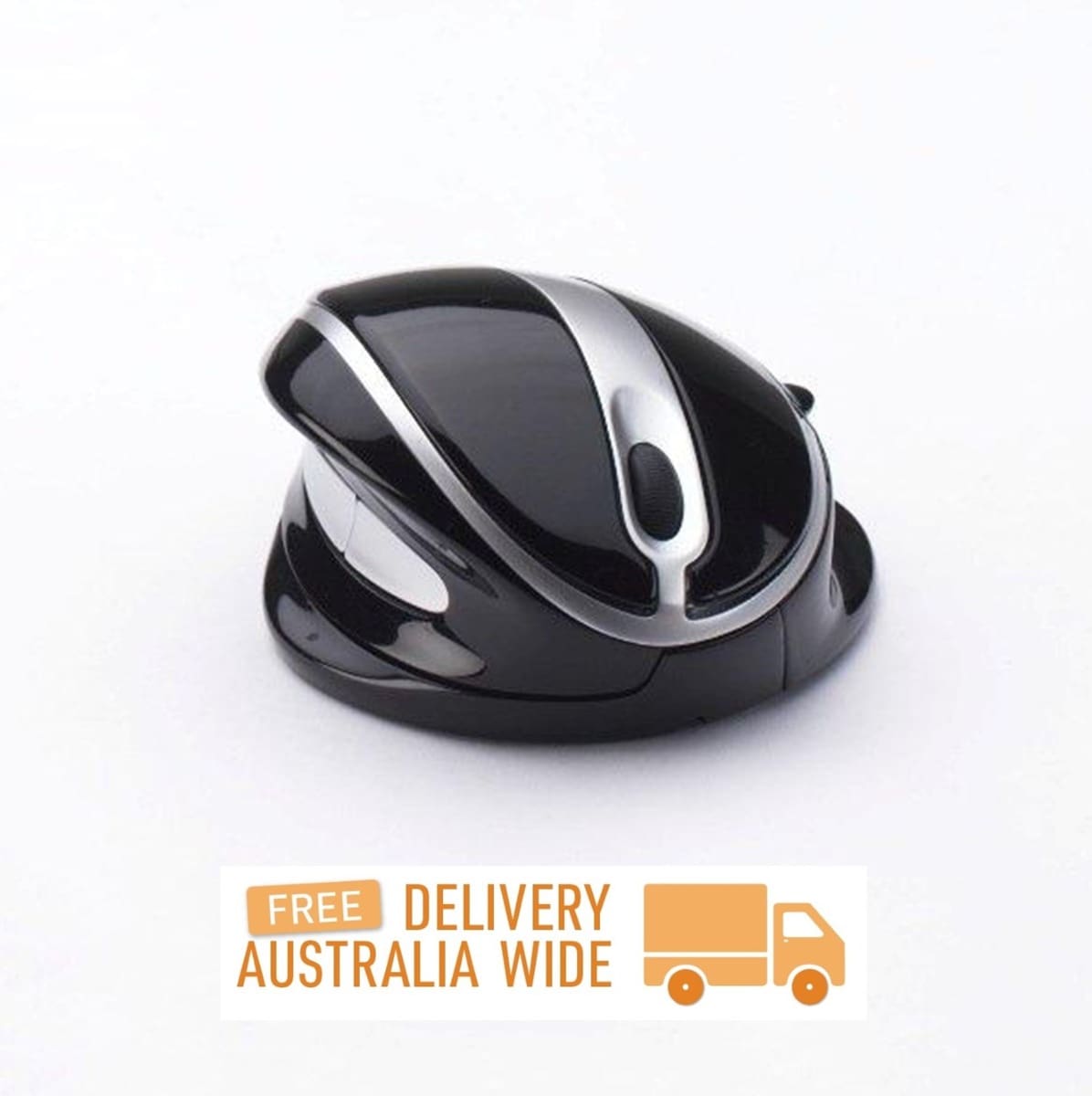
- OysterMouse Wired
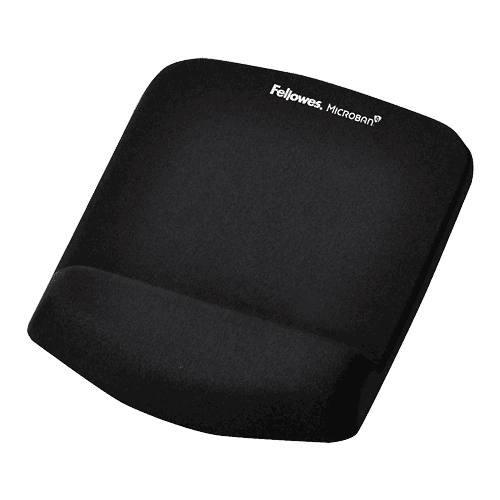
- Fellowes PlushTouch Mouse Pad with Wrist Rest
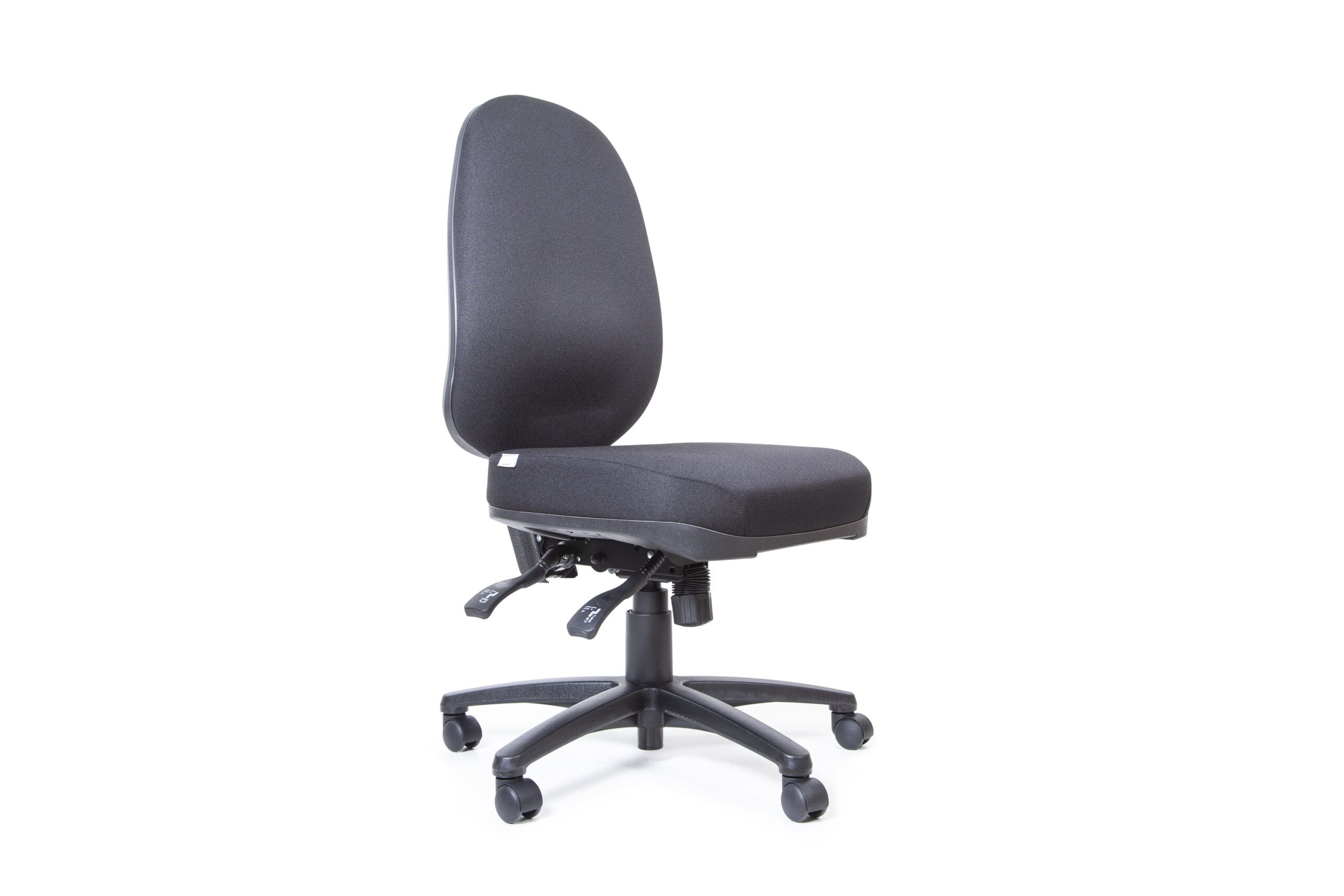
- Classic Az-Teq Task Chair
- 2D Chair Armrests
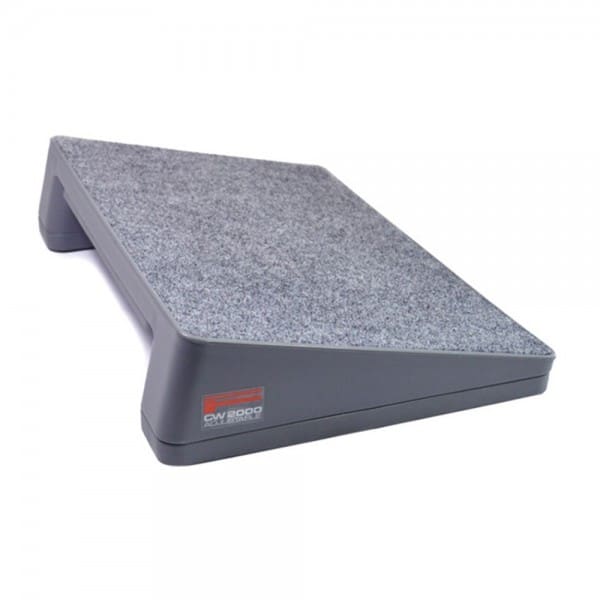
- Fundamentals Adjustable Footrest
Cost to buy the individual items of The Essential Workstation (based on the chair being an Az-Teq Classic Extra High Back, Medium G2 Seat, Armrests) = $2,989.80
Please click on the Specifications tab for the individual product listings:
- Maxishift Electric Sit-to-Stand Desk Module with Dual Monitor Arms and Installation to Brisbane and surrounds
- Microdesk Regular
- Kinesis Freestyle 2 Keyboard with Tenting, Palm Supports and separate numeric keypad
- OysterMouse Wired and Fellowes PlushTouch Mouse Pad with Wrist Rest
- Classic Az-Teq Task Chair with an Extra High/High/Medium Back, a Petite G2/Small G2/Medium G2/Large G2/Extra Large G1 Seat, with or without Armrests
- Fundamentals Adjustable Footrest
Purchase includes: 1 x The Essential Workstation with all components for immediate installation
Brisbane & Surrounds: 3-10 weekdays. Please note, longer delivery time frames can sometimes occur.
Need it urgently or want to know when you will receive your order? Check with us before placing your order. Chat, email [email protected] or phone us on 0403 693 780.
Troubleshooting:
1. The Maxishift is not working.
- Check that the power plug has been thoroughly inserted into the power box
- Plug the power plug into a different power outlet (the power point may be faulty)
- If possible, use a different power cord (the existing power cord may be faulty)
- The image below shows the plug connections that connect the power box to the actuator and handset. They are located under the worktop in the centre of the unit. Turn the power switch off at the wall. Check that the connections are fully plugged in and haven’t come loose or been unplugged. When the connections are fully plugged in, turn the power swtich on at the wall. Test that the unit works.
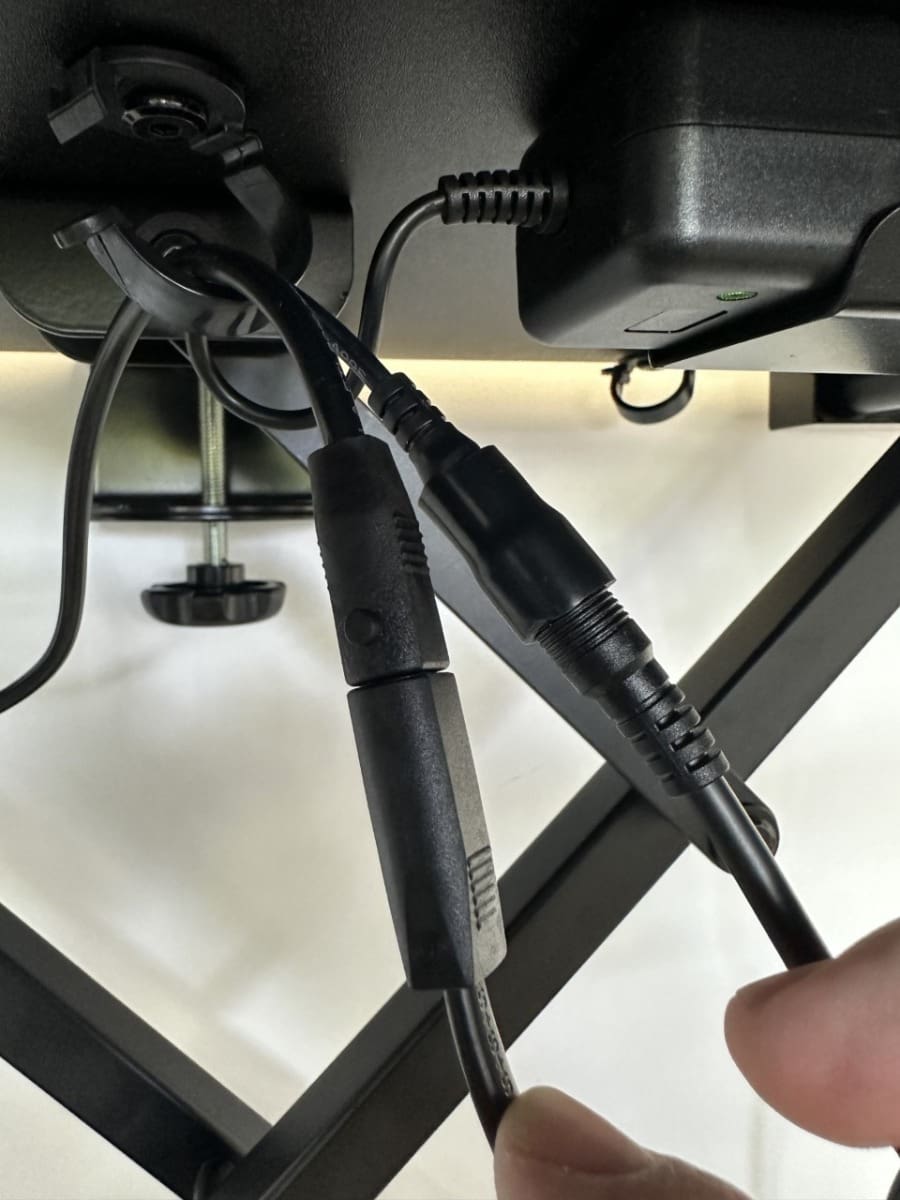
If the above troubleshooting is ineffective, please contact us or email us at [email protected] with the results of the tests and photos of the whole unit, power cord and plug connections as confirmation that the unit is setup correctly.
If you are having any issues with this product, Chat, email [email protected] or phone us on 0403 693 780.
Warranty:
Az-Teq Task Chair: 7 Years
MaxiShift: 5 Years
Pluto Dual Monitor Arm: 7 Years
Kinesis: 2 Years
OysterMouse/MicroDesk/Fellowes: 1 Year
What do I do if the product is faulty?
1. Cease using the product as it may be unsafe to use. Damage that occurs as a result of continued use of a faulty product will not be covered under warranty.
2. Complete and return the Product Repair Request form
You may also like…
-
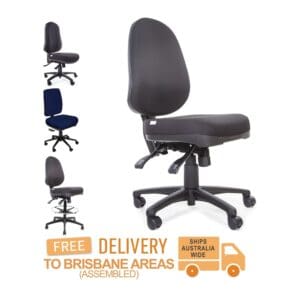
Az-Teq
Price range: $665.50 through $1,125.30 SKU: Az-Teq -
Fellowes PlushTouch Mouse Pad/Wrist Rest
$48.40 SKU: 9252201 -
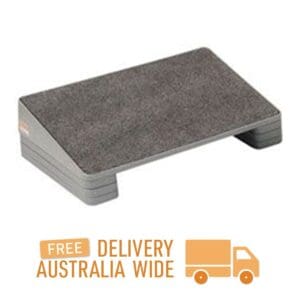
Fundamentals Adjustable Footrest
Price range: $35.20 through $286.00 SKU: Fundamentals Adjustable Footrest -

Installations & Repairs
$110.00 SKU: Installations & Repairs -
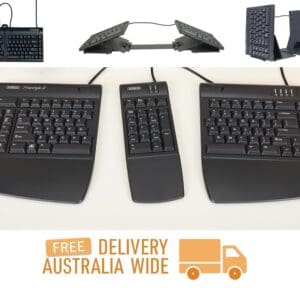
Kinesis Freestyle2 Keyboard
Price range: $86.90 through $757.90 SKU: Kinesis Freestyle2 -
Maxishift Electric Sit-to-Stand Desk
Price range: $521.40 through $1,080.20 SKU: MS-E -
Microdesk
Price range: $45.10 through $203.50 SKU: Microdesk -
OysterMouse
Price range: $64.90 through $339.90 SKU: OysterMouse