

HandShoe Mouse
$309.10
Found a lower advertised price? Let us know and we’ll do our best to give you a better price.

Choose your requirements using the field selectors below. Where “Choose an option” shows, please make your selection from the available options.
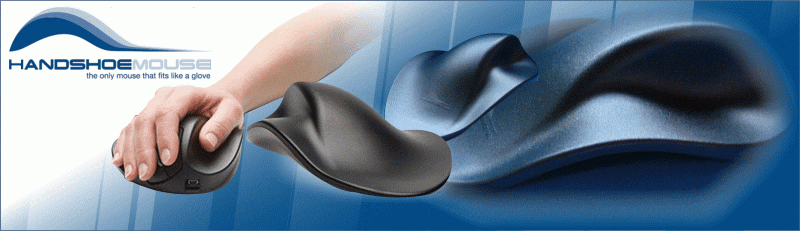
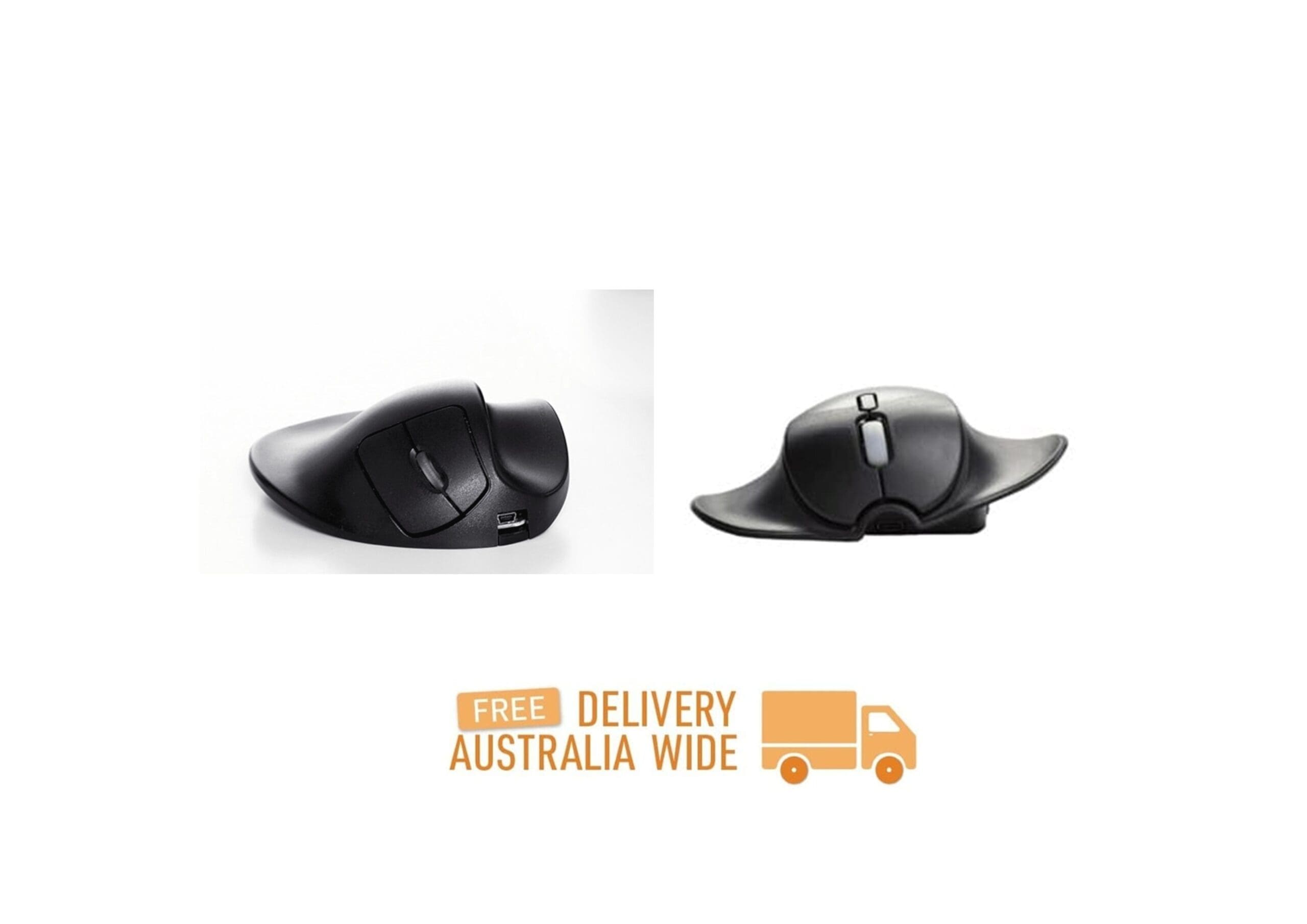
The original HandShoe Mouse is available for either the left or right-hand. The new HandShoe Mouse Shift is an ambidextrous mouse available for Small and Medium Sized Hands.
The Only Truly Ergonomic Mouse on the Market that Fits Like a Glove
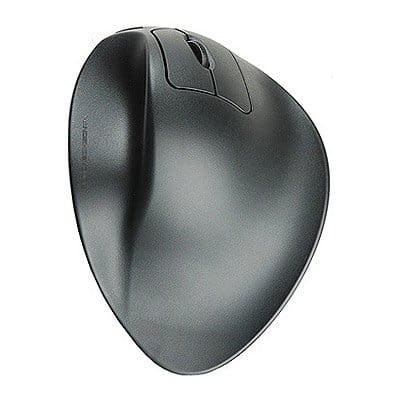
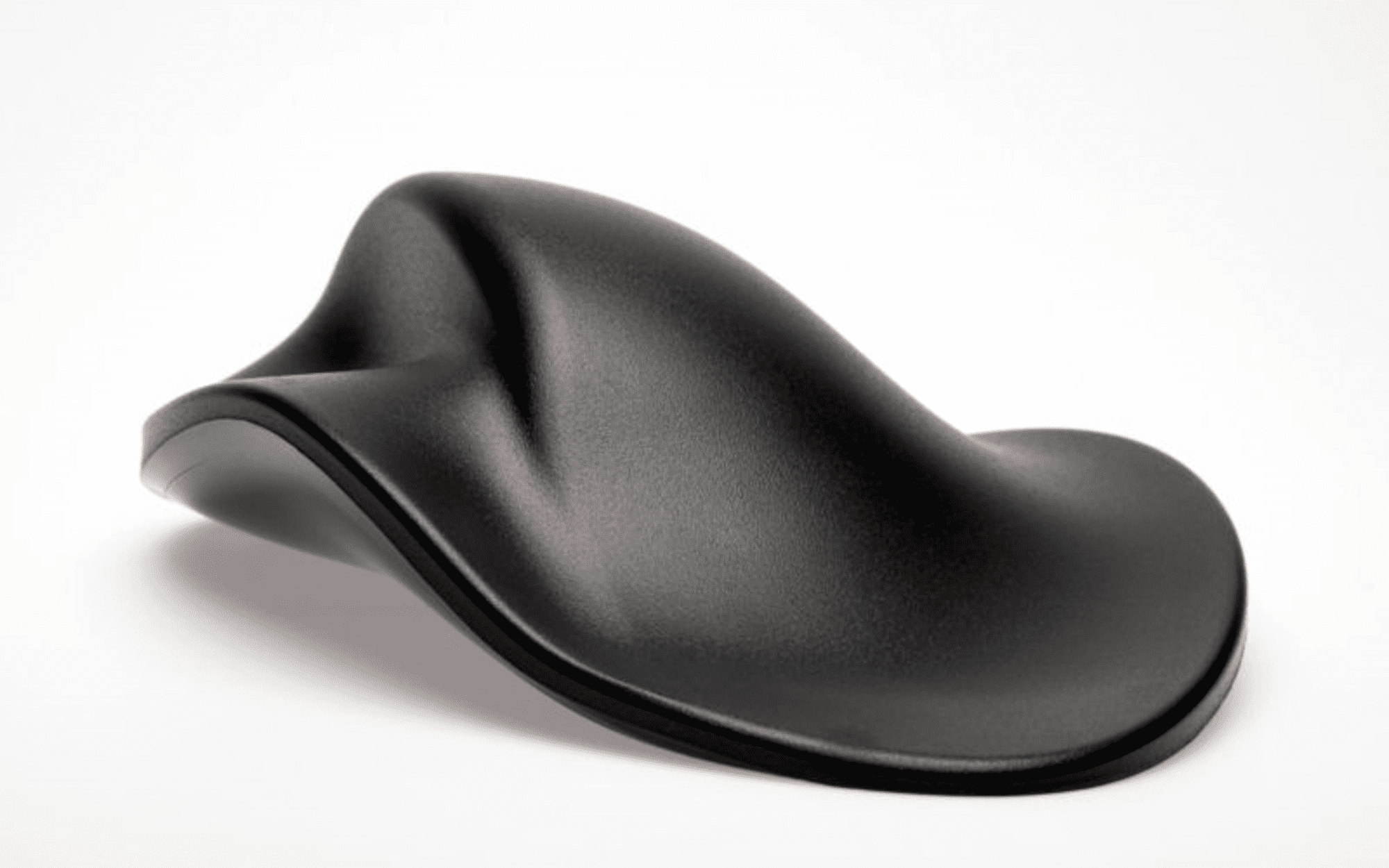
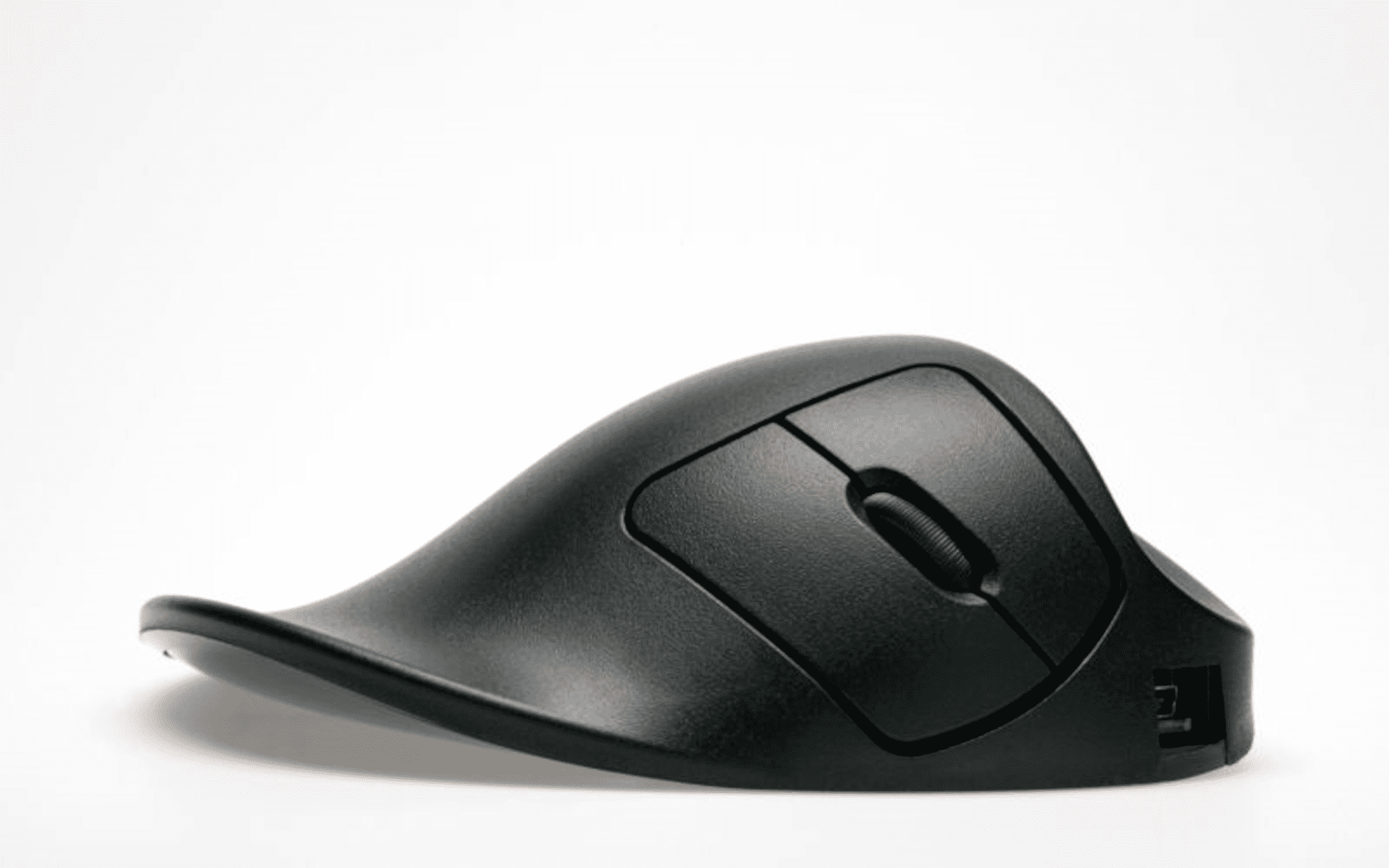
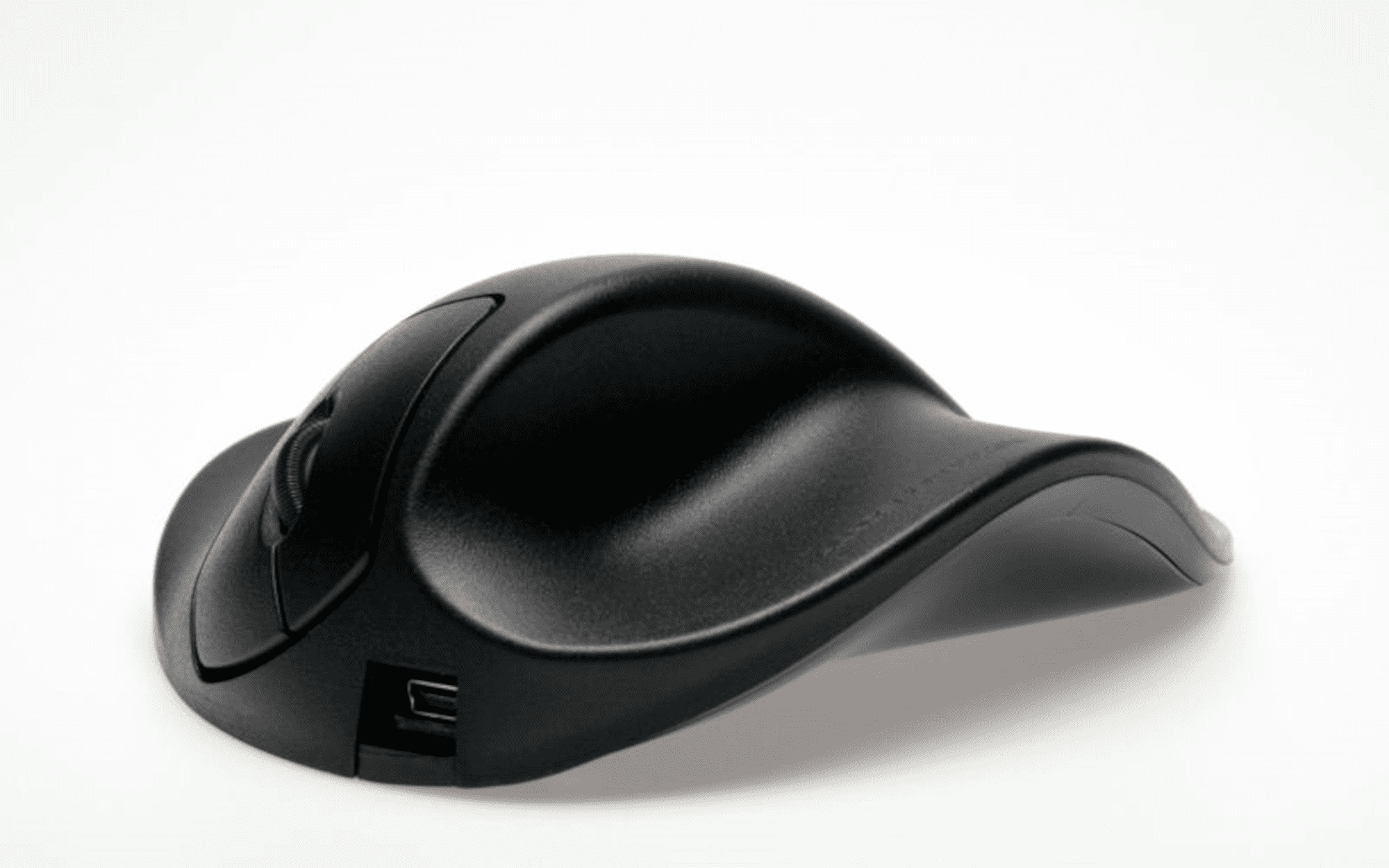
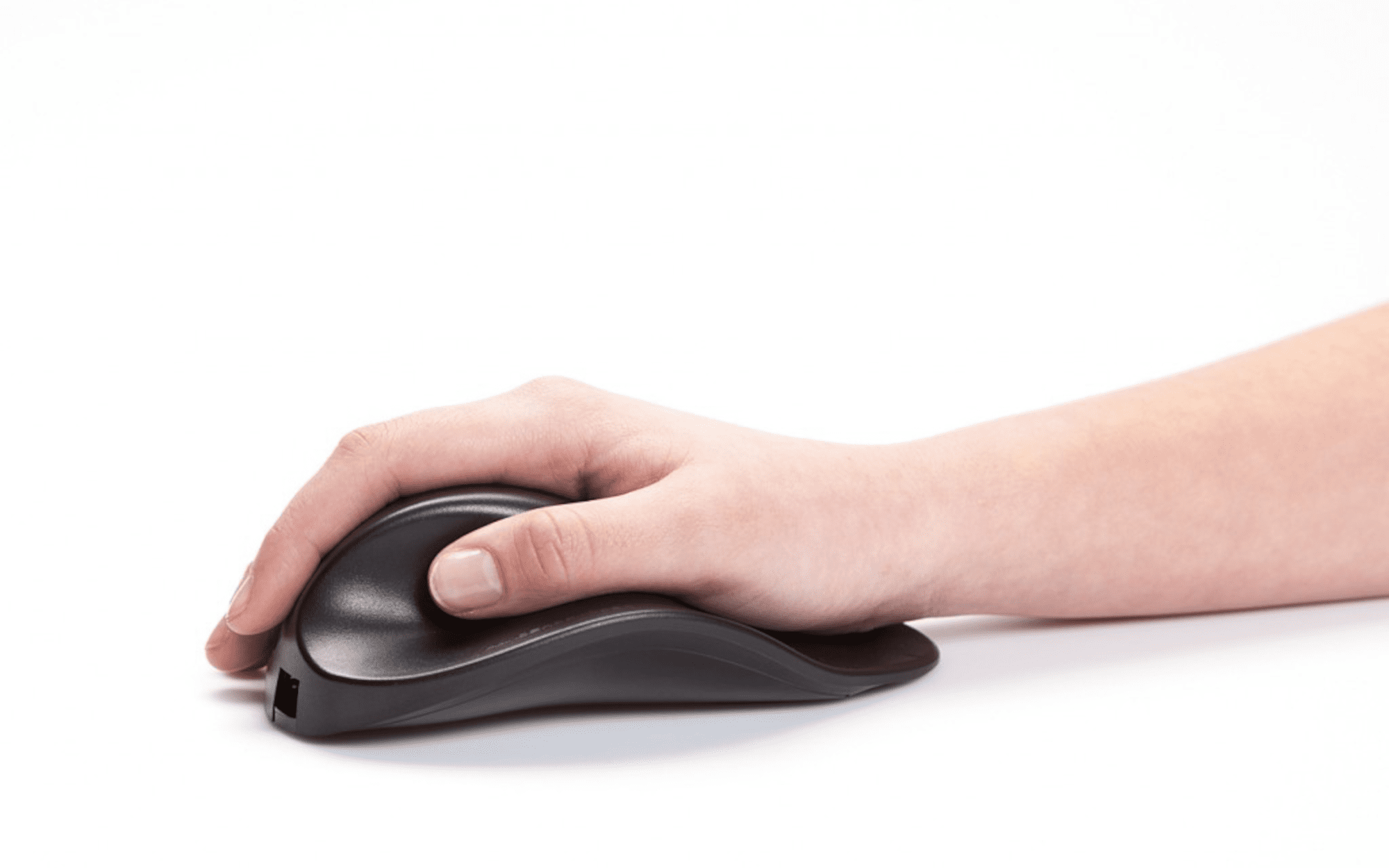
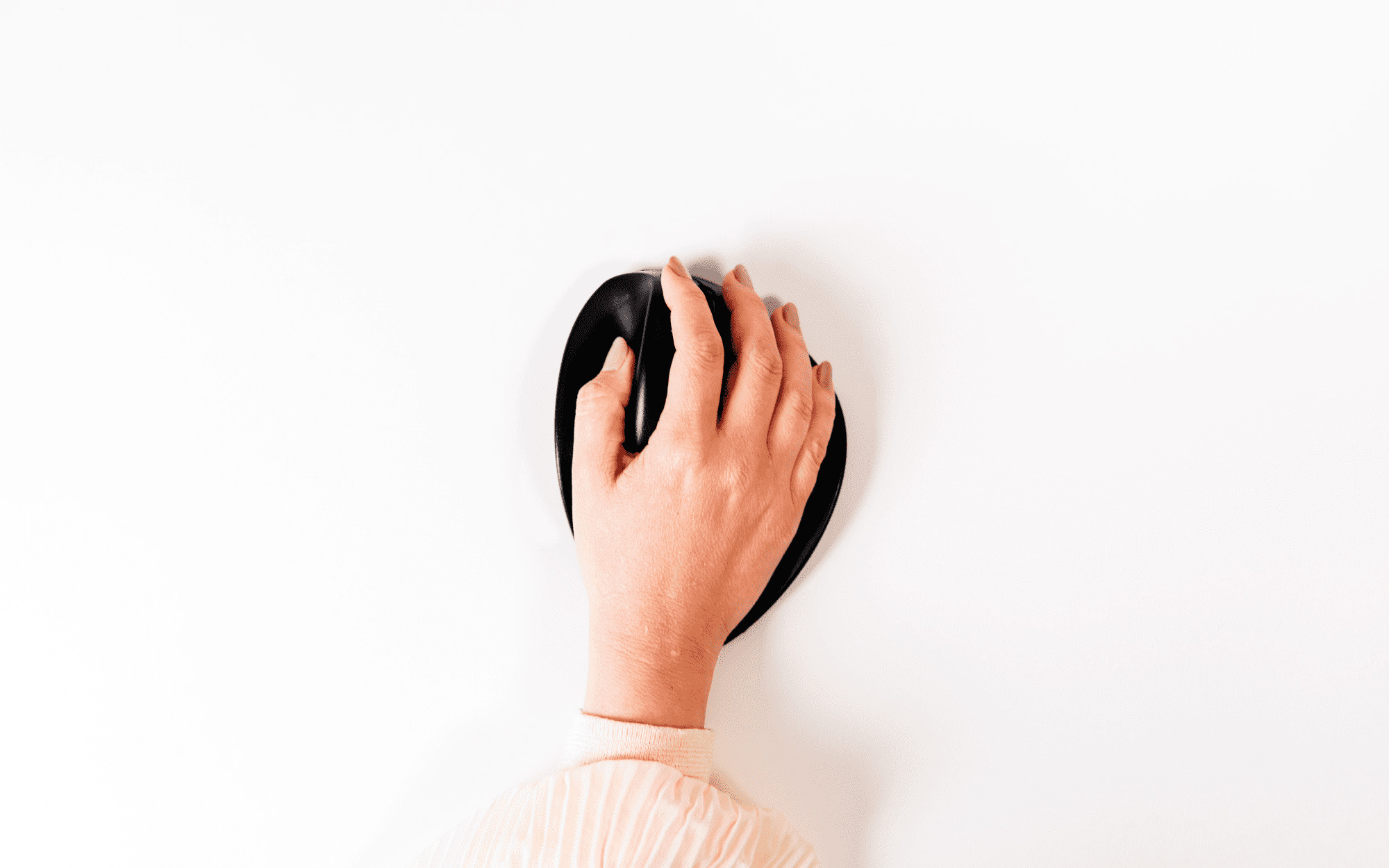
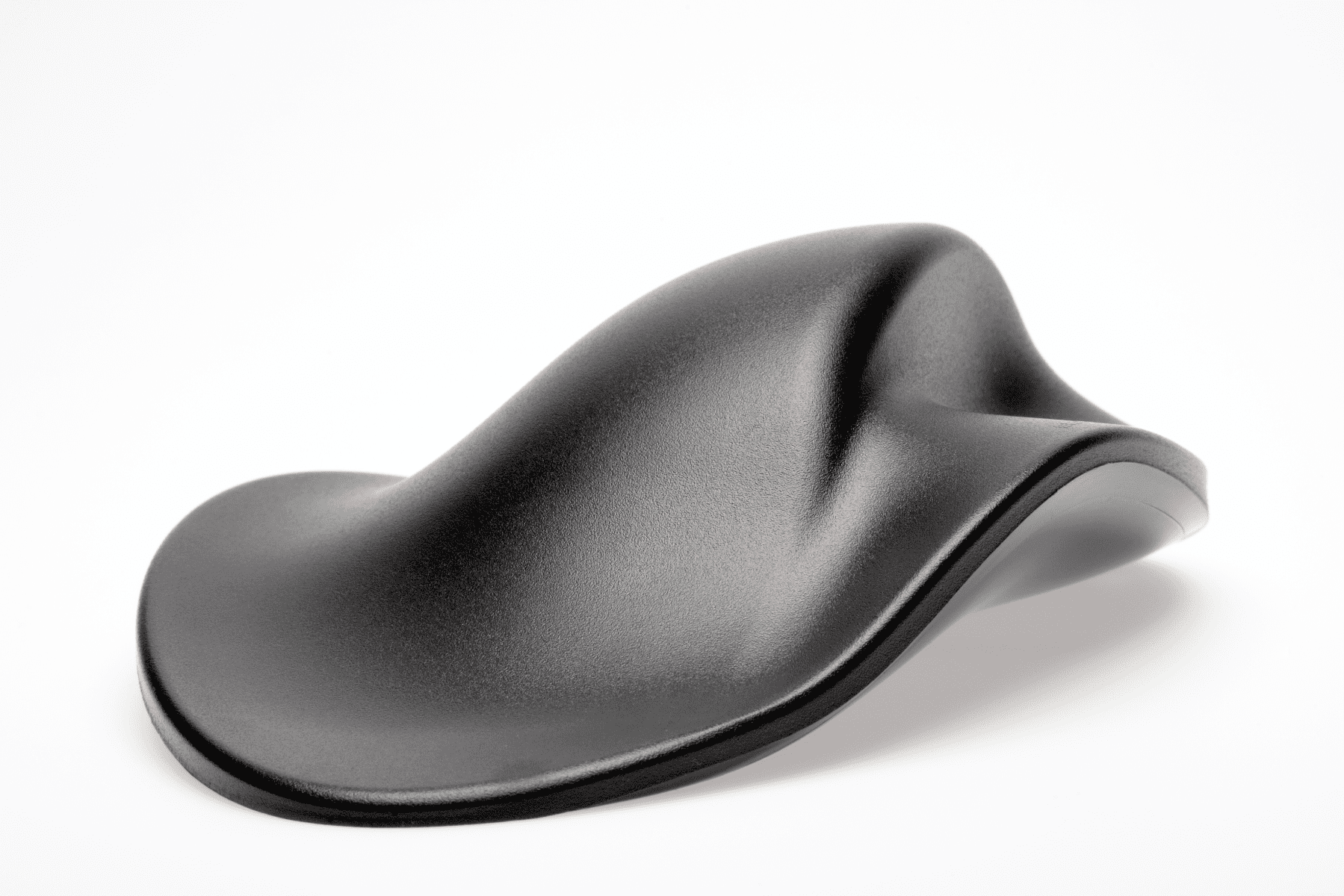
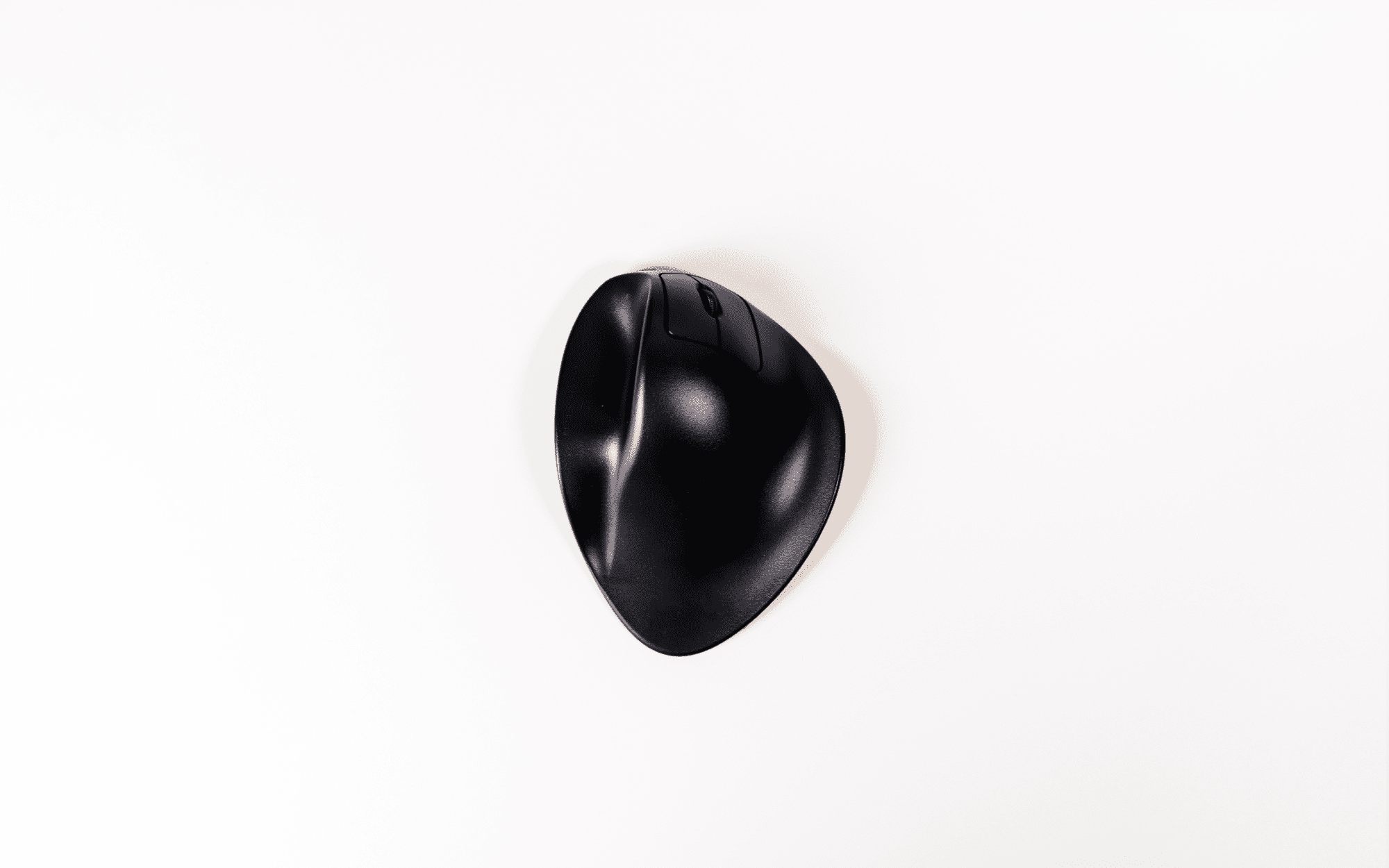
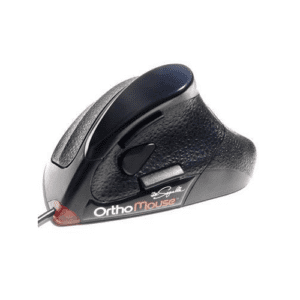
The HandShoe Mouse fits like a glove or, as some people say, "feels like a saddle for the hand". The ergonomic mouse provides relief and prevents upper extremity complaints.
The Dutch word "Handshoe" translates to "glove" in English, which is the concept that the HandShoe Mouse has designed to deliver - to fit the hand like a glove.
At Erasmus University Medical Center, in the Netherlands, research showed the computer mouse is a source of Repetitive Strain Injury (RSI) and certain types of Carpal Tunnel Syndrome (CTS).
The HandShoe Mouse has been designed to reduce gripping, pinching and hovering of the fingers above the buttons, which are the actions that contribute to RSI and CTS.
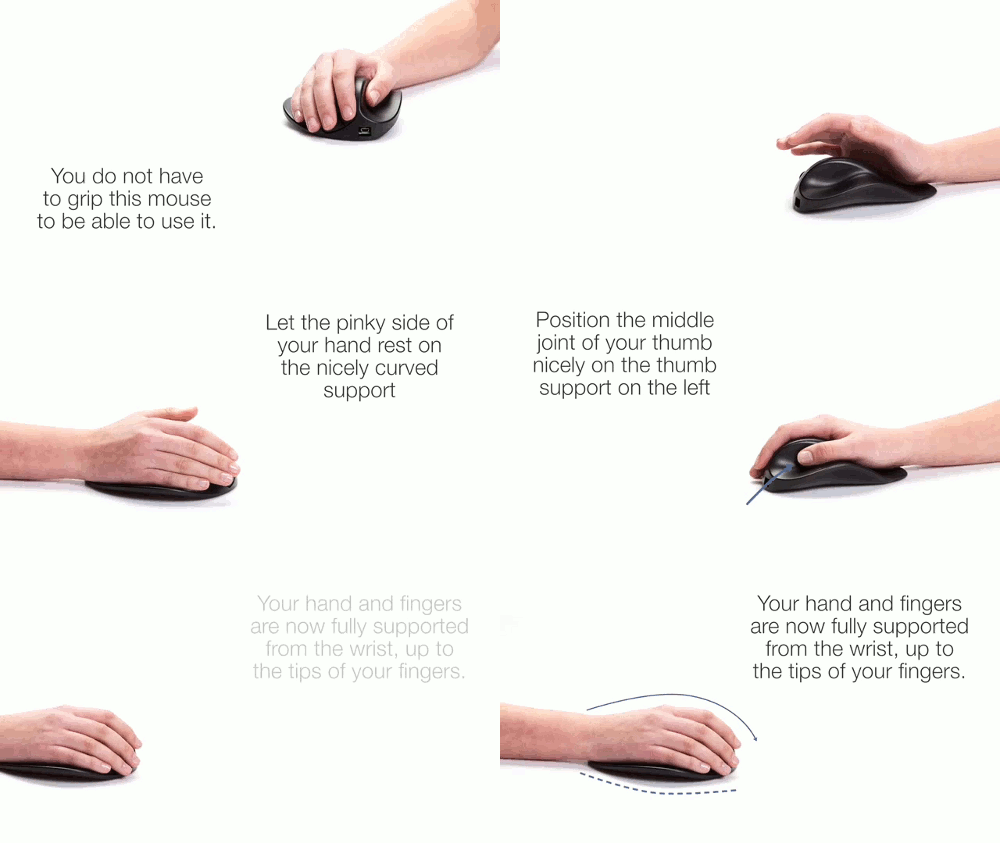 Patented Design
The shape of the traditional computer mouse forces users hands and fingers into an unnatural position and stresses the forearm.
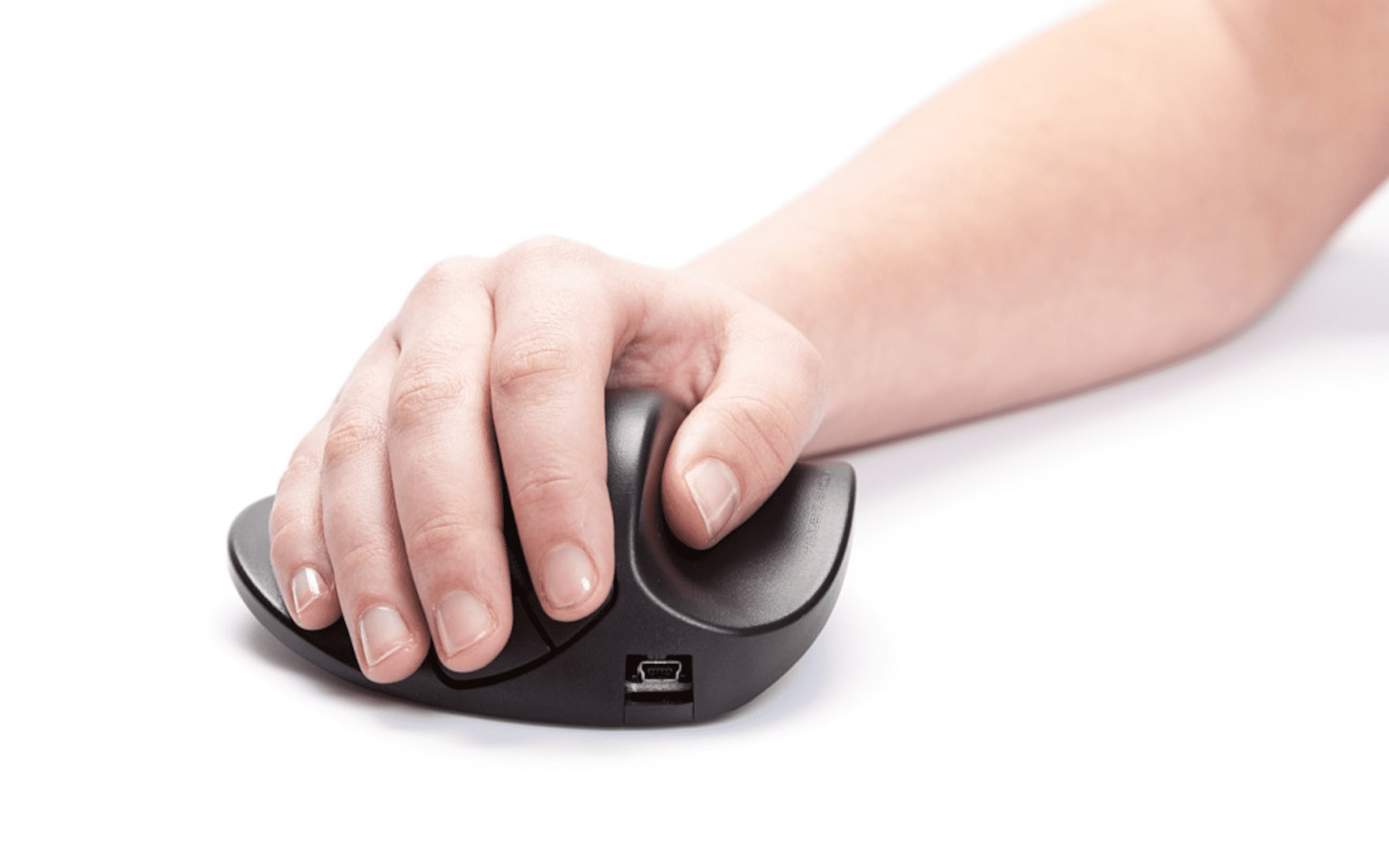
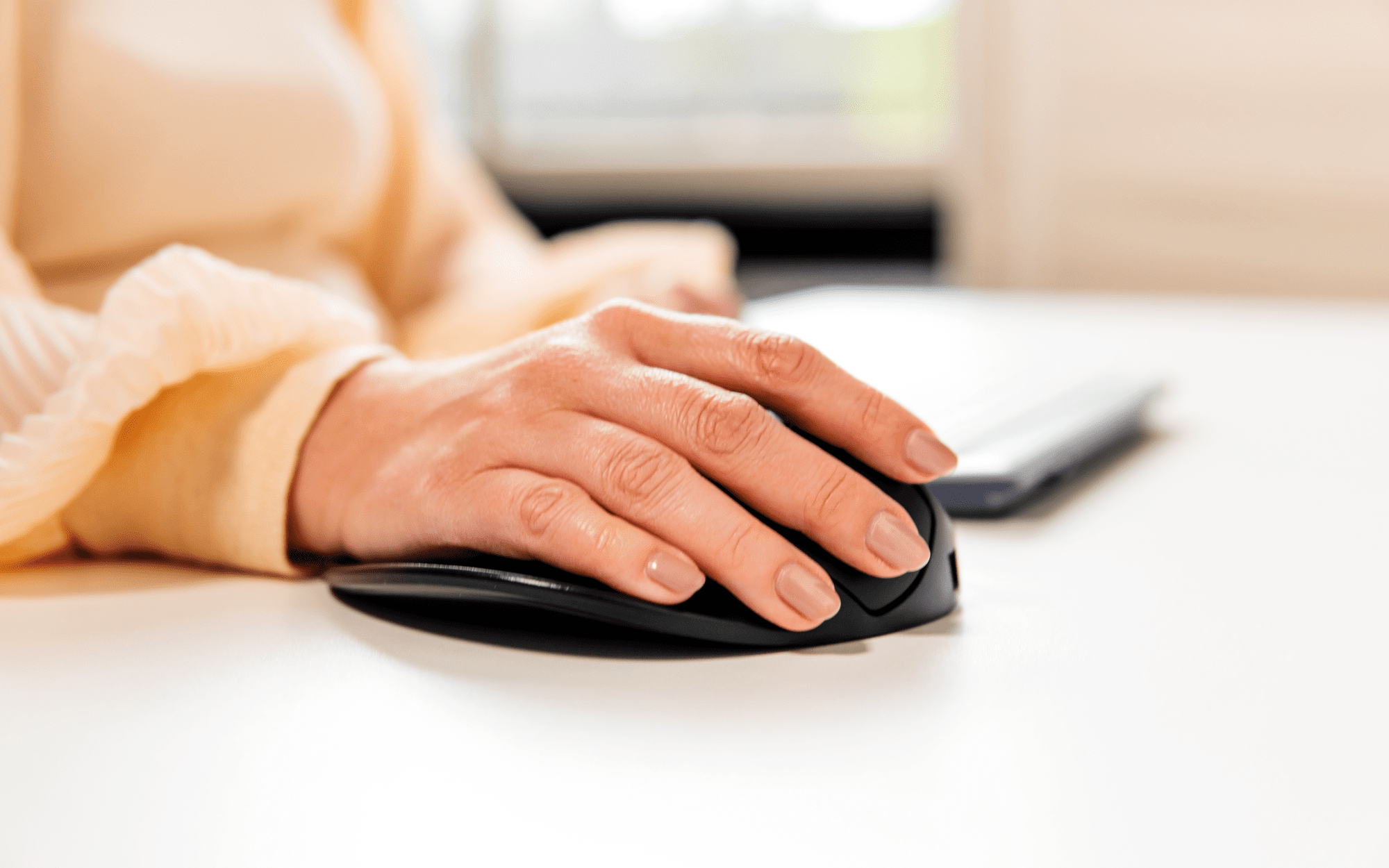
The unique shape of the HandShoe Mouse allows for users hands to rest without any effort and delivers full support for the hand and fingers, while relaxing the forearm.
The design of the HandShoe Mouse also reduces the effort required by the fingers to use the mouse buttons, which minimises strain from the fingers up to the neck.
Different Sizes for Different Hands

To make sure the fingers can easily click the mouse buttons without lifting them, the HandShoe Mouse comes in left and right configurations, wired and wireless and three different sizes: Small, Medium and Large.
This is the difference between "one size fits all" and "an ergonomic mouse that fully supports your hand".
All of these features have been designed to allow the user to relax their movements and reduce Repetitive Strain Injuries (RSI) and Carpal Tunnel Syndrome (CTS).
-------------------------------------------------------------------------------------------------------------------------
HandShoe Mouse Original Large for Right-Hands
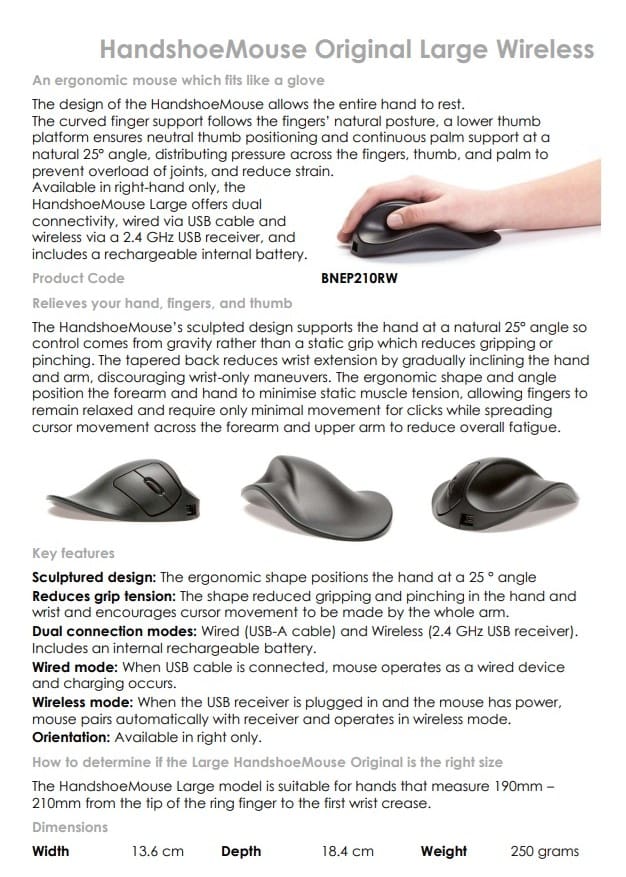
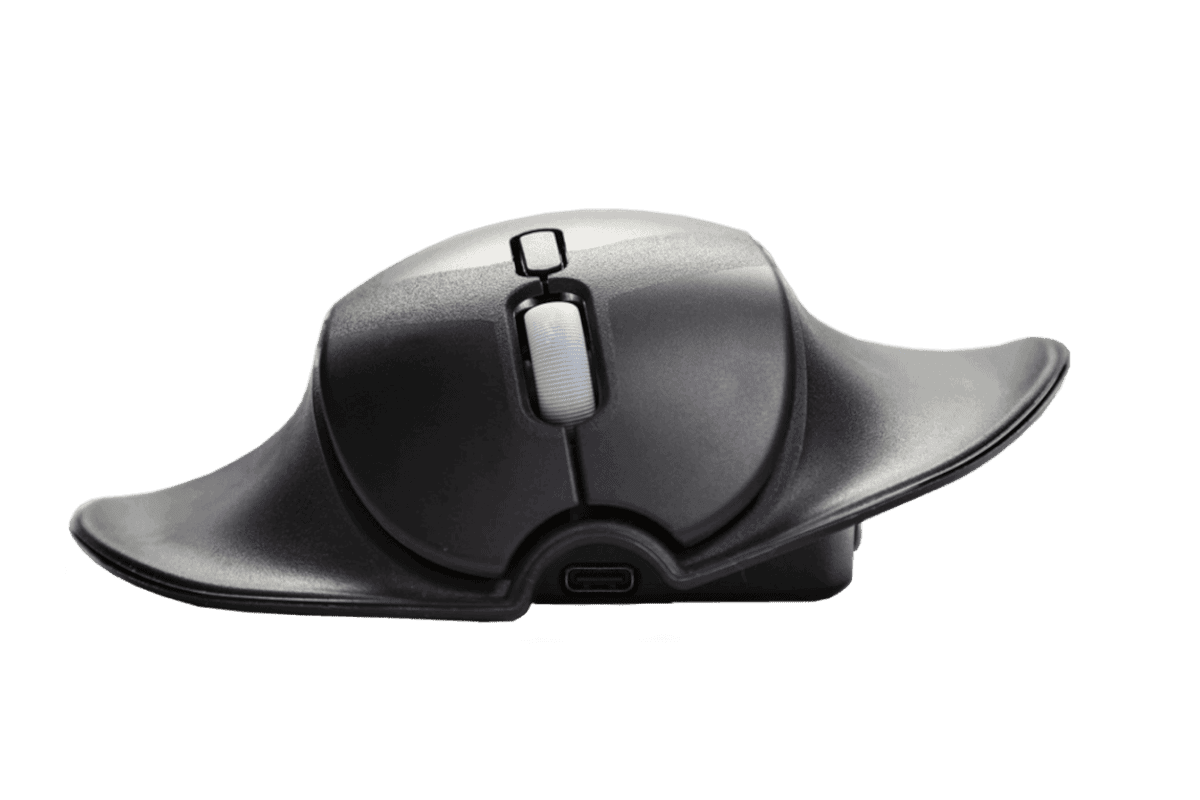
The design of the HandShoe Mouse allows the entire hand to rest.
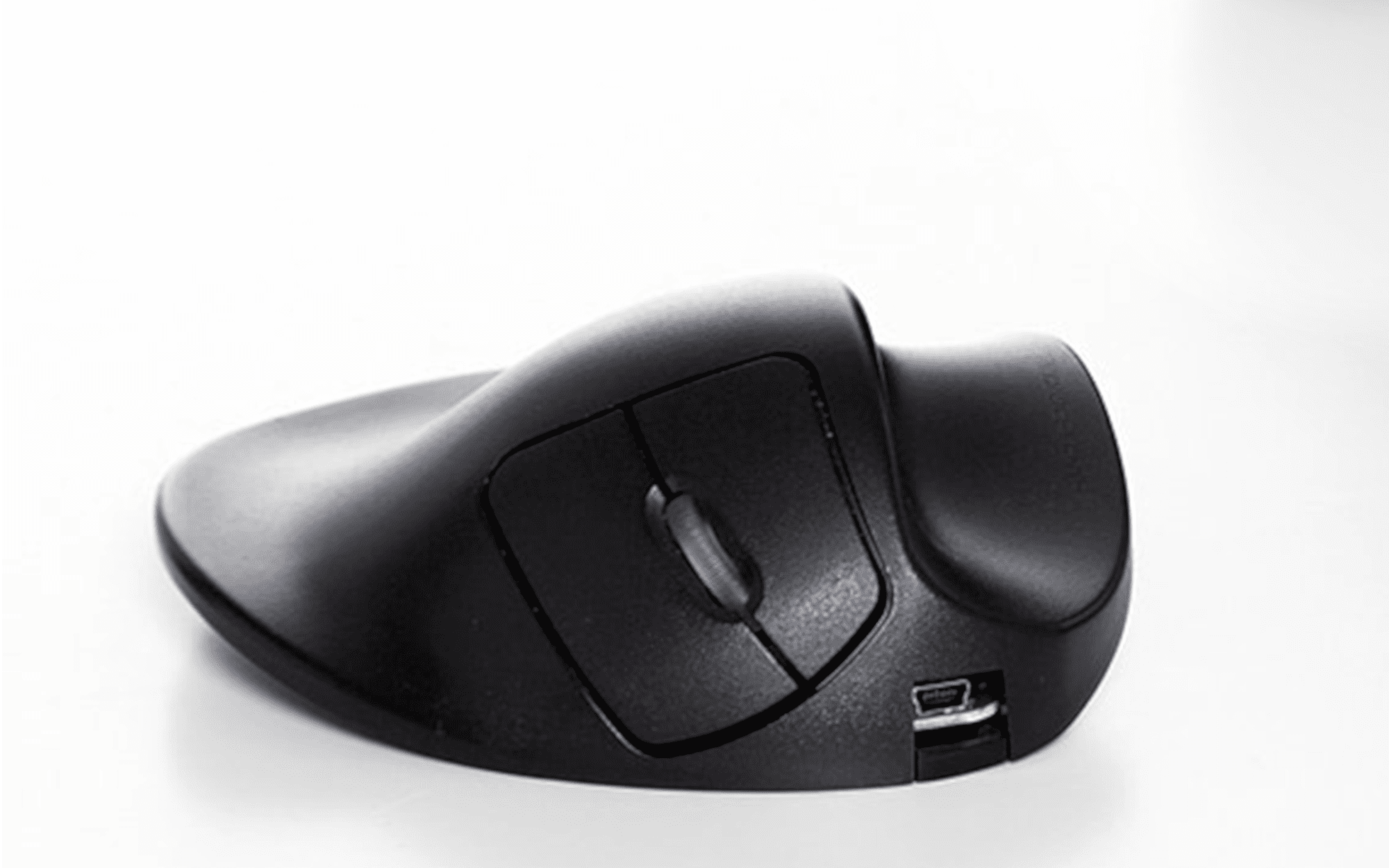
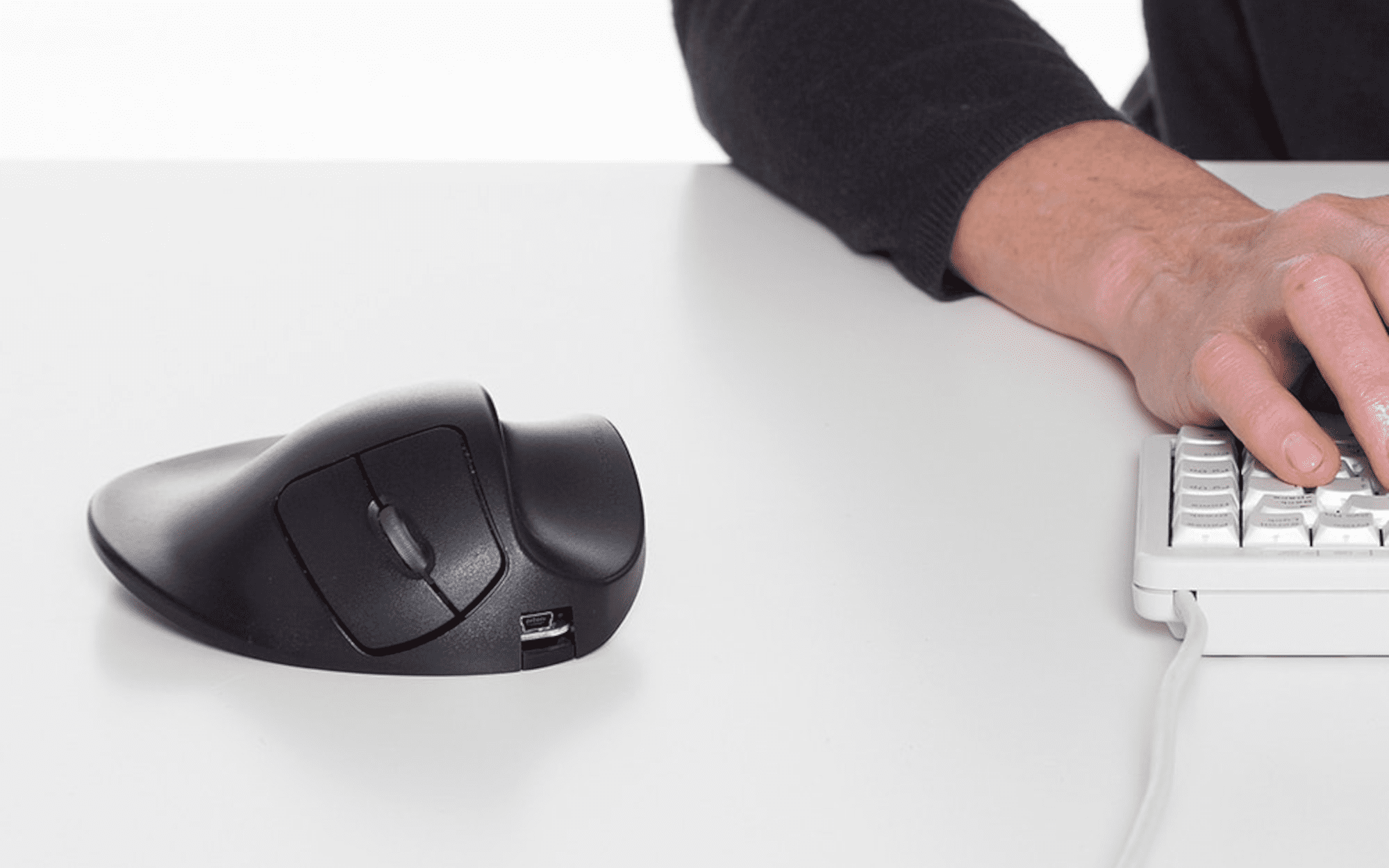
The curved finger support follows the finger' natural osture. a lower thumb platform ensures neutral thumb positioning and continuous palm support at t a natural 25°angle, distributing pressure across the fingers, thumb, and palm to prevent overload of joints, and reduce strain.
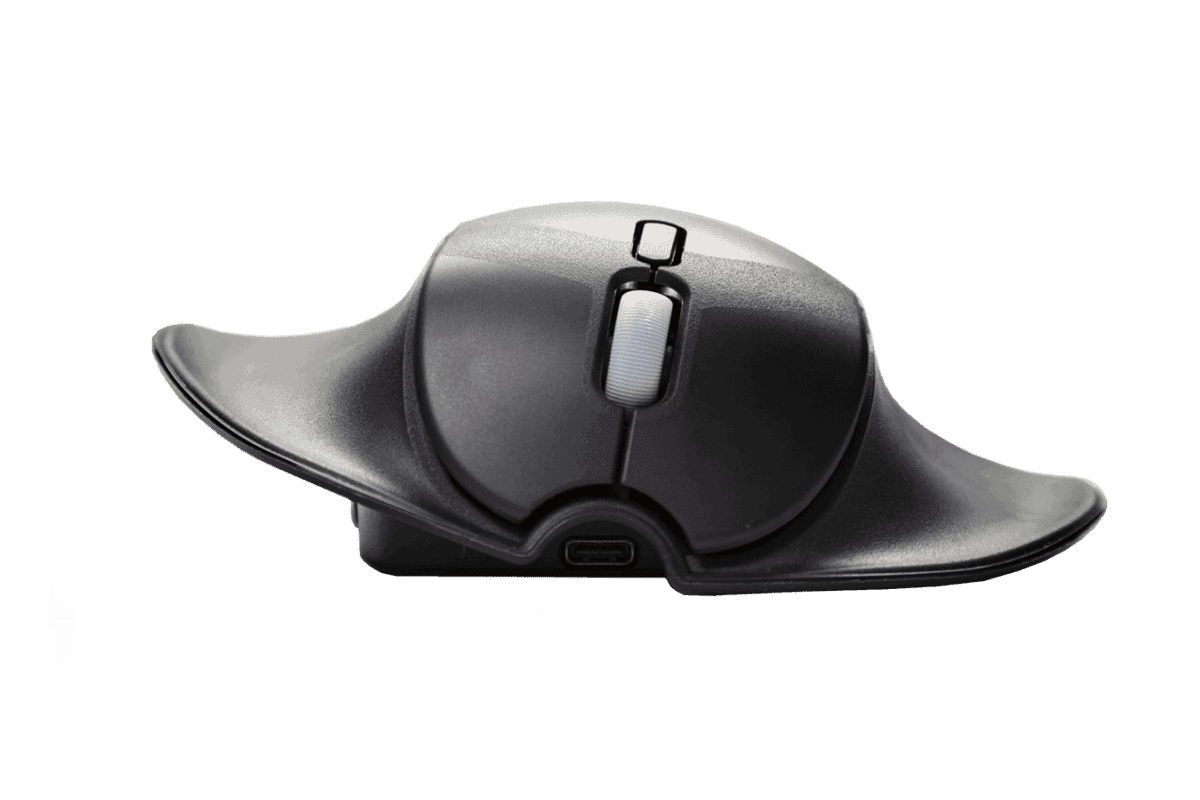
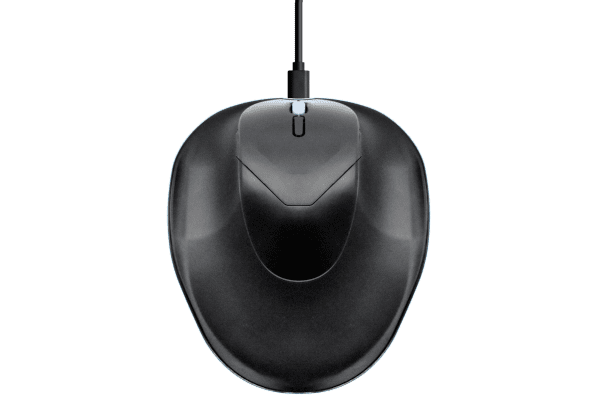
Availabe in right-hand only, the HandShoe Mouse Large offers dual connectivity, wired via USB cable and wireless via a 2.4GHz USB receiver, and includes a rechargable internal battery.
Relieves your Hand, Fingers, and Thumb
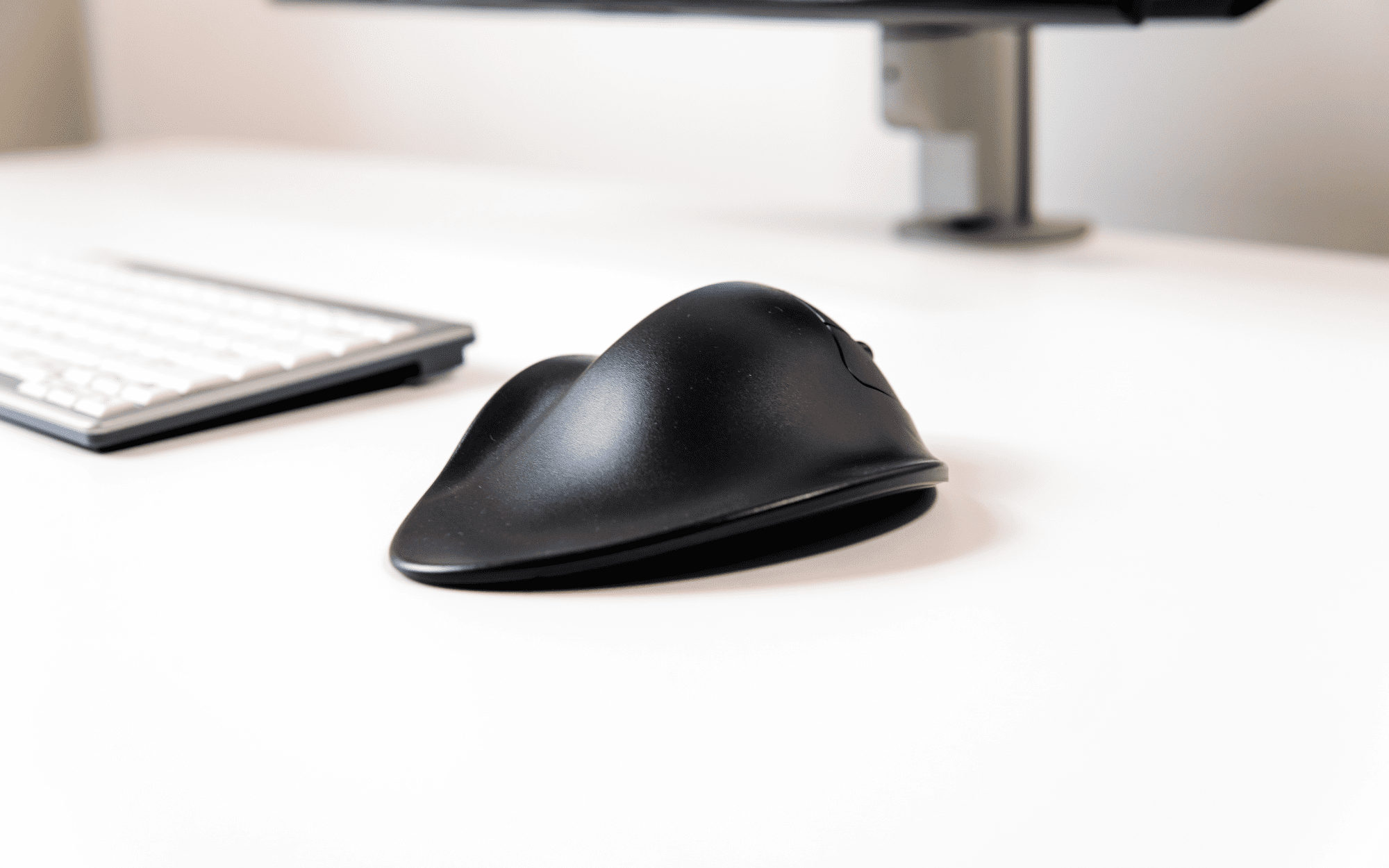
The HandShoe Mouse's sculpted design supports the hand at a natural 25° angle so control comes from gravity rather than a static grip, which reduces gripping or pinching. The tapered back reduces wrist extension by gradually inclining the hand and arm, discouraging wrist-only maneuvers.
The ergonomic shape and angle position the forearm and hand to minimise static muscle tension, allowing fingers to remain relaxed, and require only minimal movement for clicks while spreading cursor movement across the forearm and upper arm to reduce overall fatigue. This results in less strain on the forearms and shoulders during prolonged use.
Reducing overreaching encourages a more neutral wrist and forearm position and overall a more comfortable posture.
Key Features
- Scultured design: the ergonomic shape positions the hand at a 25° angle
- Reduces grip tension: the shap reduces gripping and pinching in the hand and wrist and encourages cursor movement to be made by the whole arm
- Dual connection modes: Wired (USB-A cable) and Wireless (2.4GHz USB receiver). Includes an internal rechargeable battery.
- Wired mode: When the USB cable is conntected, the mouse operates as a wired device and charging occurs
- Wireless mode: When the USB receiver is plugged in ang the mouse has power, the mouse pairs automatically with the receiver and operates in wireless mode
- Orientation: available in right only
-------------------------------------------------------------------------------------------------------------------------
An Ergonomic Mouse which Fits Like A Glove
The Shift is being phased out
The Shift is an Ergonomic, Ambidextrous and Dual Connection Mouse
The team from Handshoe Mouse have invested in extensive testing and field research in order to create a new and improved version of the Handshoe Mouse, the Handshoe Mouse Shift.
The newly designed Handshoe Mouse Shift supports the hand and fingers in an ergonomic and relaxed position via a revised design of the body and thumb support.
The Handshoe Mouse Shift mouse is available in two sizes, all are ambidextrous and offer dual connection options. These additional features in the Handshoe Mouse Shift broaden the appeal and suitability to a wider range of users.
The HandShoe Mouse fits like a glove or, as some people say, "feels like a saddle for the hand". The ergonomic mouse provides relief and prevents upper extremity complaints.
The Dutch word "Handshoe" translates to "glove" in English, which is the concept that the HandShoe Mouse has designed to deliver - to fit the hand like a glove.
At Erasmus University Medical Center, in the Netherlands, research showed the computer mouse is a source of Repetitive Strain Injury (RSI) and certain types of Carpal Tunnel Syndrome (CTS).
The HandShoe Mouse has been designed to reduce gripping, pinching and hovering of the fingers above the buttons, which are the actions that contribute to RSI and CTS.
Patented Design
The shape of the traditional computer mouse forces users hands and fingers into an unnatural position and stresses the forearm.
The unique shape of the HandShoe Mouse allows for users hands to rest without any effort and delivers full support for the hand and fingers, while relaxing the forearm.
The design of the HandShoe Mouse also reduces the effort required by the fingers to use the mouse buttons, which minimises strain from the fingers up to the neck.
Ambidextrous Design Encourages Usage Between Both Hands
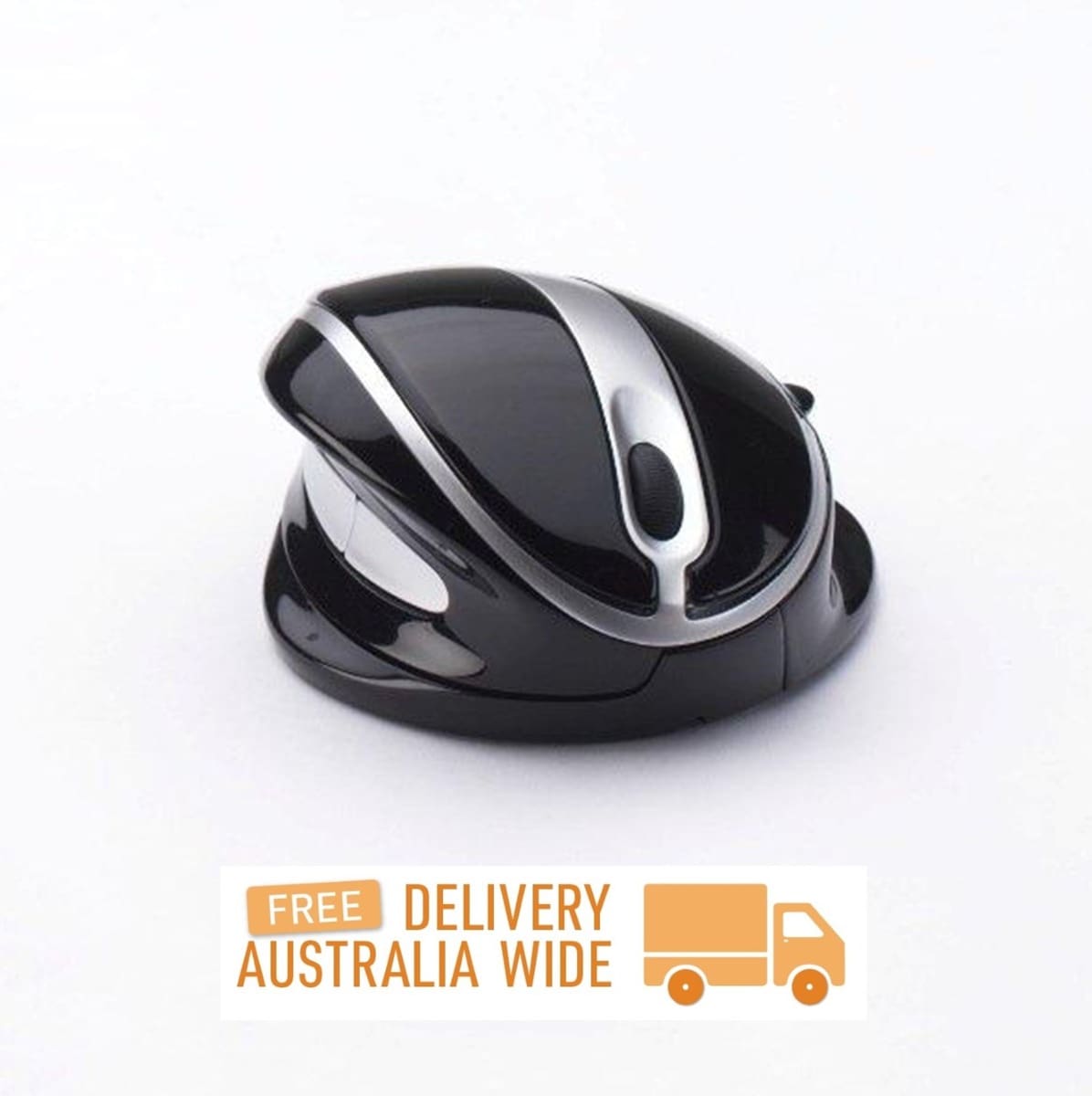
The Handshoe Mouse Shift features a unique contoured design that accommodates ambidextrous use.
The revised design provides additional comfort by extending the supporting area for hand, palm, fingers and thumb allowing for the hand and wrist to be ergonomically positioned for both left and right-hand usage.
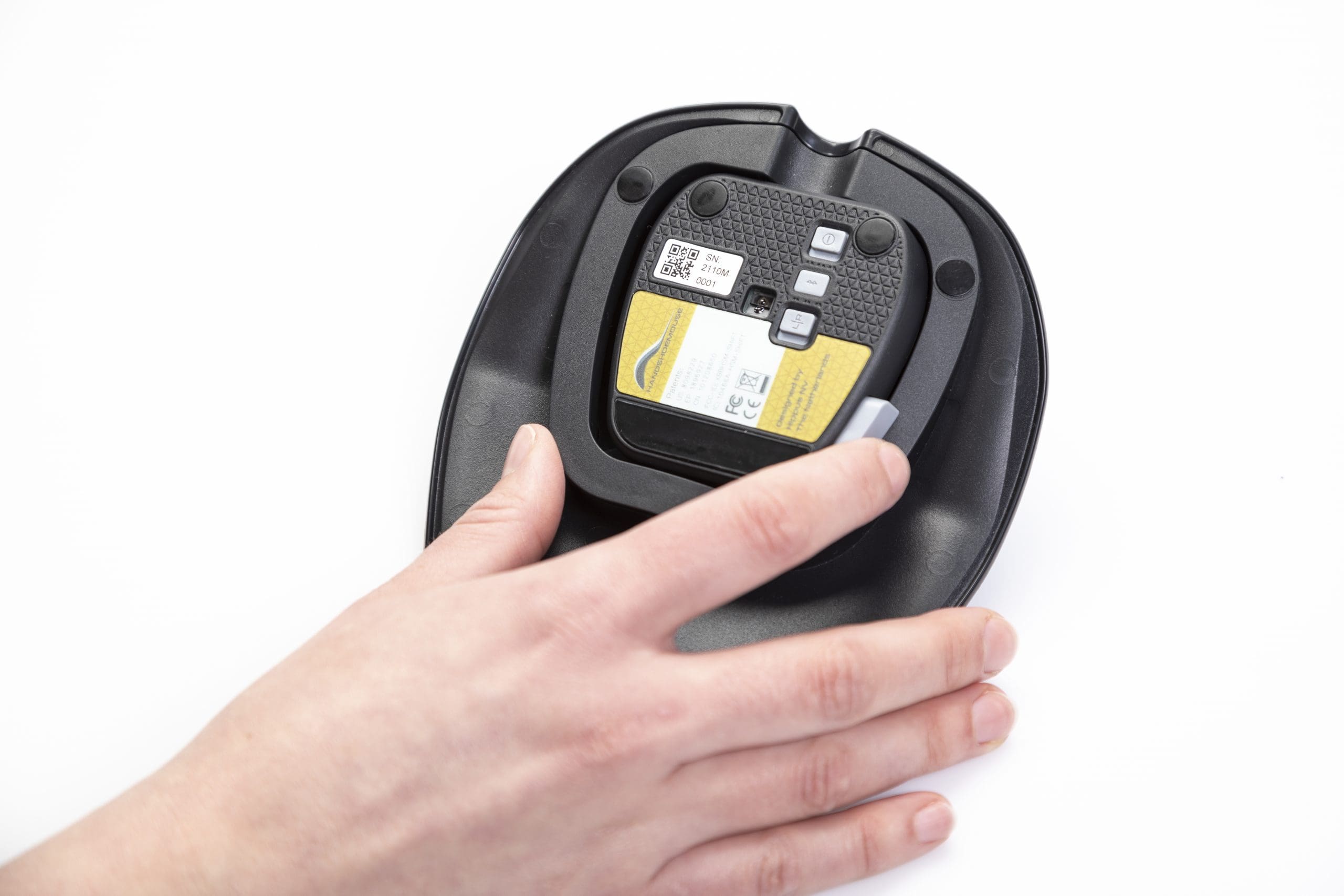
The ambidextrous Shift can be easily switched from left to right orientation. Hand and button orientation can be changed via switches on the base of the mouse. The freedom to readily shift between right and left usage encourages work load sharing between both hands to perform clicking, scrolling and mouse movement, reducing the wear and tear that would usually be focused on a single hand and arm.
The Shift Ergonomic Design
The updated design of the body of the Shift provides enhanced comfort for fingers and thumb, more space is provided on the body of the Shift while the thumb rests in the same plane as the fingers.
The enhanced design has improved thumb support, which reduces gripping and pinching. These design improvements increase comfort and reduce straining in the wrist and fingers.
Reduces Hand and Arm Fatigue
The revised design of the Handshoe Mouse Shift Ambidextrous Mouse has naturally supportive contours that permit the hand and fingers to completely relax when moving the cursor and clicking, or when the hand is resting on the mouse.
The carefully calculated shape, size and angle design delivers a relaxed and neutral position when the mouse is being actively used, reducing tension and strain in the wrists and fingers, which are a common result of mousing with a traditional mouse.
Wider Appeal
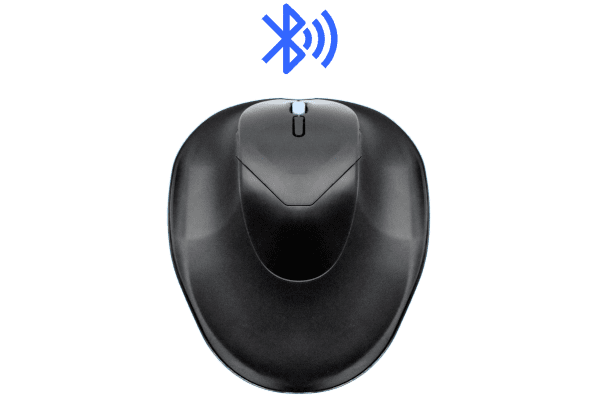
The Shift ambidextrous mouse is available in two sizes to accommodate a wide range of hand sizes and users. Each size has dual connection connectivity. The Shift ambidextrous mouse can be used as a wired device via the included cable, or as a wireless device via Bluetooth connection. A computer/device wtih Bluetooth capabilities is required to connect via Bluetooth. The Shift has an internal rechargeable battery.
Different Sizes for Different Hands
The HandShoe Mouse Shift comes in two different sizes: Small and Medium. To maximise the advantages of the Handshoe Mouse Shift Ambidextrous Mouse and to ensure comfort, a correct fit is essential.
This is the difference between "one size fits all" and "an ergonomic mouse that fully supports your hand".
All of these features have been designed to allow the user to relax their movements and reduce Repetitive Strain Injuries (RSI) and Carpal Tunnel Syndrome (CTS).
-------------------------------------------------------------------------------------------------------------------------
Alternative Spellings: LM2WL, LL2WL, LL2UL, LS2UL, L2UB-LC, L2WB-LC, LM2UL, LS2WL, M2UB-LC, M2WB-LC, S2UB-LC, S2WB-LC, BNEP210RW, HSMSHIFTS, HSMSHIFTSM, HSMSHIFTSL, HSMSHIFTL (Discontinued), HSMSHIFTM, HSMSHIFTS,
HandShoe Mouse Original
Hand Size: Small, Medium, or Large Left or Right-Hand users. For a correct fit, measure the hand from the wrist crease to the tip of the ring finger. If the tip of the ring finger reaches the shaded area (see the diagrams above), then the selected HandShoe is the correct size.
- Small Size – for a correct fit, measure the hand from the wrist crease to the tip of the ring finger. If the tip of the ring finger reaches the shaded area, 155mm – 175mm, then the Small HandShoe is the correct size.
- Medium Size – for a correct fit, measure the hand from the wrist crease to the tip of the ring finger. If the tip of the ring finger reaches the shaded area, 170mm – 190mm, then the Medium HandShoe is the correct size.
- Large Size – for a correct fit, measure the hand from the wrist crease to the tip of the ring finger. If the tip of the ring finger reaches the shaded area, 195mm – 215mm, then the Large HandShoe is the correct size.
Connection:
- Wired: USB Cable
- Wireless: USB Dongle
- Wireless Range: 10 Metres
- Wireless: Rechargeable via USB Cable
Light Click Force Buttons:
- Wired – 2 Buttons
- Wireless – 3 Buttons
Control Sensor:
- Blue Ray Track Sensor
Pointer Speed: 1500 DPI
Compatibility:
- Windows 95, 98, ME, 2000, XP, Vista, 7, 8, or newer
- Mac: OS 9, OS X or newer
- Linux Kernel 2.4 or newer with USB Support
- Unix
Plug & Play: No extra Software or Driver installation Required
Colour: Black
————————————————————————————————————————-
HandShoe Mouse Original Large
Hand Size: Right-hand only
- Large Size – for a correct fit, measure the hand from the wrist crease to the tip of the ring finger. If the tip of the ring finger measures 190mm – 210mm, then the Large HandShoe Mouse Shift is the correct size.
Dimensions:
- Width: 136mm
- Depth:184mm
- Weight: 250 grams
Interface: Dual Connections
- Wired (via USB-A cable, included)
- Wireless (via 2.4 GHz USB receiver, included)
Internal Rechargeable Battery
Compatibility:
- Windows
- MacOS
- Linux
- Unix
Colour: Black
————————————————————————————————————————-
HandShoe Mouse Shift (Available while stock lasts)
Hand Size: Small or Medium Ambidextrous users. Can be used by the left or right-hand. Switching between hands is easy.
- Small Size – for a correct fit, measure the hand from the wrist crease to the tip of the ring finger. If the tip of the ring finger measures 170mm or under, then the Small HandShoe Mouse Shift is the correct size.
- Medium Size – for a correct fit, measure the hand from the wrist crease to the tip of the ring finger. If the tip of the ring finger measures 170-190mm, then the Medium HandShoe Mouse Shift is the correct size.
Dimensions:
- Small – 127mm Width, 146mm Depth, 162 grams
- Medium – 133mm Width, 165mm Depth, 200 grams
Interface: Dual Connections
- Wireless via Bluetooth (Computer/Device with Bluetooth capabilites required)
- Wired (via Cable, included)
Improved Ergonomic Shape and Enhanced Thumb Joint Support
Internal Rechargeable Battery
Buttons:
- Left Click
- Right Click
Scroll Wheel
- Clickable for Middle Click
Optical Resolution: 1000 DPI
Bluetooth Range:
- 10m
Compatibility:
- Windows
- Mac
Colour: Black
Purchase includes: 1 x HandShoe Mouse as selected with all components for immediate use
If you require any support with this product,Chat, email [email protected] or phone us on 0403 693 780.
Australia Wide: 3-10 weekdays. Please note, longer delivery time frames can sometimes occur.
Need it urgently or want to know when you will receive your order? Check with us before placing your order. Chat, email [email protected] or phone us on 0403 693 780.
Troubleshooting:
Wireless HandShoe Mouse
The Right Hand Wireless Handshoe has the Dual Connection feature which means it will work as a wired mouse when plugged in (connecting to the computer via the cable, not the USB receiver) and a wireless mouse when unplugged (connecting to the computer via the USB receiver).
Does the mouse work when the USB receiver is unplugged, but the mouse is plugged in via the cable?
It’s important to know that perceived charging problems aren’t always about charging. Often the real problem lies with connectivity issues.
When the mouse is unplugged, does it have power? Try flicking the power switch between the on and off setting a few times, if the blue tracking light flashes up, the mouse has power. If the mouse has power than it may need to be resynced to the USB receiver.
Wireless Mouse has lost connectivity to the USB receiver:
- Is the mouse charged? Leave it attached to the charger for a few hours, making sure the computer is FULLY powered at all times (NOT in standby or sleep mode).
- Are you connected directly to the computer? USB splitters and other indirect connections will reduce connectivity.
- Try a different USB port for the USB receiver. If the original is damaged, it could be causing the connection issue.
- Check the USB receiver for signs of damage. Look for the metal part wobbling in the plastic housing for instance, as this is a key tell-tale sign of damage.
- Perform a resync, resync steps are below:
-
- Connect the charging cable to be sure the mouse has power.
- Remove your USB receiver from the computer.
- Wait for the blue tracking light (on the bottom of the mouse) to switch off.
- Press the QA button, a small black button found on the bottom of the mouse. (If this is the first time you are doing this, it should be under a QA sticker) Press the button and hold it down for 10 seconds, after which release the button. The tracking light may flash on again after this.
- Wait for the tracking light to switch off again (if it was on), and then place your USB receiver back into your computer.
- Press the QA button again, holding it down for 3 seconds. Release it after 3 seconds.
- Press the QA button again, once.
o The blue tracking light on the bottom of your mouse should now be switched on again, and signal should be restored.If it is not, carefully do the re-pairing steps once more again.Pay special attention to make sure you hold the QA button down for the right amount of time during each step.
If it isn’t a connectivity problem, check your charging cable for signs of damage. This could include:
- Harsh kinks, twists or bends in the cable.
- Damage to the metal USB or Micro USB connector (either end of the cable).
Check the USB receiver on the mouse for signs of damage (bent or damaged housing for instance).
Try charging via a different USB port, some ports generate less powers than others.
Can they try charging with a different USB cable? The HandShoe uses standard USB Type A to USB Mini B charging cables:

The provided cable may not be transmitting enough power to charge and could be faulty. If another cable charges the mouse fully, we can send a replacement cable.
If the above steps do not resolve the issue, please advise the serial number on the base of the unit and we will request additional troubleshooting from the manufacturer.
If the user is getting a power surge error from their USB port, then it sounds like an issue with the USB port they are using not the mouse. If there isn’t enough power coming through the port than the mouse won’t be charging, which is why the mouse is still flashing.
Did they try any of the troubleshooting steps listed below, particularly charging via a different USB port or trying to charge with a different cable?
From the information they have provided it sounds like they are trying to charge the mouse via a faulty USB port. The wireless right hand HandShoe have Dual Connection, which means the mouse will connected to the computer via the USB receiver or via the cable when plugged in. If the mouse is not working when it is plugged into the cable, then the port is faulty and they should try plugging it into a different port.
The HandShoe wireless model is only available as a rechargeable device with internal batteries.
Check the condition of the cables. Following is the result found after investigating a faulty HandShoe Mouse (S2UB-LC Small, Right-Hand, Wireless) returned for a Warranty repair.
The charging cable that was returned with the mouse had a very sharp kink at the connection point to the USB and had split the cable.
This is most likely why the cable was not connecting the mouse in wired mode or supply enough power to charge the mouse fully.
We have charged the mouse with a new cable and have tested it wired and wirelessly and it has worked without issue.
If you are having any issues with this product, Chat, email [email protected] or phone us on 0403 693 780.
Warranty: 1 Year
What do I do if the product is faulty?
1. Cease using the product as it may be unsafe to use. Damage that occurs as a result of continued use of a faulty product will not be covered under warranty.
2. Complete and return the Product Repair Request form
Reviews
There are no reviews yet.